Homepage / Products / VATA K580

VATA K580

VATA K580

Prix habituel $69.99 USD *EU prices include VAT

🔥15% Off with Code 'POT15'!

🎁 Join Reward Program to get points for your purchase.

Prix habituel Prix promotionnel $69.99 USD *EU prices include VAT

🔥15% Off with Code 'POT15'!

🎁 Join Reward Program to get points for your purchase.

Frais d'expédition calculés à l'étape de paiement.
Changer
Add to Bundle Offer
Afficher tous les détails
Vata k580
  • Overview
  • Specifications
  • Software Download
  • Reviews
Vata k580
  • Overview
  • Specifications
  • Software
  • Reviews
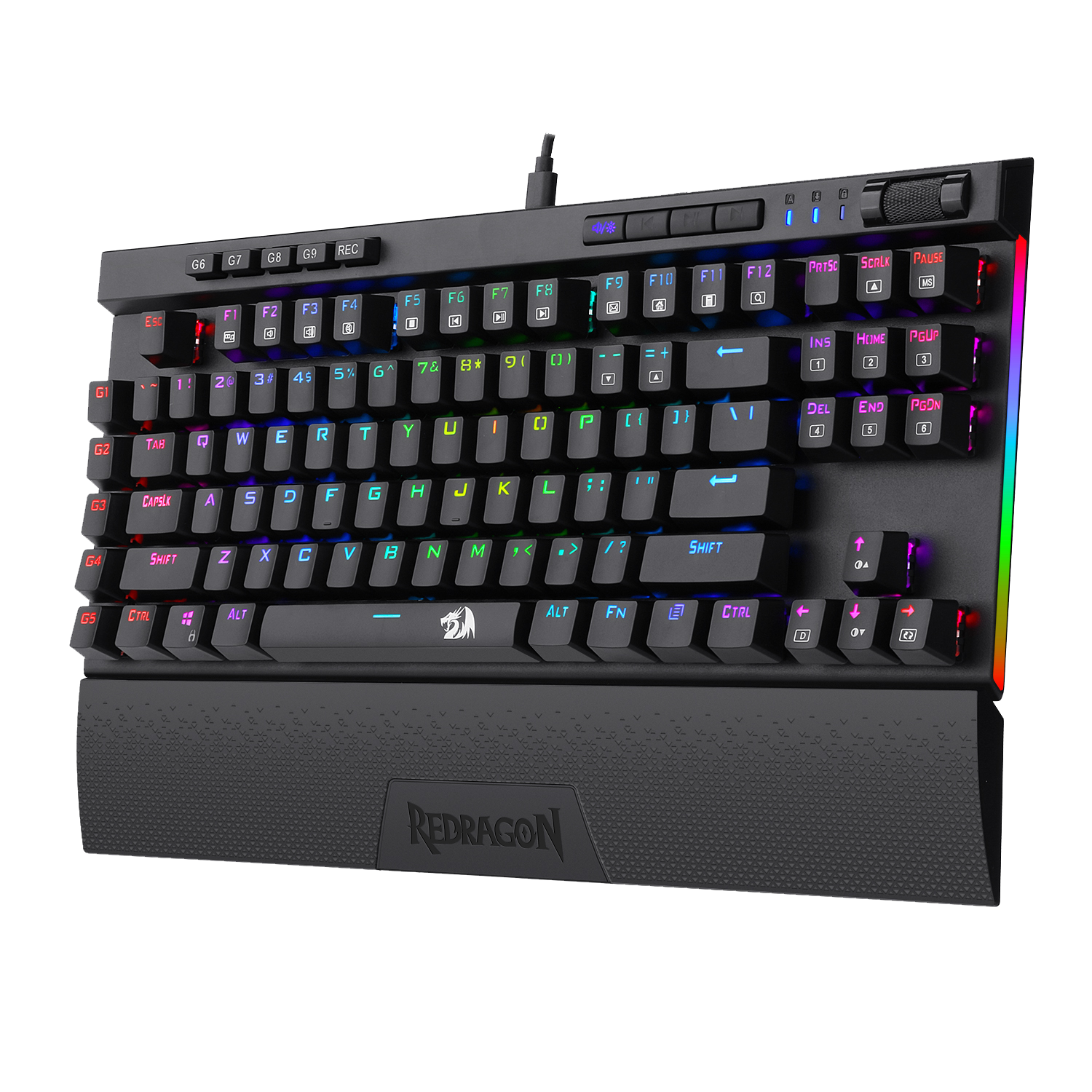
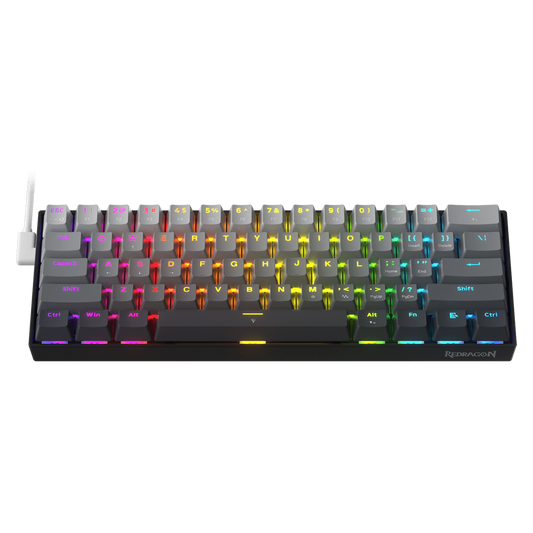
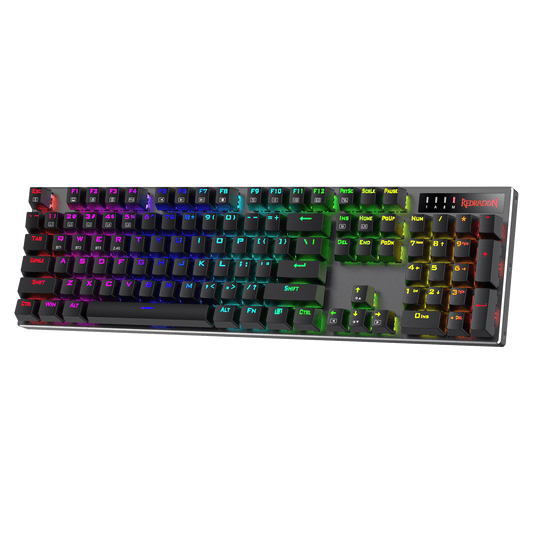
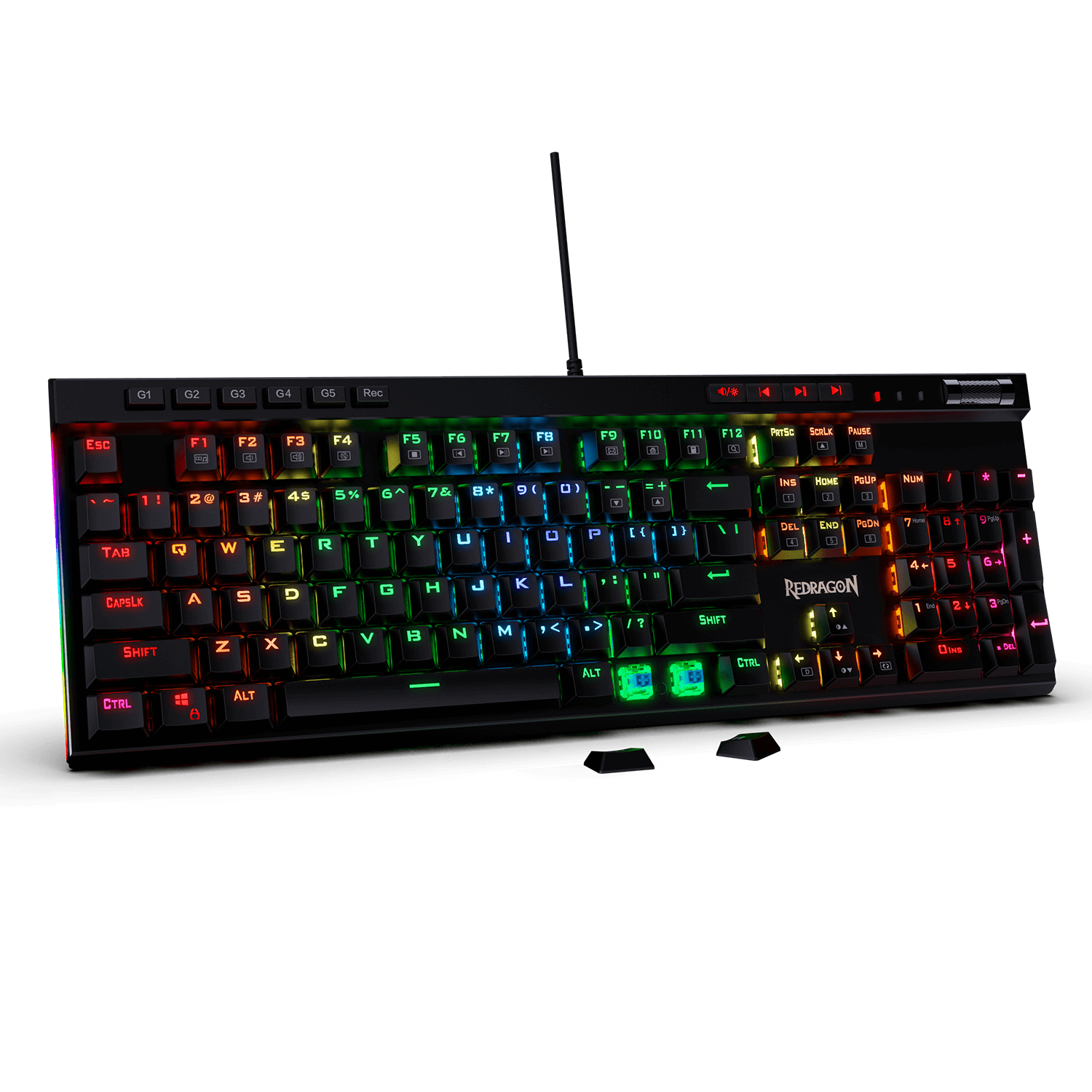
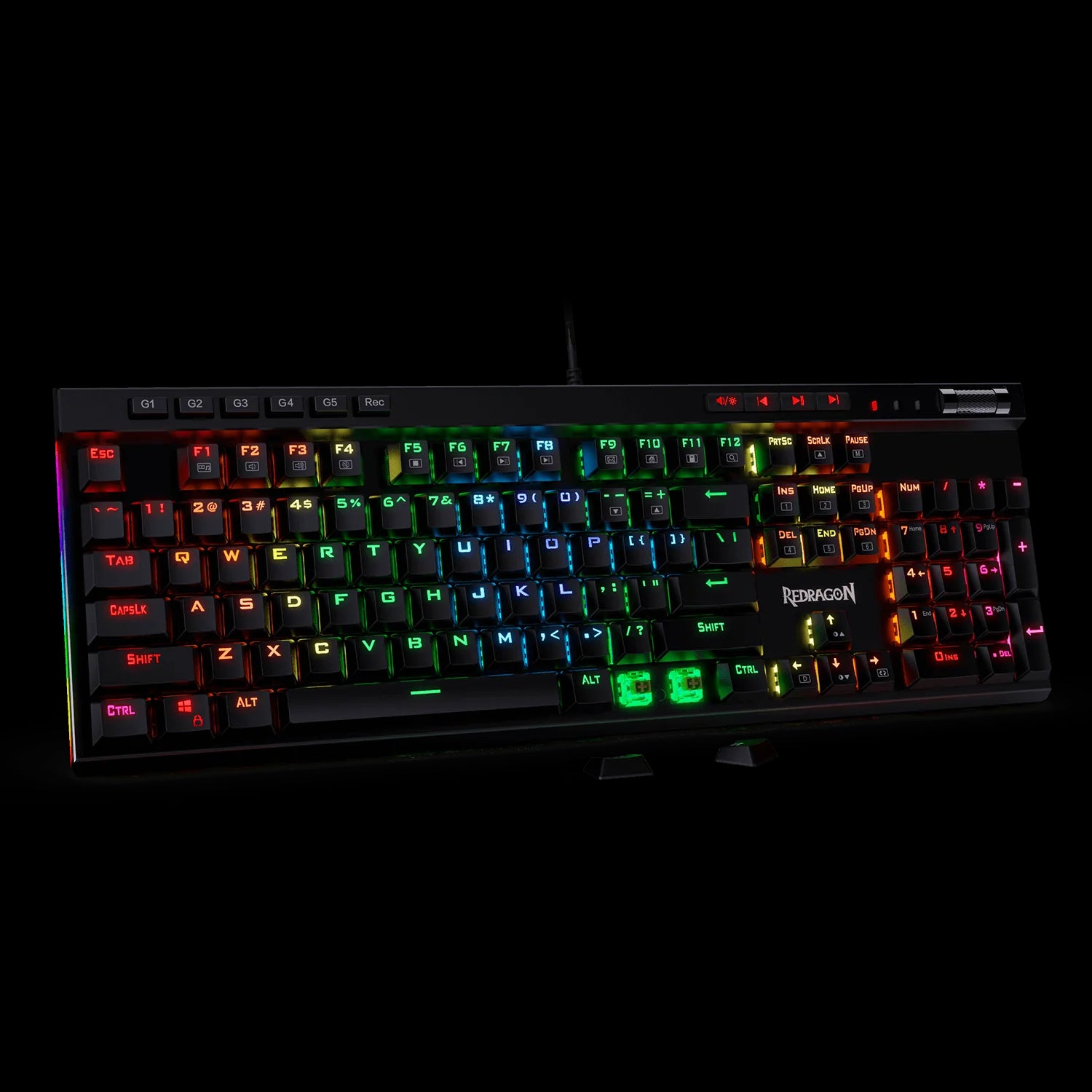
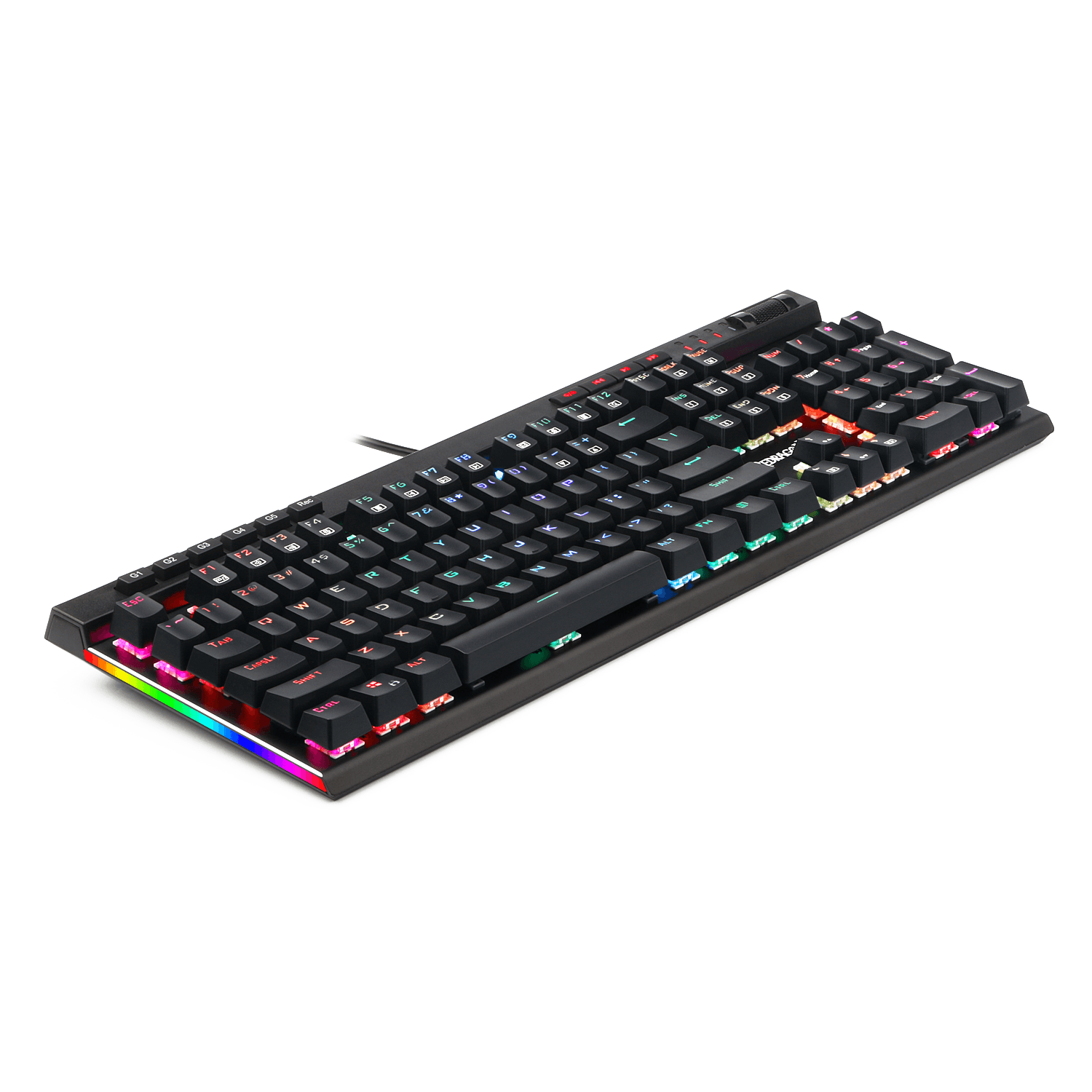
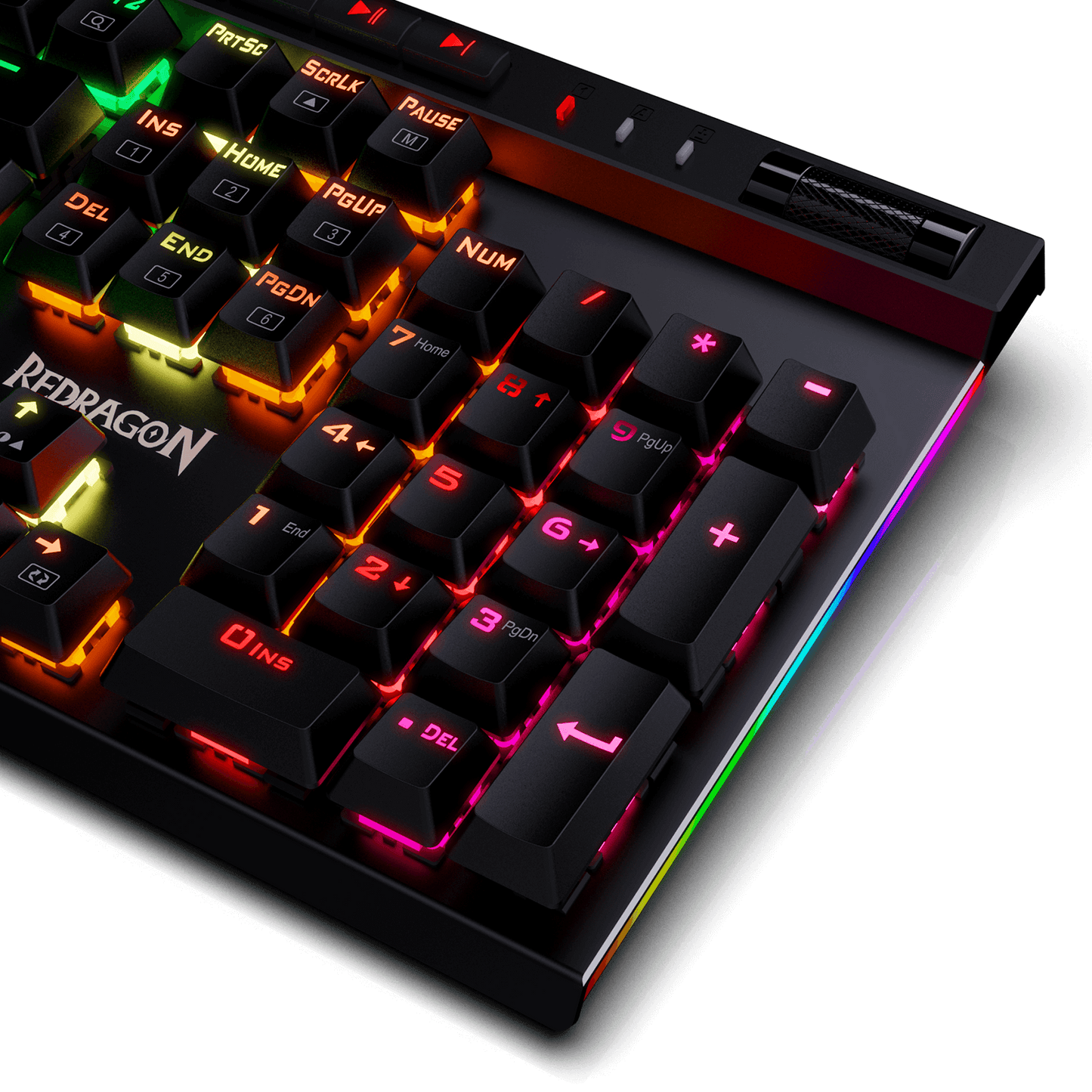
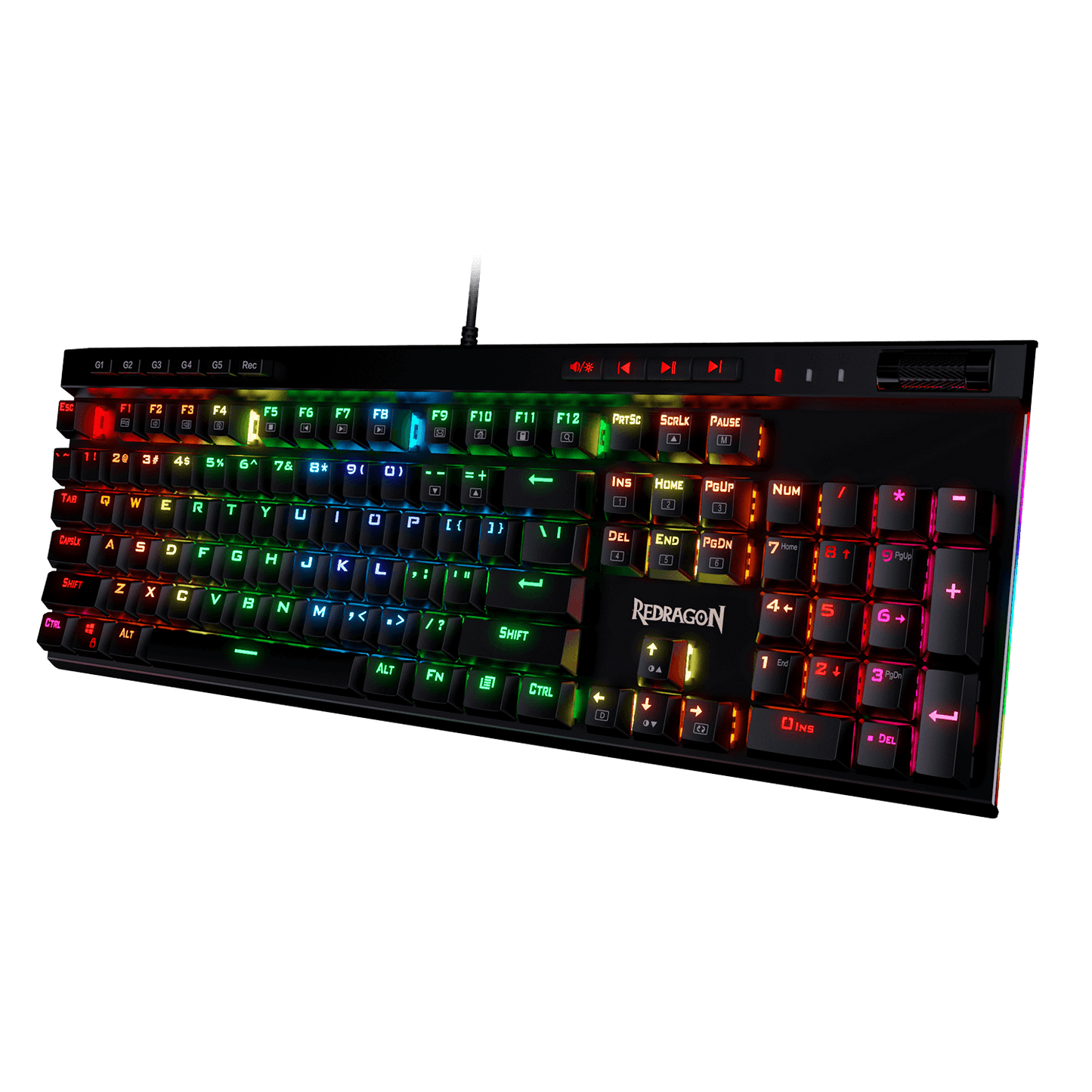
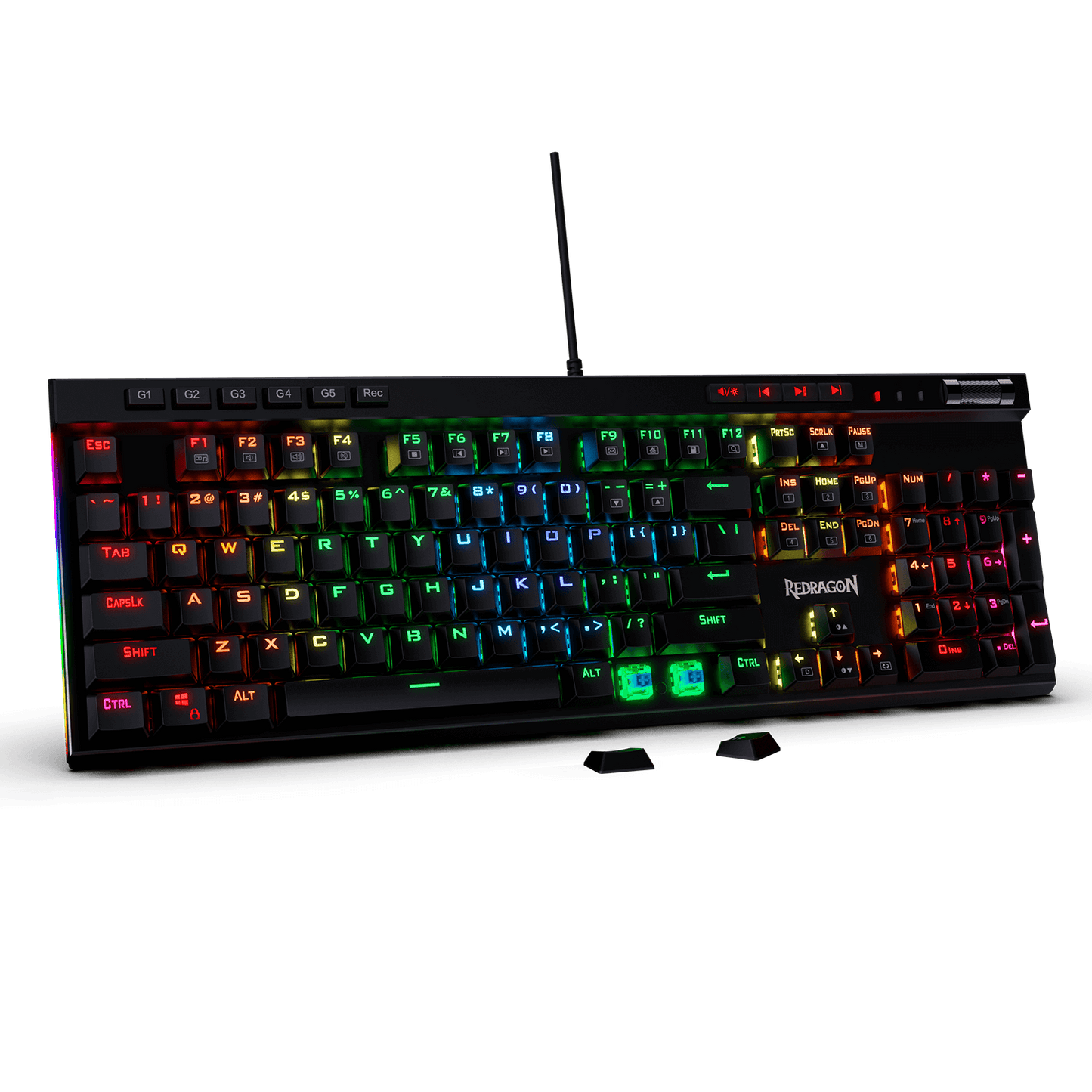
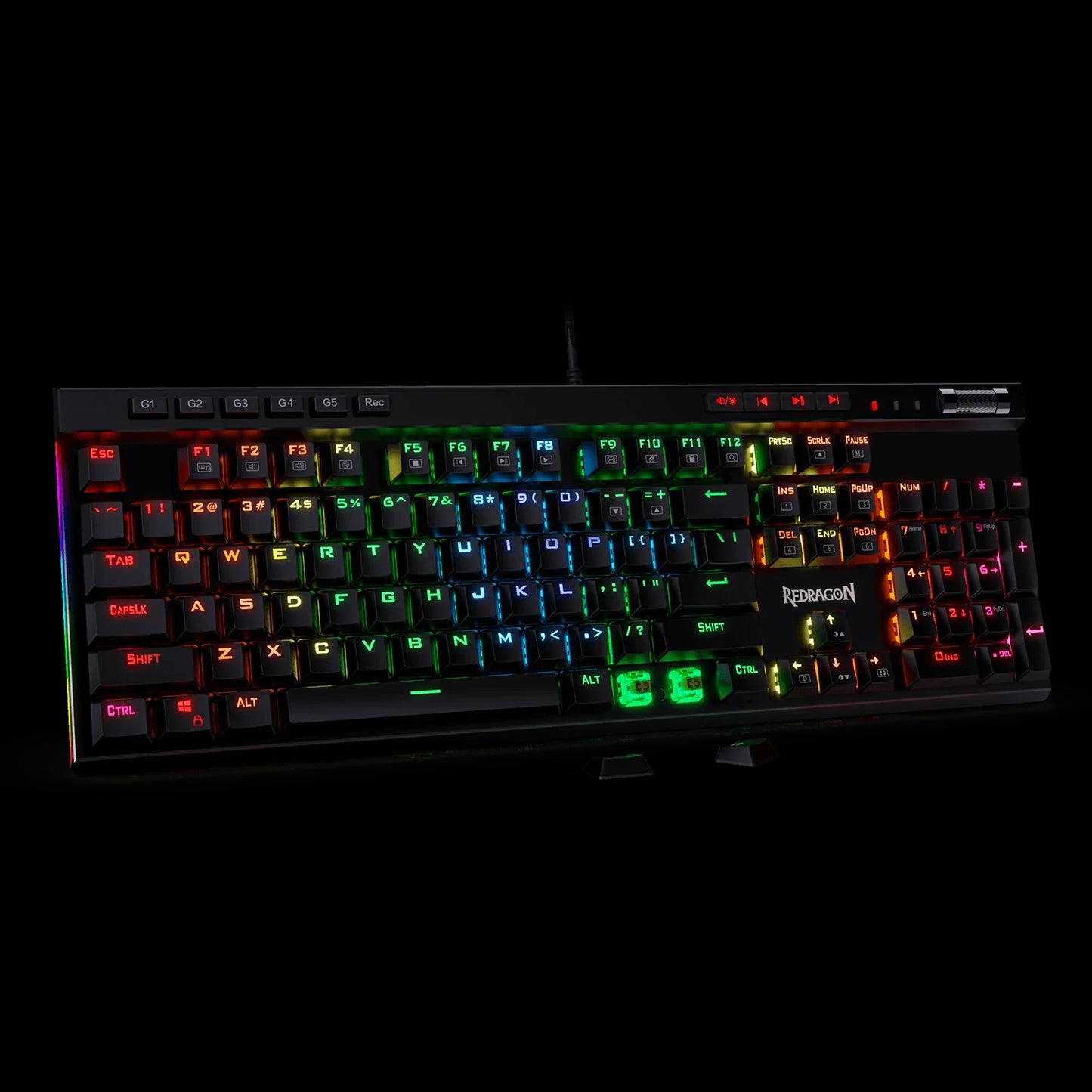
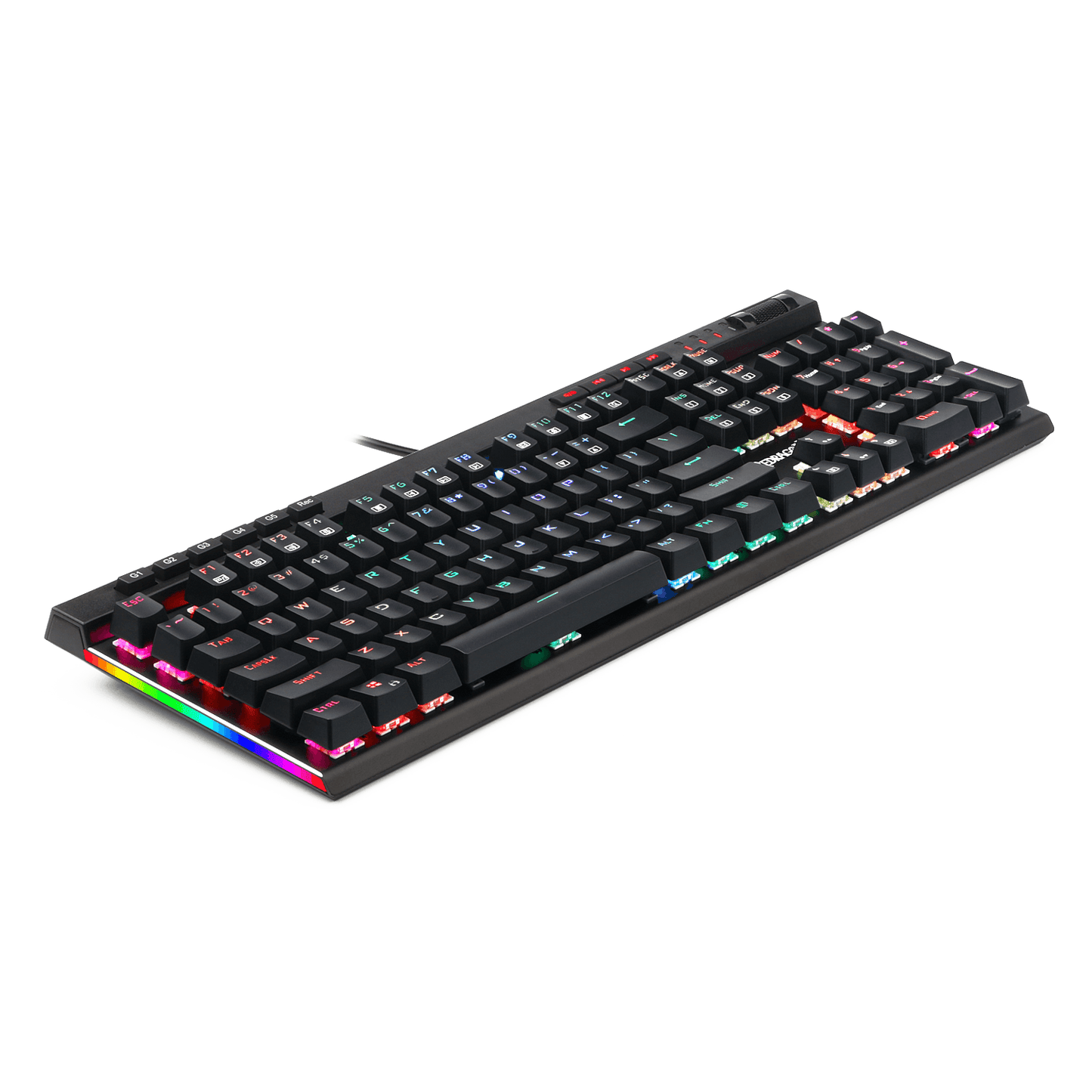
Clavier de jeu mécanique rétroéclairé Redragon K580 VATA RVB 1Clavier de jeu mécanique rétroéclairé Redragon K580 VATA RVB 3Clavier de jeu mécanique rétroéclairé Redragon K580 VATA RVB 2Clavier de jeu mécanique rétroéclairé Redragon K580 VATA RVB 4

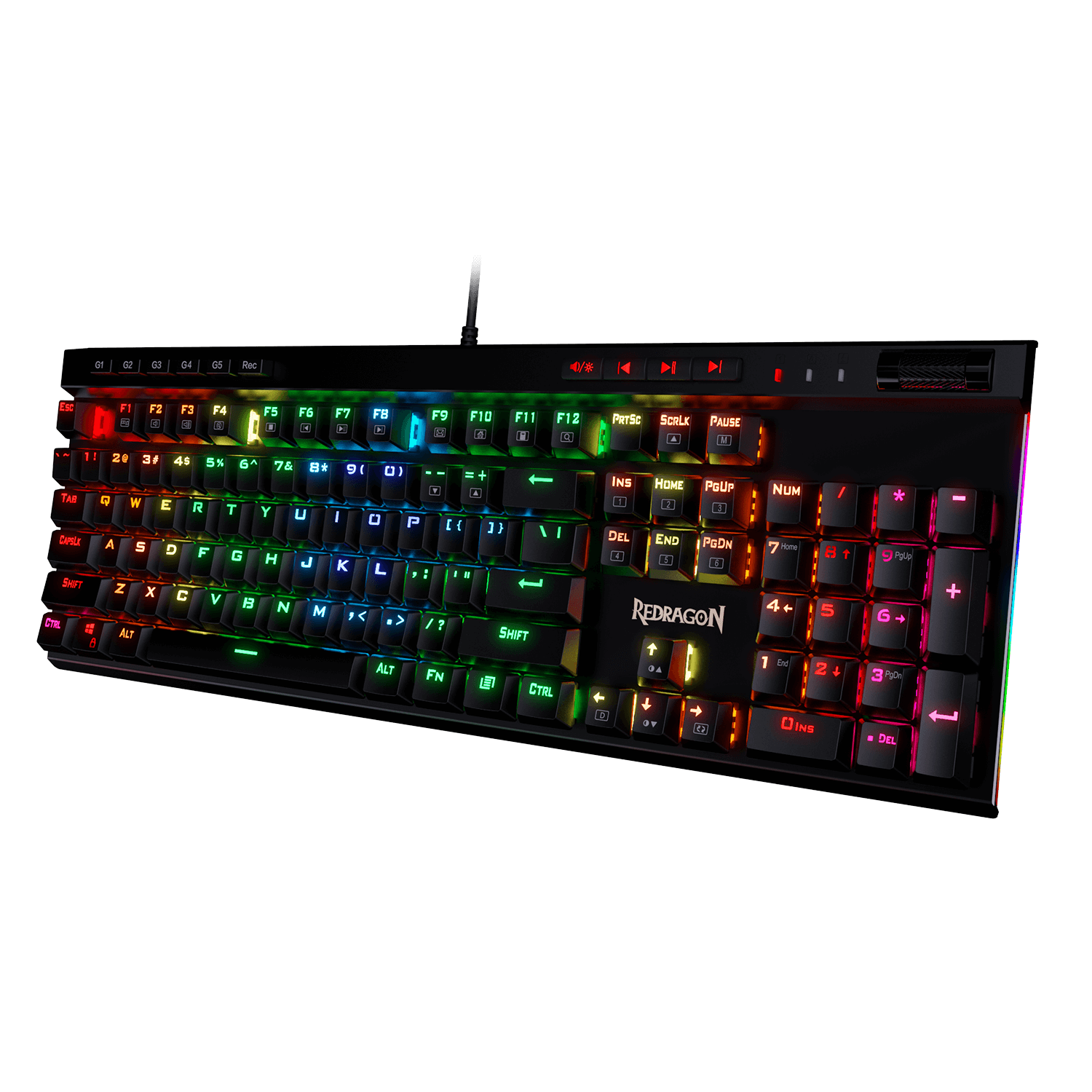
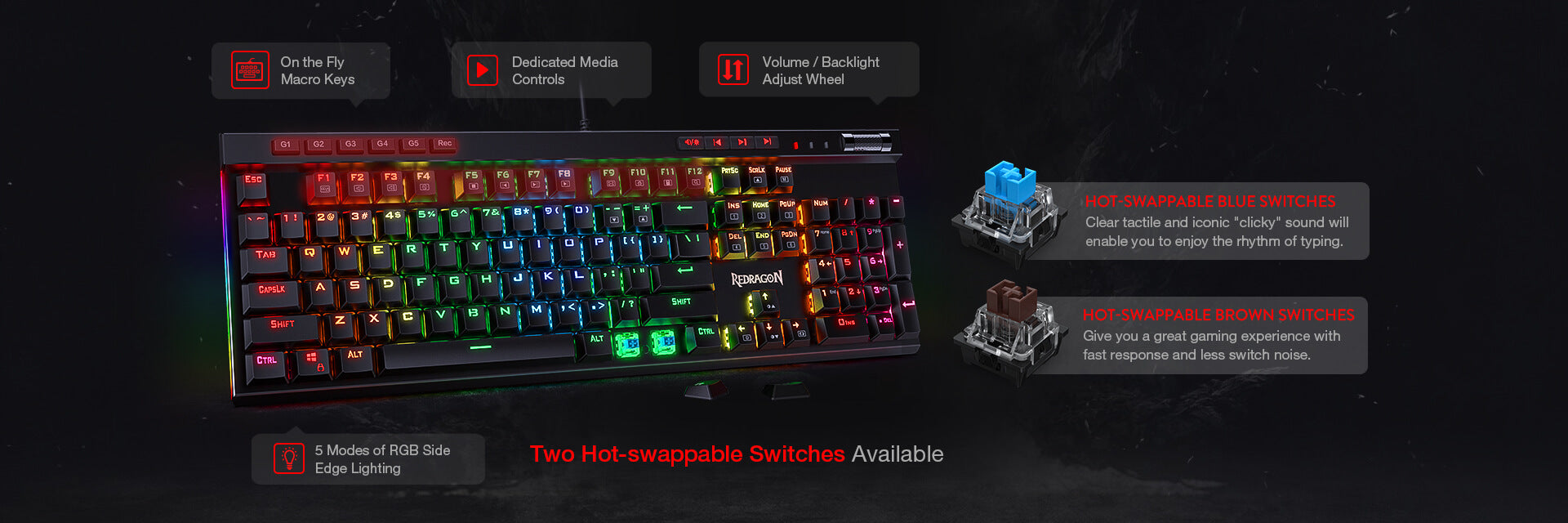
Touches macro intégrées

Touches macro intégrées

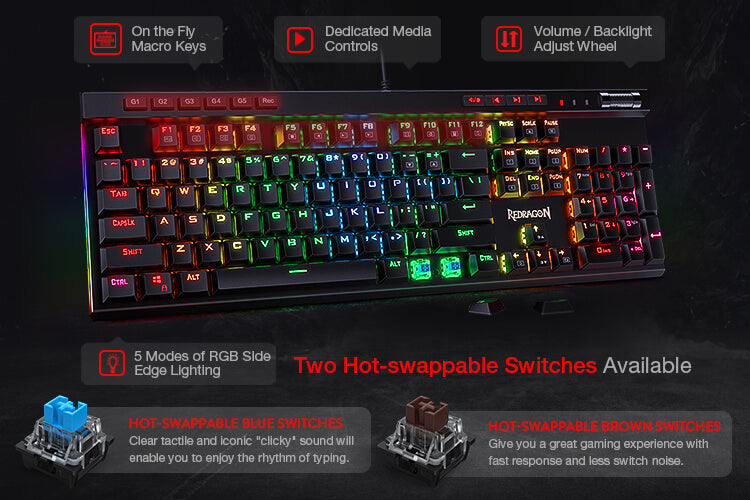
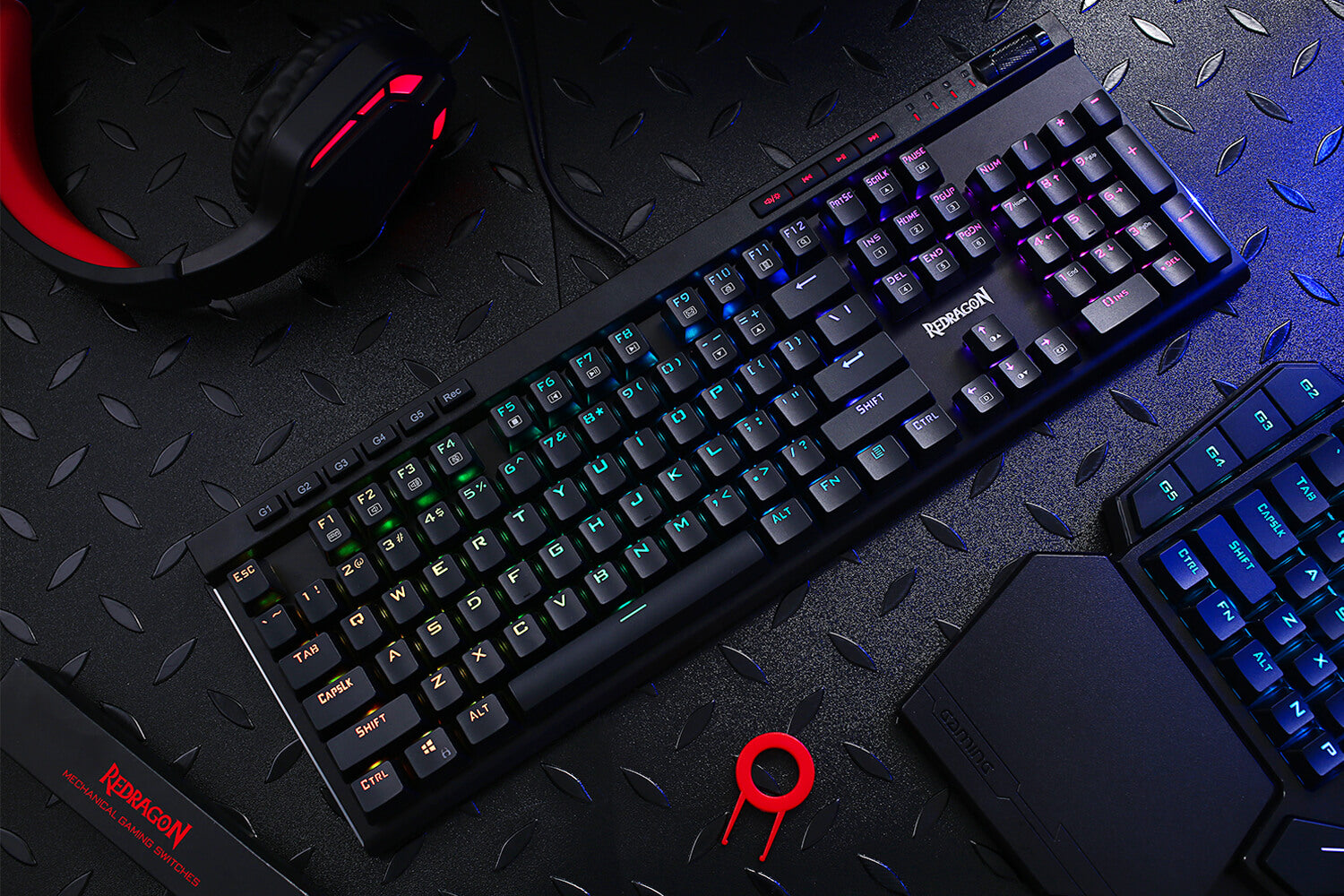
Le clavier est doté de 5 touches macro programmables (G1 à G5) qui peuvent enregistrer des macros à la volée sans qu'aucun logiciel supplémentaire ne soit requis. Il est facile de modifier et de personnaliser votre clavier élégant.

Feux latéraux RVB

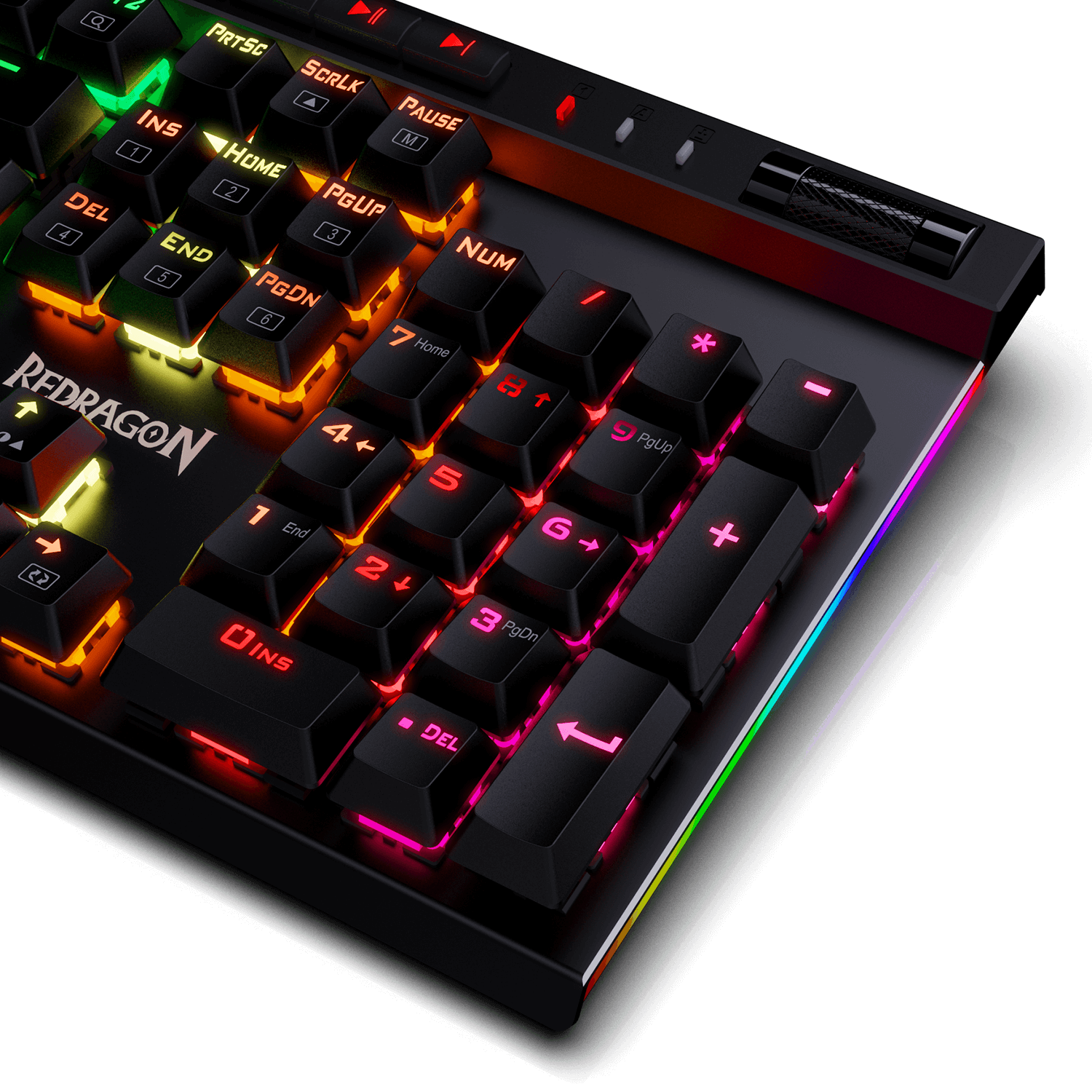
18 modèles de rétroéclairage vous permettent de taper dans le noir. Vous pouvez régler sa luminosité avec une molette de commande ou FN + Haut/Bas. 5 modes d'éclairage latéral RVB. La couleur de l'éclairage de chaque touche du clavier peut être personnalisée facilement sans installer de logiciel, un excellent choix pour bricoler votre clavier élégant. Inclinés vers le bas et sur le côté, ils éblouiront votre bureau !

Redragon k580 avec éclairage latéral RVB
Redragon k580 avec commandes multimédia dédiées

Commandes multimédia dédiées

Les commandes multimédias vous permettent de lire, mettre en pause et passer rapidement de la musique directement depuis le clavier sans interrompre votre jeu. De plus, conçu avec une molette de réglage du volume/rétroéclairage, il est facile de régler le volume ou la luminosité du rétroéclairage directement avec la molette située dans le coin supérieur droit du clavier. Très pratique et très cool.

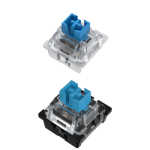
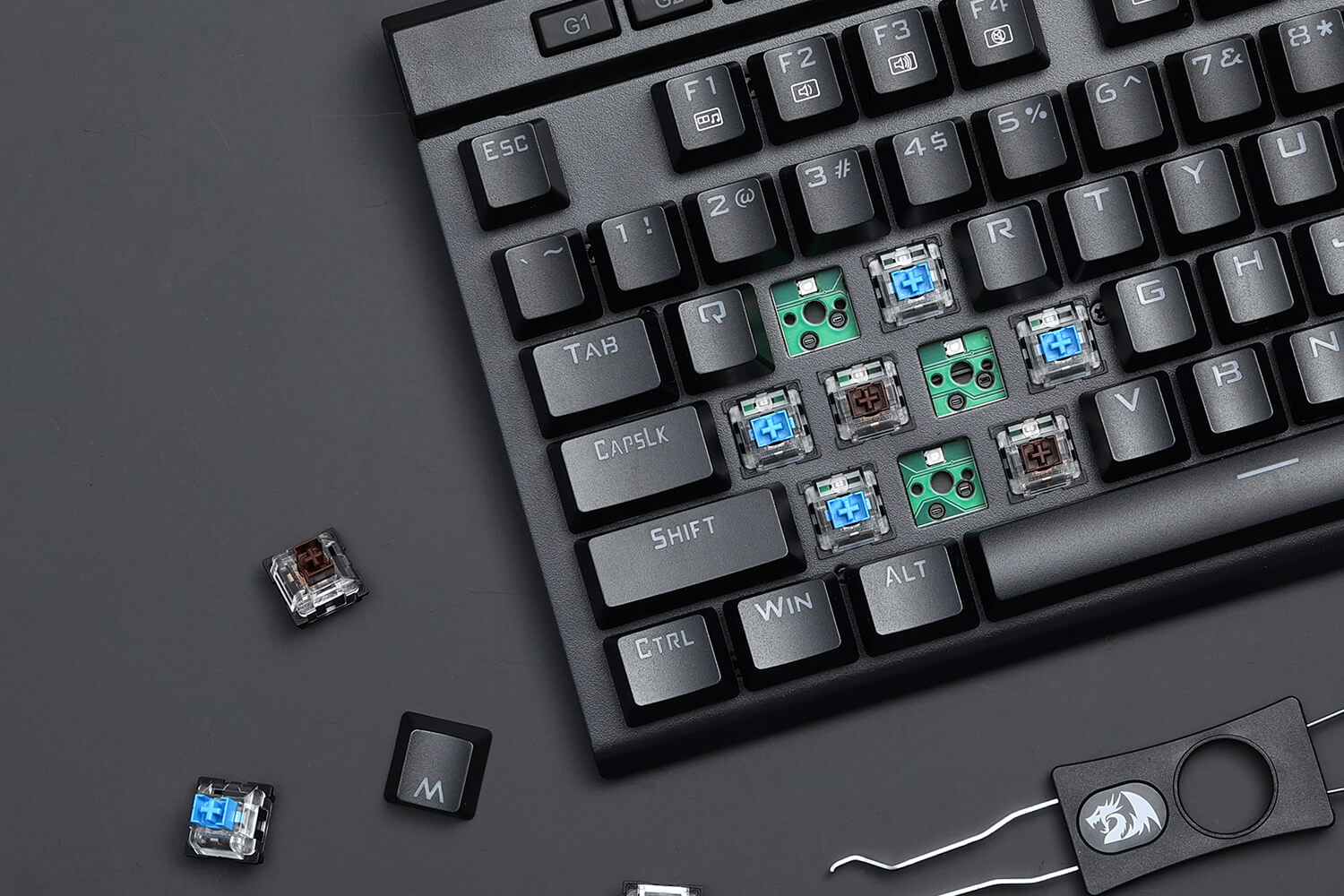
Interrupteurs bleus échangeables à chaud

Découvrez la sensation classique des claviers mécaniques traditionnels avec les commutateurs bleus originaux du clavier de jeu K580. Un retour tactile clair et le son « clic » emblématique font de la saisie un plaisir.

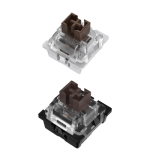
Interrupteurs bruns échangeables à chaud

Idéal pour les jeux et la saisie, les commutateurs Brown offrent une sensation tactile sans clic. Profitez d'une expérience de jeu exceptionnelle avec une réponse rapide et moins de bruit.
Clavier de jeu mécanique rétroéclairé Redragon K580 VATA RVB 5
Clavier de jeu mécanique RVB Redragon K580

RENVOI DE N TOUCHES

Les 104 touches anti-ghosting vous permettent de cliquer simultanément sur plusieurs touches. Les touches flottantes et les commutateurs bleus OUTEMU vous offriront une excellente expérience de jeu avec une réponse rapide et un son de clic agréable.

Features
Full dynamic RGB backlighting
50 million times keystroke test
Professional Software
Design
Package Size17.3 x 6 x 1.8 inches
Item Weight0.97 kg
SwitchesBlue/Brown switches
Anti-ghost Keys104
LayoutUS QWERTY
Package Included
1 x Redragon K580 RGB Mechanical Gaming Keyboard
1 x User Manual
1 x Keycap Puller
8 x Free Switches for DIY
Software Download
Loading

Reviews

Customer Reviews

Based on 106 reviews
86%
(91)
11%
(12)
1%
(1)
1%
(1)
1%
(1)
N
Nastynate
Vata is in the Strata

I have owned this keyboard for 4 years now and have had no issues. The macros come in handy for gaming and day to day work functions. I love the LED operations and the ability to change out the keys for quieter noise reduction. The full keyboard allows for easy typing and number input versus the short keyboard. Fast response from key strokes makes this keyboard outstanding. The only Thing I wish is that the back legs were stronger and more durable. 4.5 out of 5 stars for me.

k
kelly kinsey
major software download issue

tried on website to download software for keyobard k580rgb-pro and this product doesn't exist on their website!!!!

when finally found what i thought it was their software. icon on desktop and click it and nothing loads (must be a malware software) try to open again and error message, then try searching the program in windows search bar and asks to uninstall, repair, etc.

so looks like this keyboard doesn't have support nor able to program the keys, well for $60 on amazon easy to return.

if anybody else have this issue let me know

M
M'igo Kazan
Pretty good for a Chinese brand

My Logitech keyboard started breaking down just two weeks after the manufacturer's warranty ran out, and it's the second time it happens since they sold out to the Chinese, so I lost trust in the brand and started shopping for a different brand.

Alas, all of the non-Chinese brands were out of stock, so I went with Redragon since I've heard good things about it (and also because they're really cheap so if they break down within a year in typical Made in China fashion, it won't hurt as much).

I'm pretty surprised with it so far. The build is solid, the RGB options are snazzy and it feels good to use. The software is pretty barebone and full of Engrish, and recording macros is clunky and archaic but once you've set everything up, you don't need to touch it again so that's fine.

Add to that a ridiculously generous rewards program, and I'm liking the Redragon brand so far!

M
Mike B.
Customer service is good

I ordered this keyboard, but received speakers that are 1/3 the cost. I emailed a couple of times to get it fixed, but it took a couple of days to get back to me. I did email on a Friday, so that could very well be forgiven. The following Monday, they immediately got back with me and shipped the correct product. I received it three days later, and it’s a great keyboard. If this keyboard had hot swappable MX style switches, it would absolutely be a top tier keyboard. However, you can get decent switches that are the Outemu style. For the price of this keyboard, it’s a fantastic deal and worth using. Especially if you’re new to custom switch keyboards. All in all, the keyboard is great, and customer service does work hard to help their customer base.

I
IGpoobah
I'm a fan

I have 3 of these. One at home office, one at the work office, and one at my dad's house where I visit at length and work from there. Love them.
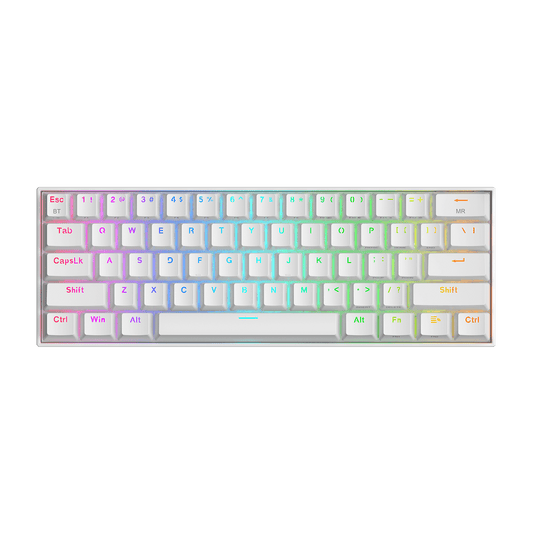
Would be really cool if you made one in white similar to the K643, which I also have for travel at the hotel or random work locations as it fits in my laptop bag.

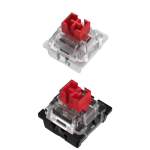
KEYBOARD SWITCHES COMPARISON
Swipe To View
Title
Hear Keystroke
Operation Style
Operation Force
Actuation Point
Total Travel Distance
Life Span (Keystrokes)
Sound Level
Suitable For
Outemu Red
Outemu Red
Linear
40g
2.0mm
4.0mm
50 million
Quiet
Office/Gaming
Outemu Blue
Outemu Blue
Clicky
60g
2.3mm
4.0mm
50 million
Clicky
Typist
Outemu Brown
Outemu Brown
Tactile
55g
2.0mm
4.0mm
50 million
Gentle
Midway (Office/Gaming)

Gaming Keyboards Comparison

link
K580
Switch Type
Hot-swappable Option
Connection
Keys
Extra G Keys
RGB Backlit
Wrist Rest
Software
VATA K580
Switch Type
Blue/Brown Switch
Hot-swappable Option
Hot-swappable with almost all switch types in the market
Connection
Wired
Keys
104 keys anti-ghosting
Extra G Keys
5(G1-G5)
RGB Backlit
Wrist Rest
×
Software
VATA K580 PRO
Switch Type
Red Switch
Hot-swappable Option
Hot-swappable with almost all switch types in the market
Connection
BT/2.4G/Wired
Keys
104 keys anti-ghosting
Extra G Keys
5(G1-G5)
RGB Backlit
Wrist Rest
×
Software

FREQUENTLY ASKED QUESTIONS

QHow to record a keyboard macro without software?
A

Step 1: Press [Rec] to start record (The four LEDs flash simultaneously).

Step 2: Press one of the five G keys and it lights up (G1~G5).

Step 3: Press keys to be recorded Step 4: Press [Rec] once again to save the recording. The [Rec] also lights up. For example, record 123 on G1: [Rec]→G1→123→ [Rec]

Q How to change side lighting on K580 keyboard?
A

Press FN + [PAUSE] to switch 5 lighting modes on two sides.

Press FN + [SCRLK] to adjust the lighting speed on two sides.

vous pourriez être intéressé