


Cove k733 mechanical numpad keyboard
Cove k733 mechanical numpad keyboard


3-Mode Connection
Geared with Redragon advanced tri-mode connection technology, USB-C wired, BT 3.0/5.0 & 2.4Ghz wireless modes which make the user experience upgraded to another level in all fields.

Dedicated Layout
A compact 22-key design supporting both PC and calculator modes, featuring an 10 digits display and knob control. Designed specifically as a side component for compact keyboards with no numpad.

REDRAGON GASKET OUT
The body structure differs from traditional screw fixing by using precision-locked covers with gaskets to assist with noise reduction and flexibility. It provides even feedback while the vertical cushioning reduces rigid noise, delivering a crisp, clean and softer typing feel.

Noise Dampening x 5
Equipped with 3.5mm PO foam, IXPE switch foam, PET sound pad, bottom socket foam, silicone bottom pad along with the silicone gasket. Significantly reduce the hollow noise, creating dampened and ultra-clean typing acoustics, making each keystroke satisfying and comfortable.

Custom Dragon Chant Switch
With thick-lubed custom linear switches combo with a gasket form factor, K733 features cushioned rich linear travel with silky creamy and cozy typing feedback.

YES! TRUE HOT-SWAP
The transformative innovation with 99.8%+ switches compatible free-mod hot swappable Redragon keyboard is available now. The unique exclusive structure design of the socket makes the switch mounting easier and less wobbling.
Features
Wireless Mechanical Numpad Keyboard
Compact 22-Key Layout
Gasket Mount Design
RGB Backlit Keypad
Built-in Calculator Display
PC & Calculate Modes
Custom Control Knob
Creamy Linear Switches
Multi-Device Compatibility
5-Layer Noise Dampening
Design
Dimensions3.86 × 6.50 × 1.50 inches
Item Weight0.23 kg
SwitchLinear Dragon Chant Switches
Matrix22 Keys
Polling Rate8,000 Hz
Mount StructureGasket Mount Design
LightingRGB Backlit
DisplayBuilt-in Calculator Display
ModesPC Mode / Calculator Mode
Keyboard ConnectivityWired/ Tri-Modes
Noise Dampening5
CompatibilityWindows / macOS
CableBraided USB-C Cable Included
Package Included
1 x Redragon K733 Mechanical Numpad Keyboard
1 x Detachable Type-C Cable
1 x User Manual
Software Download

Reviews
vous pourriez être intéressé

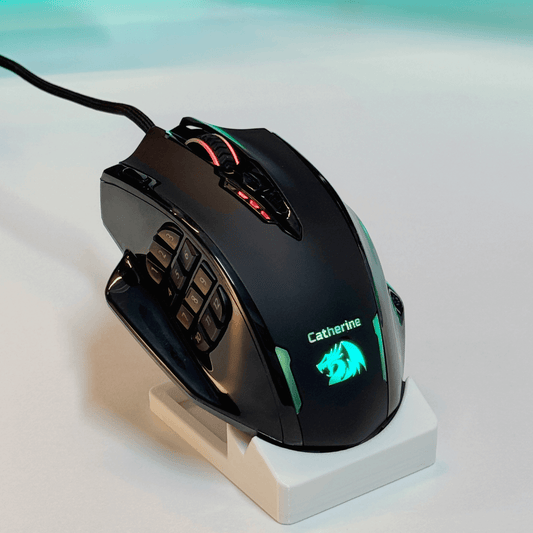
IMPACT M908
Prix habituel
À partir de $32.99 USD
Prix promotionnel
À partir de $32.99 USD
Prix habituel
$32.99 USD
Prix unitaire
par

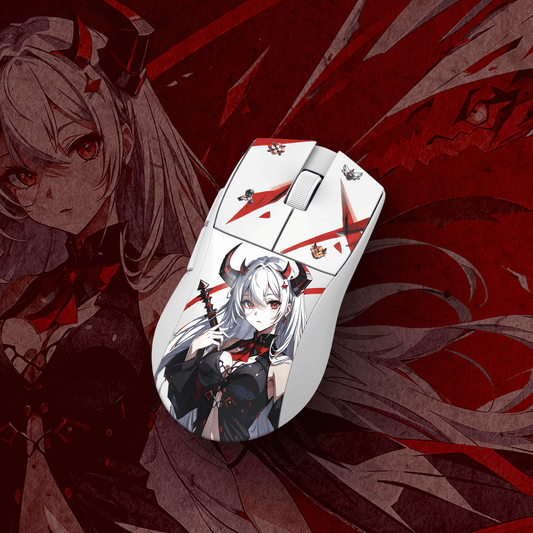
EISA K1NG M916 PRO (1 kHz)
Prix habituel
$36.99 USD
Prix promotionnel
$36.99 USD
Prix habituel
Prix unitaire
par

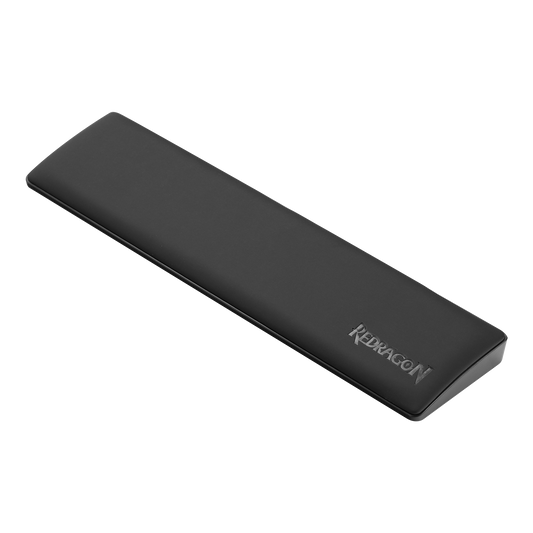
Repose-poignet pour clavier d'ordinateur Meteor
Prix habituel
À partir de $13.99 USD
Prix promotionnel
À partir de $13.99 USD
Prix habituel
$12.99 USD
Prix unitaire
par

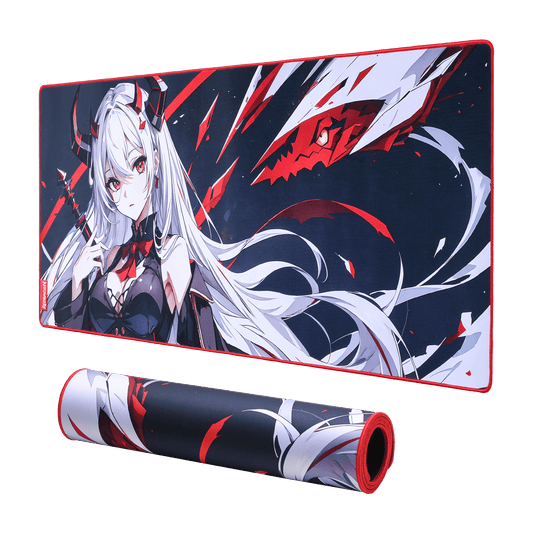
Tapis de souris/tapis de bureau de jeu EISA P047 Waifu
Prix habituel
À partir de $11.99 USD
Prix promotionnel
À partir de $11.99 USD
Prix habituel
$19.99 USD
Prix unitaire
par
Promotion

Promotion
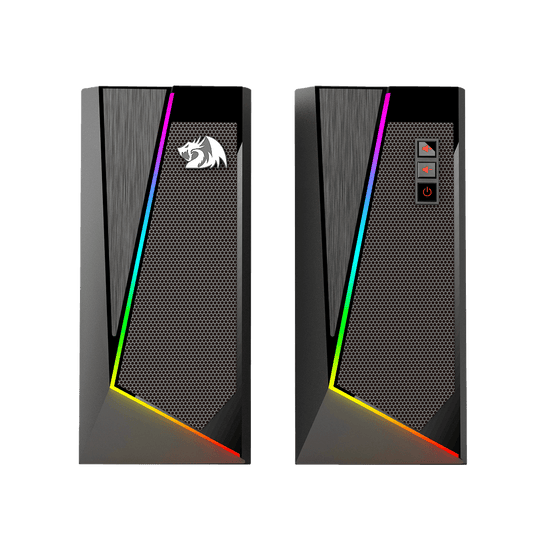
ENCLUME GS520
Prix habituel
$34.99 USD
Prix promotionnel
$34.99 USD
Prix habituel
$36.99 USD
Prix unitaire
par
Promotion
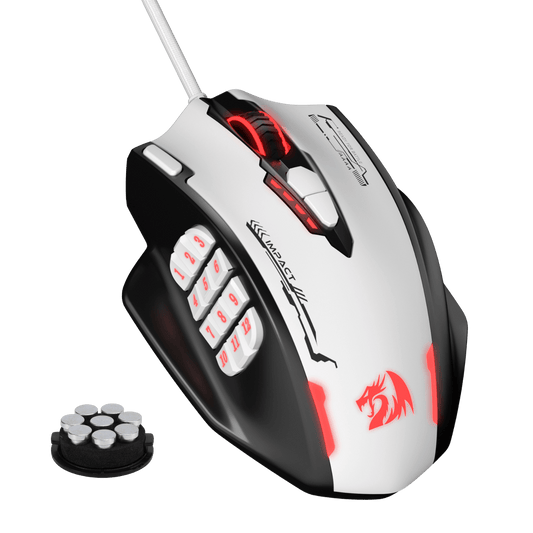
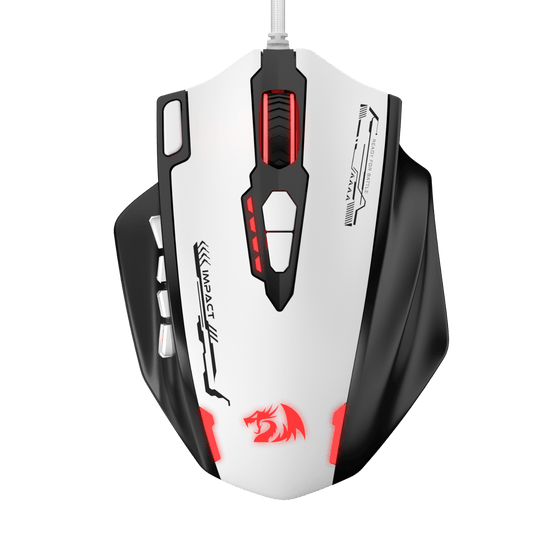
IMPACT M908 SE
Prix habituel
$36.99 USD
Prix promotionnel
$36.99 USD
Prix habituel
Prix unitaire
par

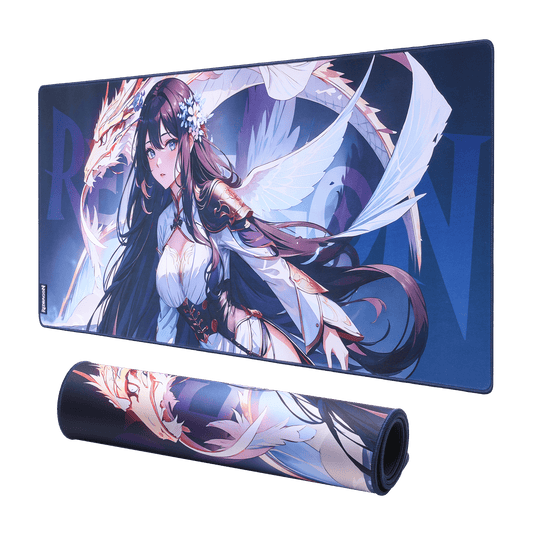
Tapis de souris de jeu/tapis de bureau P046 Anime Blue
Prix habituel
À partir de $11.99 USD
Prix promotionnel
À partir de $11.99 USD
Prix habituel
$19.99 USD
Prix unitaire
par
Promotion
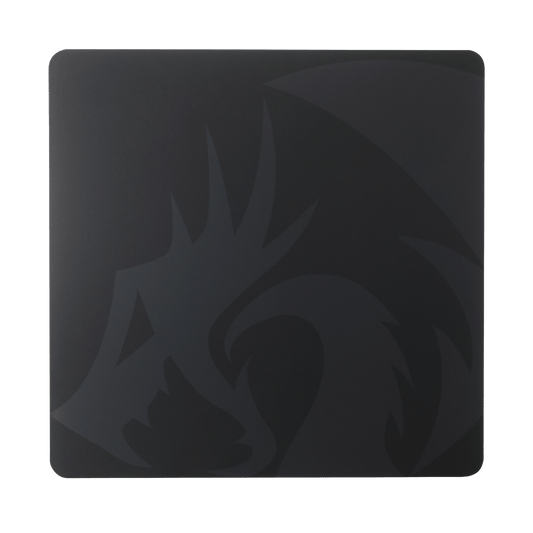
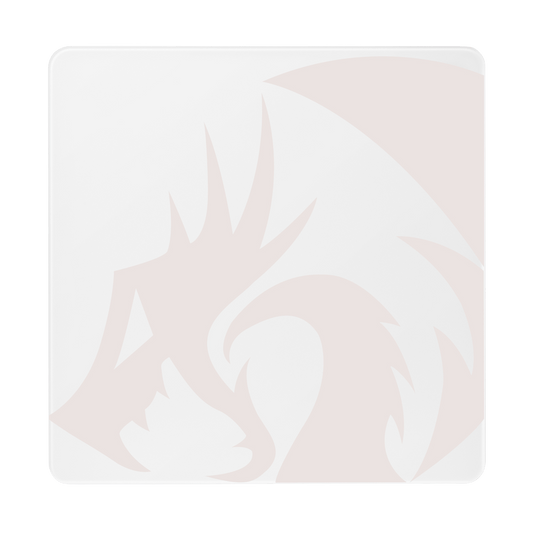
PG1M Glass Gaming Mouse Pad
Prix habituel
$39.99 USD
Prix promotionnel
$39.99 USD
Prix habituel
Prix unitaire
par
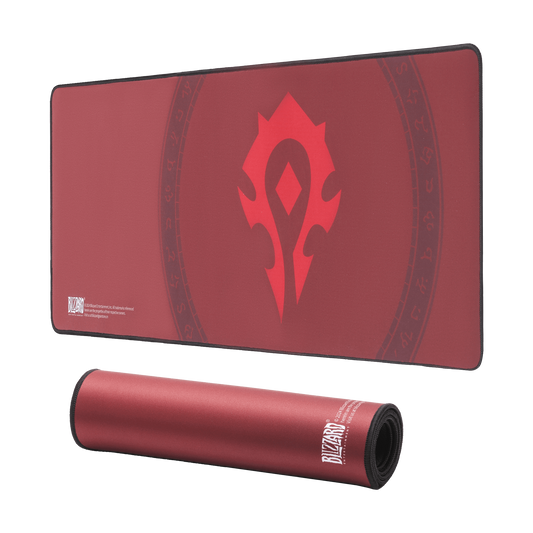
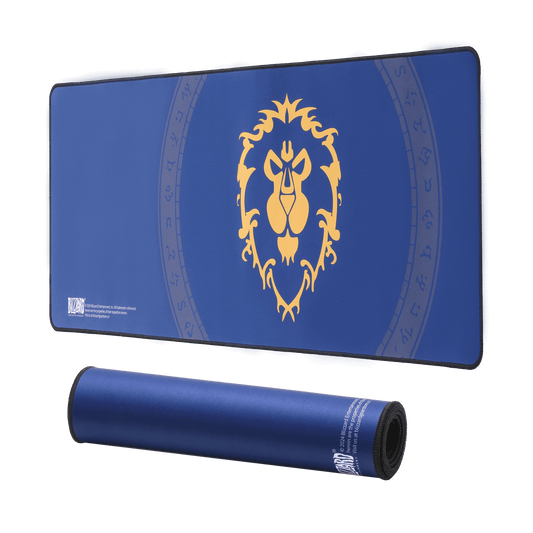
Blizzard XXL Gaming Mouse Pad/Desk Mat
Prix habituel
$24.99 USD
Prix promotionnel
$24.99 USD
Prix habituel
$19.99 USD
Prix unitaire
par

Promotion
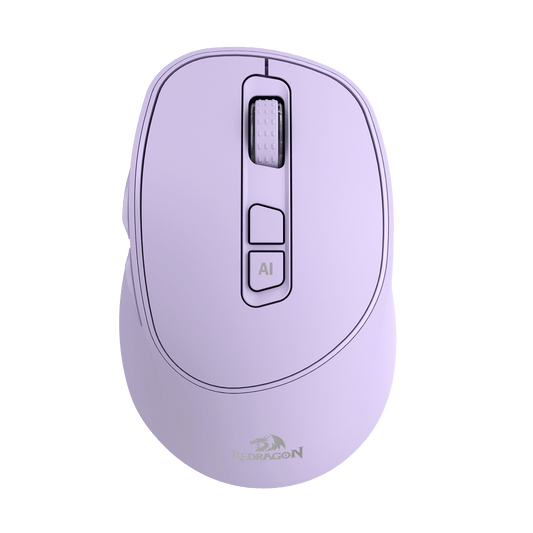
BM4195 AI Smart Wireless Mouse
Prix habituel
$29.99 USD
Prix promotionnel
$29.99 USD
Prix habituel
$32.99 USD
Prix unitaire
par
Promotion

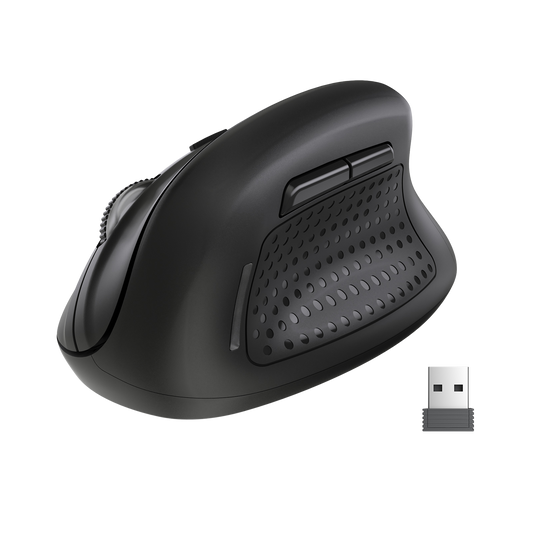
BM-4033 Wireless Vertical Ergonomic Mouse
Prix habituel
$14.99 USD
Prix promotionnel
$14.99 USD
Prix habituel
$32.99 USD
Prix unitaire
par
Promotion