
- Overview
- Specifications
- Software Download
- Reviews
- Overview
- Specifications
- Software
- Reviews


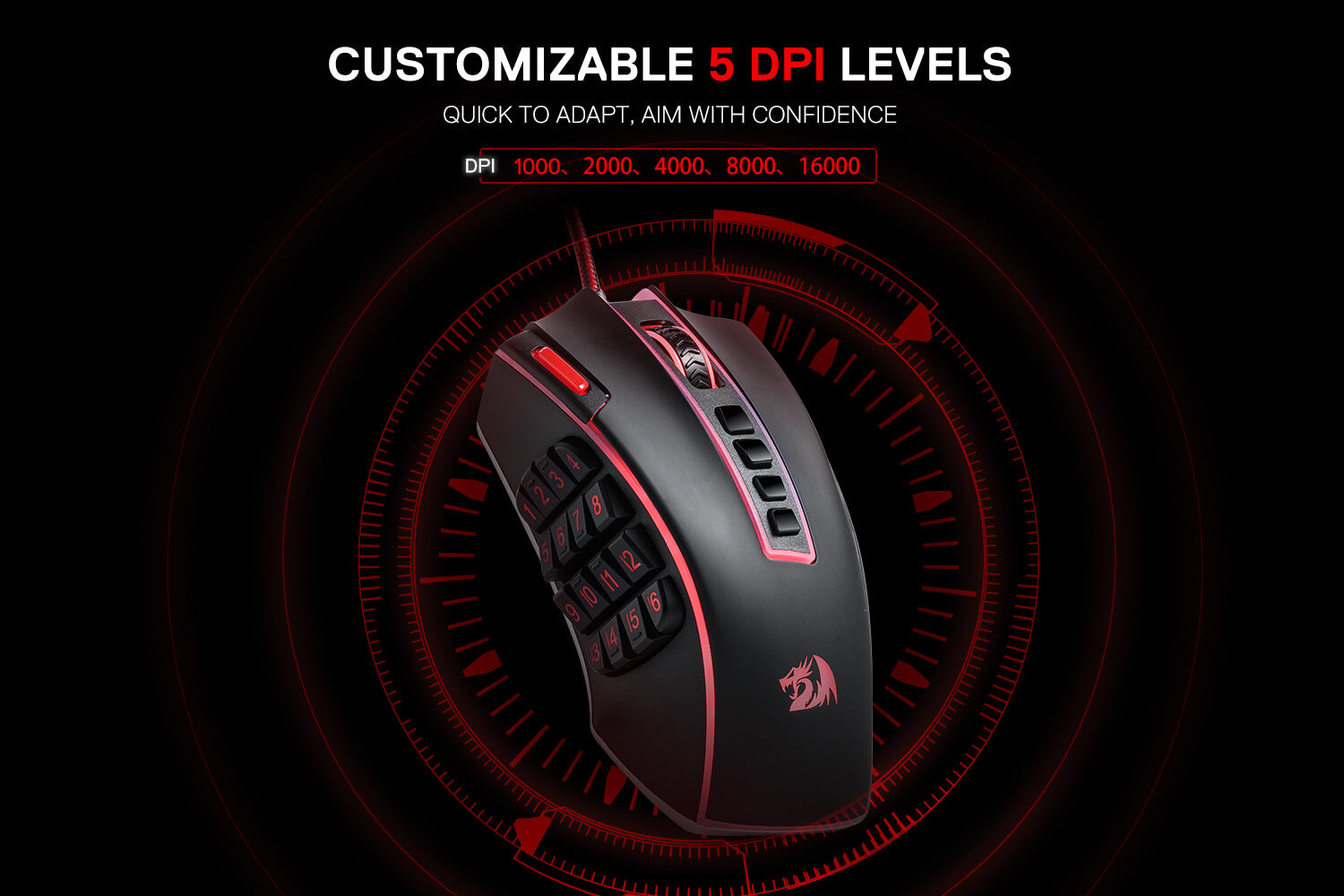
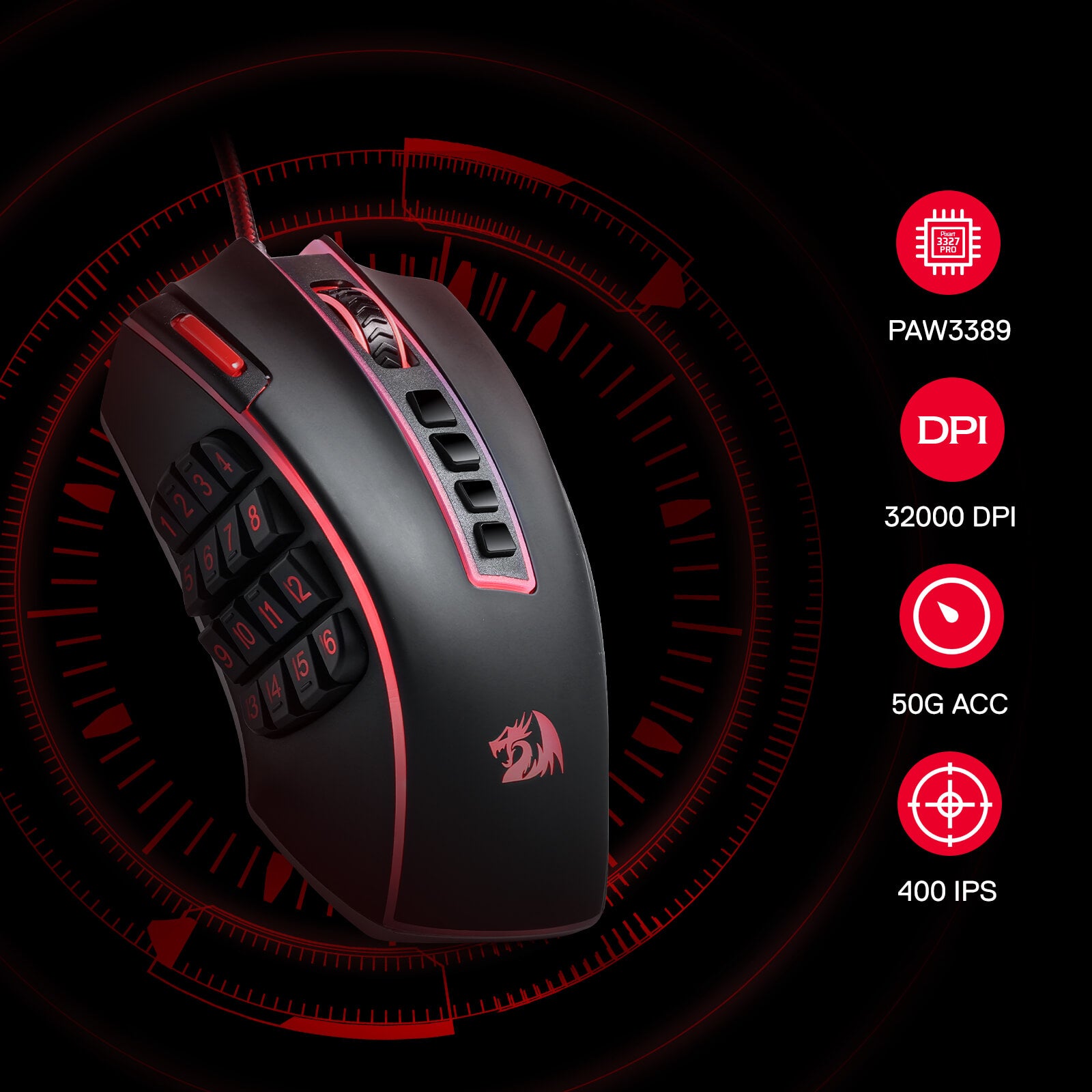
Des performances exceptionnelles
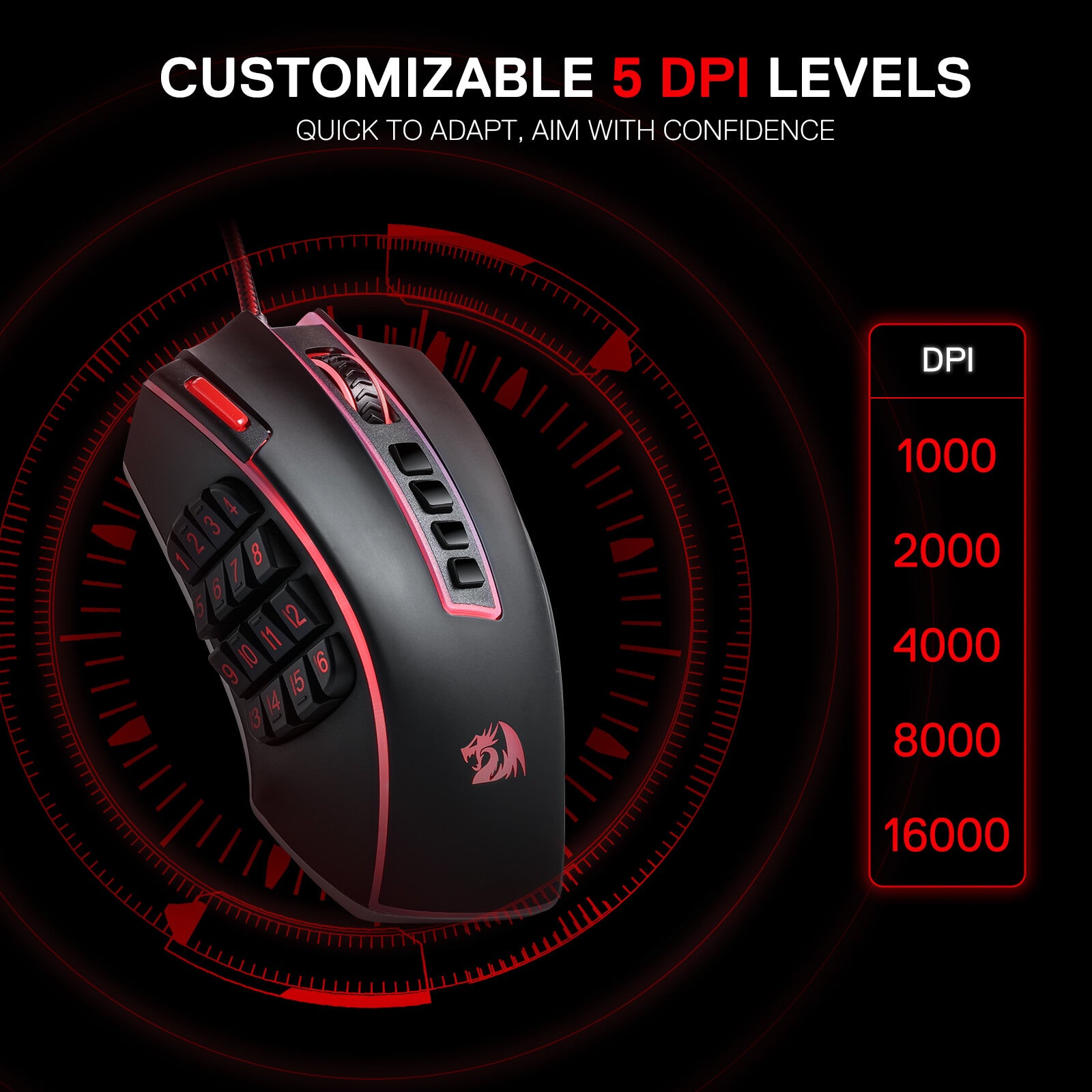
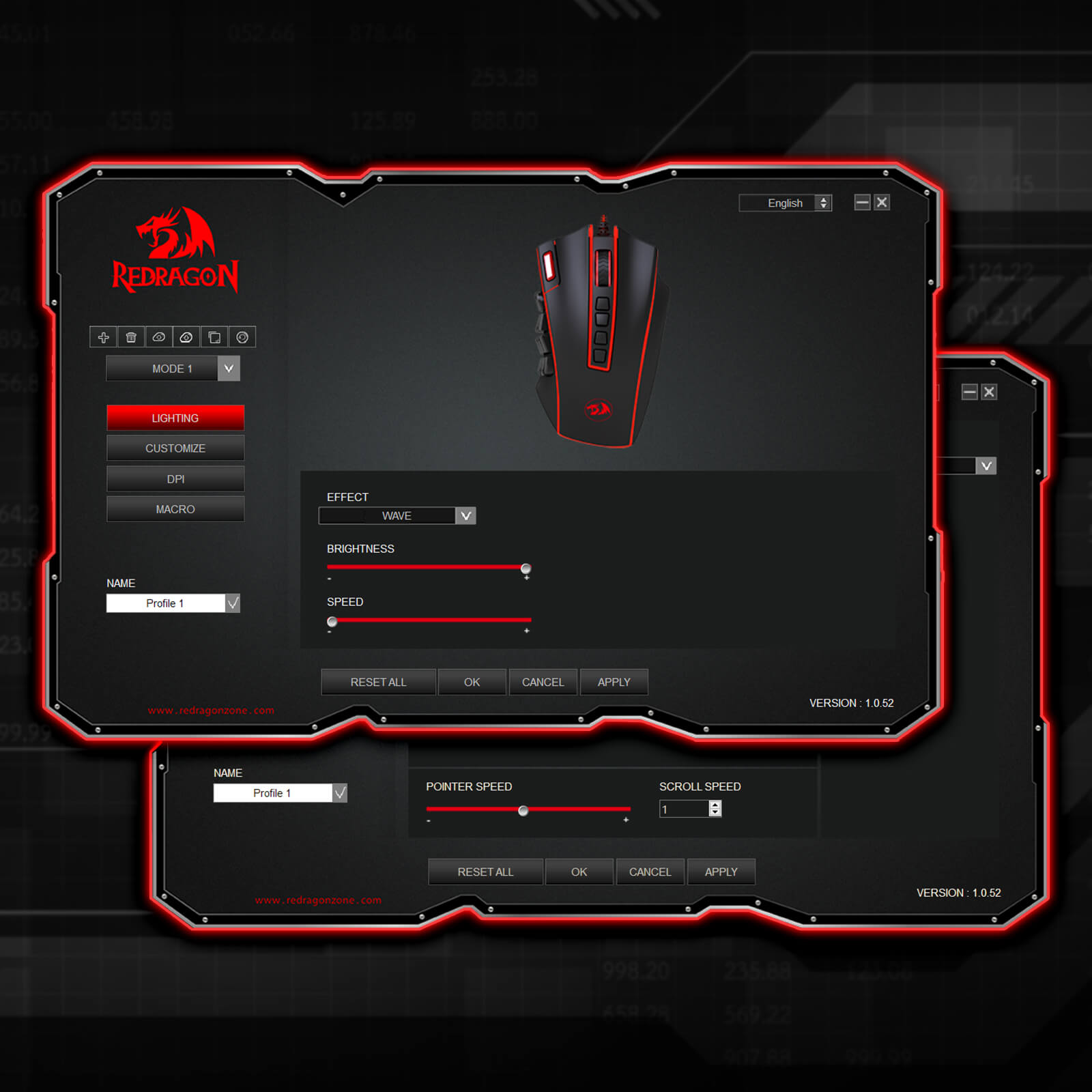
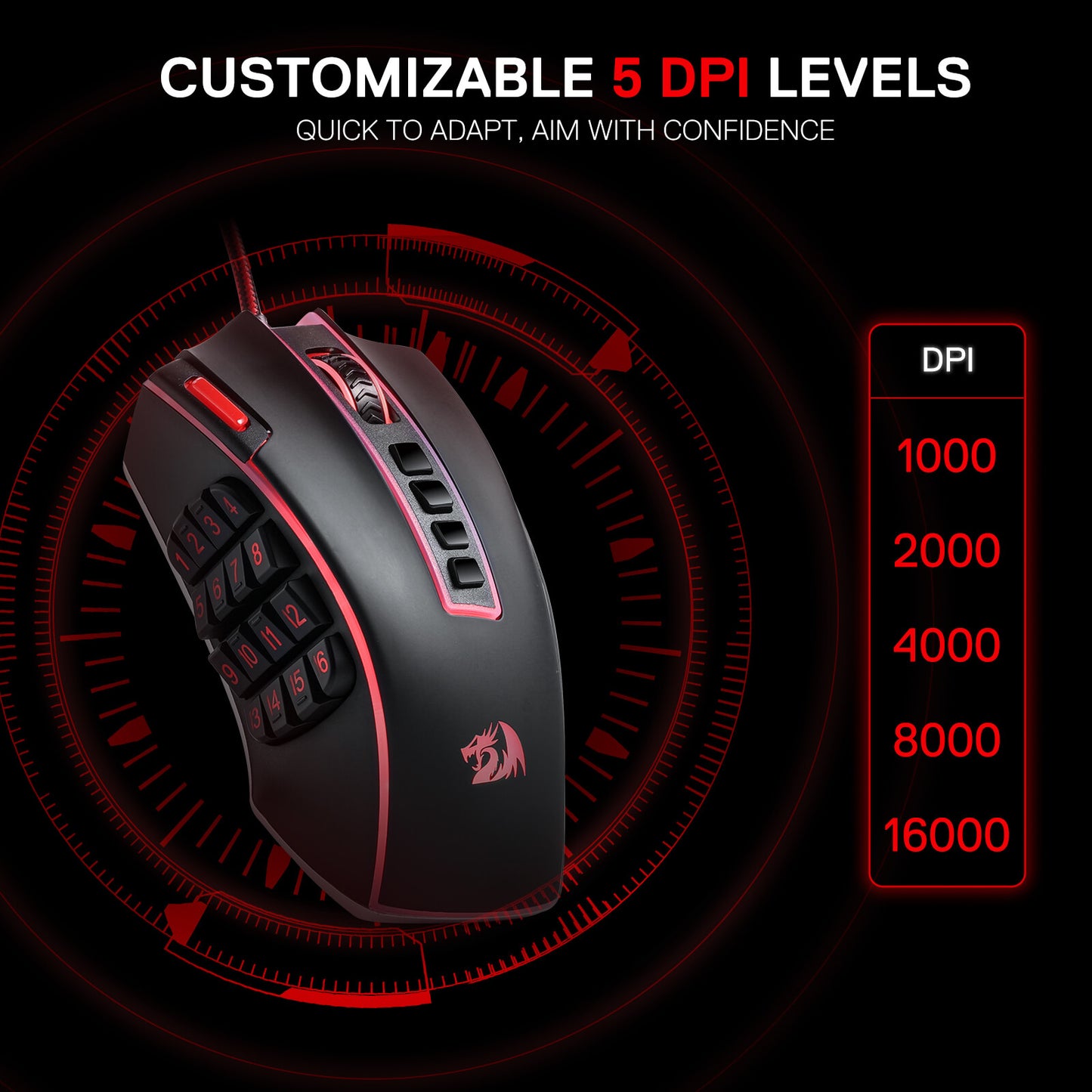
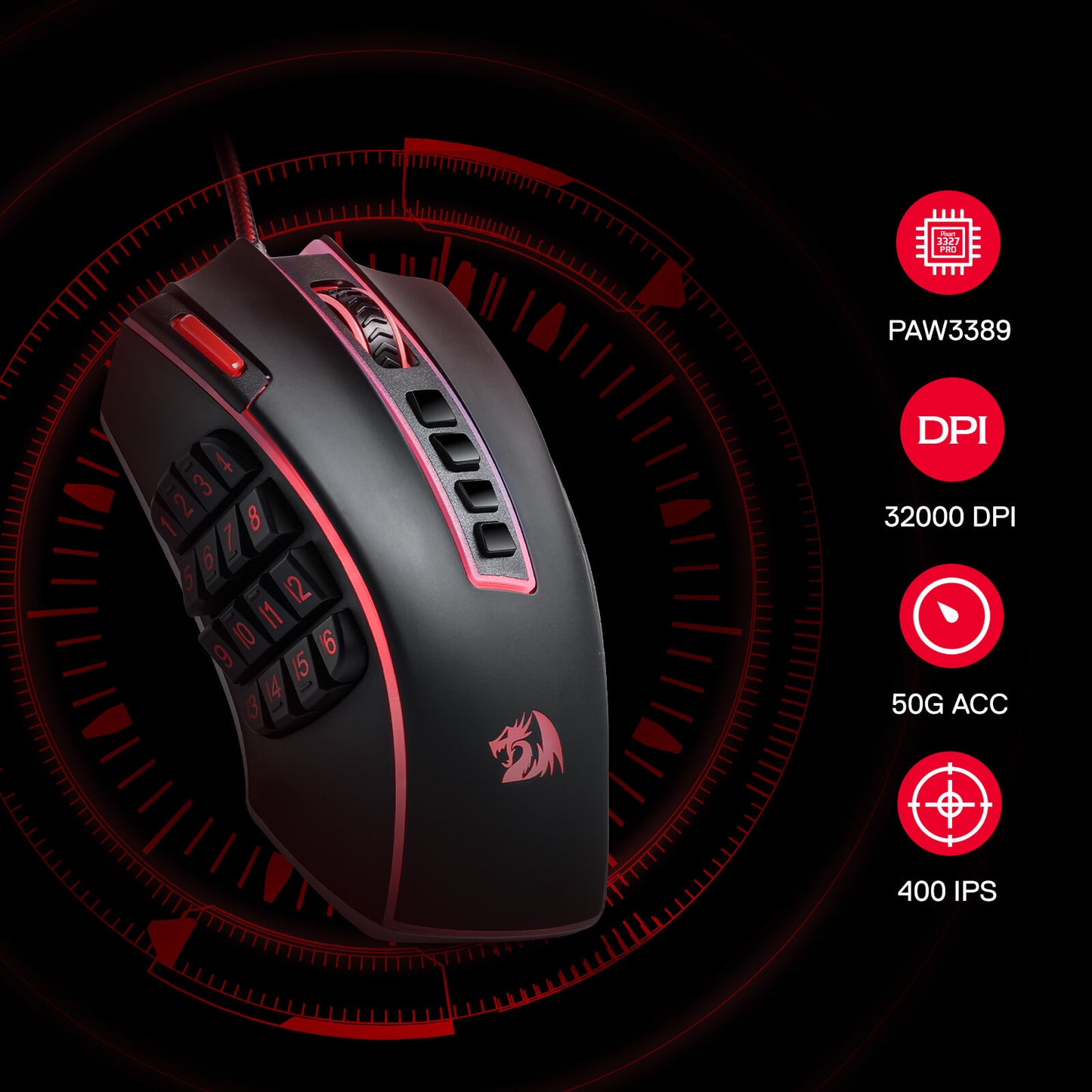
Doté de 5 niveaux DPI redéfinissables (par défaut : 1 000/2 000/4 000/8 000/16 000), il est facile de basculer entre les différents besoins de jeu. La demande dédiée d'options DPI entre 100 et 32 000 est également disponible pour être traitée par logiciel.
Libérer la puissance de la personnalisation
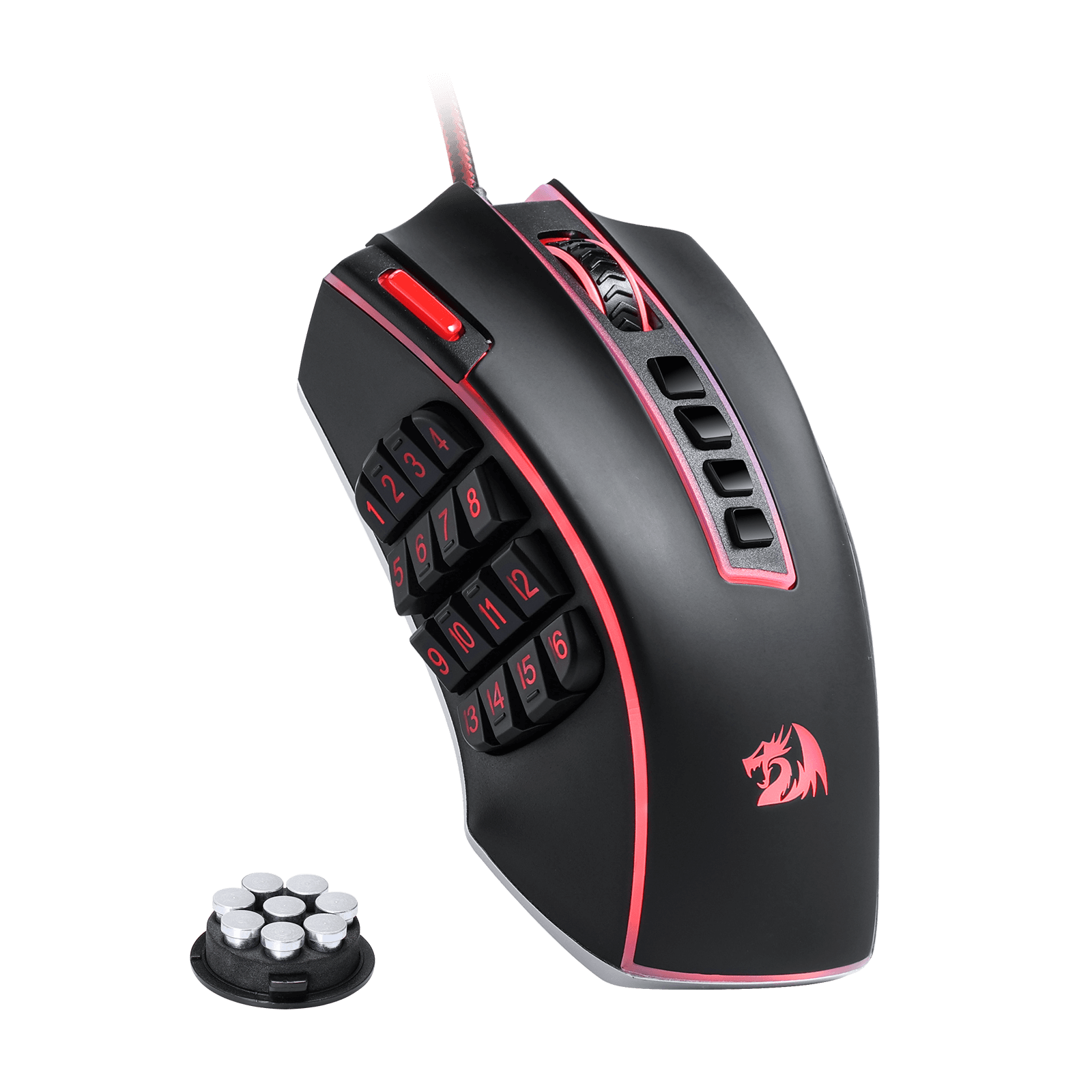
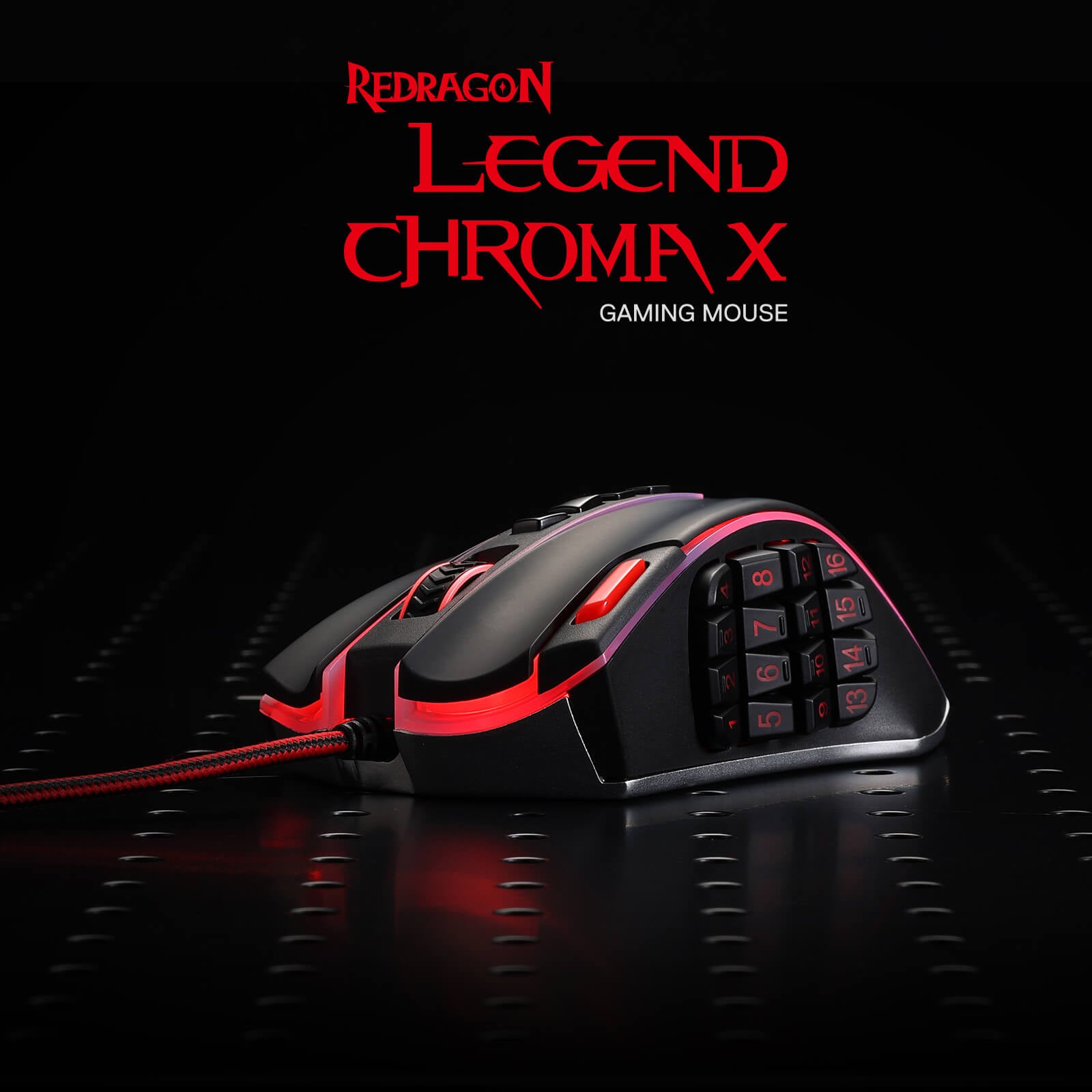
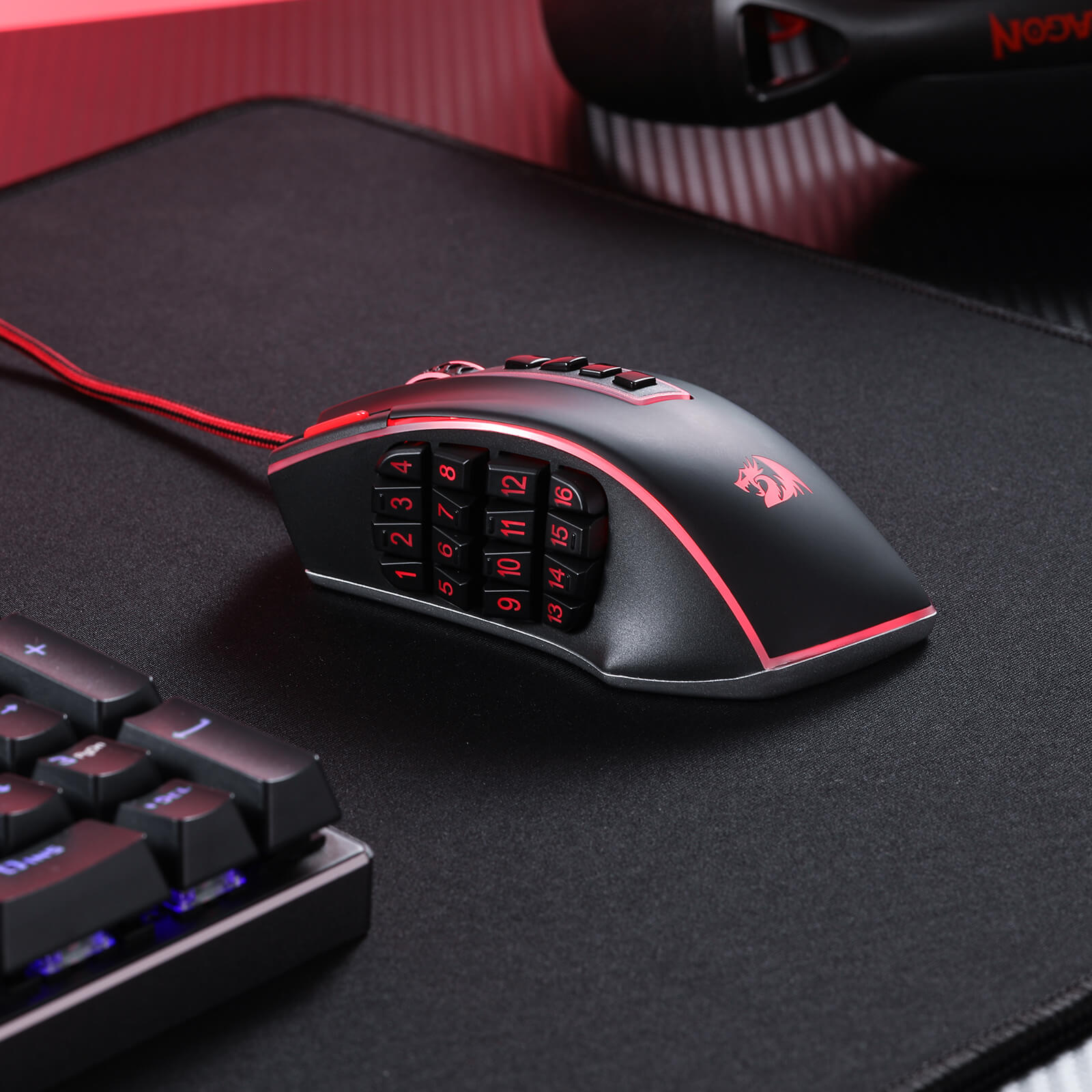
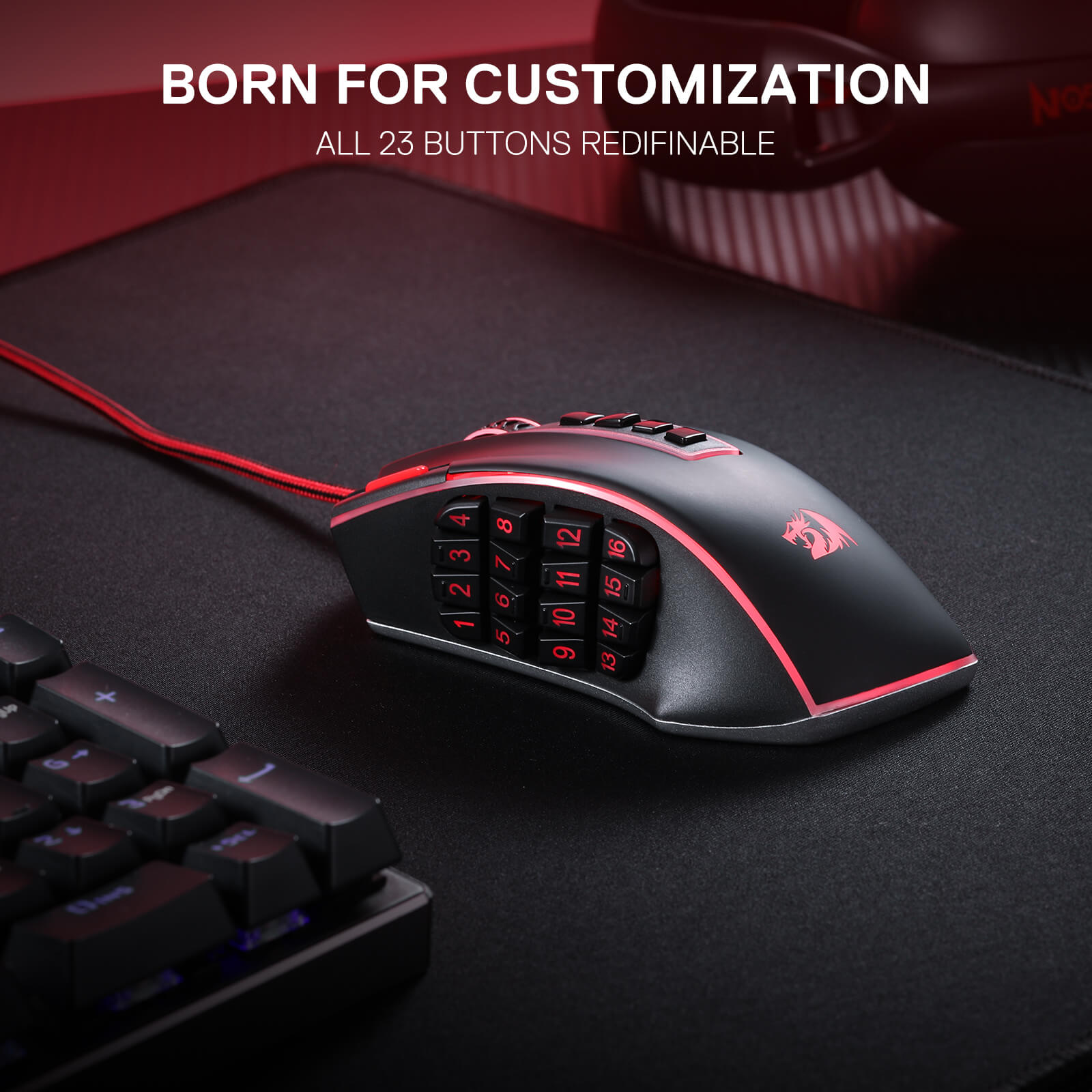
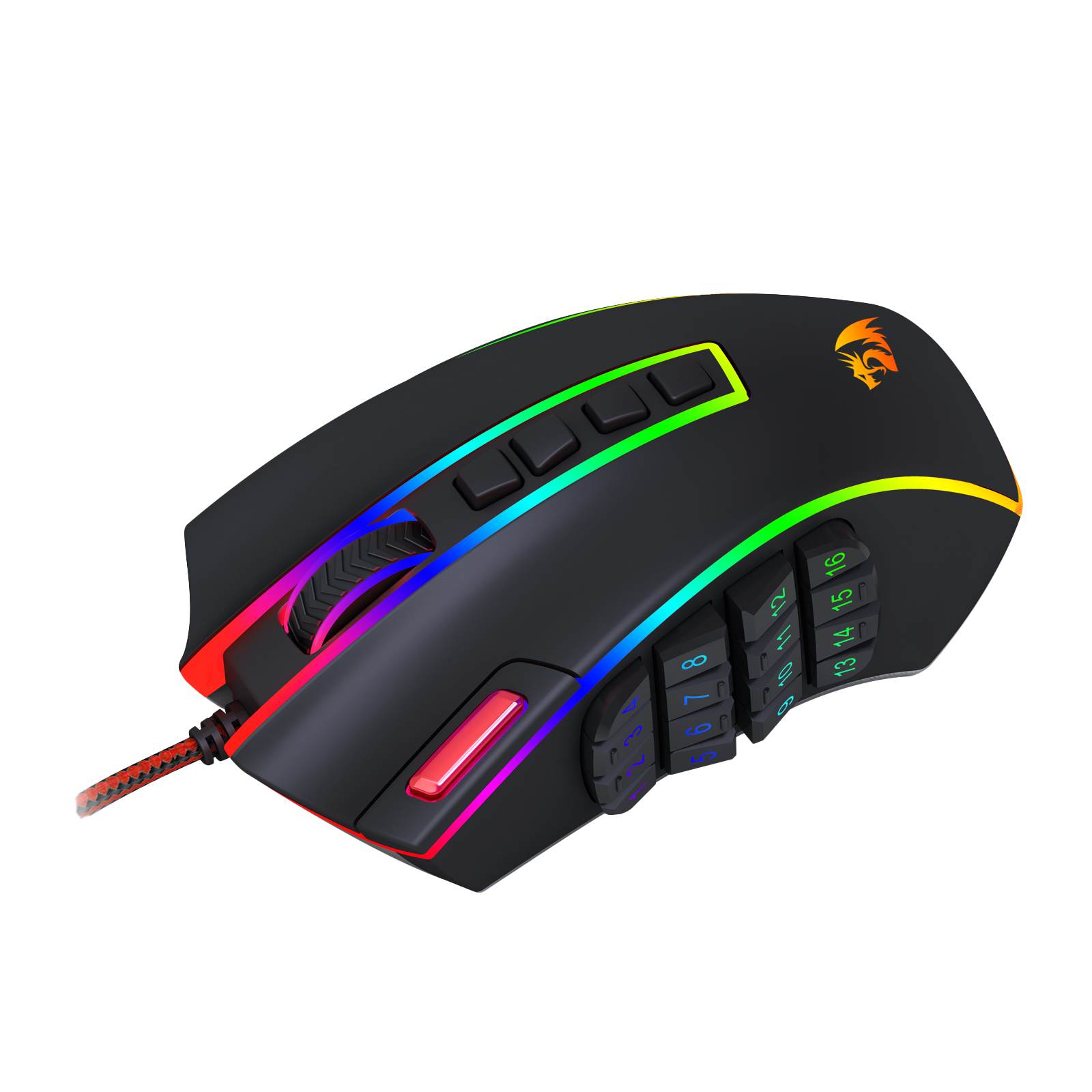
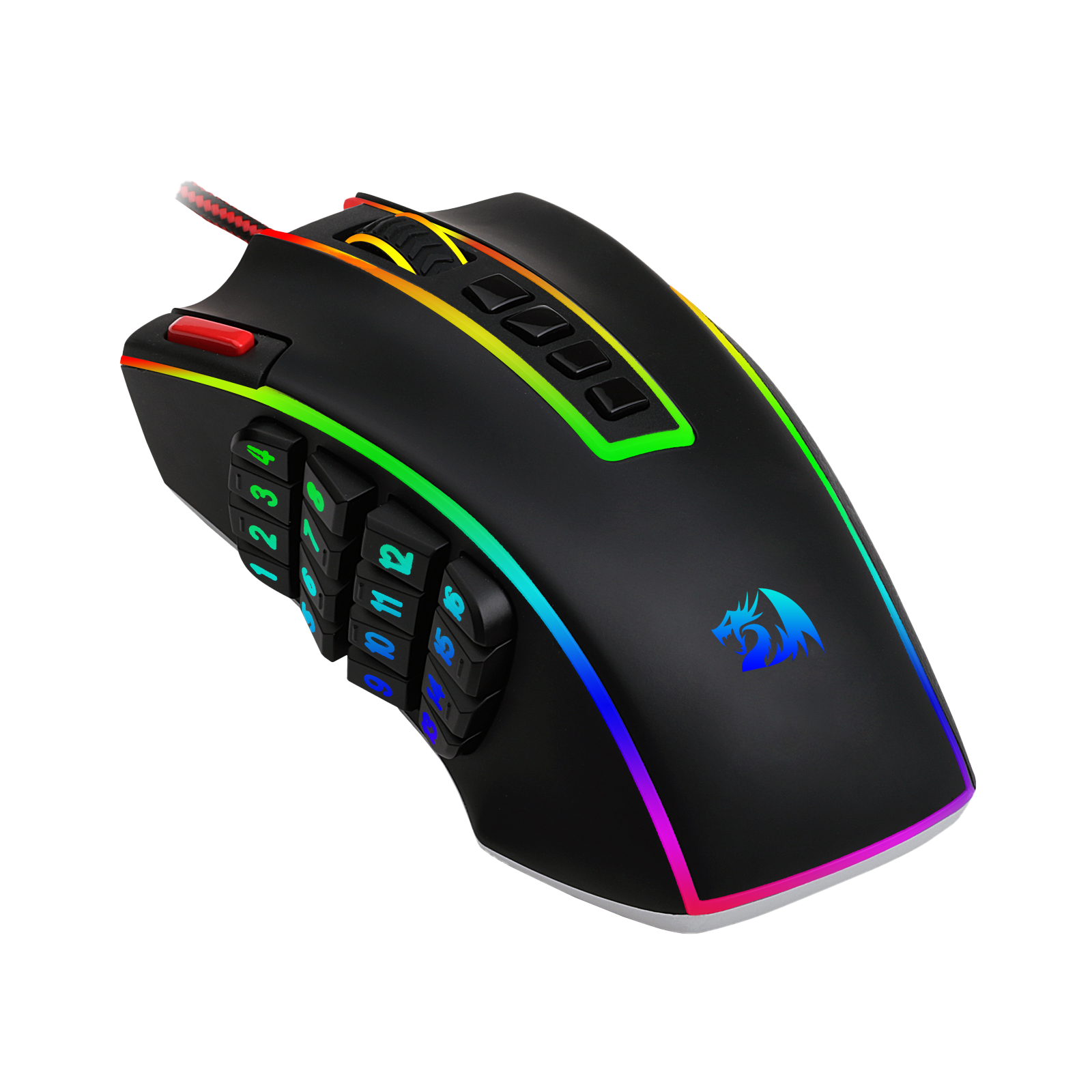
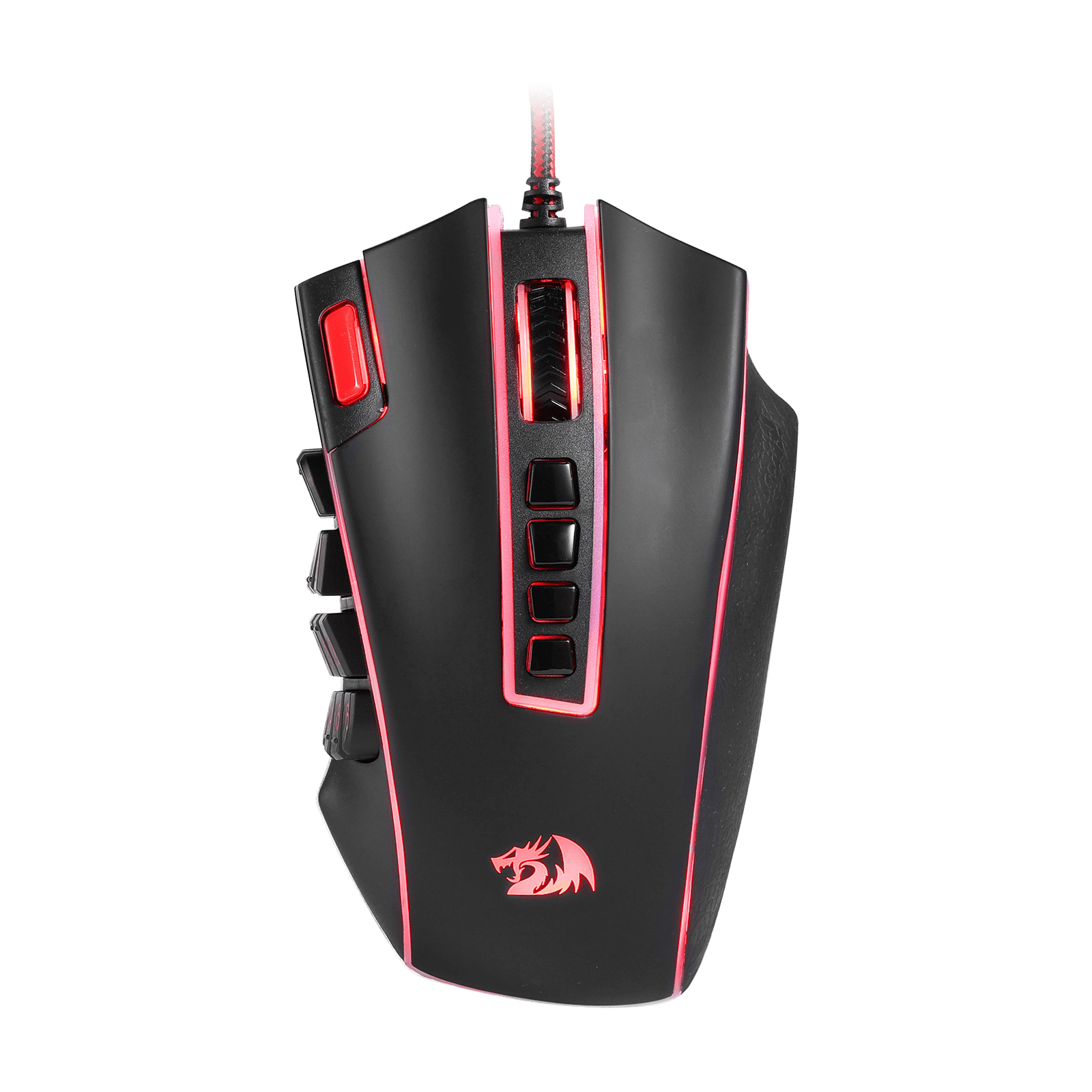
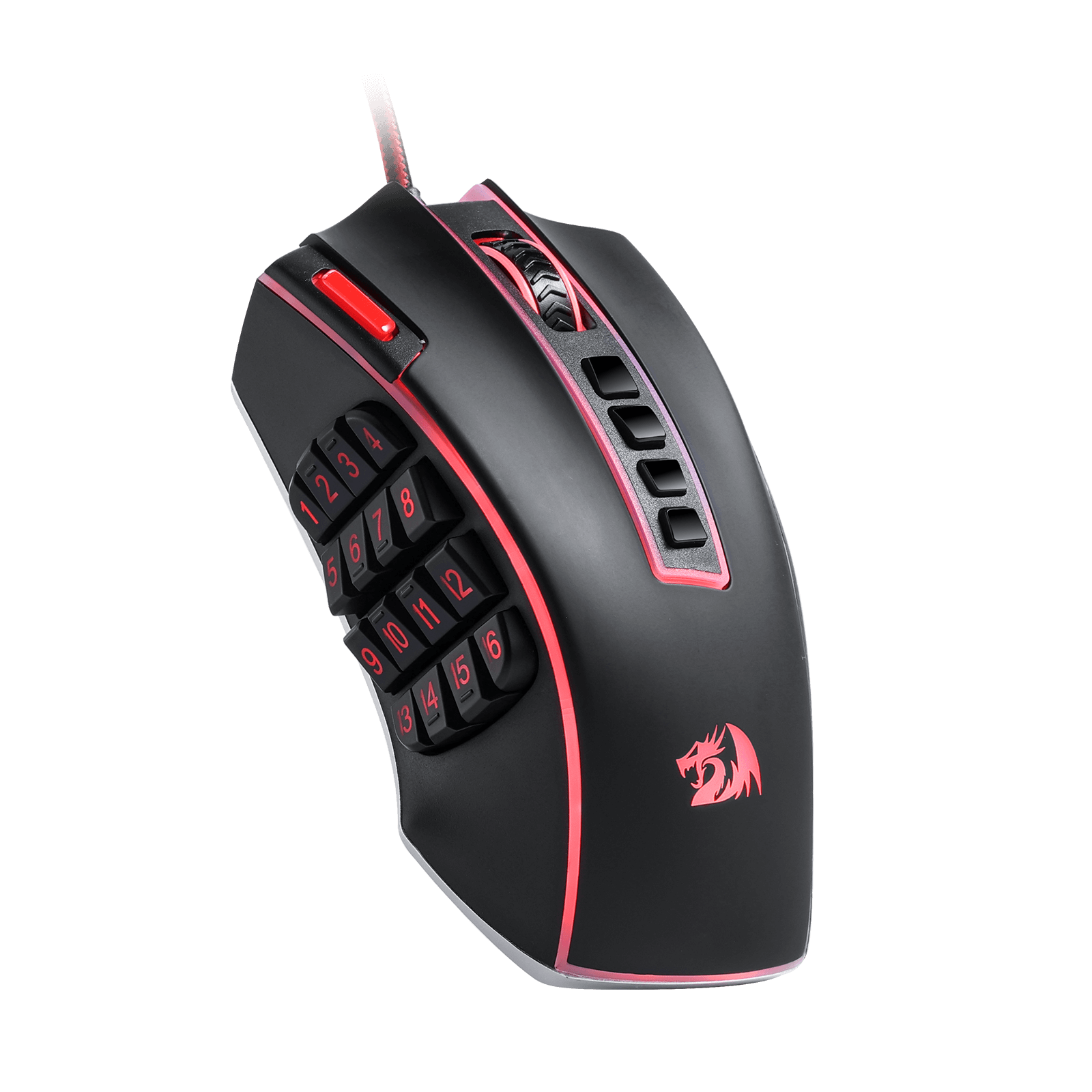
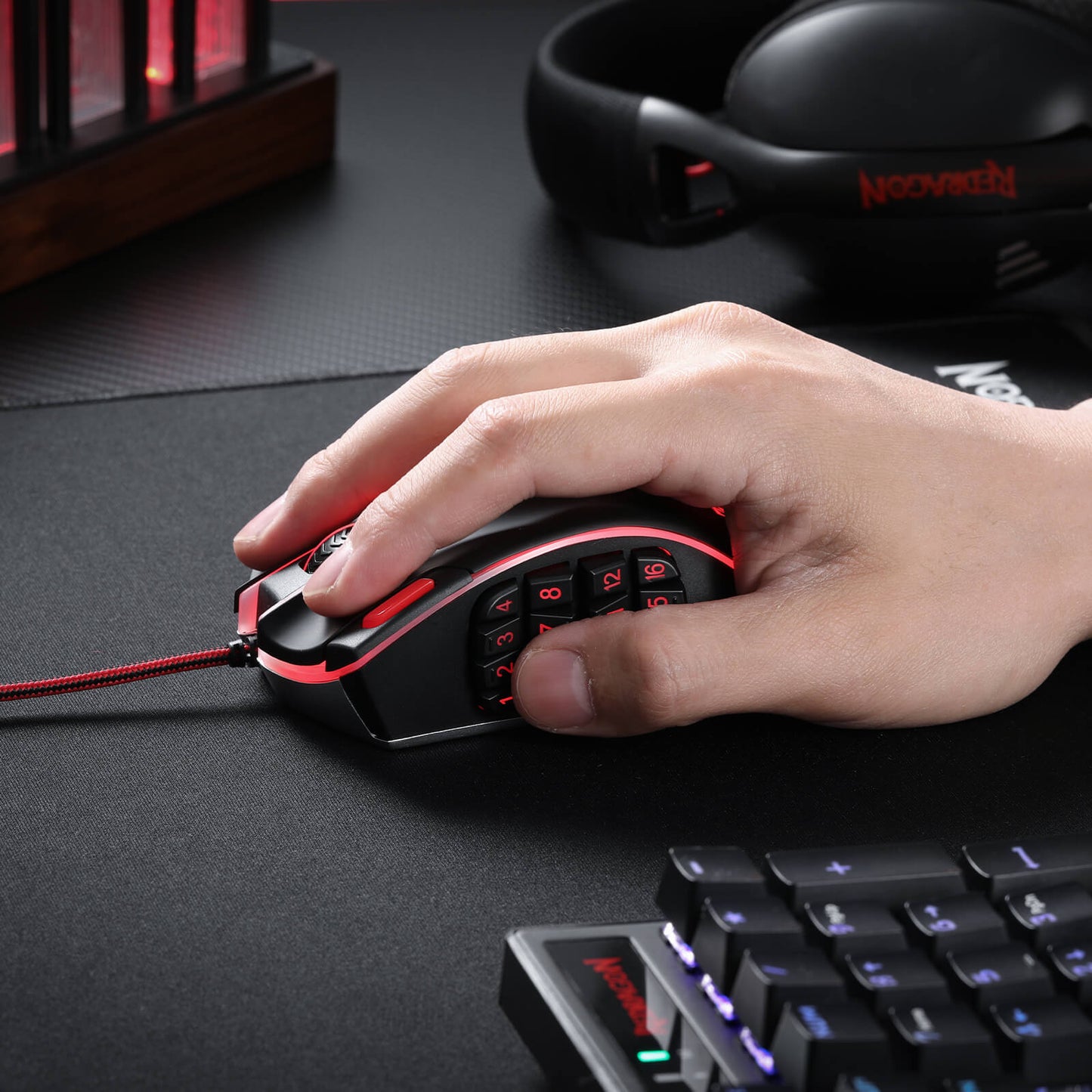
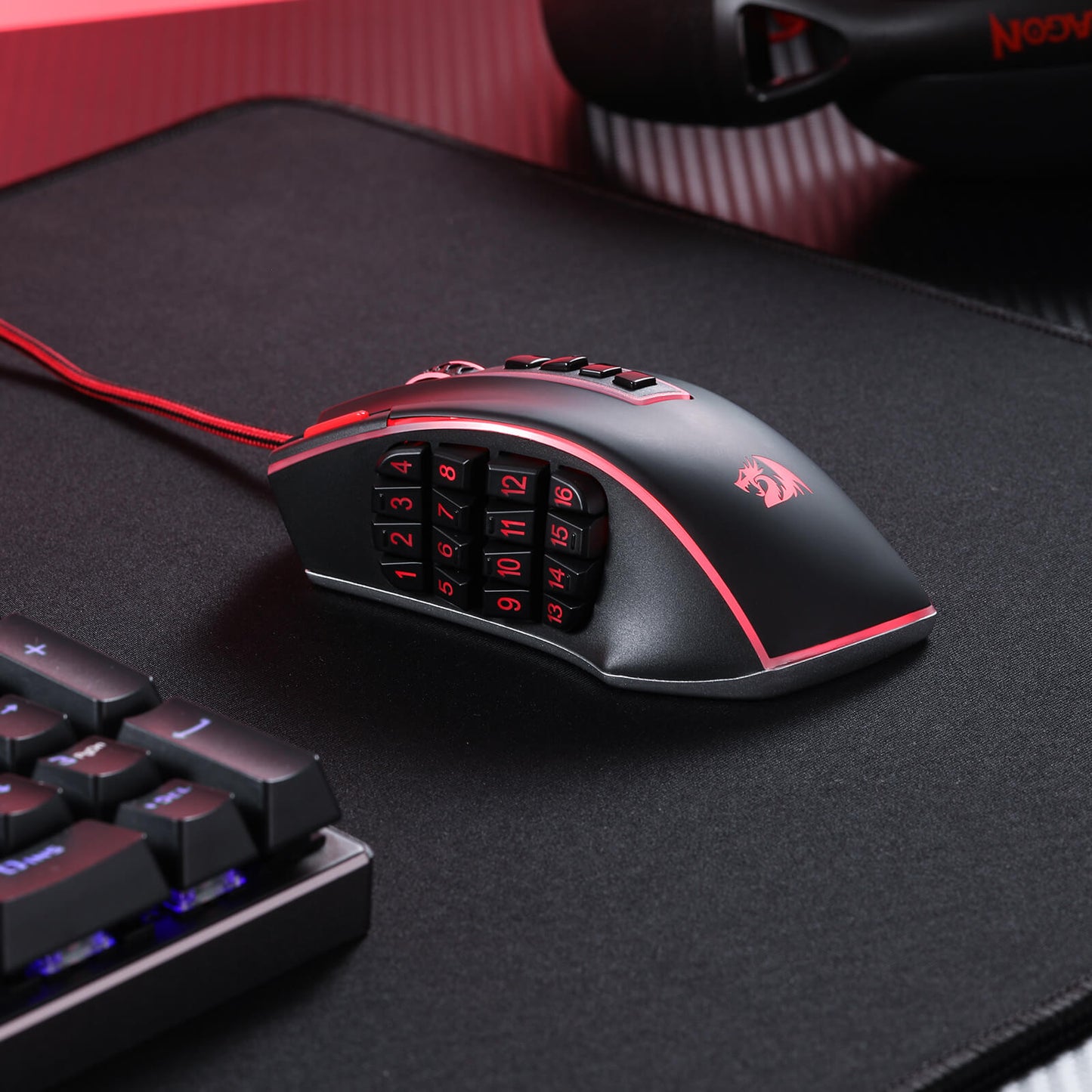
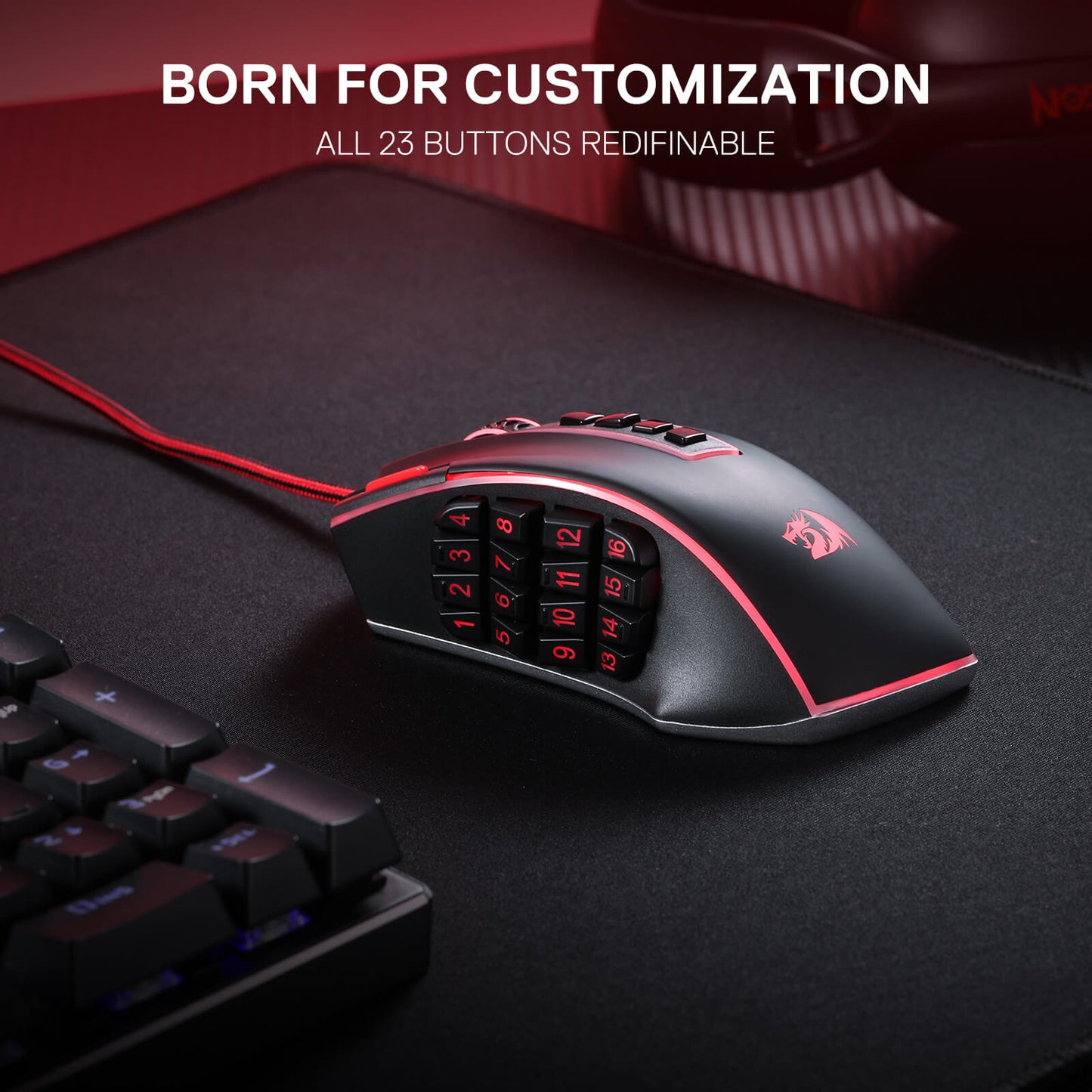
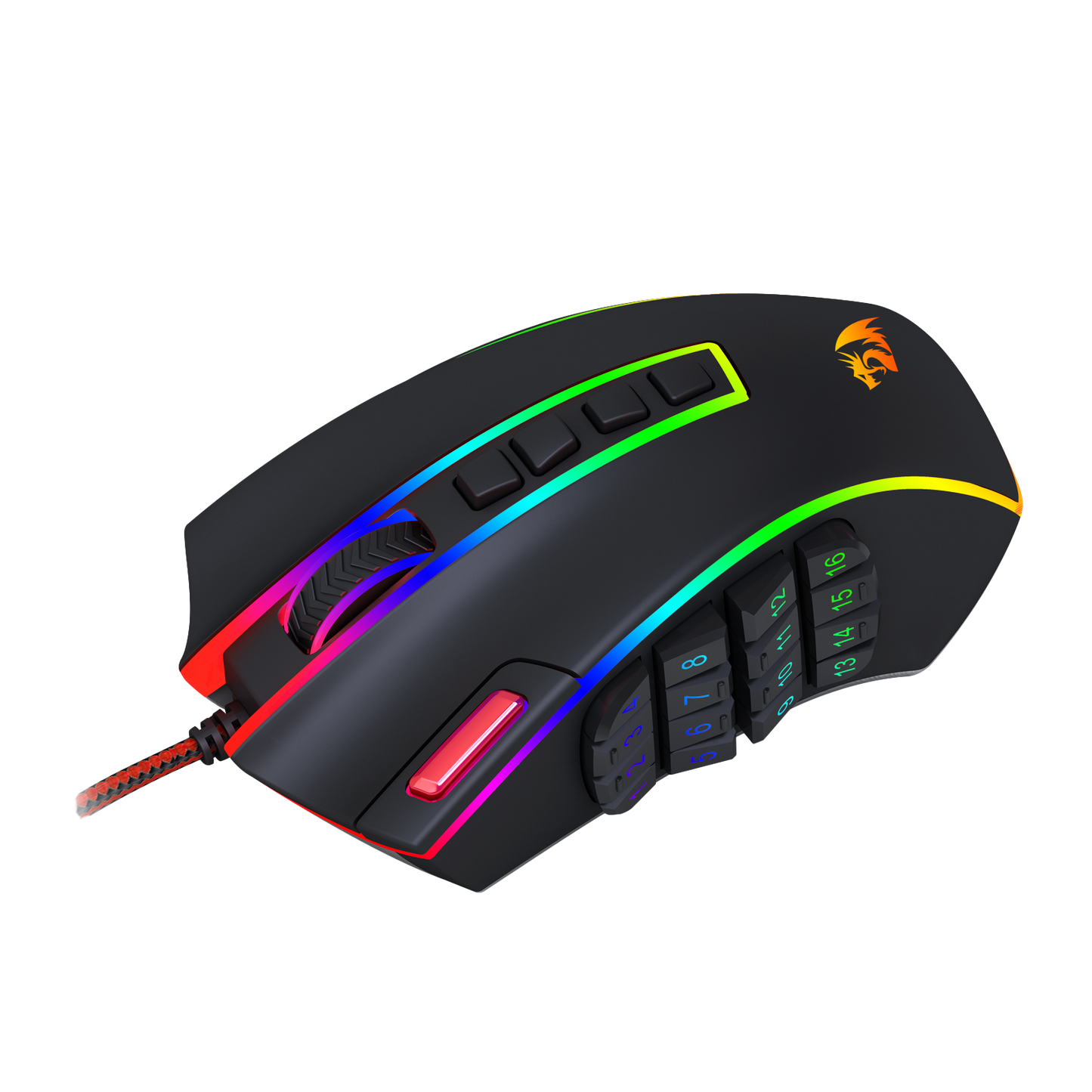
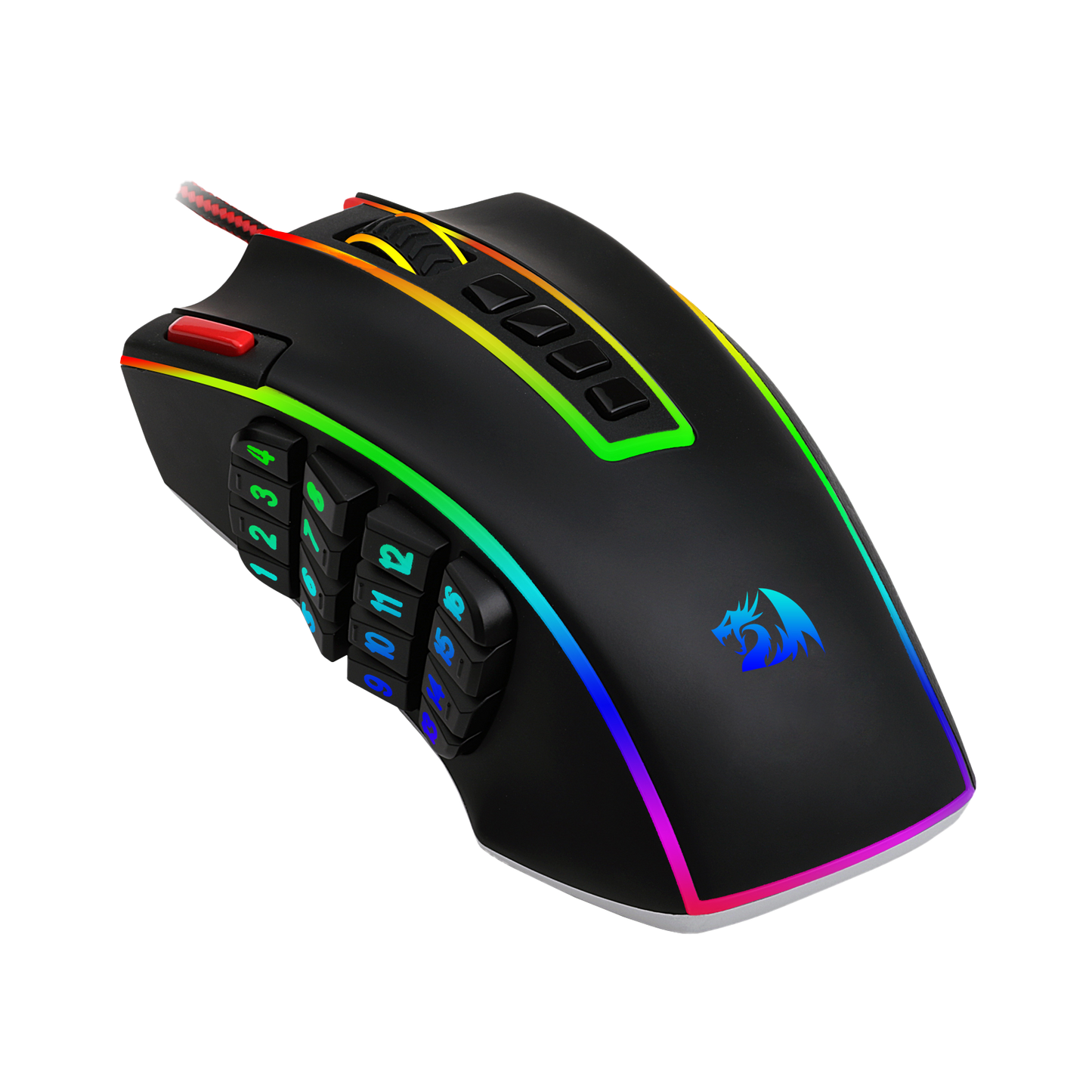
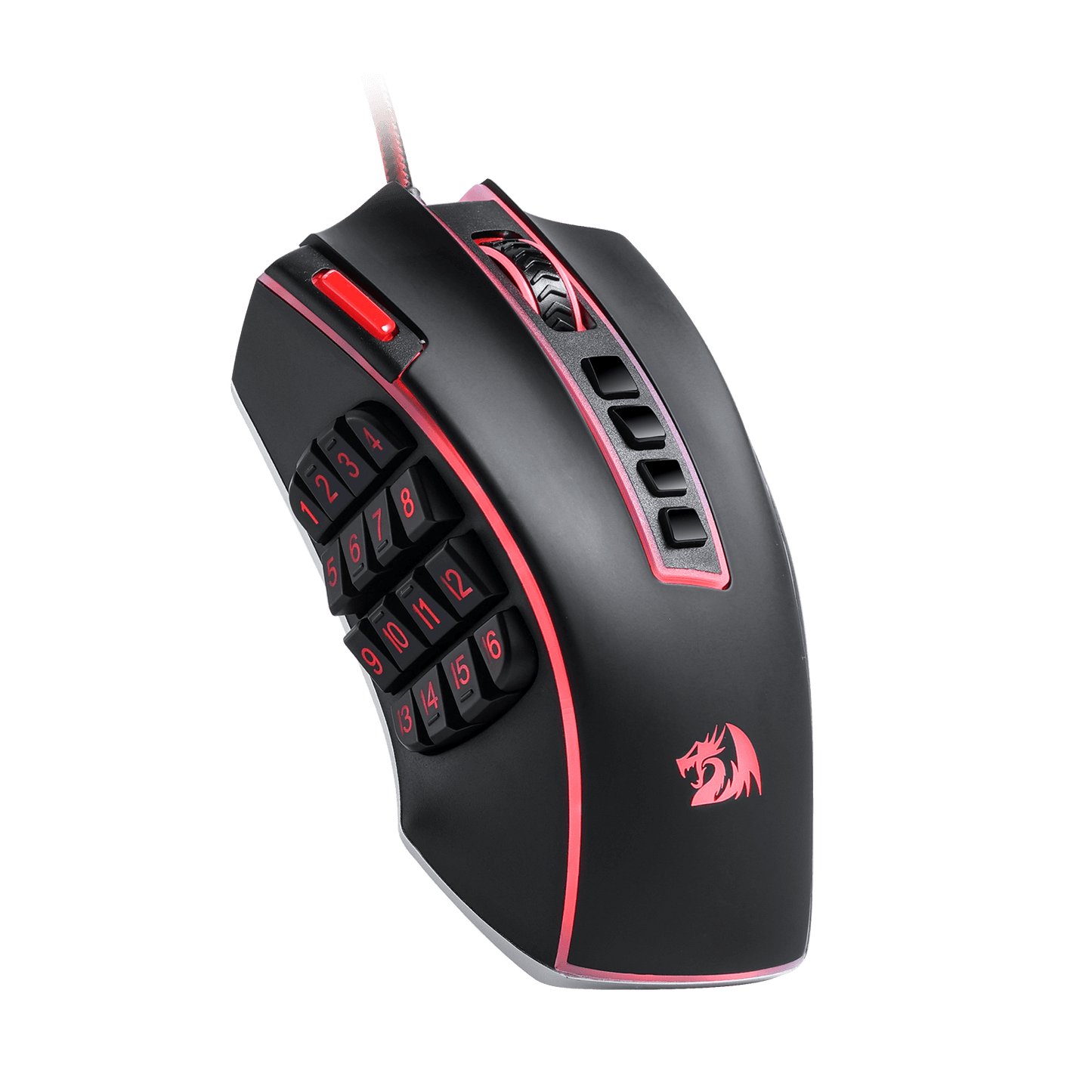
La souris de jeu MMO Redragon M990 va au-delà des souris de jeu standard avec son impressionnante gamme de 23 boutons programmables et de 16 touches macro latérales. Cela signifie que vous avez le pouvoir de personnaliser entièrement votre expérience de jeu, en attribuant des raccourcis clavier et des macros en fonction de votre style de jeu. Vous ne serez plus jamais pris au dépourvu dans le feu de la bataille ; d'un simple clic, vous pouvez exécuter des combos et des stratégies complexes en toute simplicité.
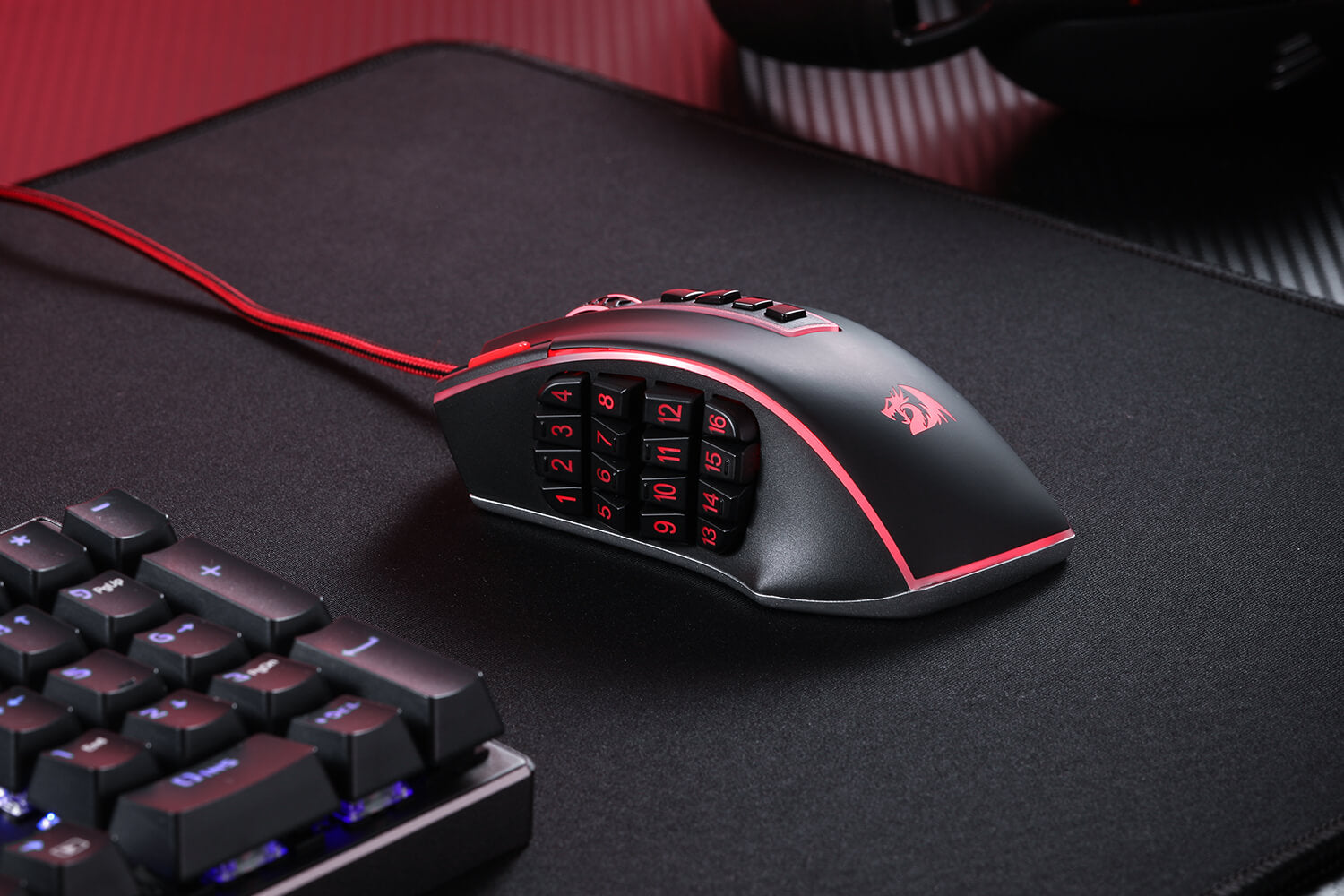

Conçu pour le confort et le style
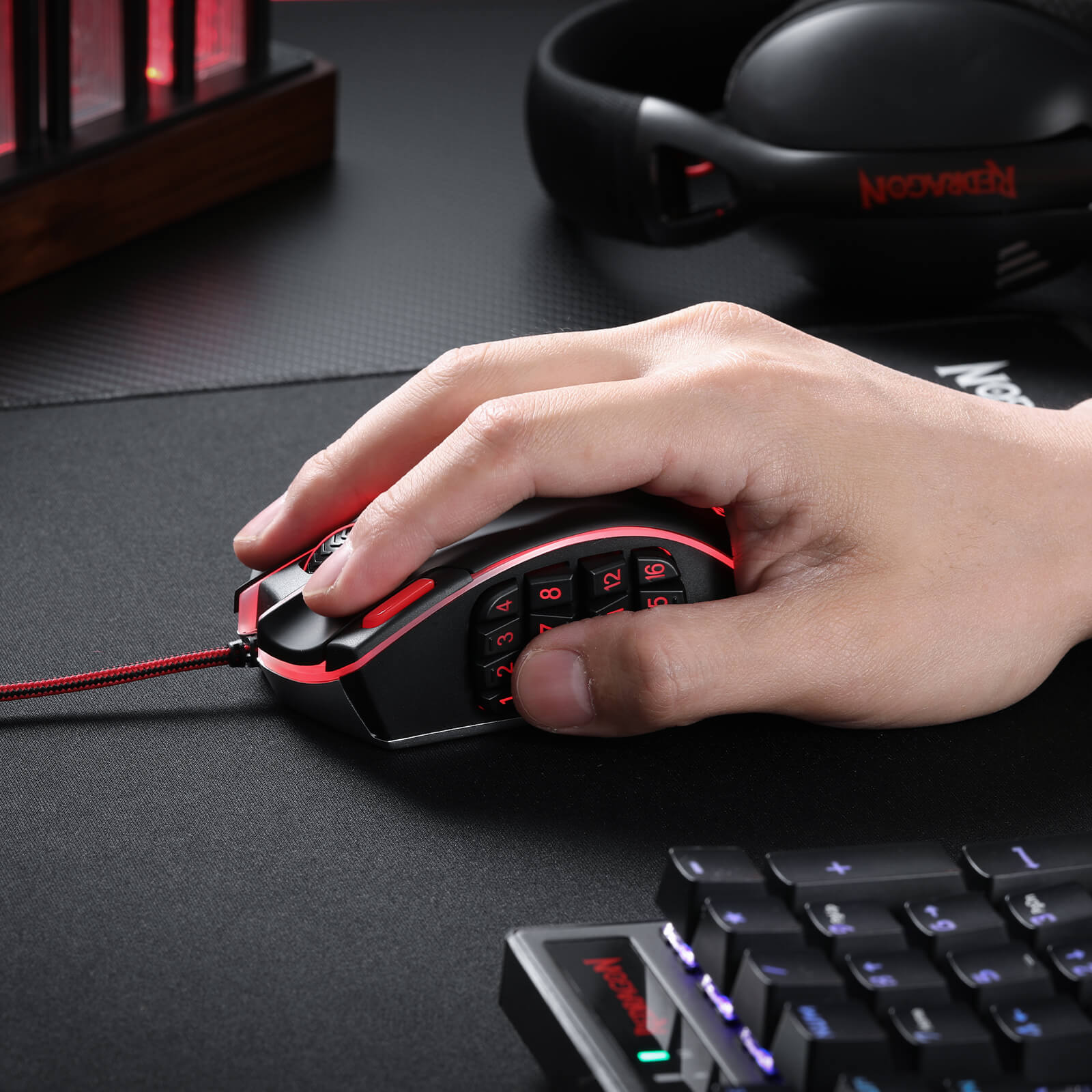
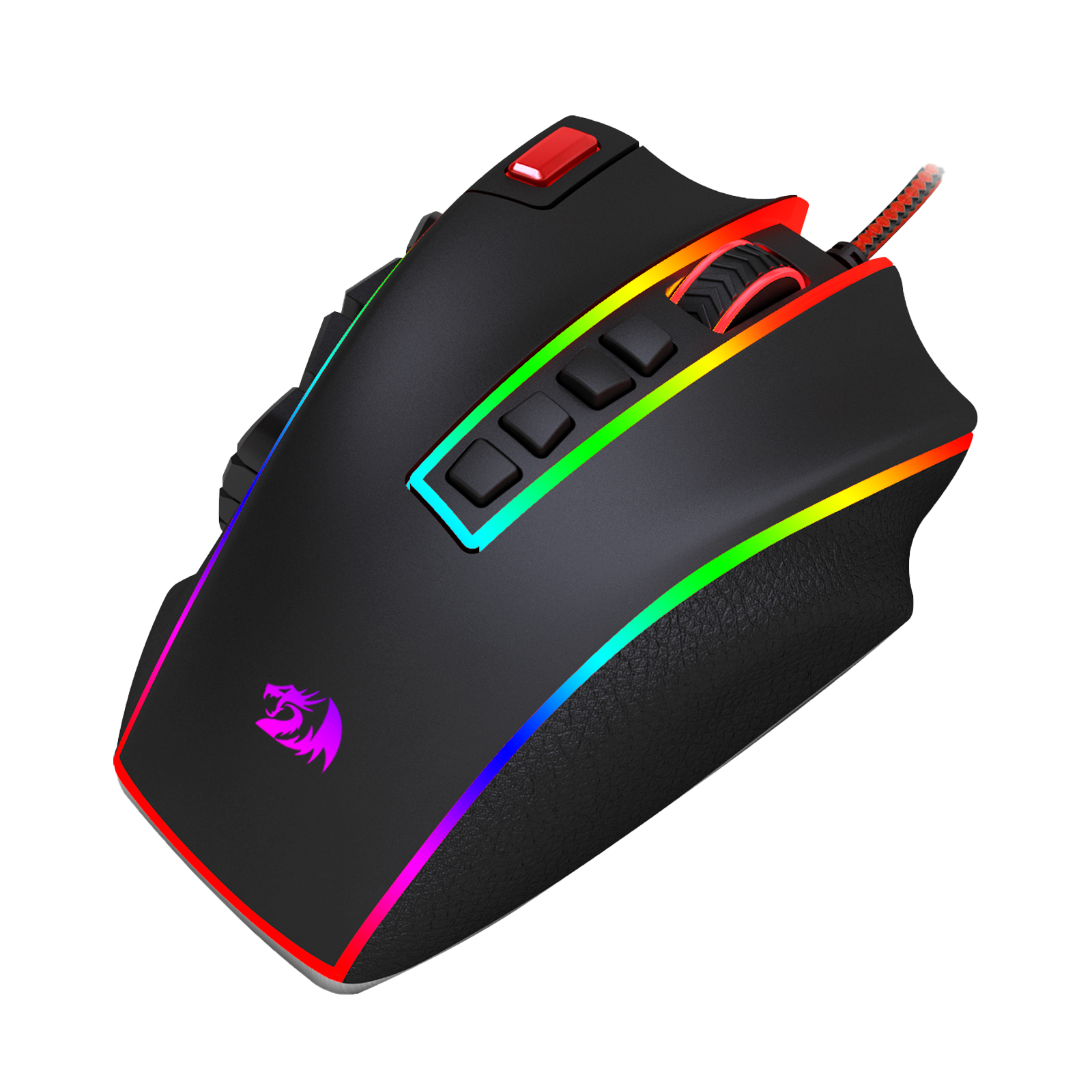
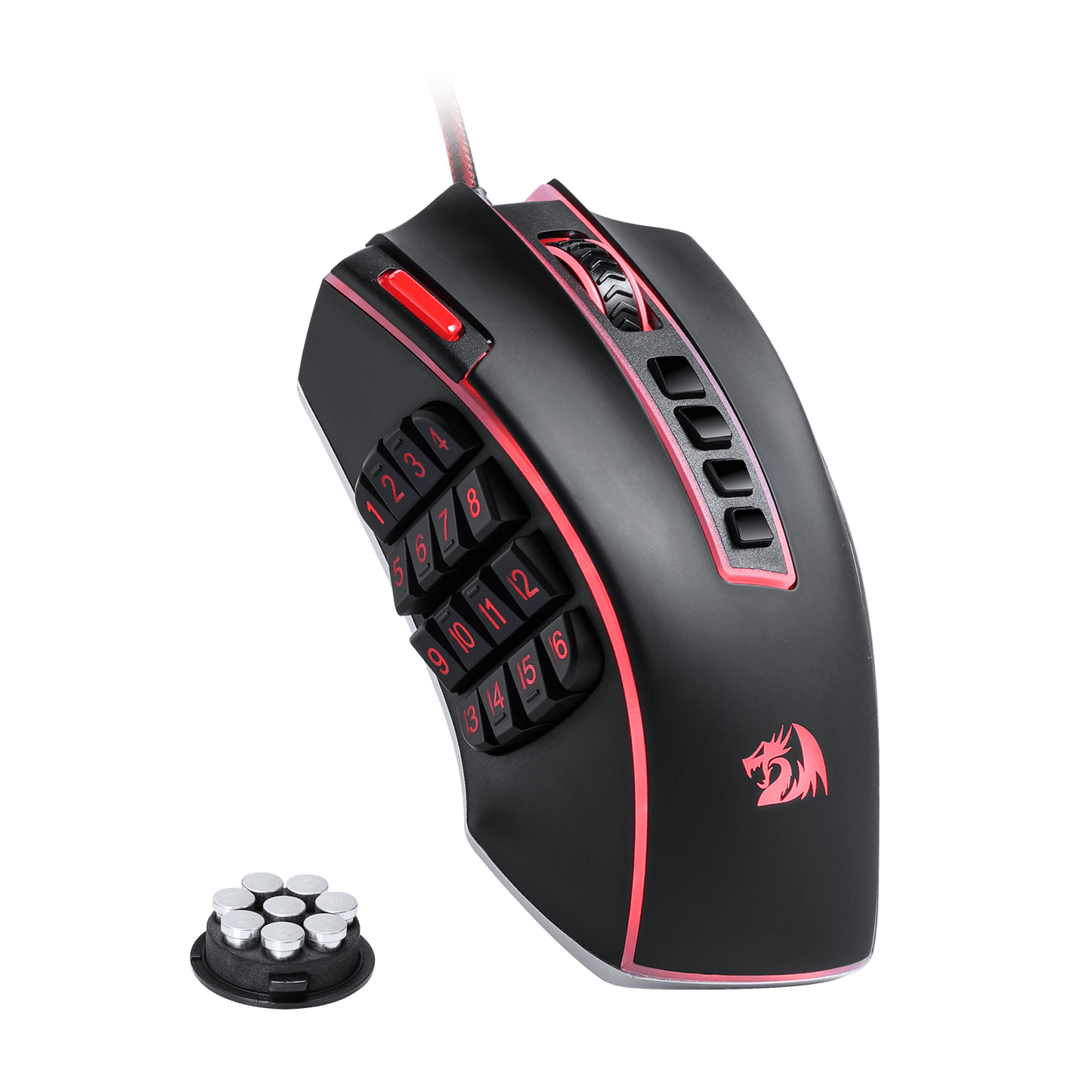
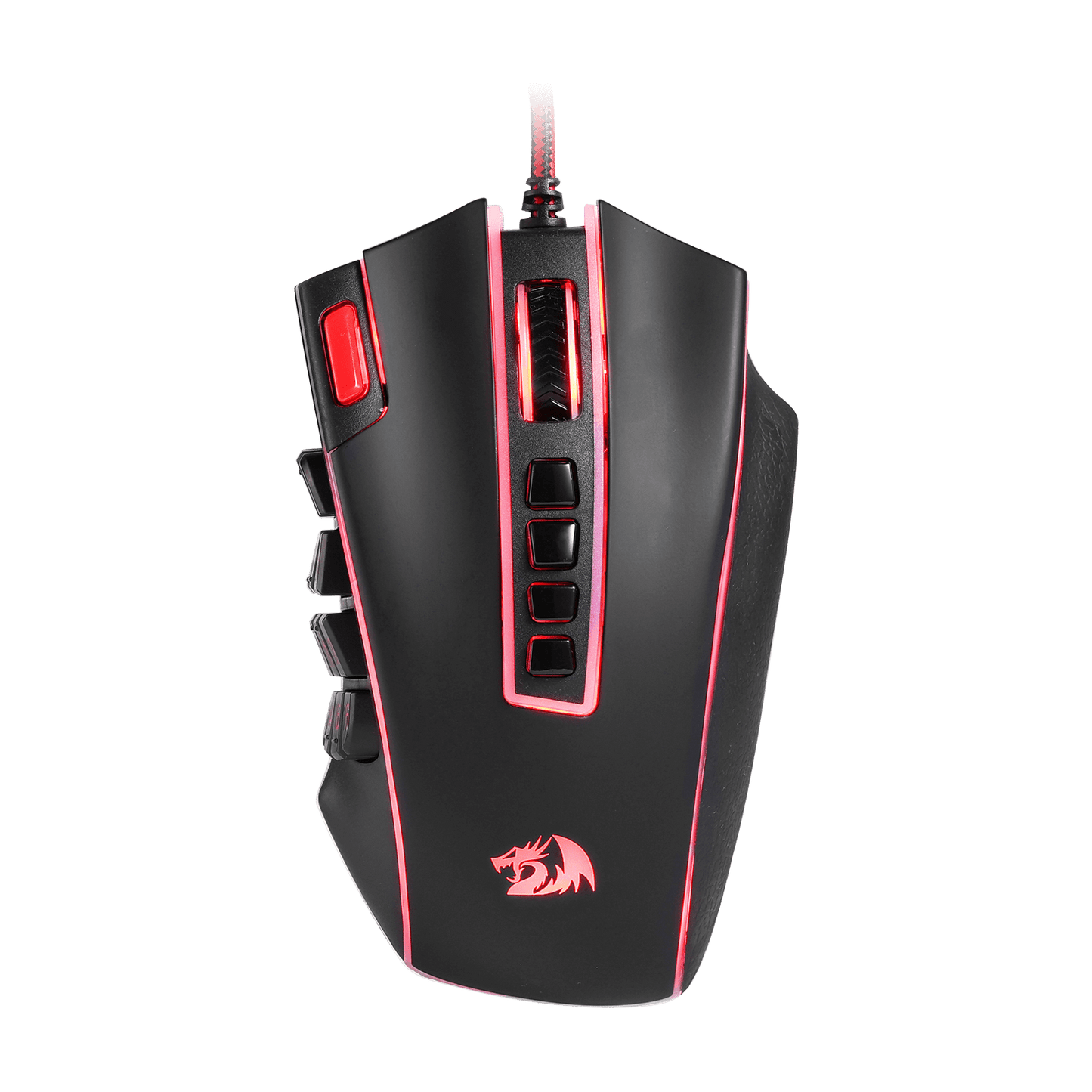
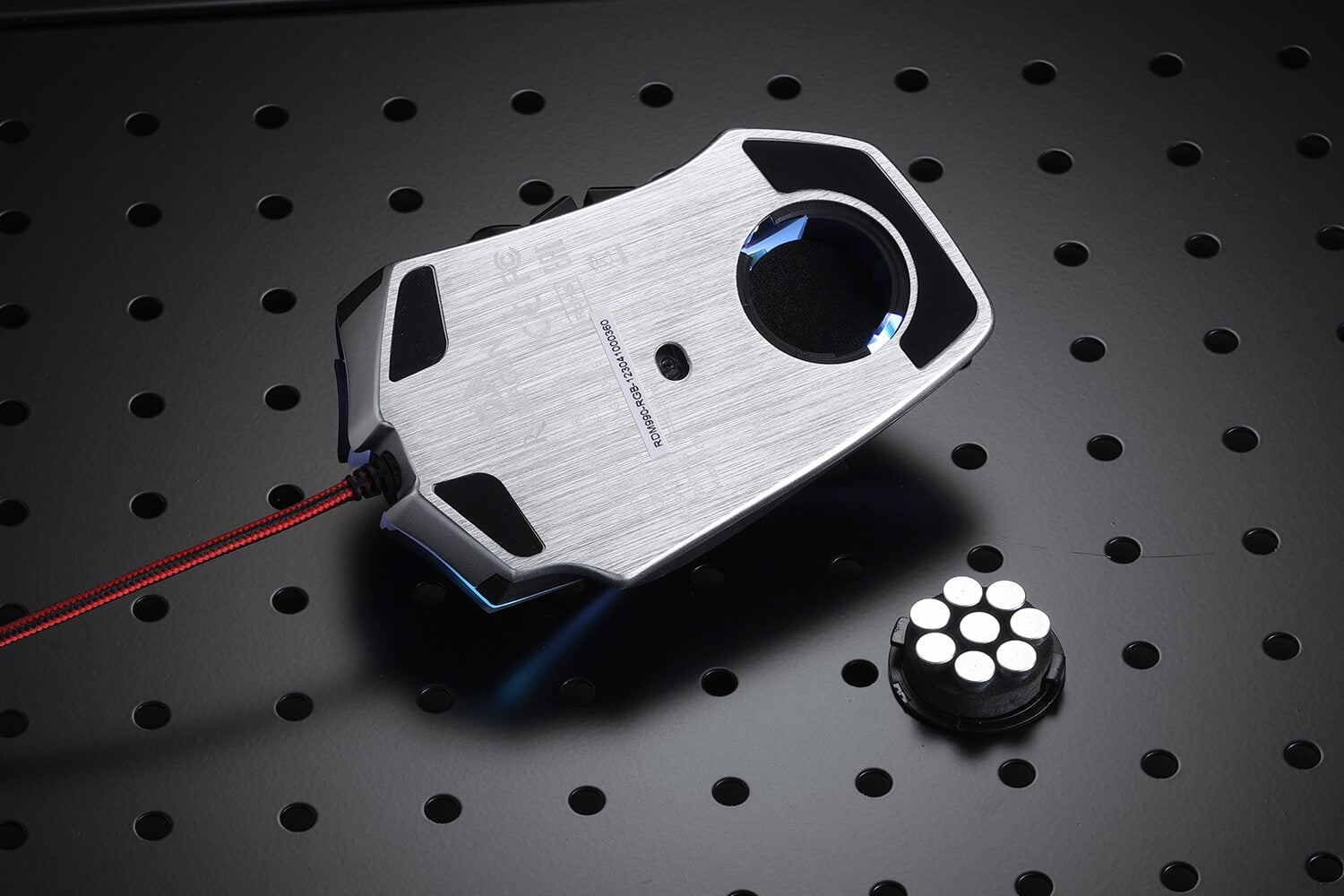
Cette souris de jeu ne se contente pas de fonctionner parfaitement ; elle est également très agréable au toucher et a fière allure sur votre bureau. Avec un design ergonomique et un ensemble de réglage du poids en 8 pièces, la Redragon M990 peut être personnalisée à votre goût, garantissant de longues heures de jeu confortable. Ses 16,8 millions d'options de couleurs LED RVB et ses 5 profils de mémoire ajoutent une touche de style personnel à votre configuration de jeu, faisant de chaque session de jeu la vôtre.
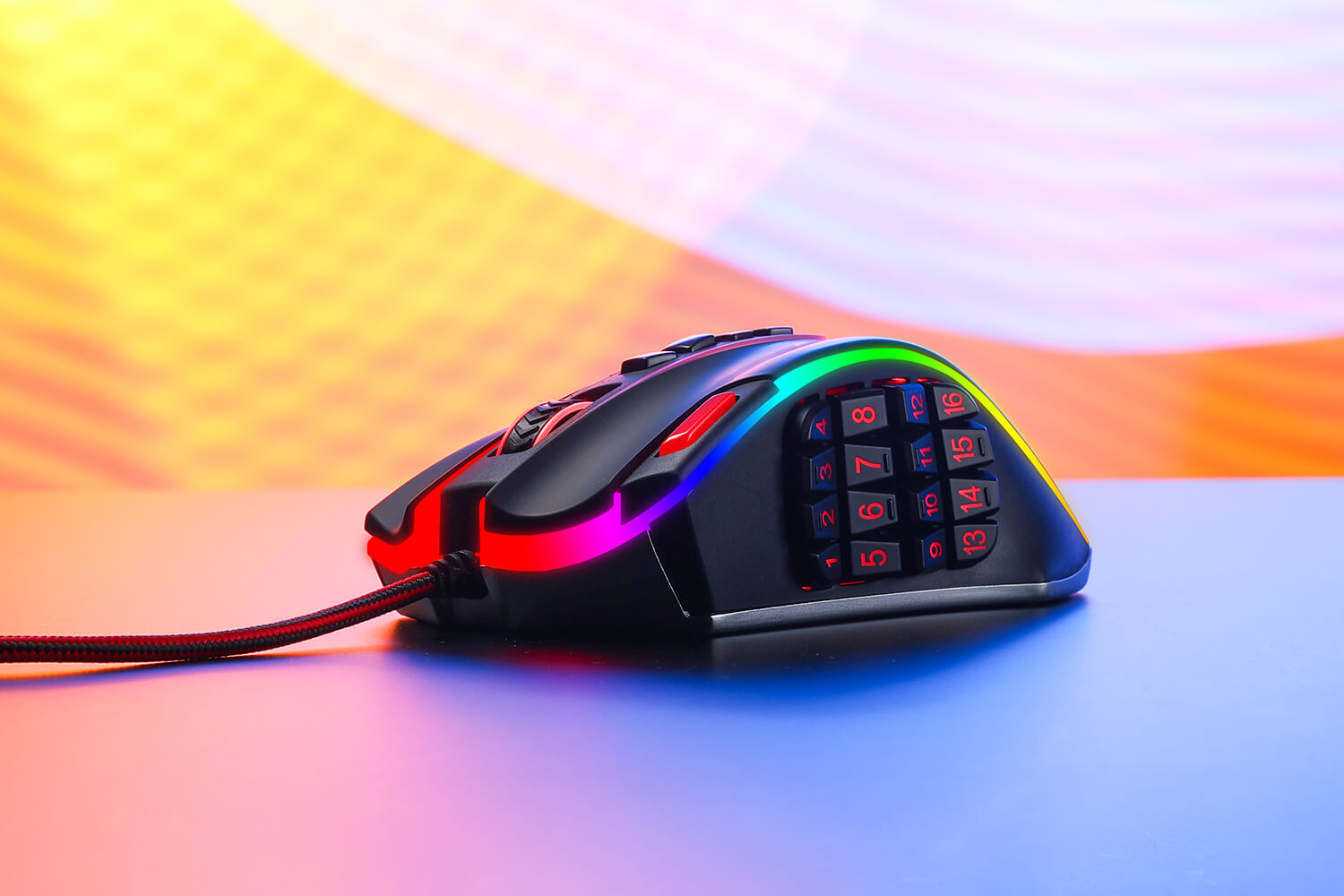
Illuminez votre poste de combat
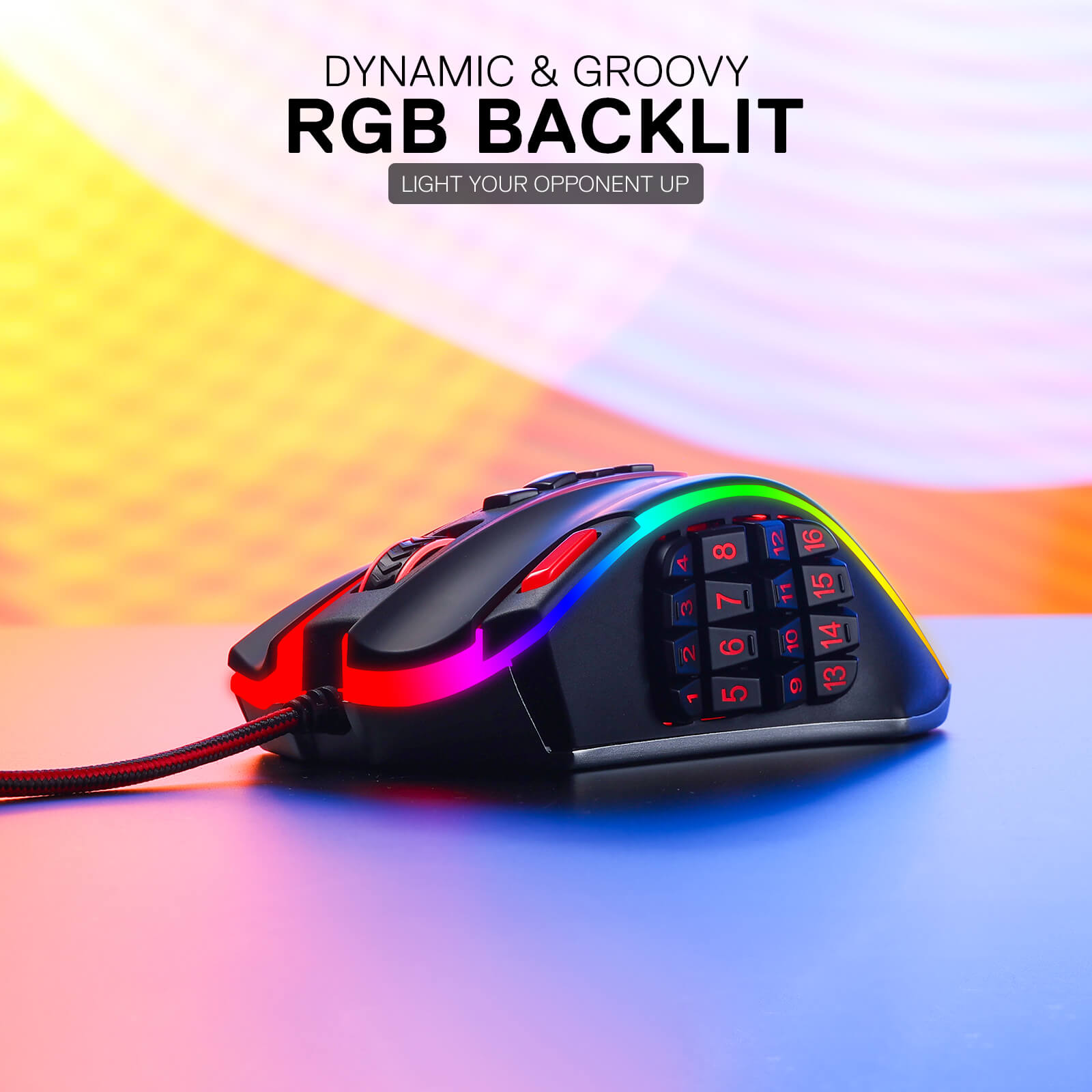
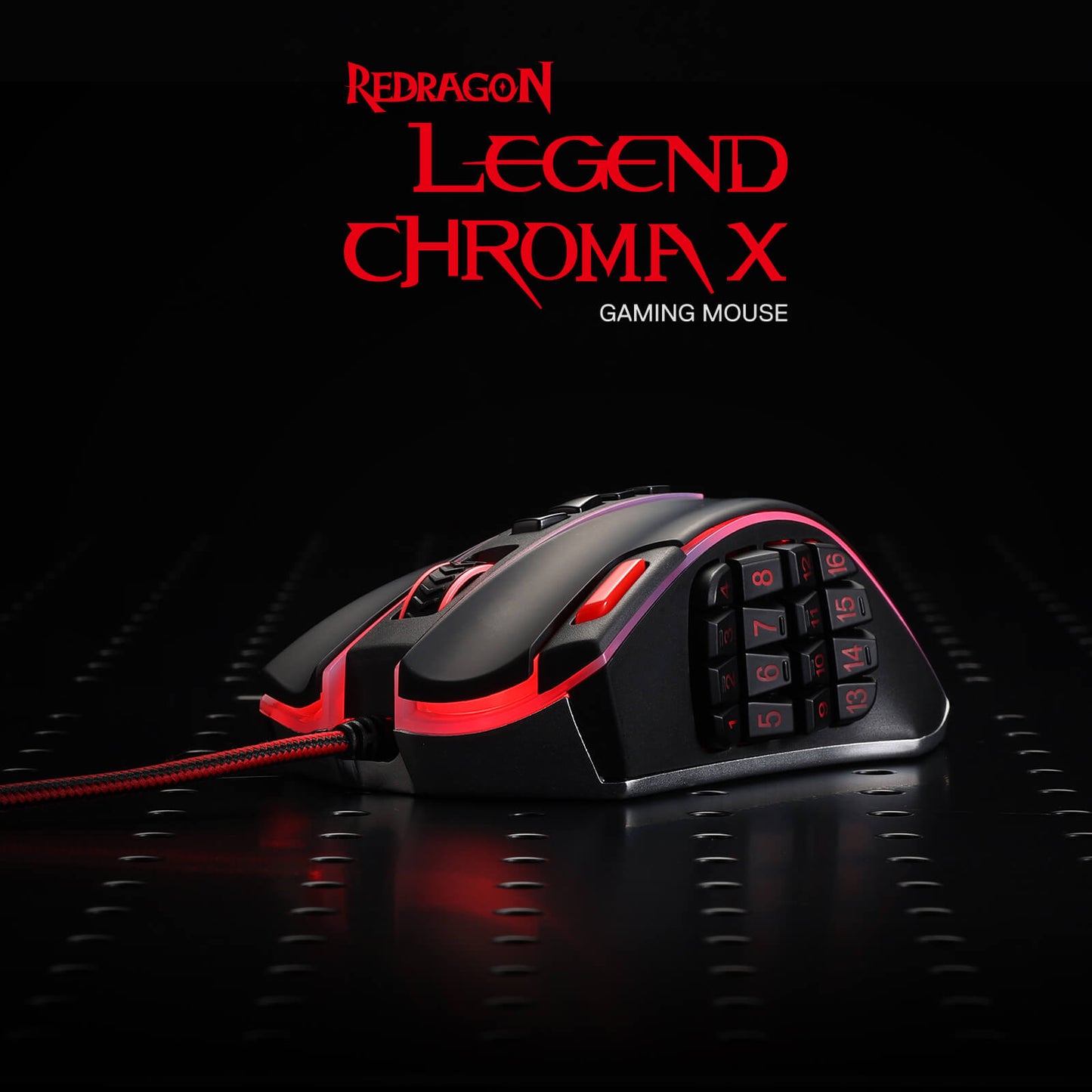
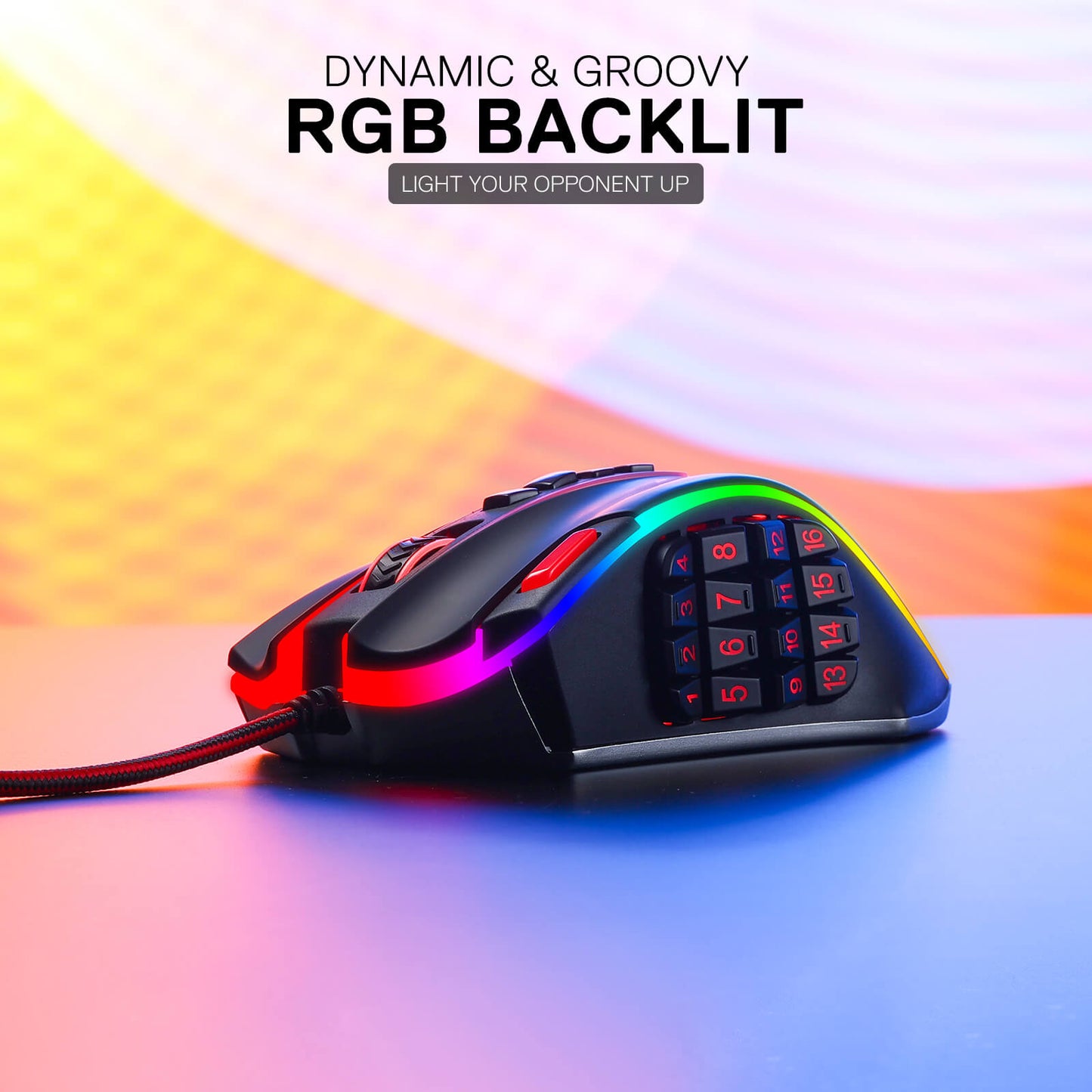
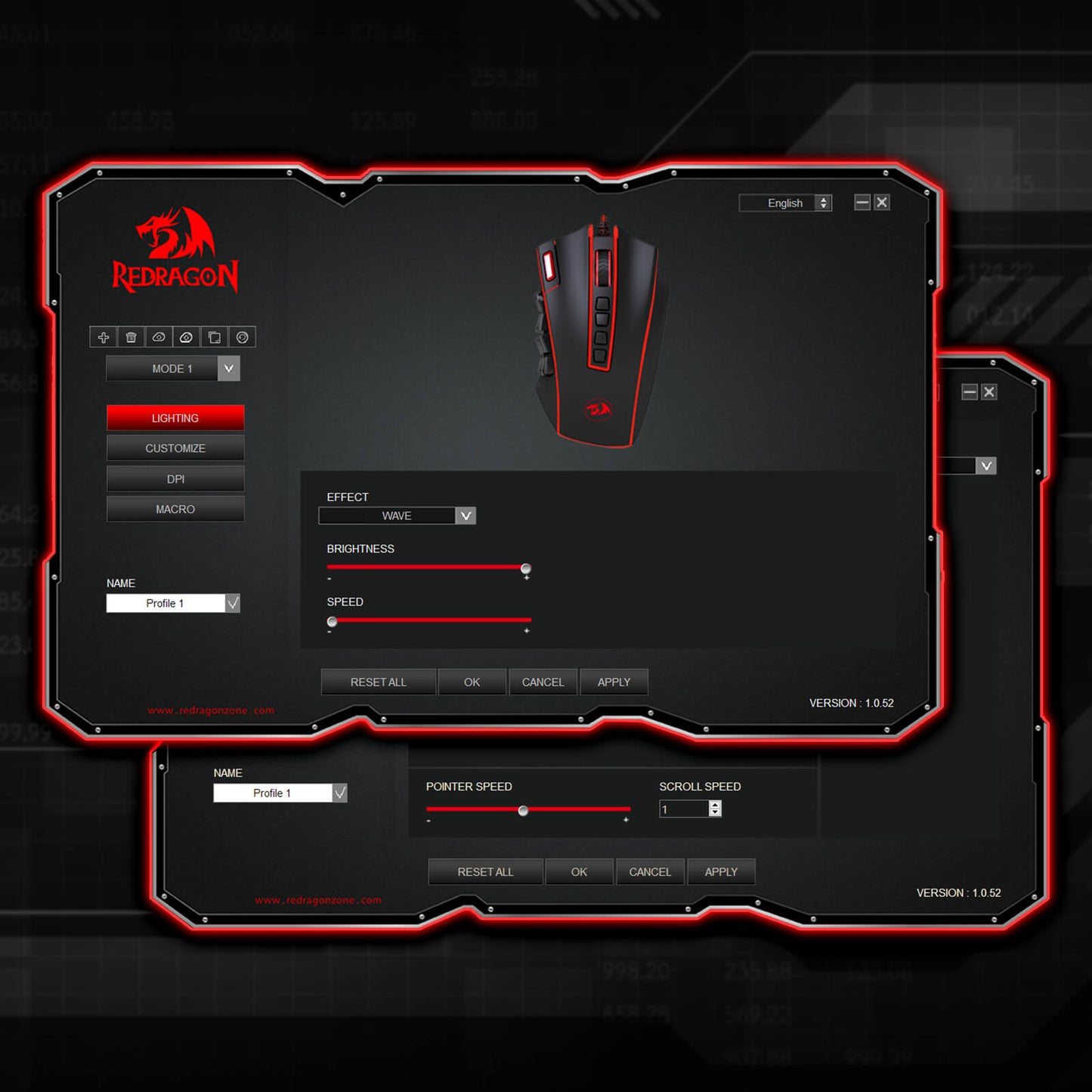
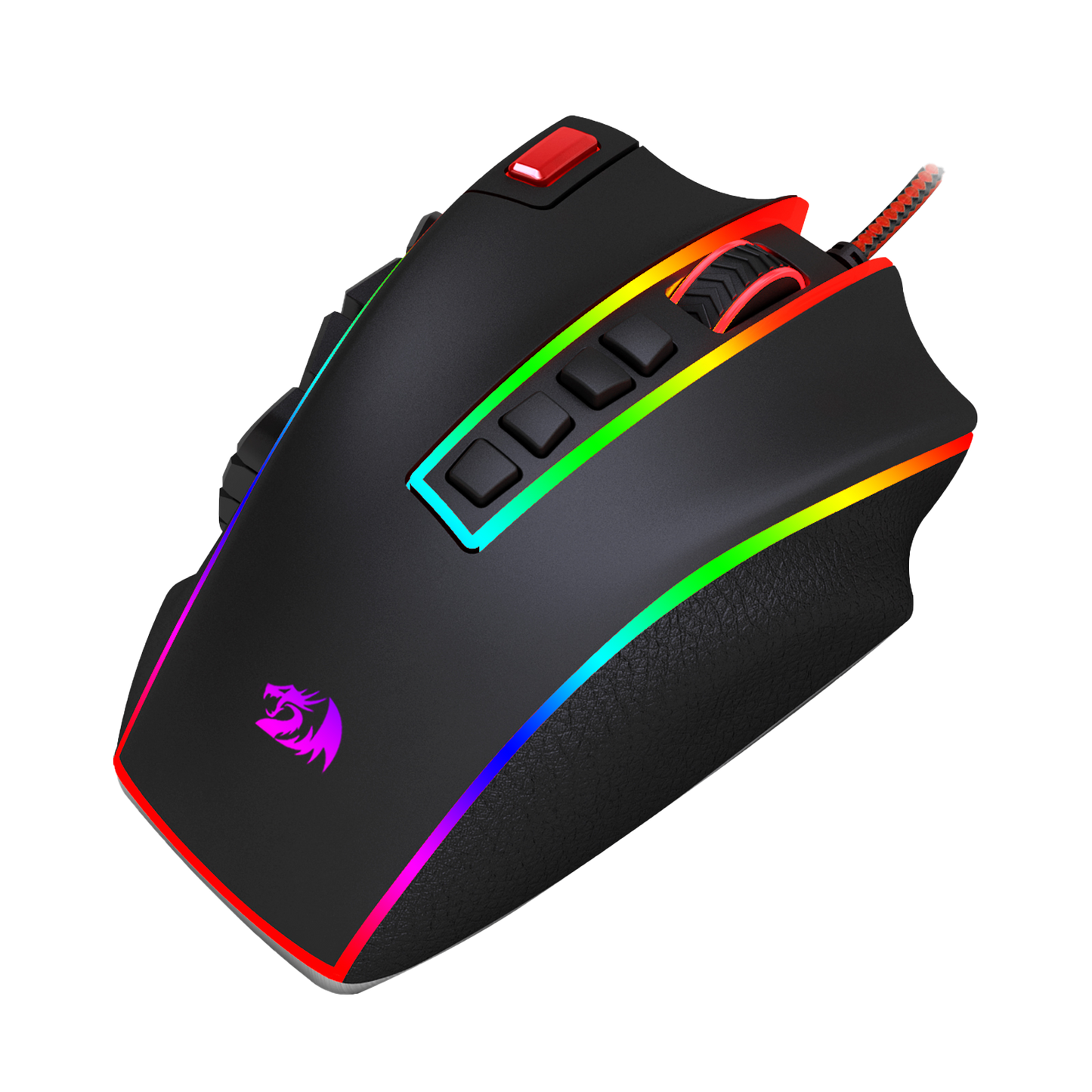
La souris de jeu Redragon M990 MMO n'est pas seulement synonyme de performances à haut rendement, elle est également synonyme de style. Avec cinq modes de rétroéclairage distincts et une palette époustouflante de 16,8 millions d'options de couleurs LED RVB, cette souris transforme votre station de jeu en un affichage lumineux éblouissant. Chacun des 5 profils de mémoire est doté d'une couleur de lumière unique, ce qui vous permet d'identifier rapidement le profil que vous utilisez.

L'arme ultime pour les joueurs invétérés
Lorsque la bataille devient intense, vous avez besoin d'une souris de jeu capable de suivre le rythme - et la Redragon M990 est plus que capable de relever le défi. Que vous tiriez à distance, lanciez un assaut frontal ou manœuvriez avec furtivité et précision, cette souris est votre fidèle compagnon. Sa compatibilité avec Windows XP/VISTA/7/8/10/11 pour une utilisation programmable et Mac OS pour une utilisation normale en fait un excellent choix pour les joueurs de tous types.
Équilibre parfait avec une base en aluminium et un réglage du poids réglable
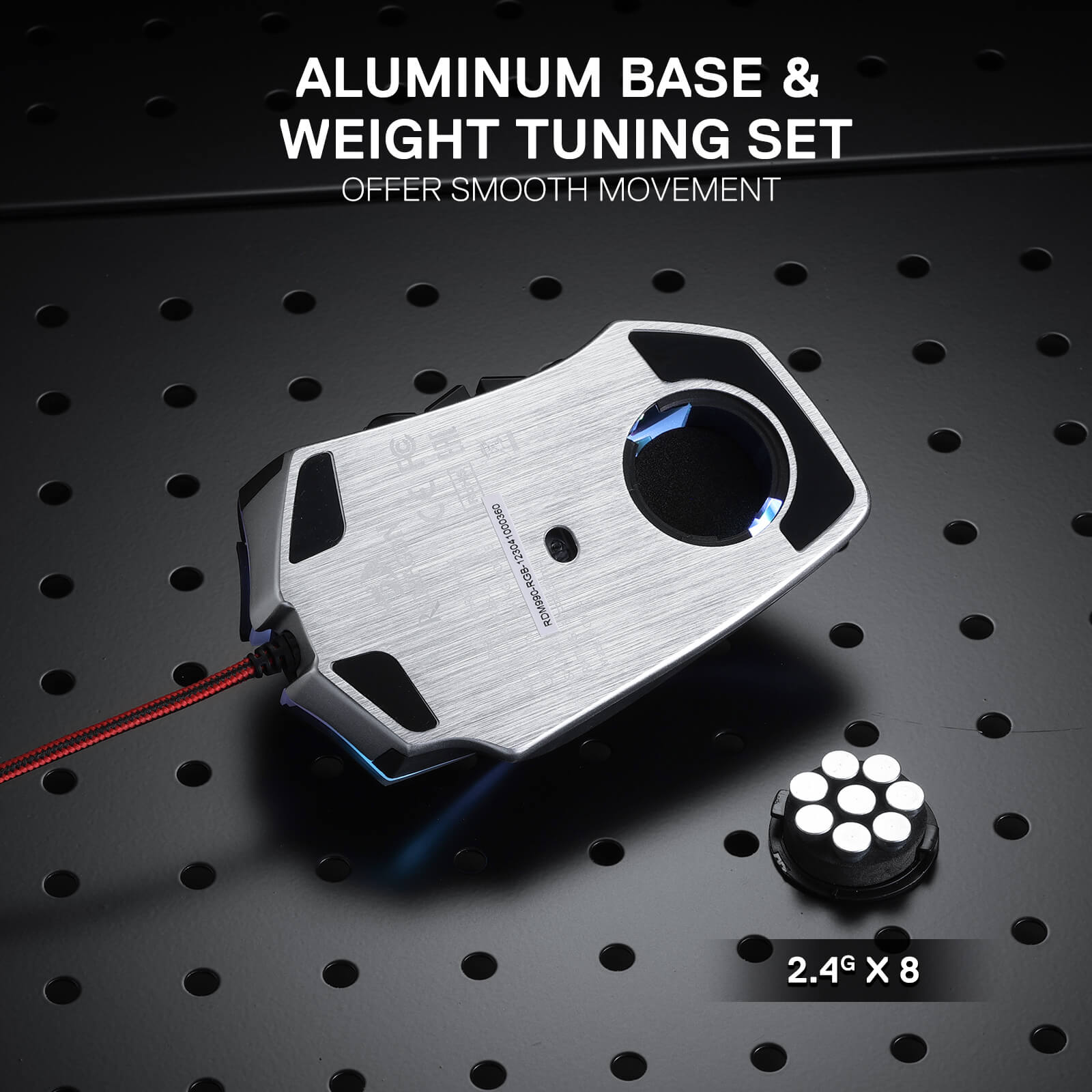
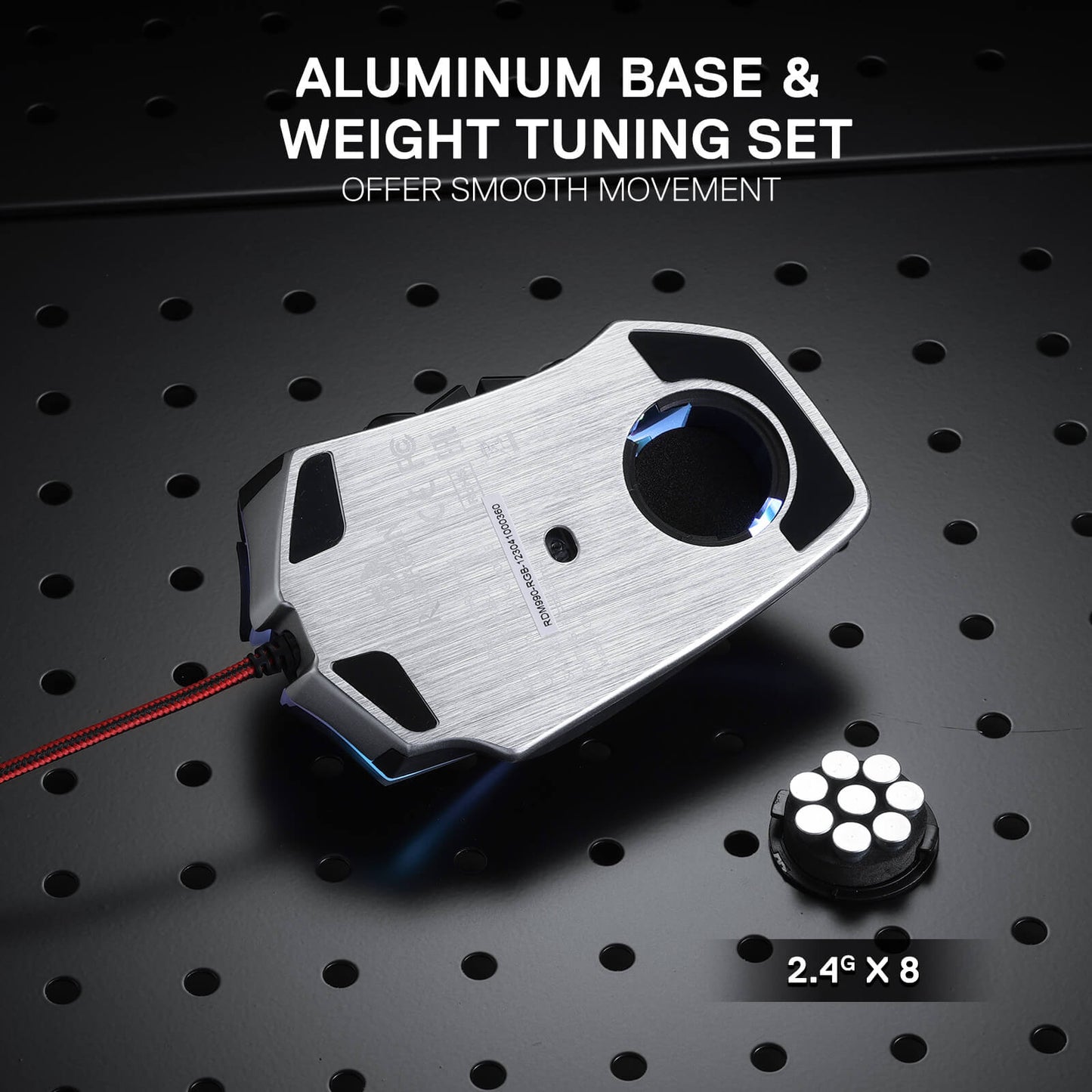
La base en aluminium offre une base solide, tandis que le jeu de réglage du poids d'équilibrage en 8 pièces réglable par l'utilisateur vous permet d'ajuster le poids de la souris selon vos préférences. Obtenez l'équilibre parfait et profitez d'un contrôle sans effort, vous permettant de jouer avec précision et endurance.

Reviews
Don't think I will ever need another mouse. Perfect in all ways. feels great. clicks well, GUI needs winrar at first but its neat. I feel like I can use it as a weapon if need be.
Dropped 1 star because of general quality and the cycle button. For those wondering the cycle button issue can be solved by exporting the main profile to all other profiles so that cycling by accident wont change anything. Sucks for people with multiple profile but then again you can just export the profile and change them that way. Opposite of the easiness its supposed to give by having a profile cycle button but beggars can't be choosers. The only similar product to this mouse is from from Azeron which is several times the price.
And for those who don't know Redragon mouses I've used all have on-board memory so unlike Razer the mouse can function without the app. Not sure all products or only certain ones.
I am hemiplegic and I have not had the use of my left hand since '09. My G600 mice have served me well for over a decade as a keyboard/controller replacement (with voice typing and the OSK). Only occasionally Do I have to grab the Physical keyboard.
My G600s are old and flaky as is the LGS used to manage them. The newer G-Hub doesn't work with them.
I need a replacement.
Enter the ReDragon M990.
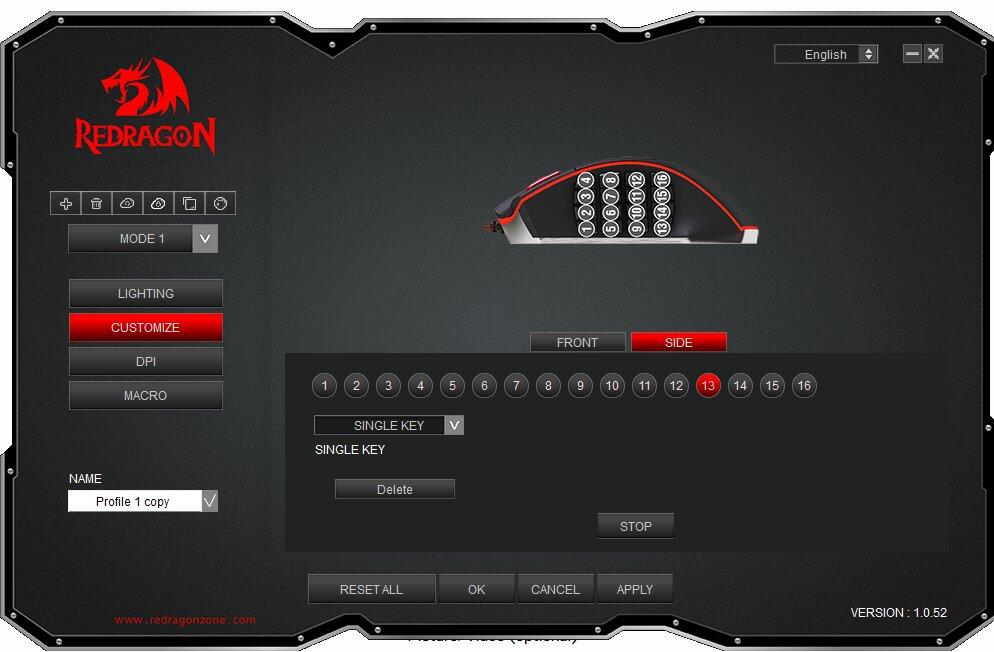
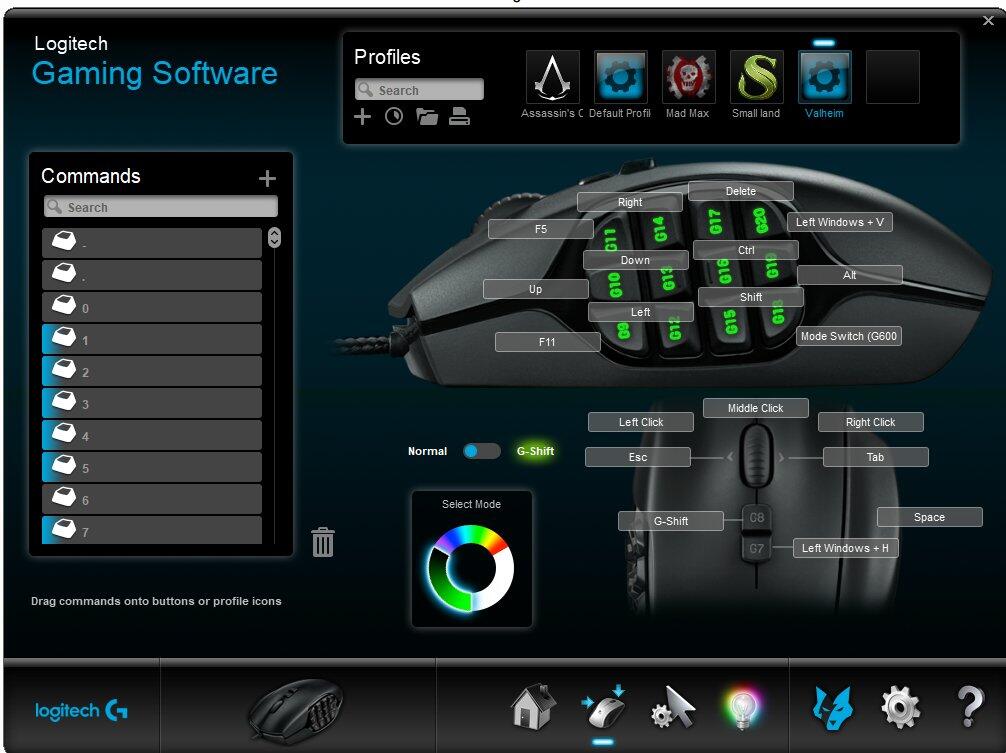
The first problem is the ReDragon Gaming Mouse Software I can only see one button at a time. With the LogiTech Gaming Software I can see ALL of the buttons, I can toggle the G-Shift layout, cycle through the 3 modes and select one of countless auto detect gaming profiles or set the mouse to use it's on board memory.
16 side buttons, up from 12. I can feel the rows of buttons, I cannot feel a difference between the two middle button columns. I'm constantly groping around trying to feel if i'm on column 2 or column 3. While I appreciate the 4 additional side buttons, the missing G-Shift feature makes it feel like I have lost 8 buttons instead.
I am also missing the scroll wheel tilt feature and the two shoulder buttons they provided. Mapped to Esc and Tab.
I use the G-Shift side /ring finger button for the shift key. In my game and browsing profiles. It made jumping while moving intuitive. I now have the red button mapped to space. I have to lift my finger off of LMB and reach for it. It's been a year and I still flub it constantly.
4 spine buttons up from 2. I had them mapped to G-Shift and [Windows +H] (voice typing) / PrtScn while browsing. With the M990 the 4th button is mode switch and it can't be changed. I'm constantly hitting it by accident. Then i have to cycle through 5 modes and wait for it to stop blanking to make sure that I am on the right mode. With the G600 there are three modes, I use one for windows and browsing with the arrow keys mapped and another for gaming with WASD mapped. The third profile I change often depending on my needs at the moment. with the M990 I use one profile for web and windows and non wasd games. I don't live long in wasd games with the M990 so I will use the G600 with the flakey MMB rather than try to fight with the new one.
The other three spine buttons are mapped to [Windows +H], Esc, and Tab.
I'm trying to adjust to the M990 but it has been a struggle.
I am still on the hunt for a successor to my aging and discontinued G600.
This mouse was great for the first couple of years I had it! ive used it for about 3 years now and the performance of the mouse was great for its price! I used it on many different games until it broke yesterday. I am surprised with the mouse's lifespan with great performance! would recommend (:
The lights on the mouse are great, they blend in with my partner's keyboard and mouse mat which makes everything look really nice with RGBs. We're trying to find a way to bring the buttons into play too
vous pourriez être intéressé

DRACONIC K530 PRO BLANC (interrupteurs marron)

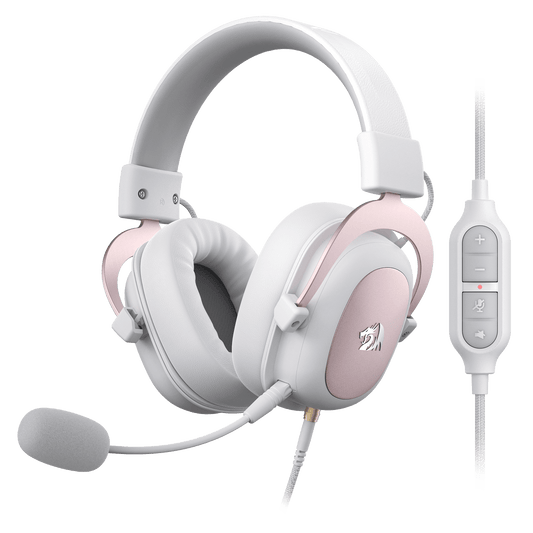
H510 ZEUS BLANC & ROSE

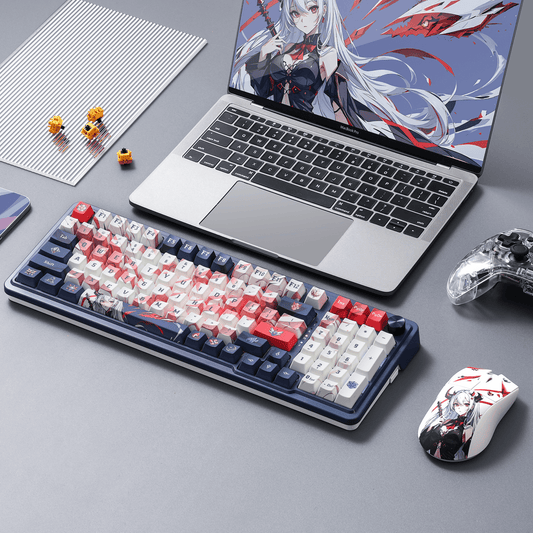
Clavier animé EISA K686 PRO SE


ORPHEE GS550

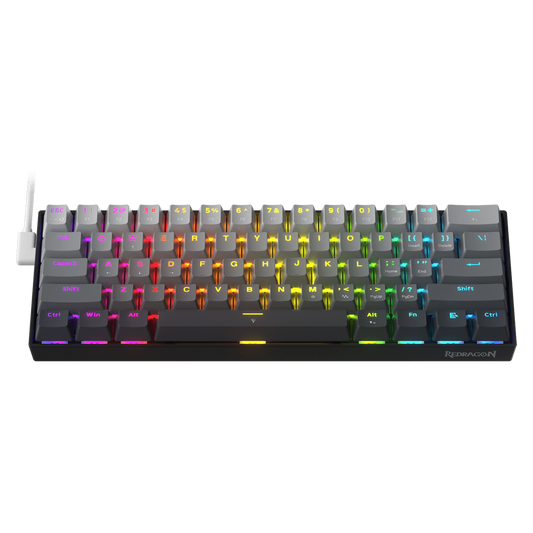
FIZZ K617 (Clavier à effet Hall magnétique)

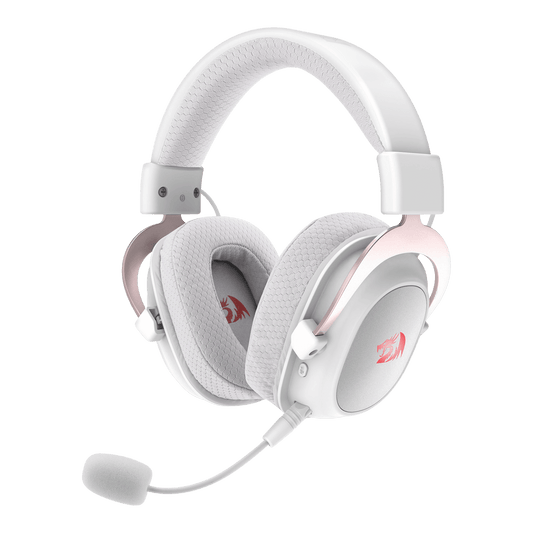
Casque de jeu sans fil H510 ZEUS-X RGB

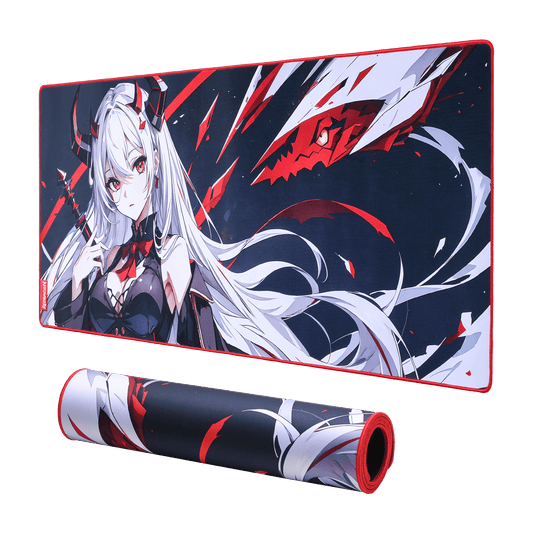
Tapis de souris/tapis de bureau de jeu EISA P047 Waifu

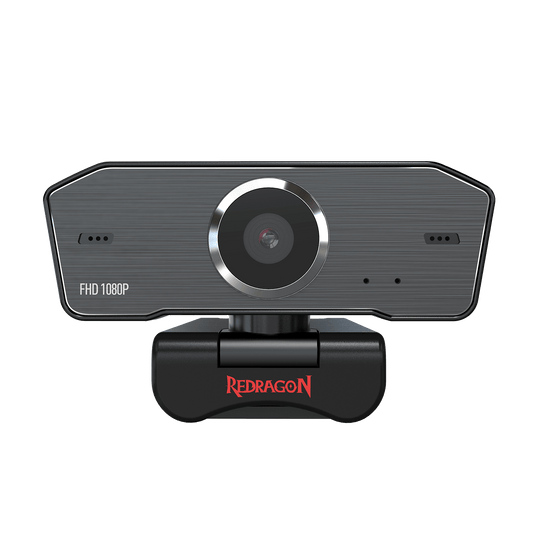
Webcam GW800 1080P

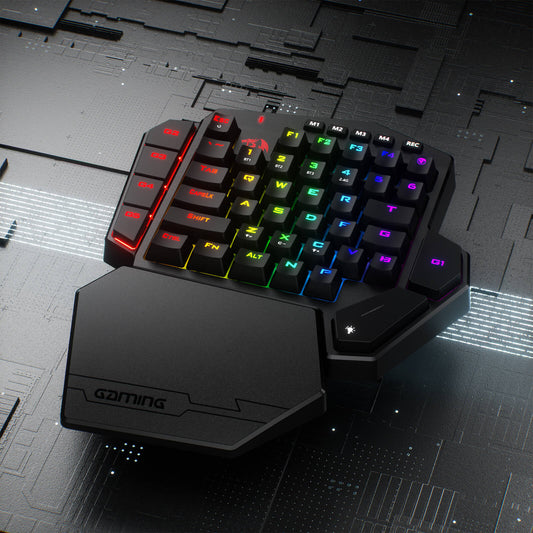
Clavier de jeu sans fil à une main DITI K585 Pro