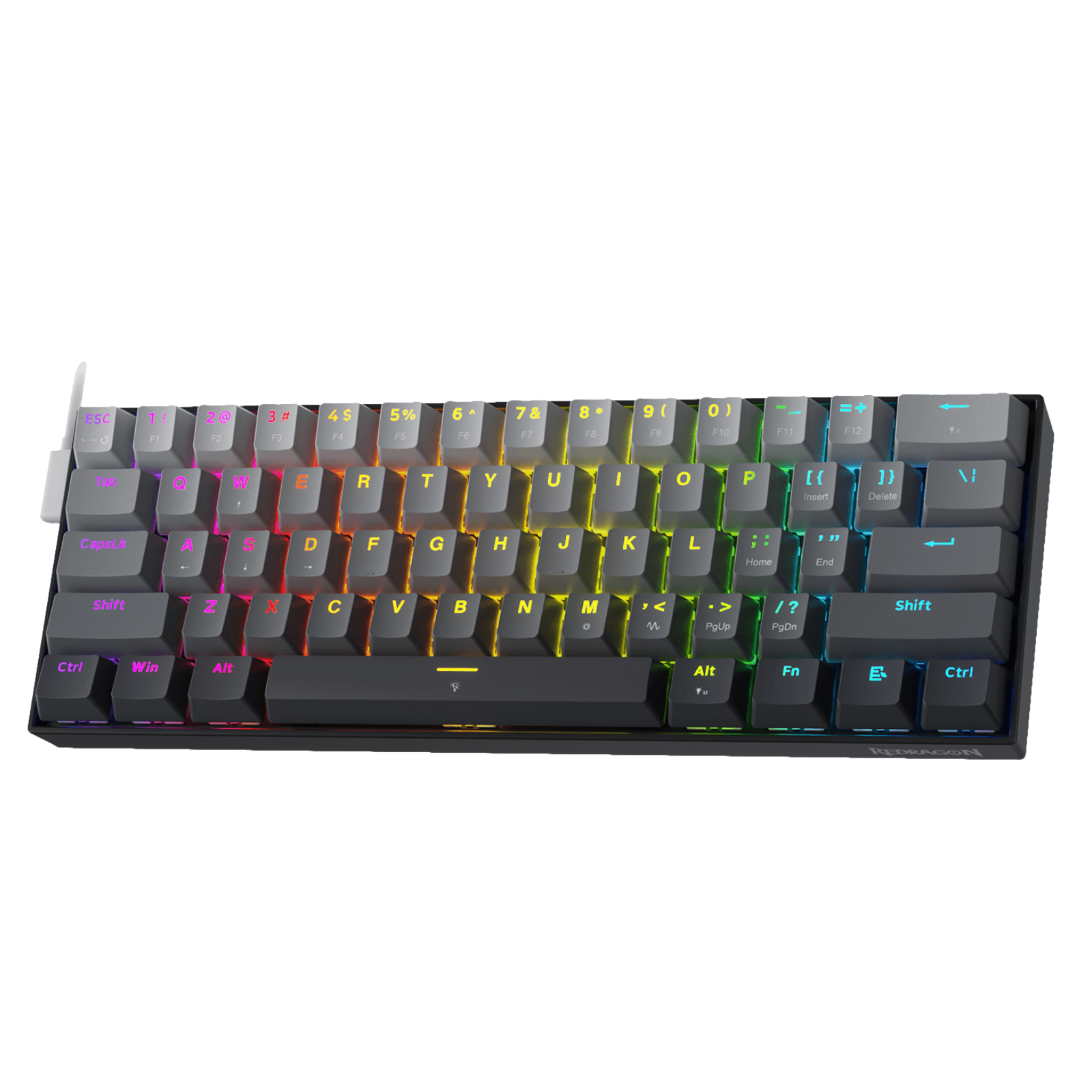
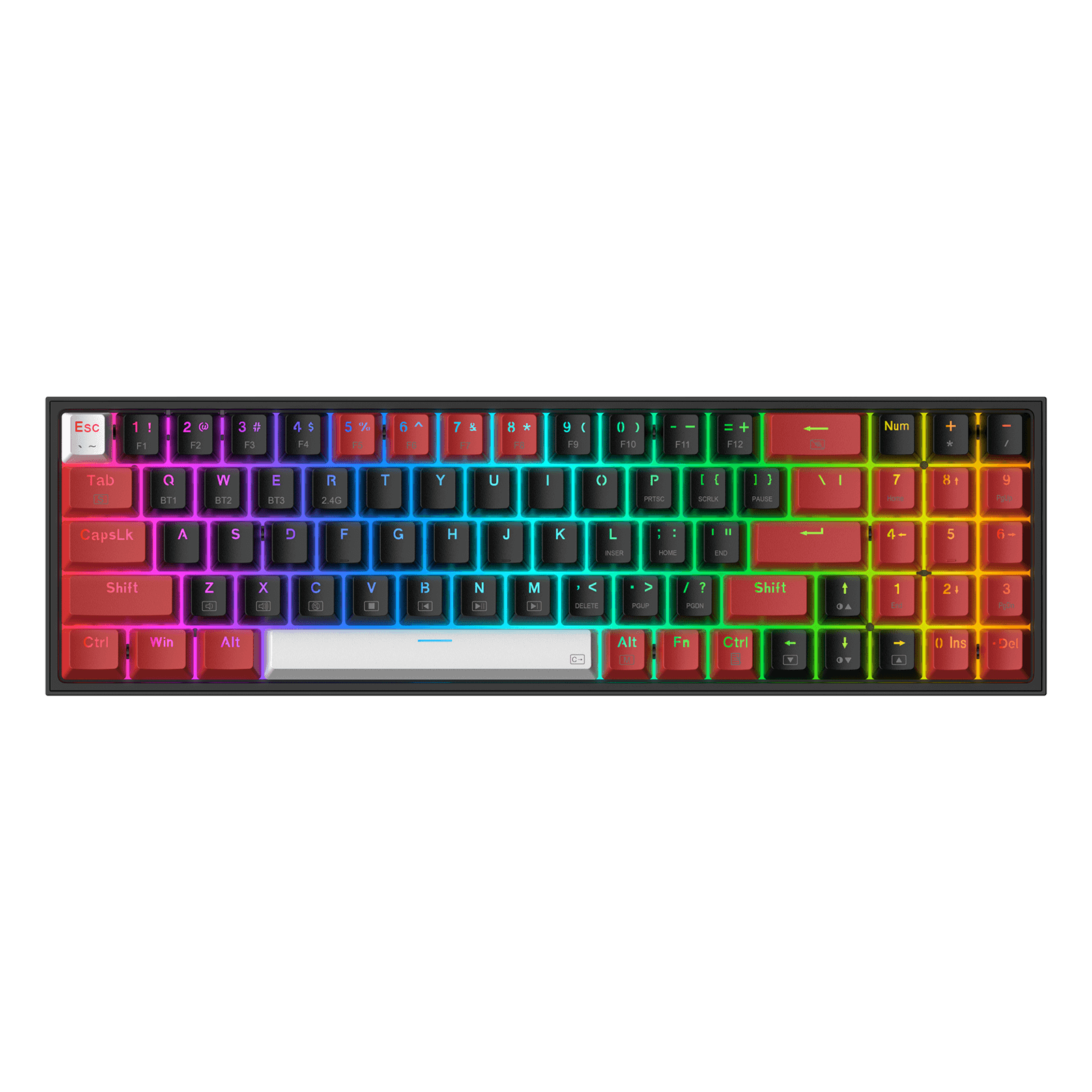
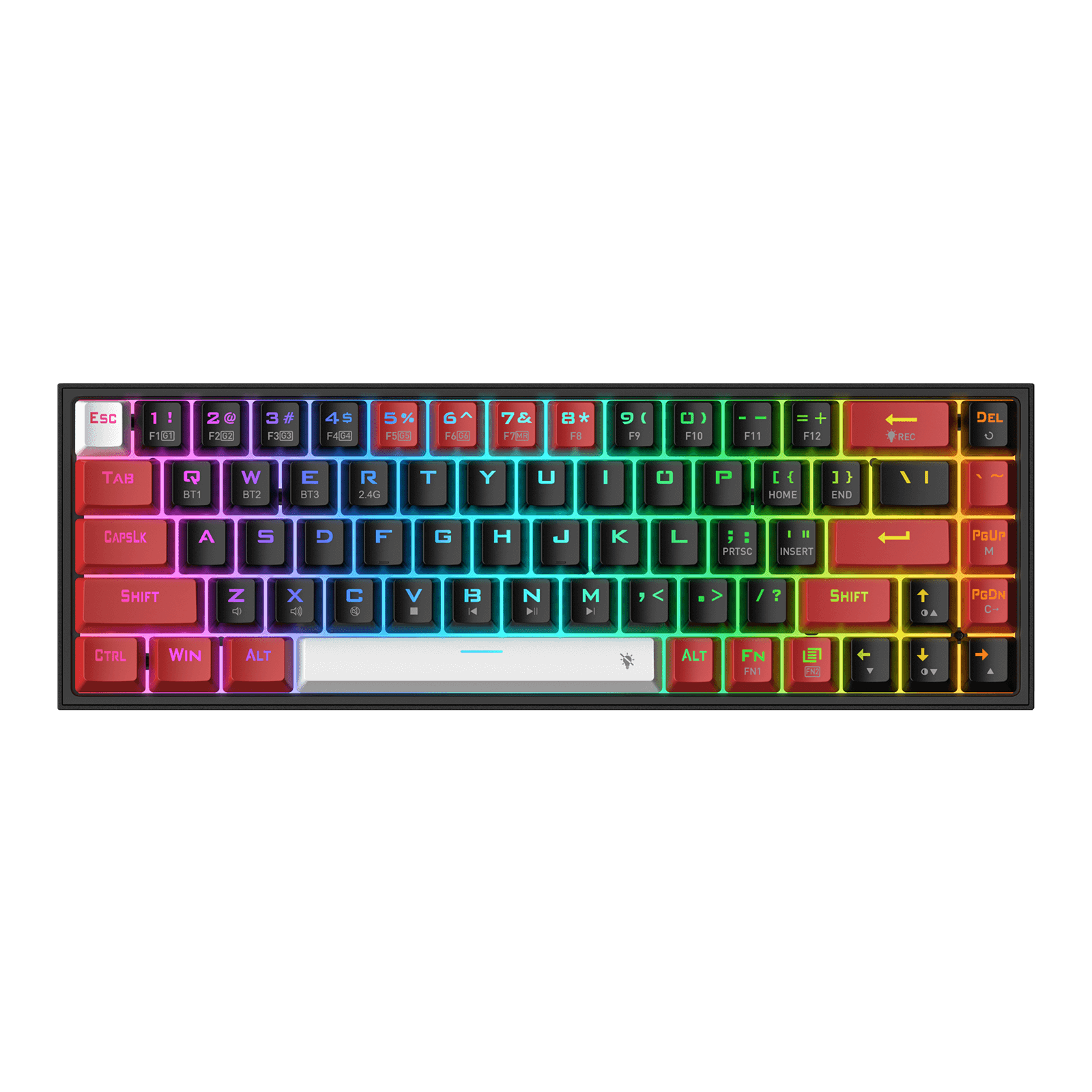
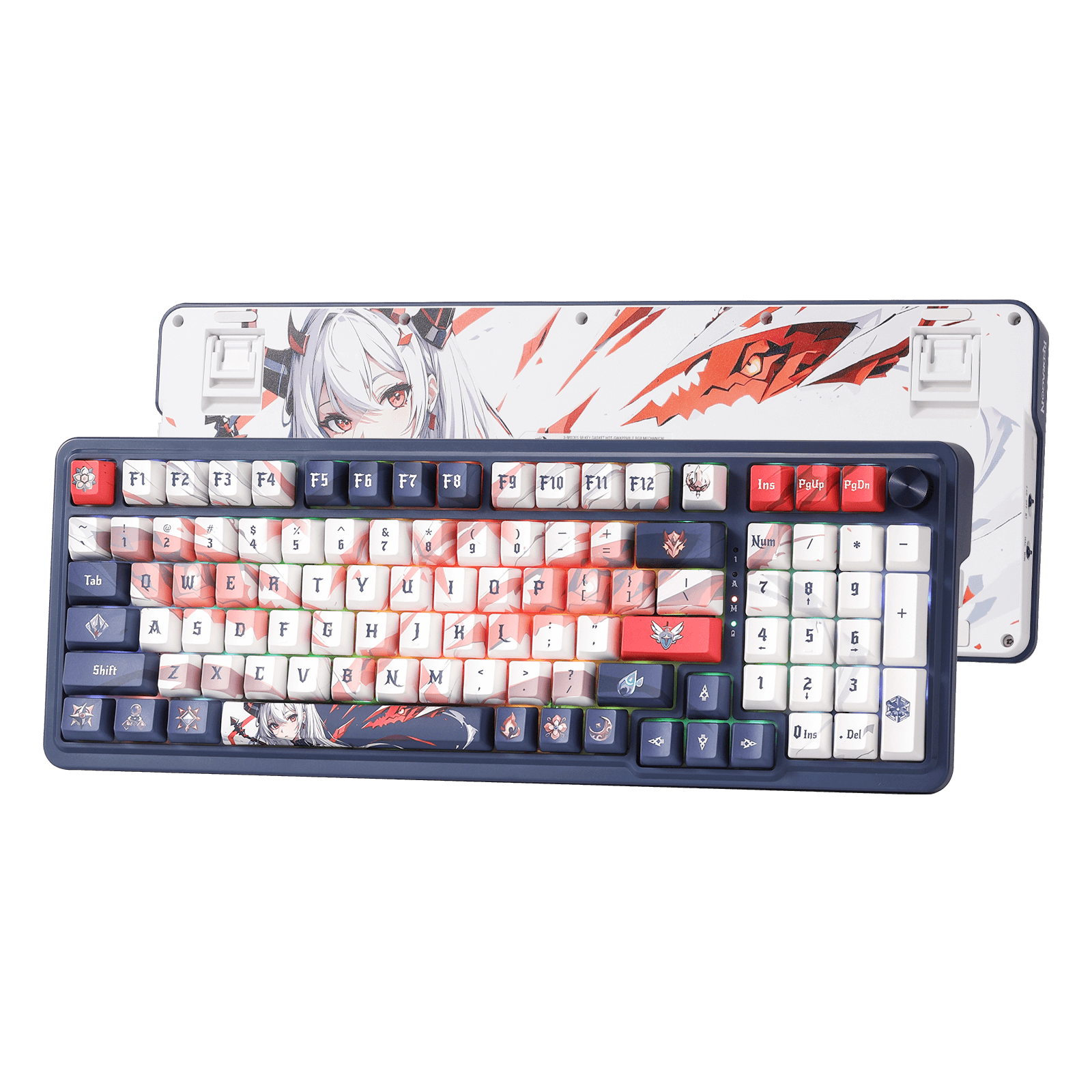
GAMING KEYBOARDS
Discover Redragon's extensive keyboard collection, tailored for mechanical enthusiasts, avid gamers, and productivity seekers alike. Not sure how to choose the right keyboard? Check out our Keyboard Buying Guide.
Inicia sesión para finalizar tus compras con mayor rapidez.


Idioma
Display currency
We'll take you to the best site for your location.
Discover Redragon's extensive keyboard collection, tailored for mechanical enthusiasts, avid gamers, and productivity seekers alike. Not sure how to choose the right keyboard? Check out our Keyboard Buying Guide.
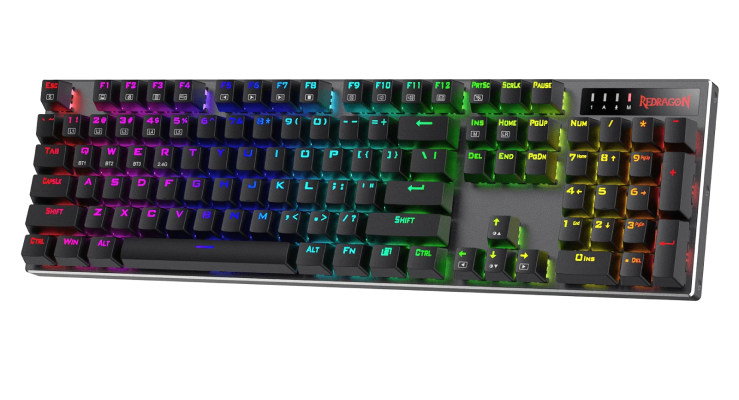


At Redragon, we understand that the right keyboard can shape your entire gaming and typing experience. From traditional mechanical keyboards and compact layouts to Hall Effect technology, customizable switches, and ergonomic designs, our guides can help you understand the features that matter and choose the right keyboard for your setup.
New to mechanical keyboards? Learn how individual switches work, why mechanical keyboards feel different, and which features matter most in our What Is a Mechanical Keyboard? A Beginner’s Guide. When you are ready to compare products, continue with our How to Shop for a Mechanical Keyboard.
Mechanical keyboards offer individual switches, customization, and a distinctive typing feel, while membrane keyboards are often quieter and more affordable. Compare durability, sound, performance, and value in our Mechanical Keyboard vs. Membrane Keyboard guide.
Not sure whether you need a 60%, 65%, 75%, or TKL keyboard? Our updated 60% vs. 65% vs. 75% vs. TKL Keyboard Size Guide compares the most popular compact layouts side by side. For a broader overview that also covers full-size options, read our Ultimate Size and Layout Guide for Mechanical Keyboards.
Explore individual layout guides:
Hall Effect keyboards use magnetic sensing to support adjustable actuation, Rapid Trigger, and advanced input customization. Begin with our Ultimate Guide to Magnetic Switch Keyboards, then compare the two technologies in Magnetic vs. Mechanical Switches.
Competitive players can also explore Can a Hall Effect Keyboard Improve Your FPS Performance? to understand how actuation settings, Rapid Trigger, and magnetic switches may affect movement and response.
Modern gaming keyboards can process movement inputs in ways that traditional keyboards cannot. Learn how Snap Tap, SOCD handling, Rapid Trigger, and input-priority modes work—and when their use may be restricted—in our Snap Tap Explained guide.
Linear, tactile, and clicky switches each provide a different combination of sound, resistance, and feedback. Explore the fundamentals in our Guide to the Three Types of Mechanical Switches.
For Redragon-specific switches, compare the available options in our A113 Bullet Mechanical Switch Guide and A120 Series Mechanical Switch Guide.
A hot-swappable keyboard lets you replace compatible switches without soldering, making repairs and customization easier. Learn how hot-swap keyboards work and what compatibility details to check in Hot-Swap Keyboards Explained.
Keycaps can change the appearance, sound, comfort, and typing feel of a keyboard. Explore ABS vs. PBT, keycap profiles, sizing, manufacturing methods, and compatibility in our Ultimate Guide to Keycaps: Material, Profile, and Beyond.
Gasket-mounted keyboards use cushioning material between the internal assembly and the case to create a softer, more isolated typing feel. Learn about their construction, sound, and benefits in Everything You Need to Know About Gasket Mount Keyboards.
If you prefer a softer and smoother sound, explore What Is a Creamy Keyboard? For quieter workspaces and shared rooms, read The Ultimate Guide to Quiet Mechanical Keyboards.
Users who prefer shorter key travel and a slimmer design can also explore our Guide to Low-Profile Mechanical Keyboards.
Gaming often requires several keys to register at the same time. Learn how anti-ghosting and N-key rollover help prevent missed or incorrect inputs in Understanding Anti-Ghosting and N-Key Rollover.
Learn the difference between RGB, rainbow backlighting, and single-color illumination in RGB Keyboards Explained. For practical setup instructions, see Changing Colors in Redragon Keyboards.
Different game genres place different demands on a keyboard. FPS players can compare layout, actuation, latency, magnetic switches, and Rapid Trigger in our 2026 Redragon FPS Keyboard Buyer’s Guide.
For other genres, explore:
Comfort matters during long gaming and working sessions. Learn how keyboard shape, hand position, and mouse design affect your setup in How to Choose the Best Ergonomic Keyboard and Mouse for Gaming.
Left-handed users can also explore layout options, numpad positioning, efficiency, and recommended models in The Complete Guide to Left-Handed Keyboards.
A Windows keyboard can usually work with macOS once you understand how the Windows, Alt, Command, and Option keys correspond. Follow our quick setup guide in How to Use a Windows Keyboard on Mac.
Console players can learn about supported games, connections, adapters, and limitations in Can You Use a Keyboard and Mouse on PS5?.
Deciding which part of your setup to upgrade first? Compare the role of mouse precision, keyboard inputs, polling rates, Hall Effect switches, and game genres in Mouse vs. Keyboard: Which One Really Wins Games for You?.