
- Overview
- Specifications
- Software Download
- Reviews
- Overview
- Specifications
- Software
- Reviews


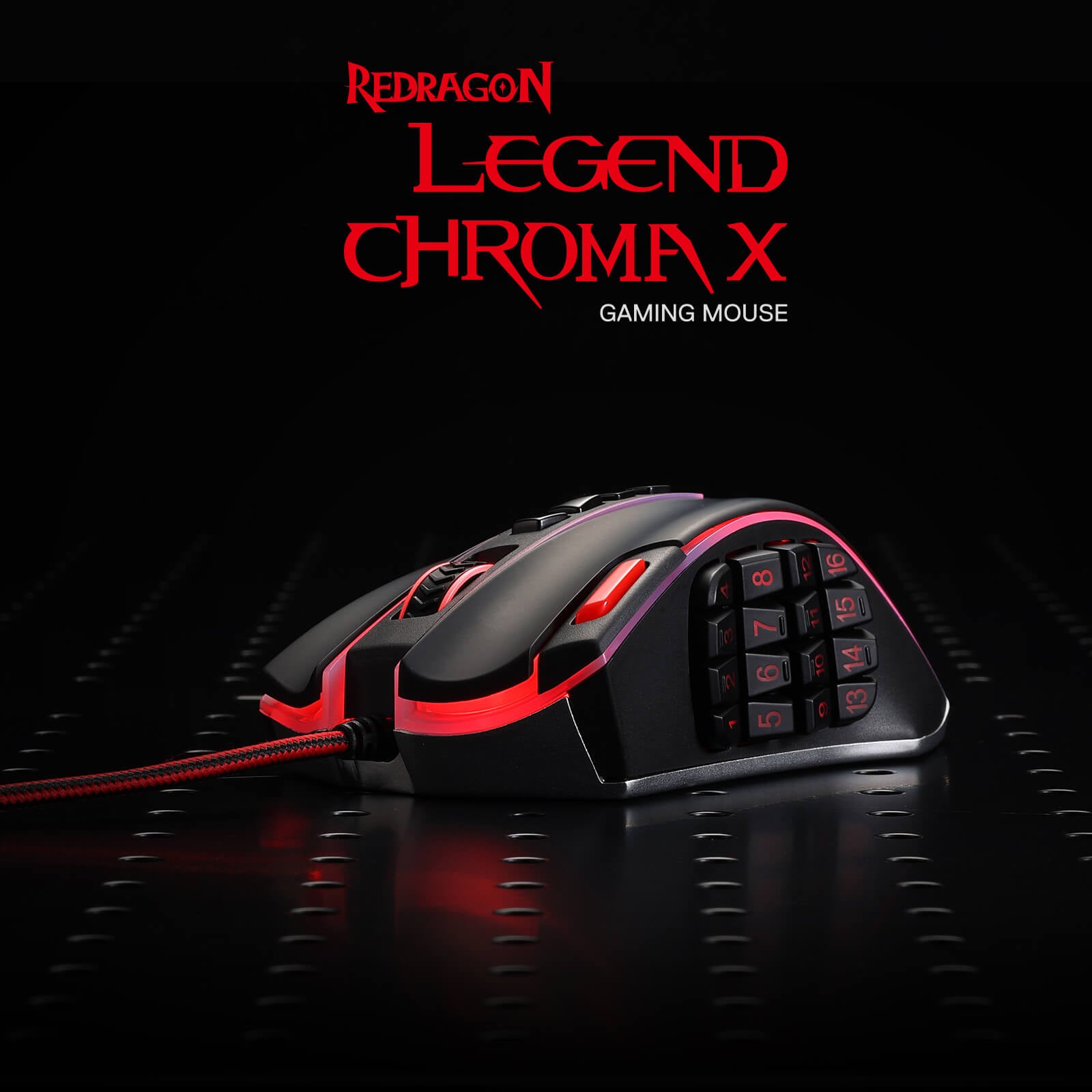
Power-Packed Performance
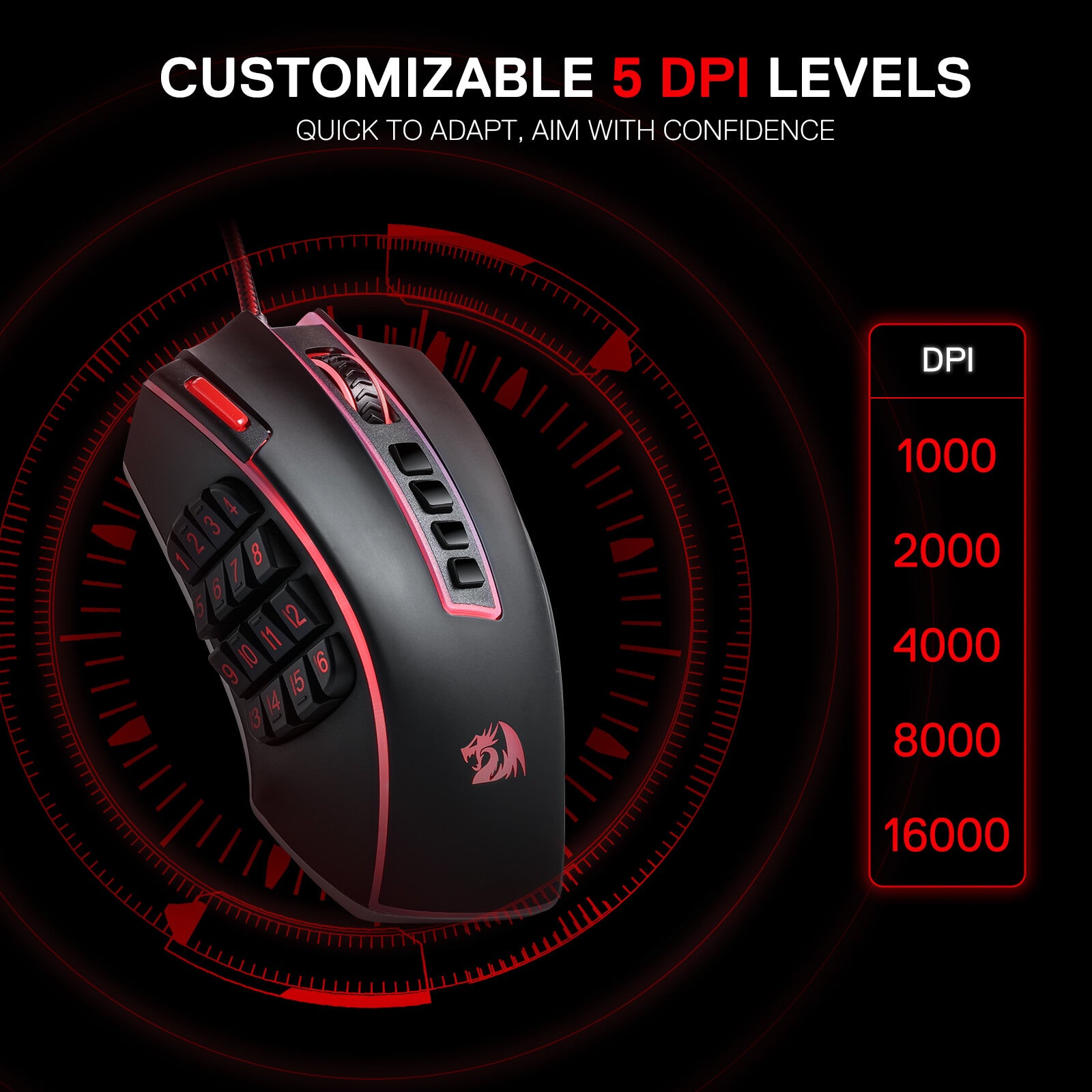
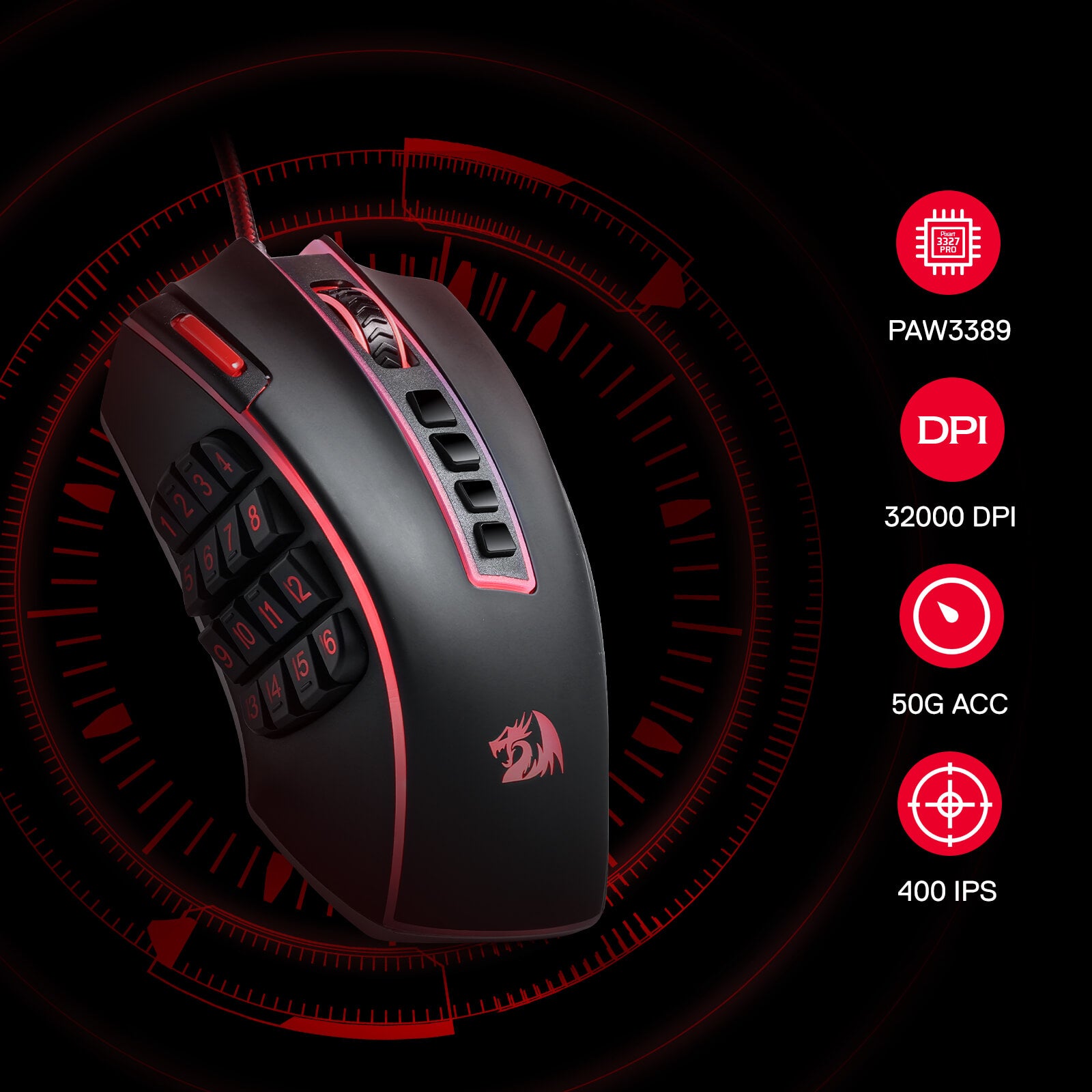
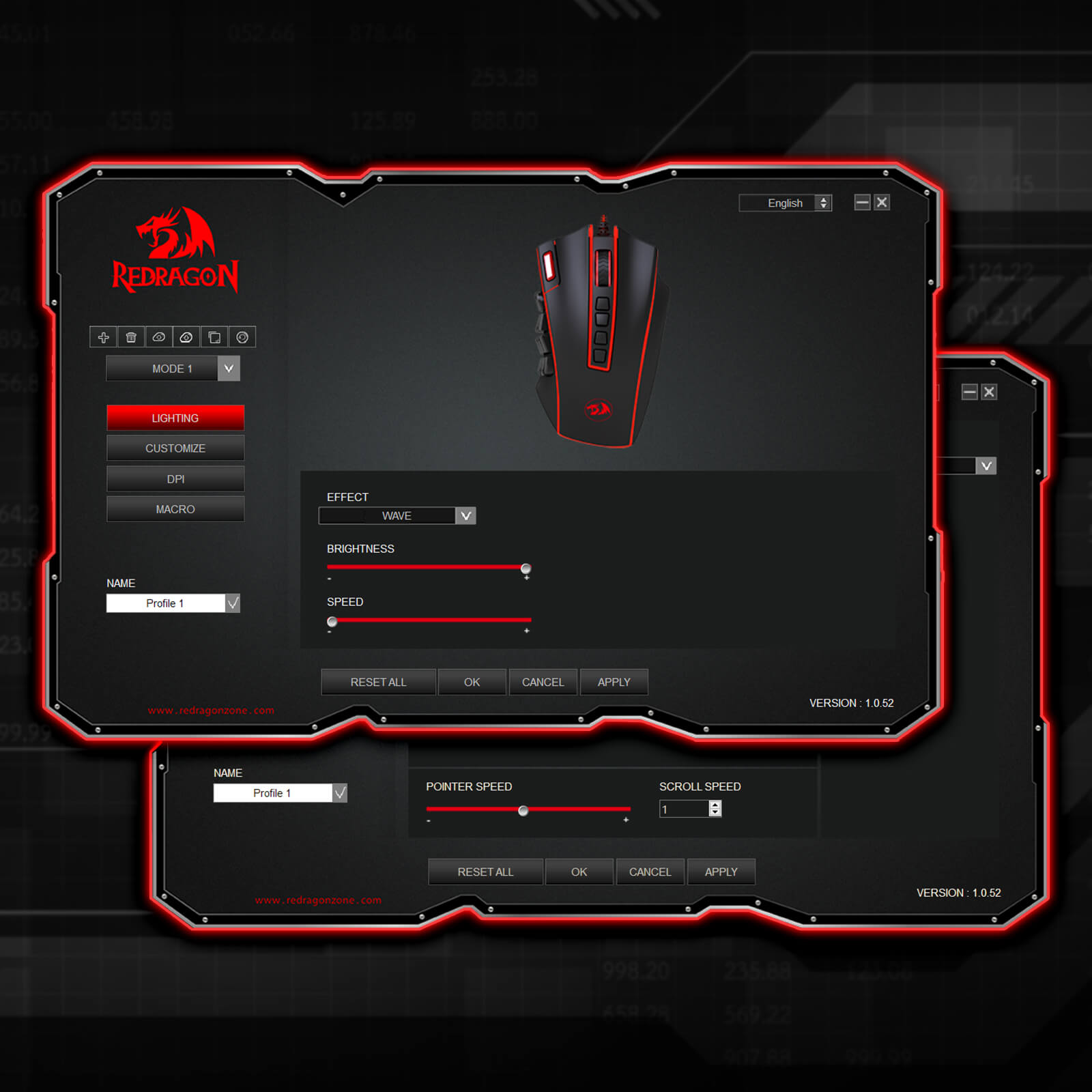
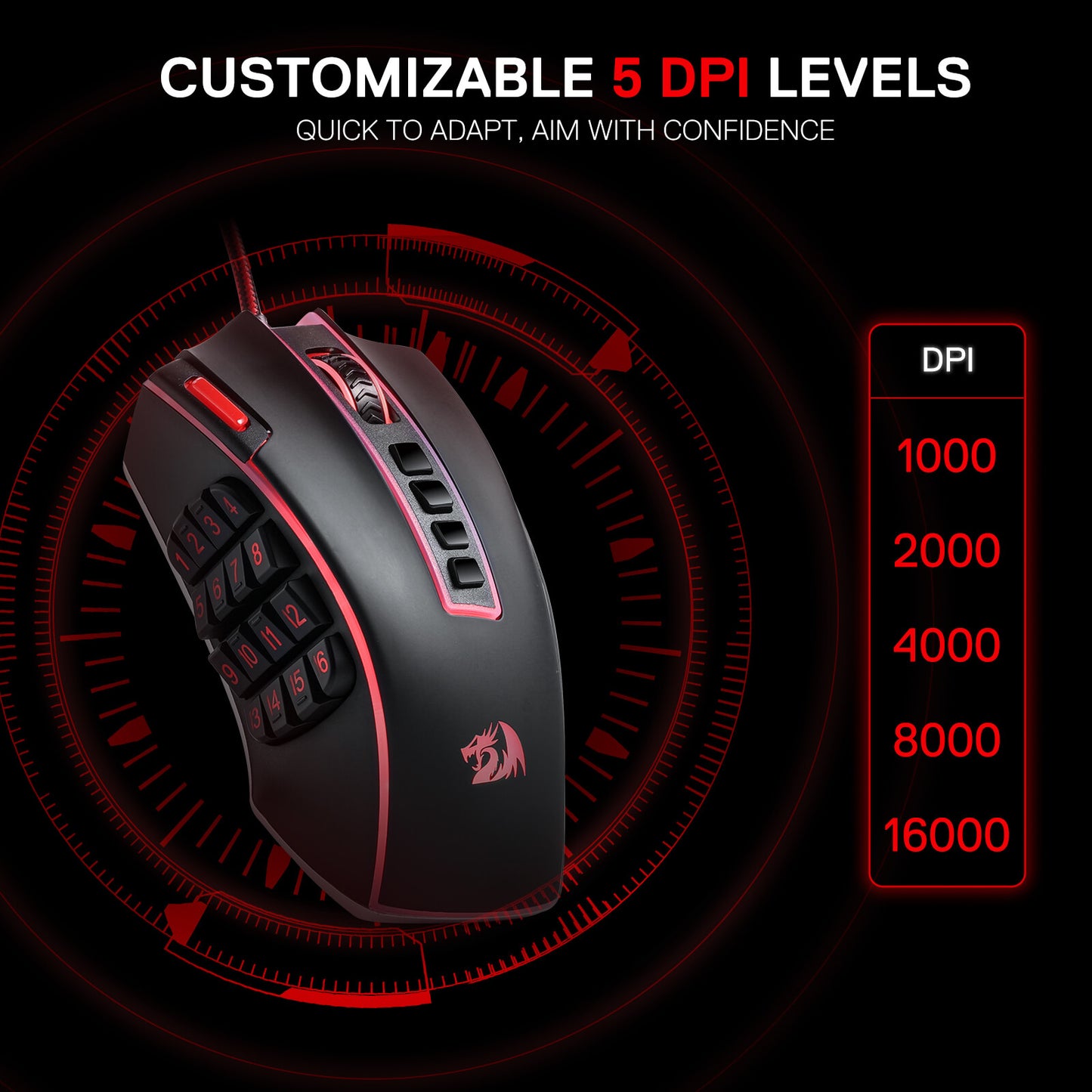
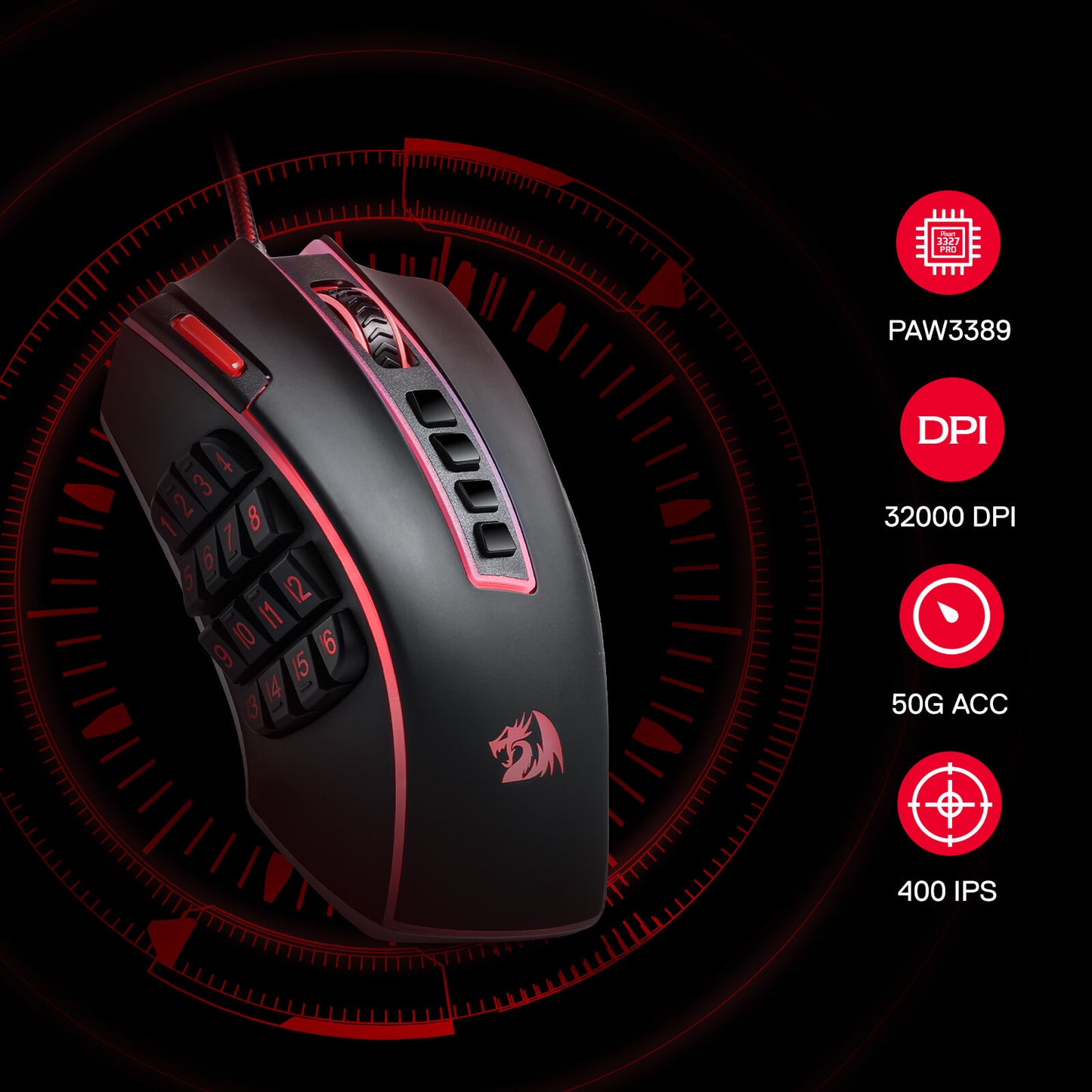
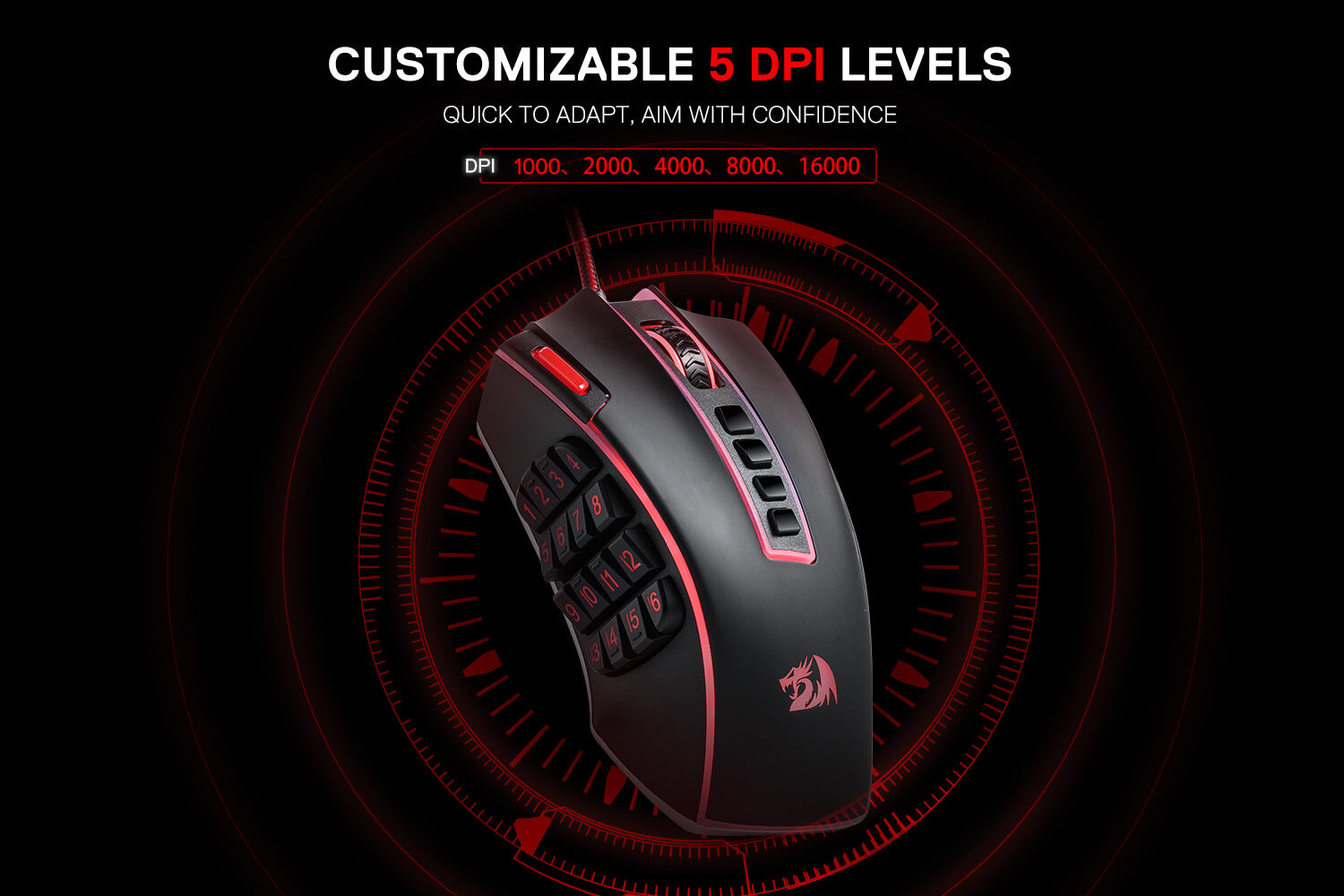
Geared with 5 redefinable DPI levels (default as: 1000/2000/4000/8000/16000), easy to switch between different game needs. Dedicated demand of DPI options between 100-32000 is also available to be processed by software.
Unleashing the Power of Customization
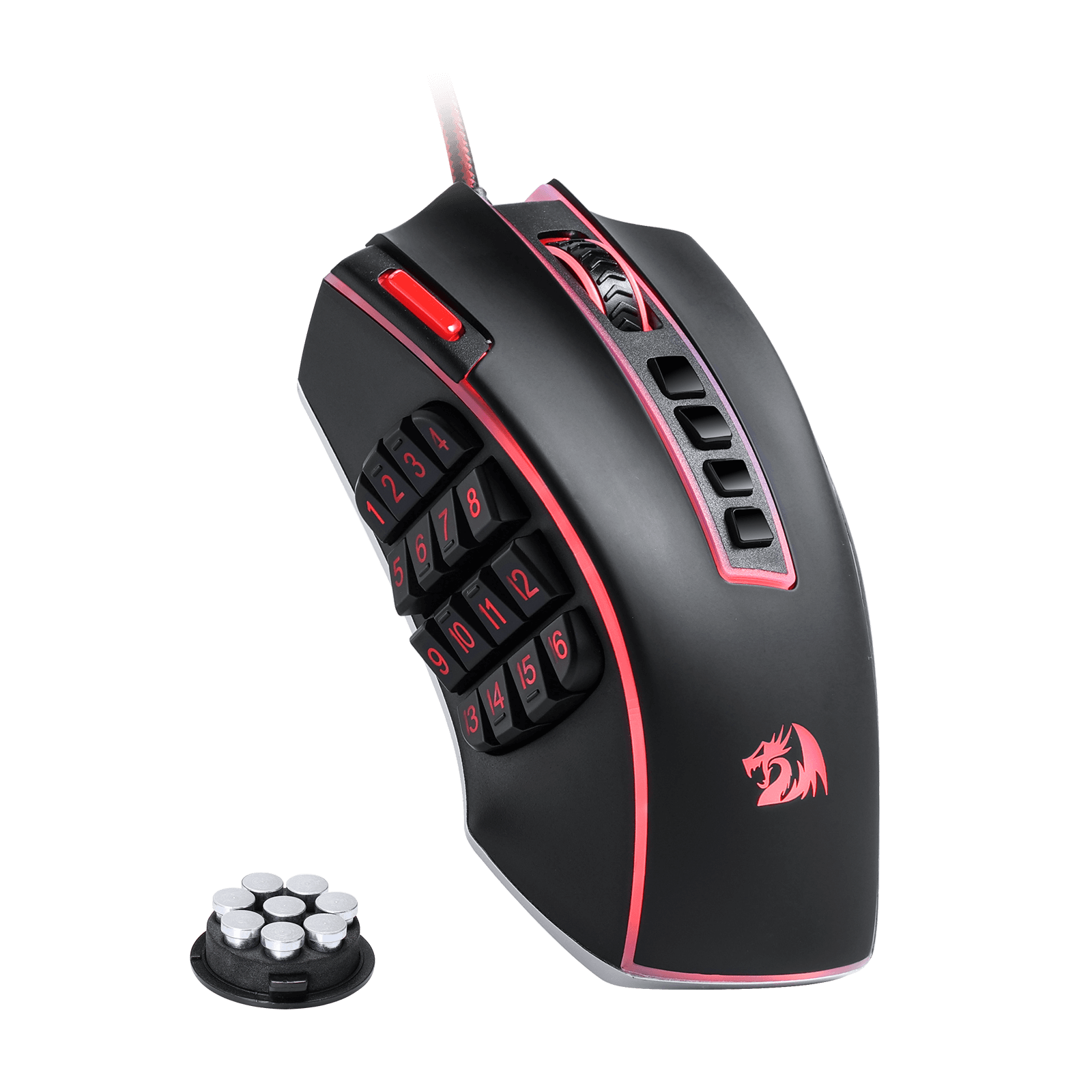
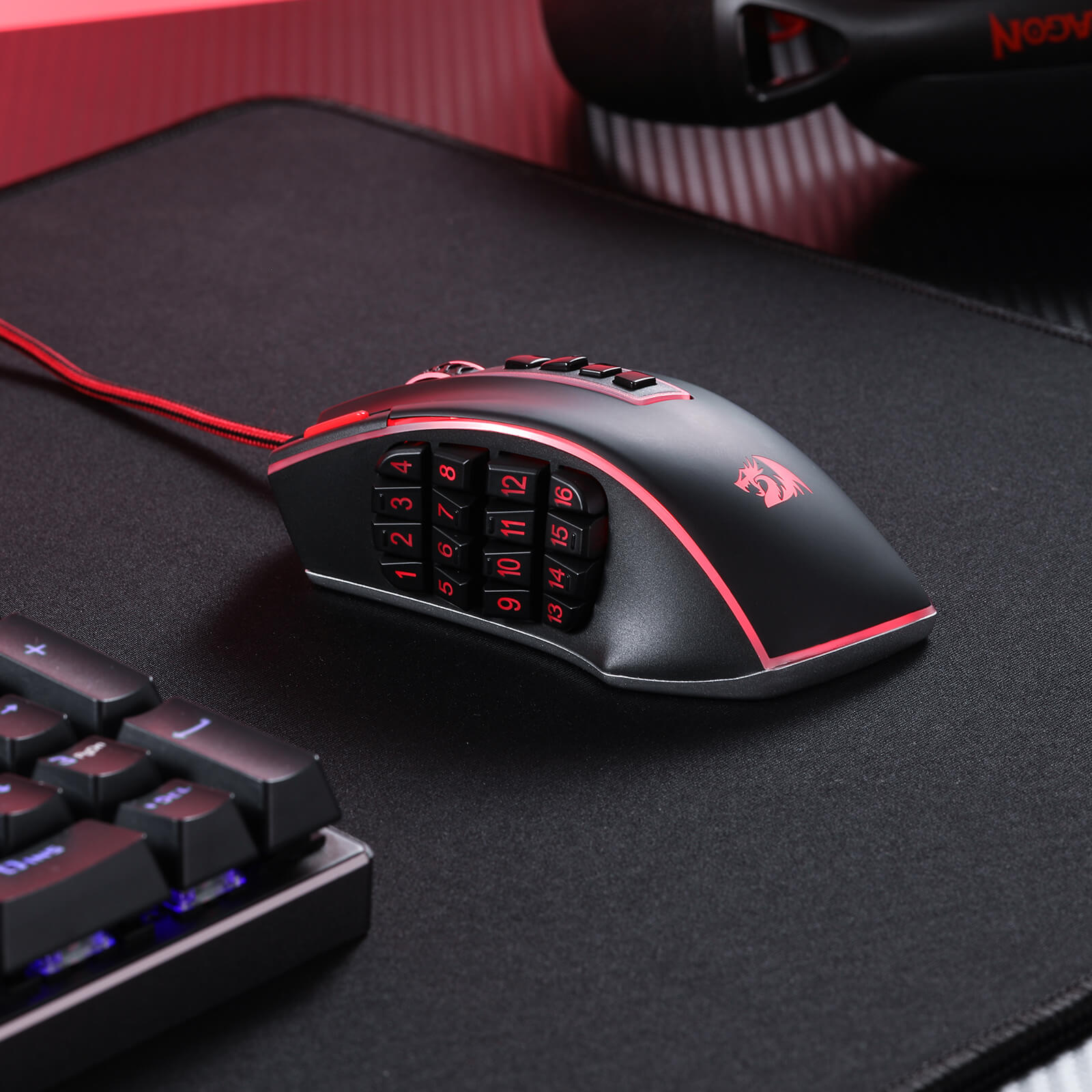
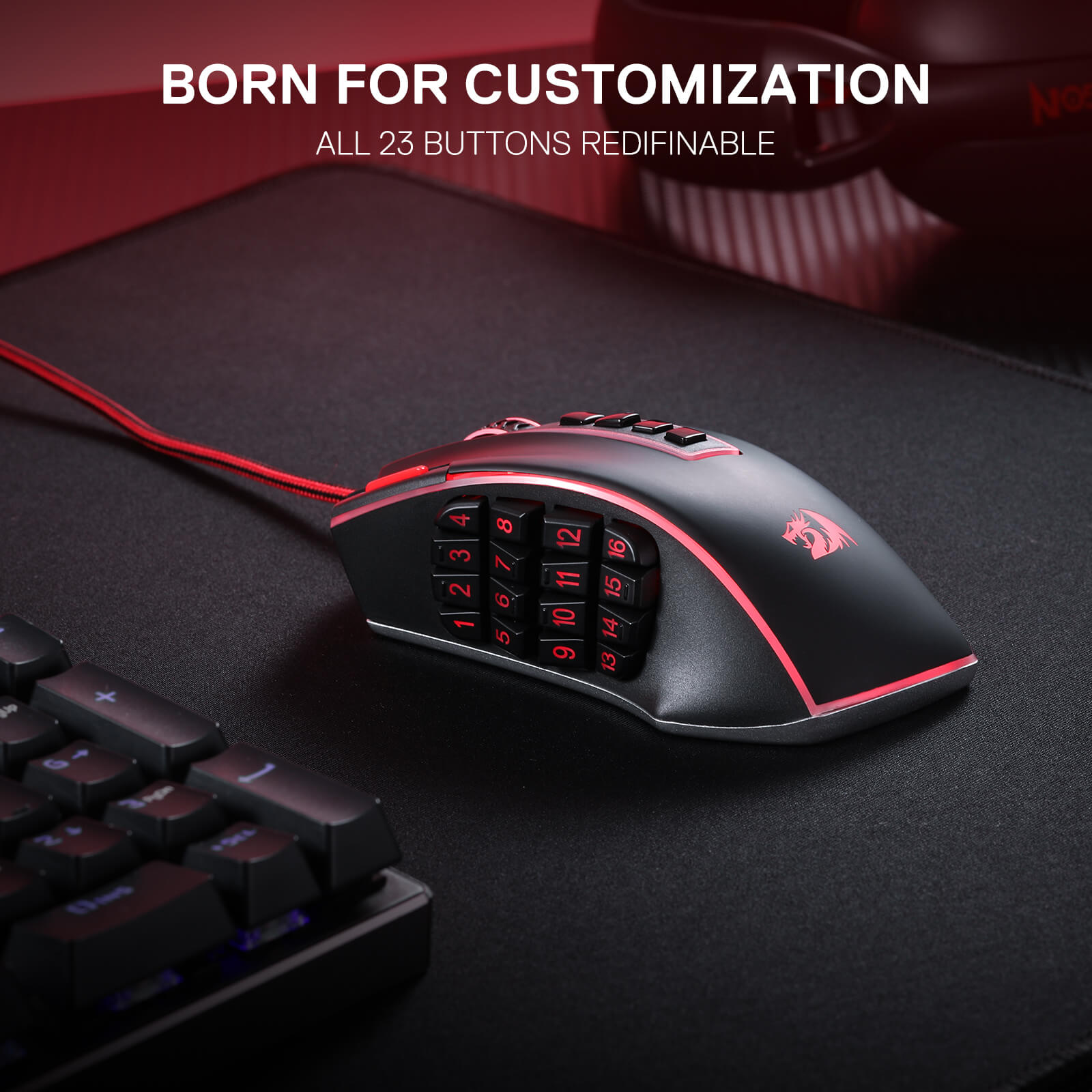
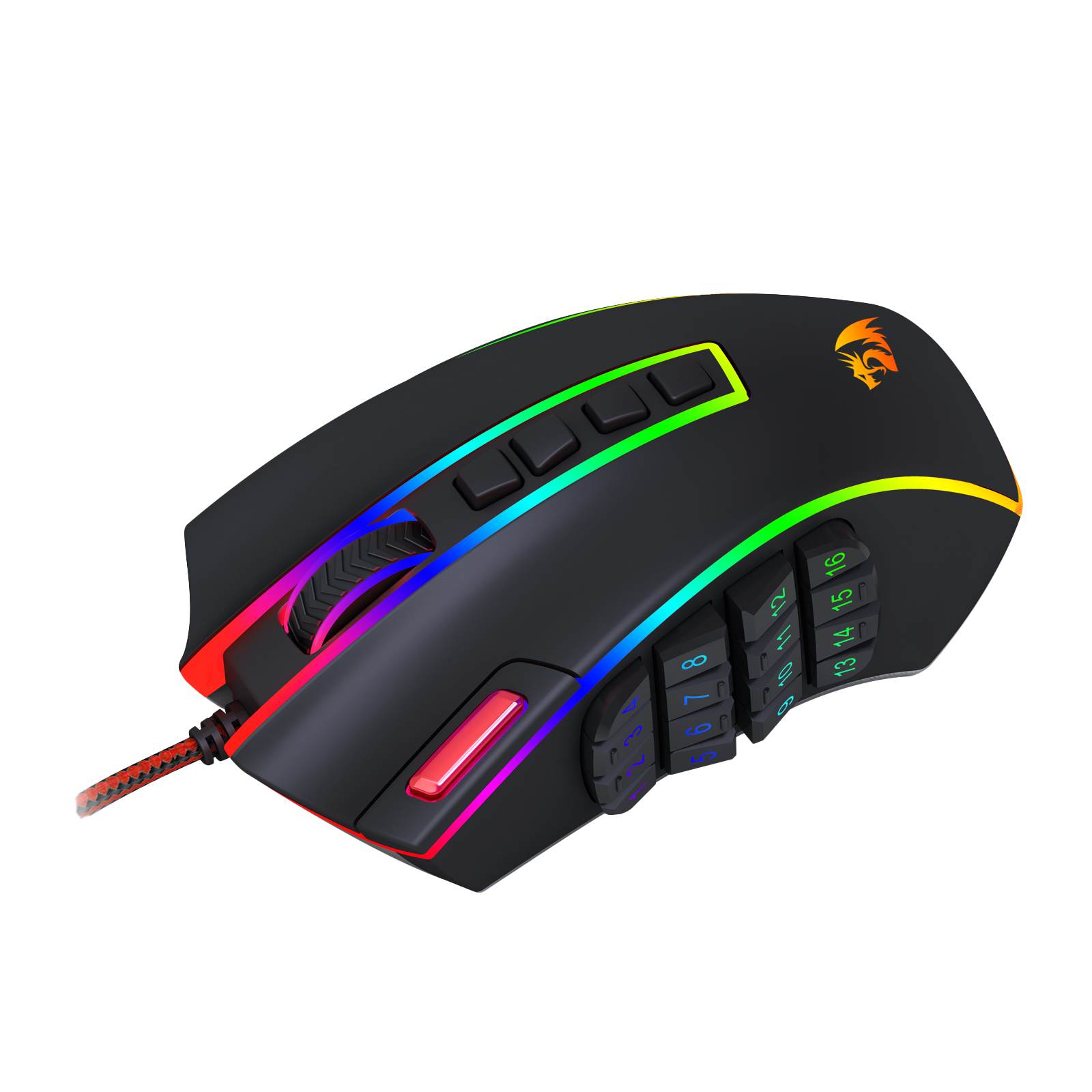
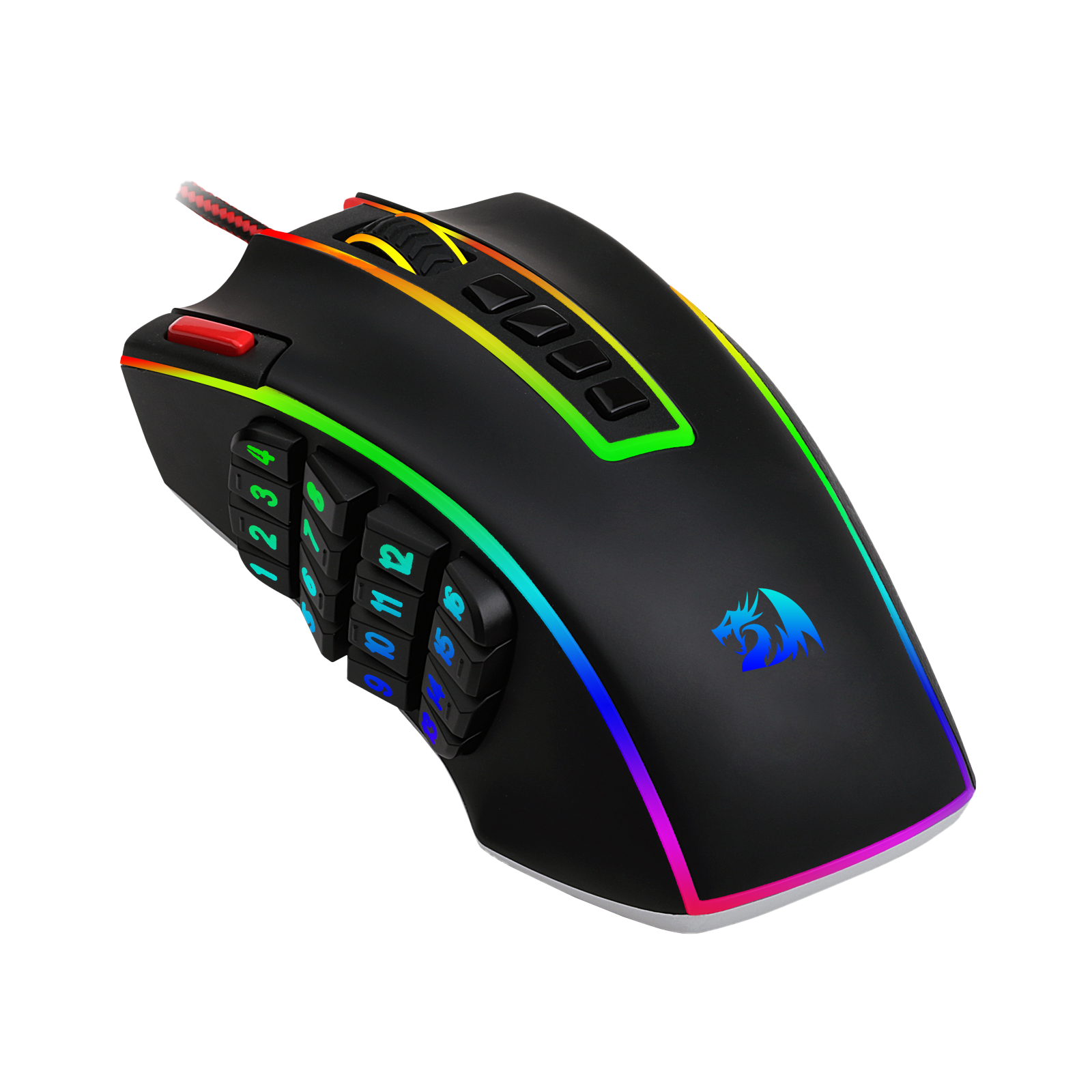
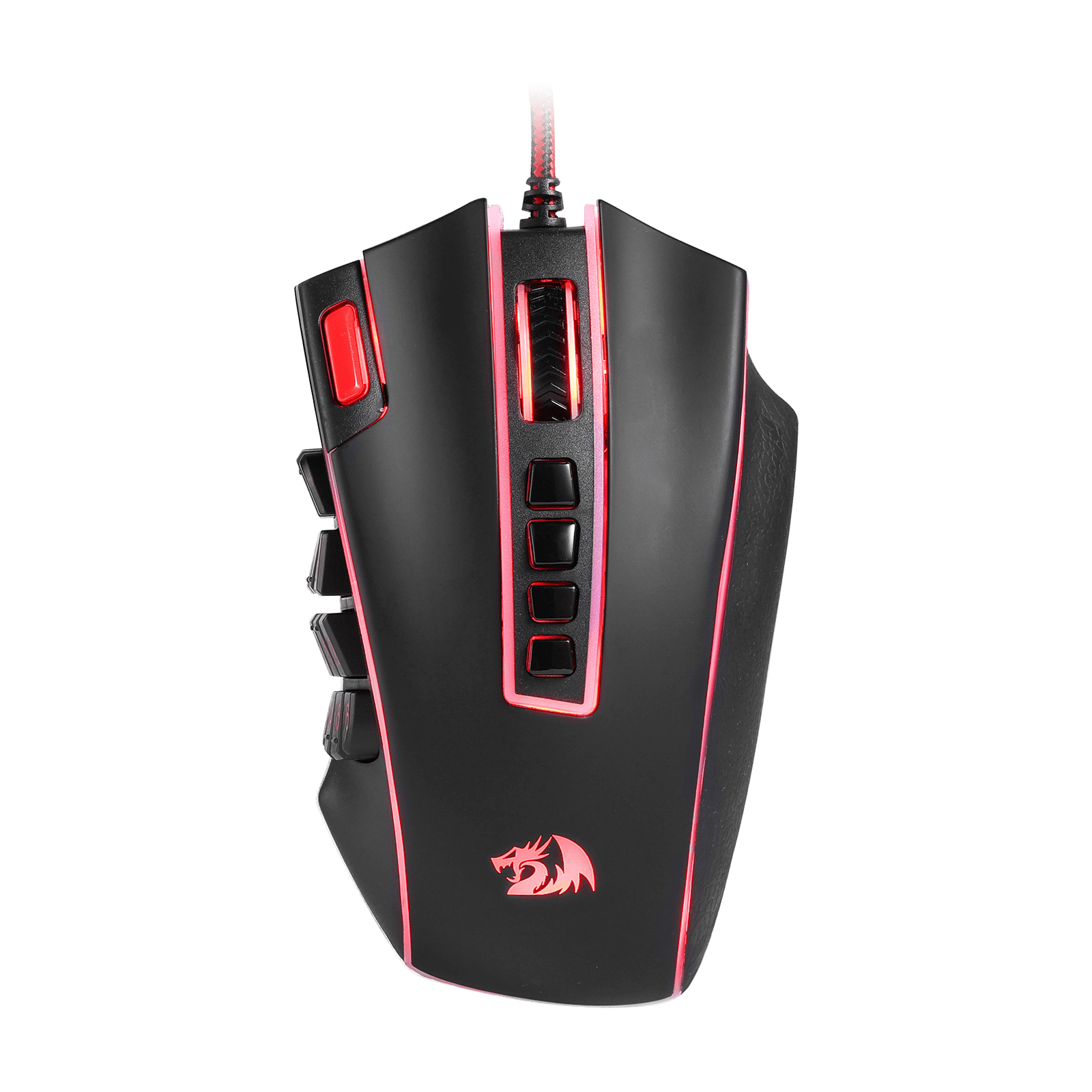
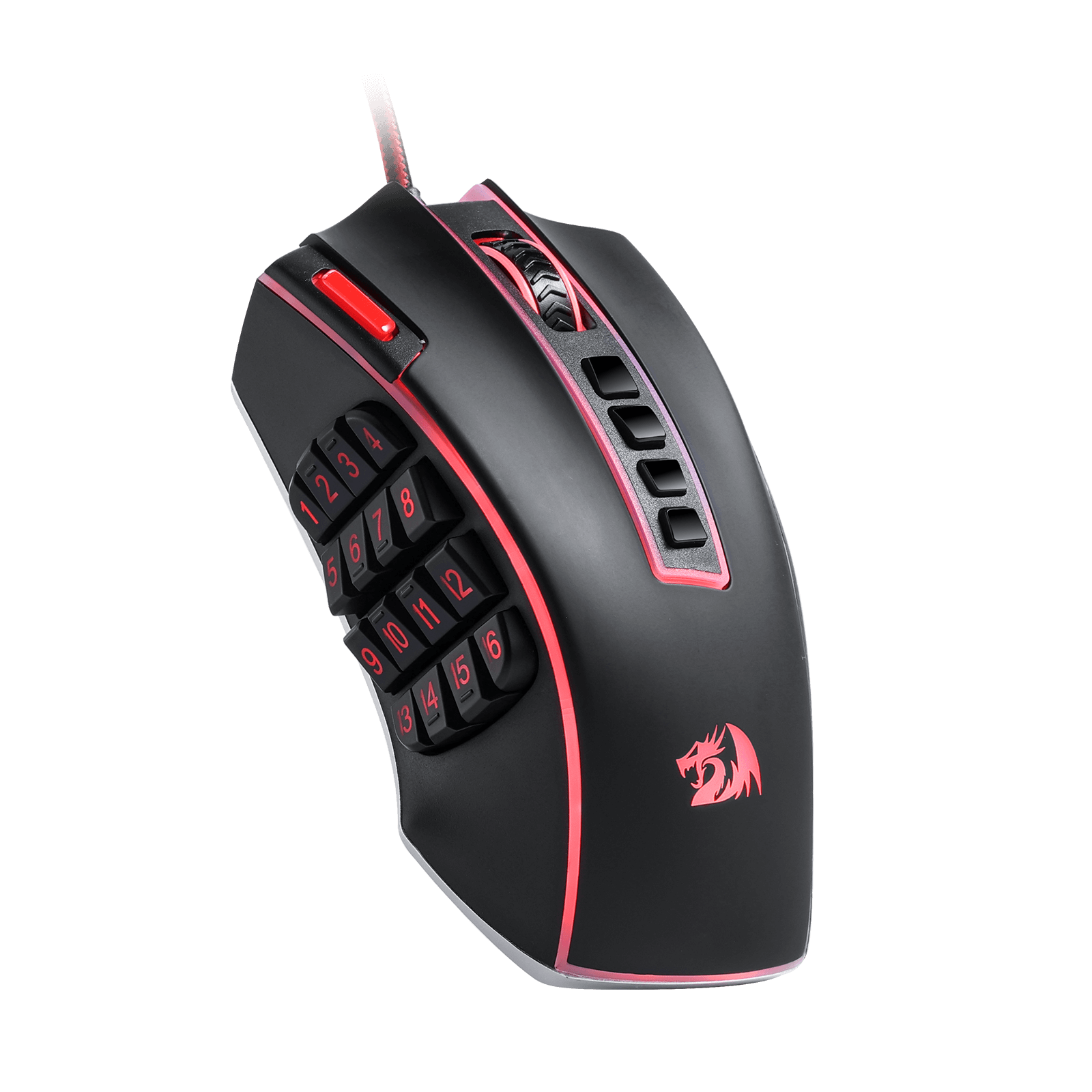
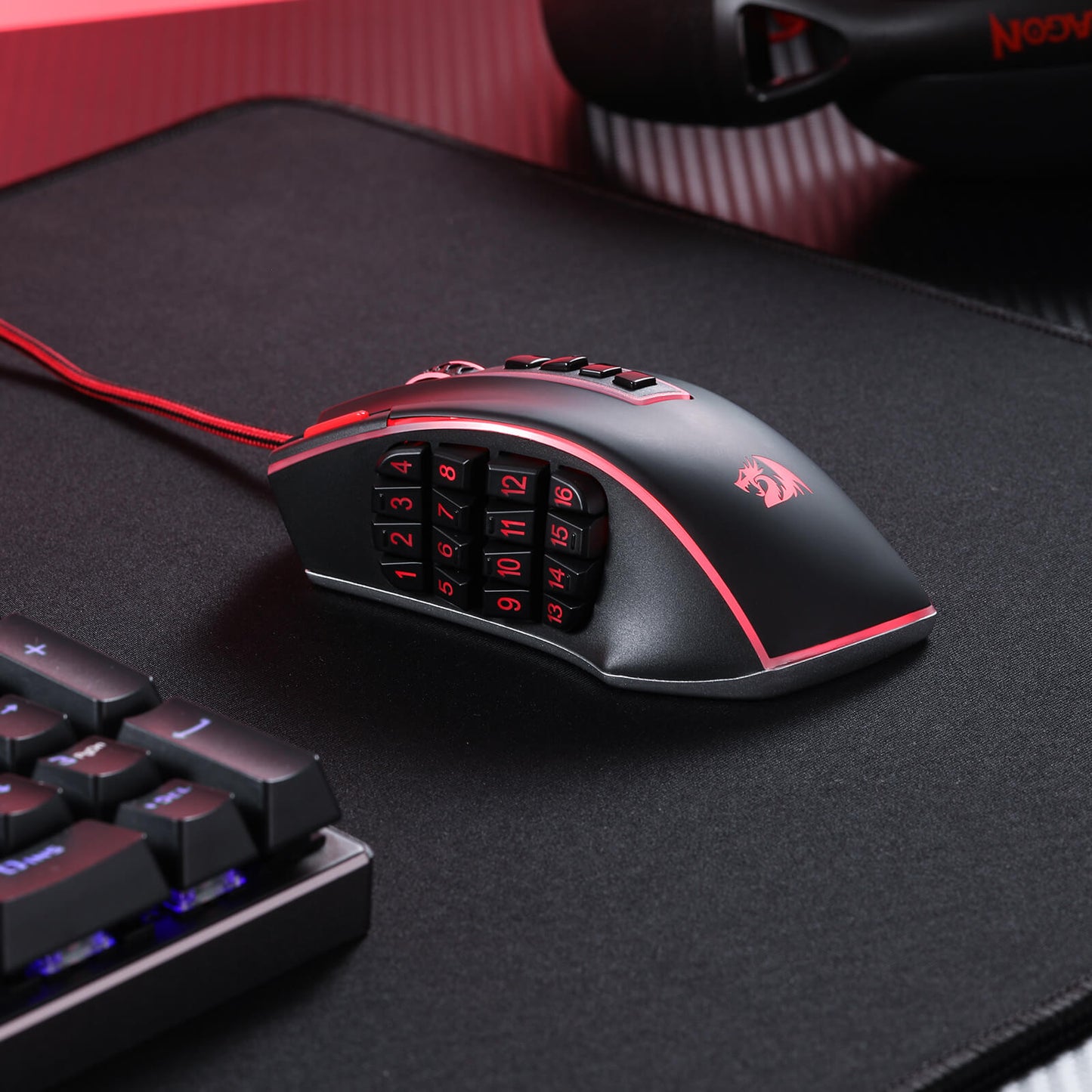
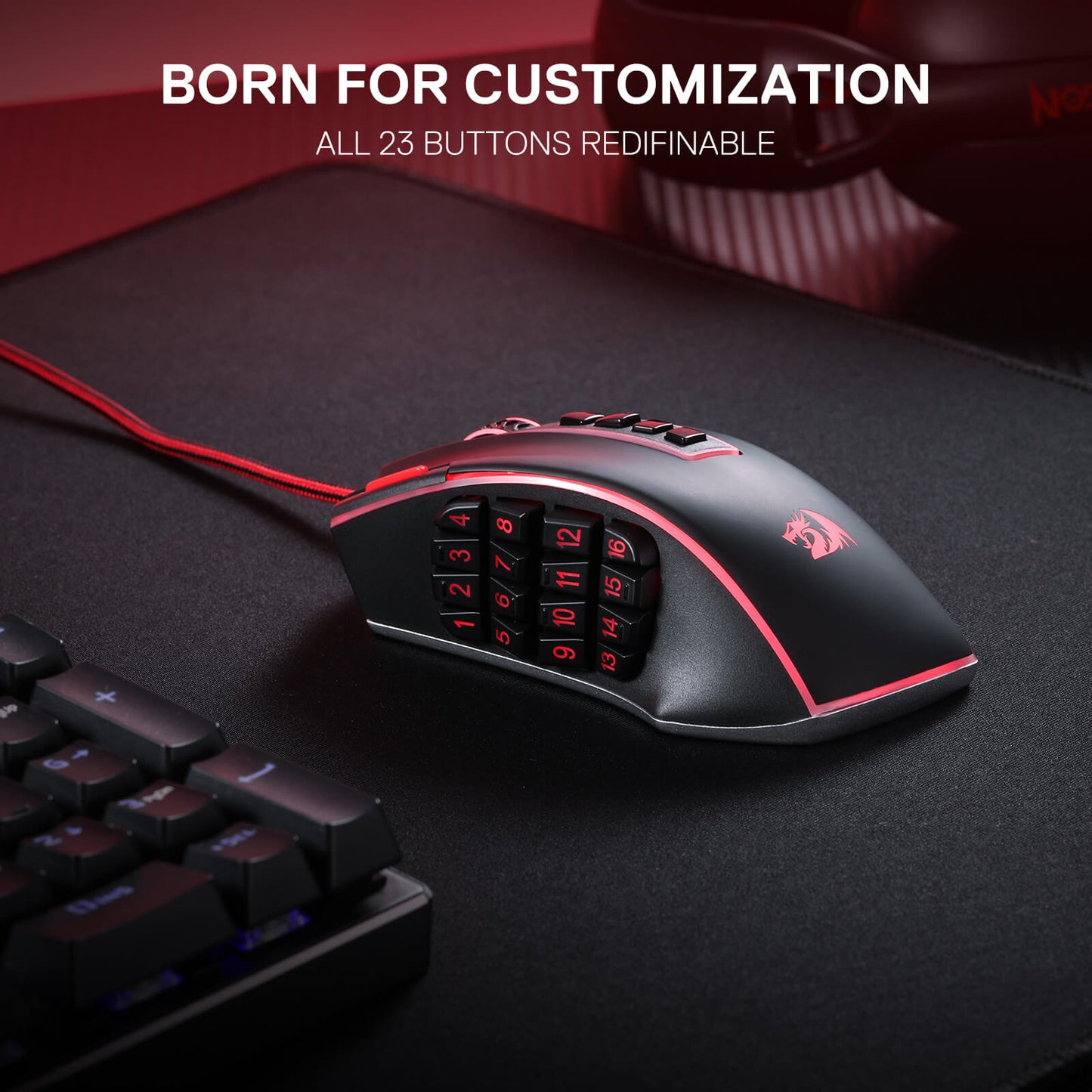
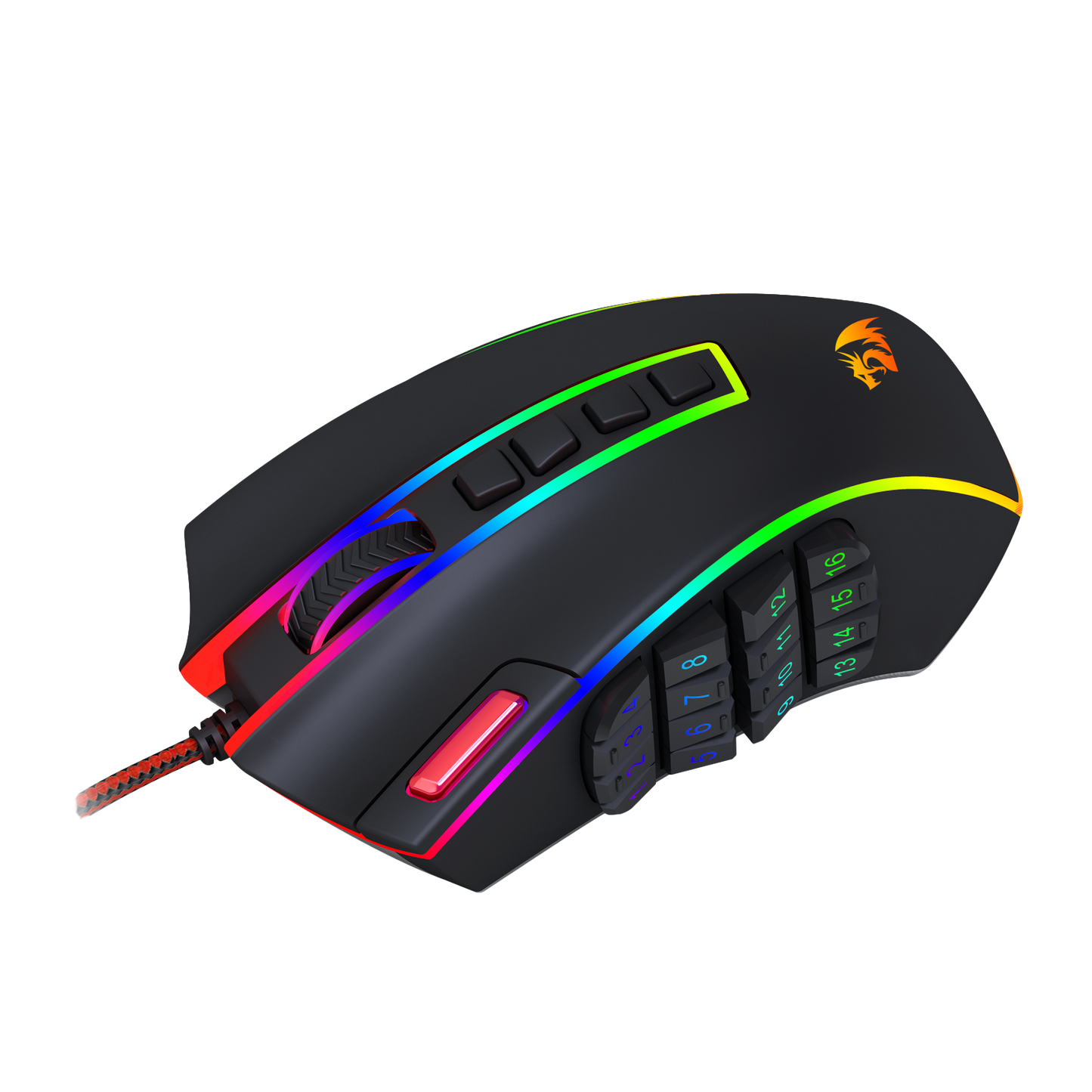
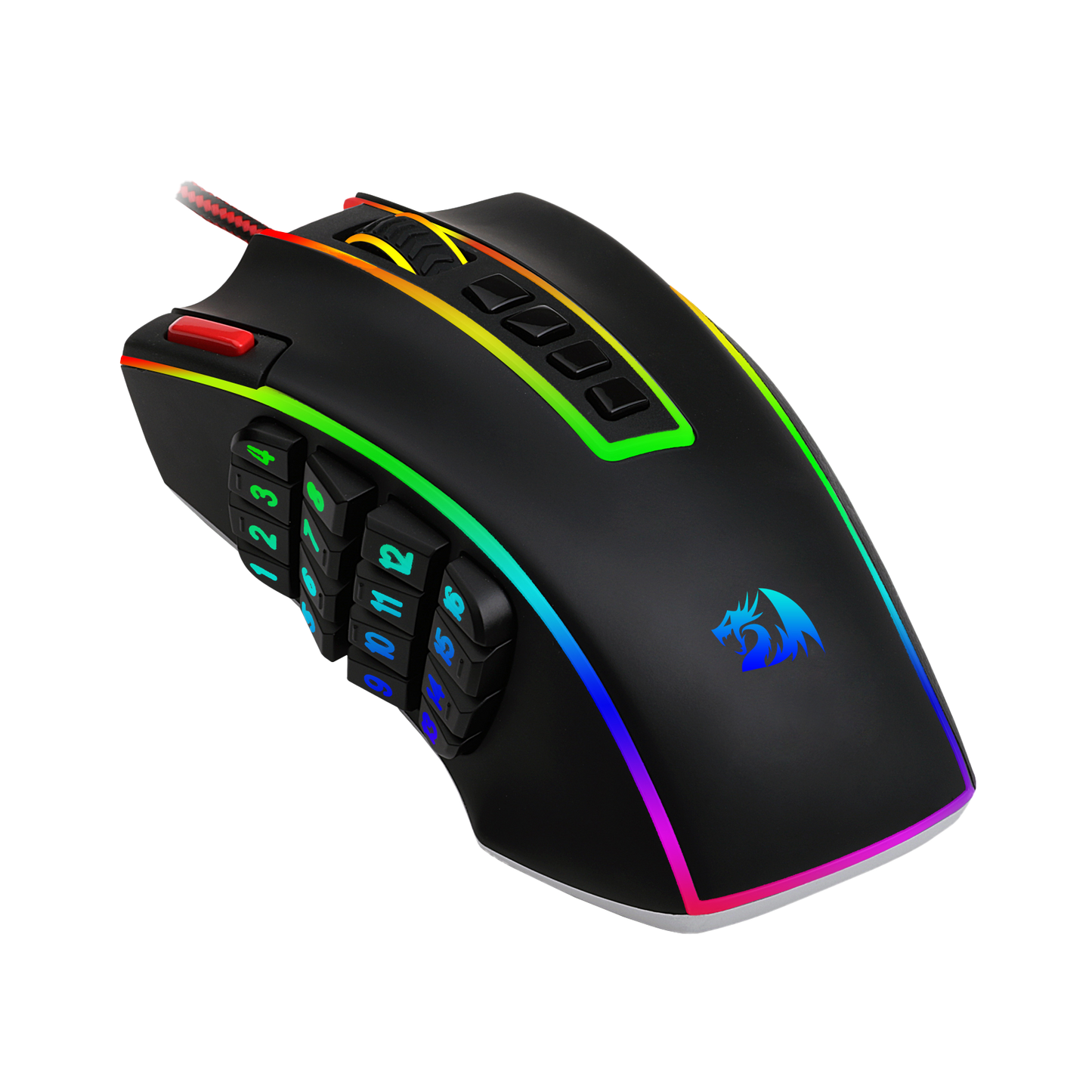
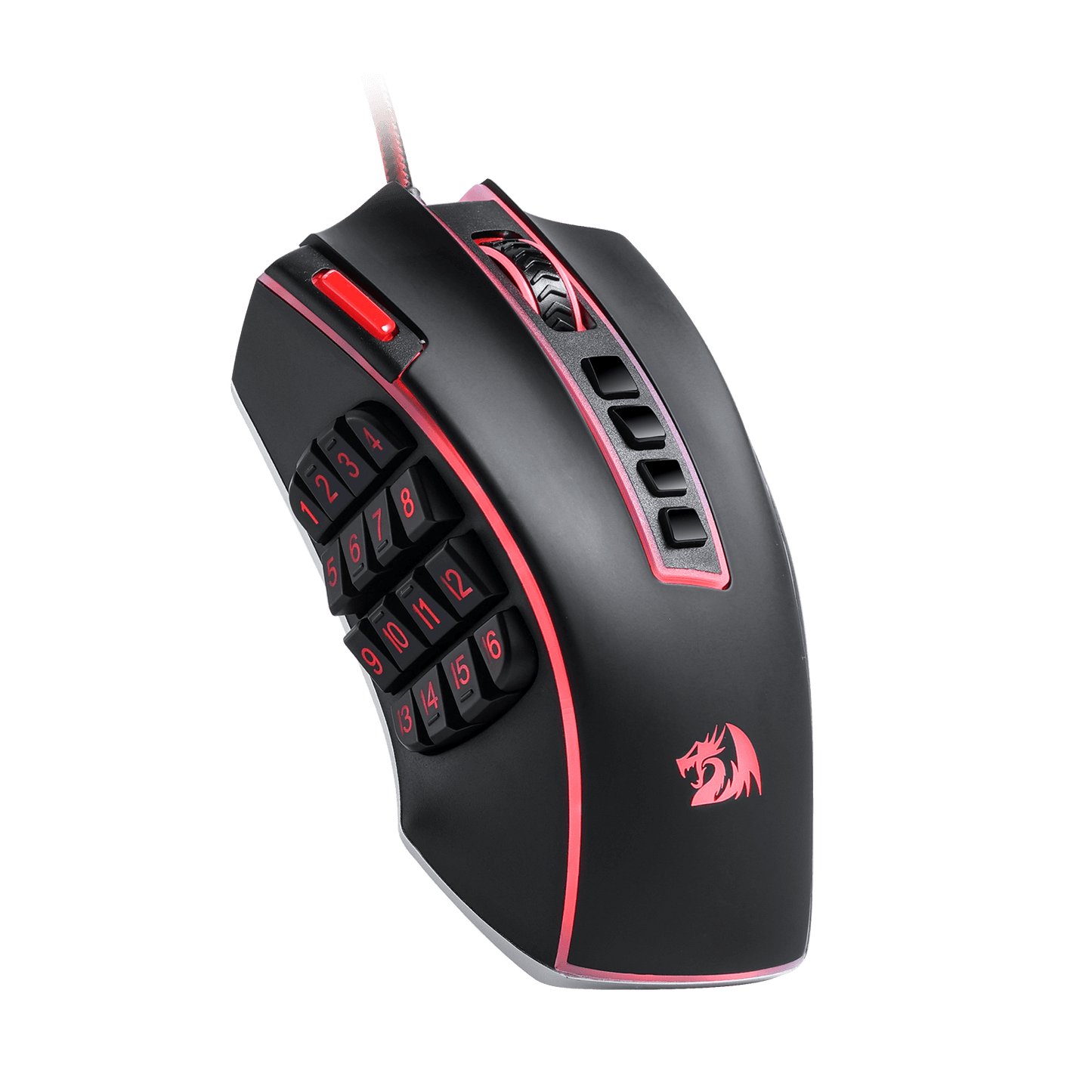
The Redragon M990 MMO Gaming Mouse goes beyond standard gaming mice with its impressive array of 23 programmable buttons and 16 side macro keys. This means you have the power to fully customize your gaming experience, assigning keybinds and macros to suit your playstyle. Never again will you be caught off-guard in the heat of battle; with just a simple click, you can execute intricate combos and strategies with ease.

Built for Comfort and Style
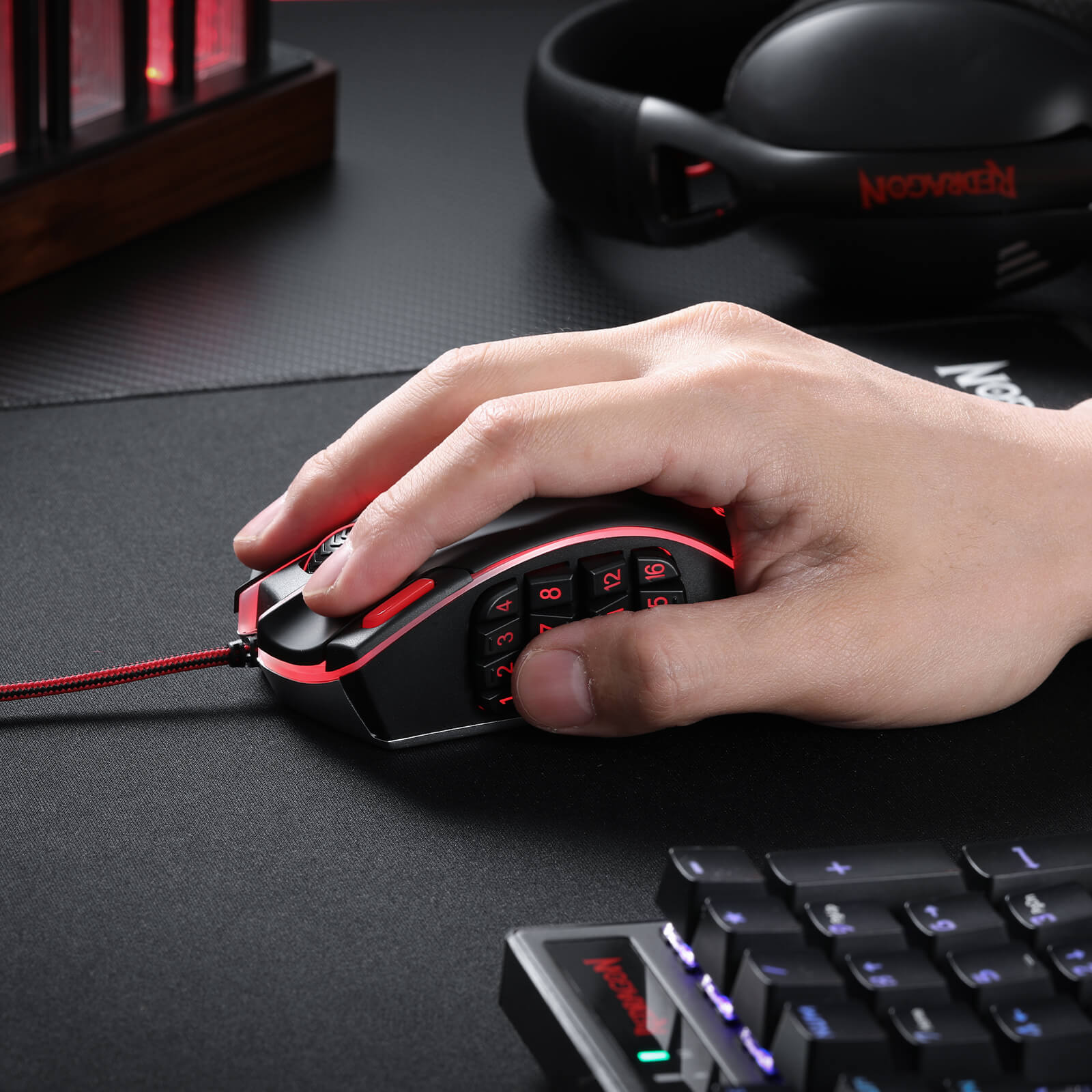
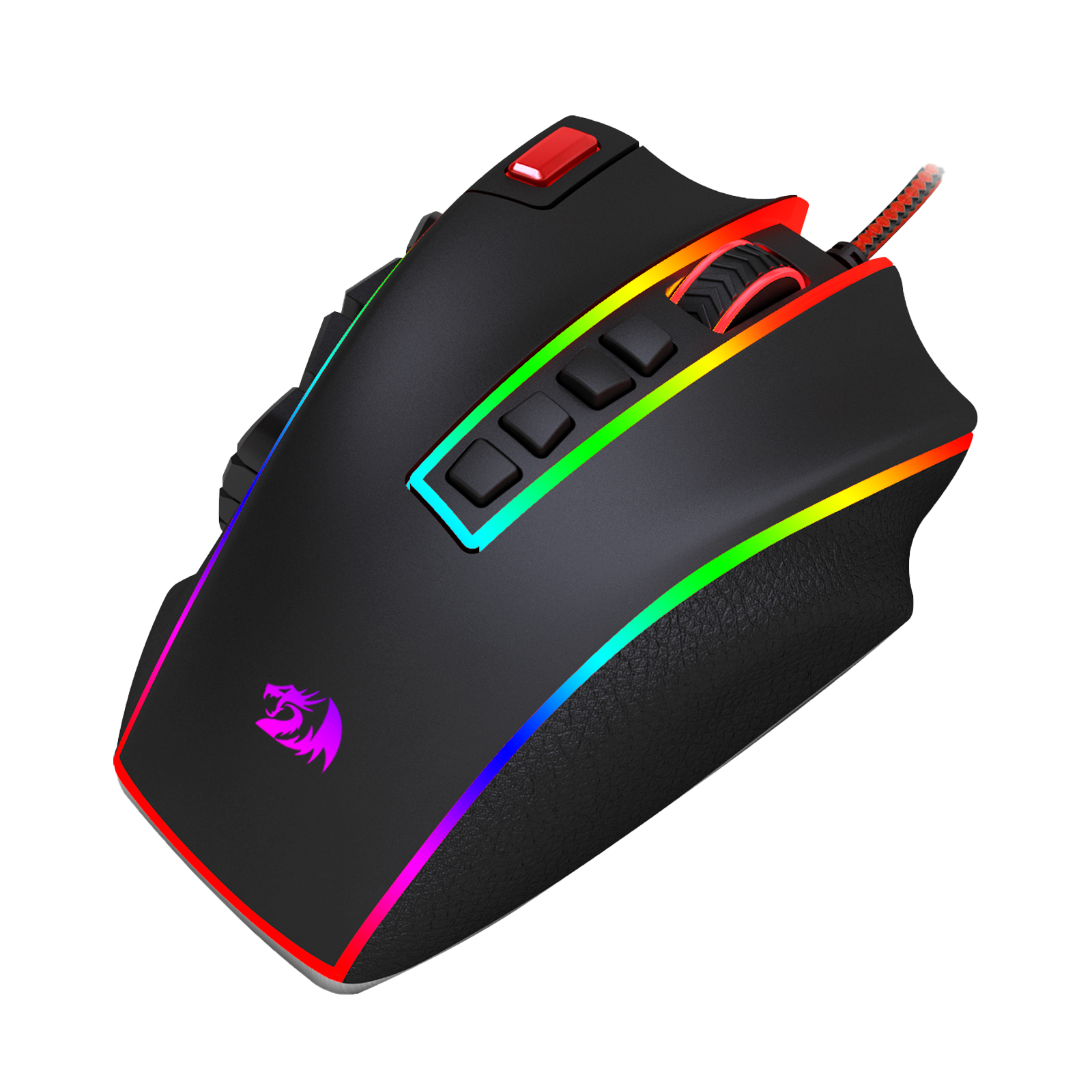
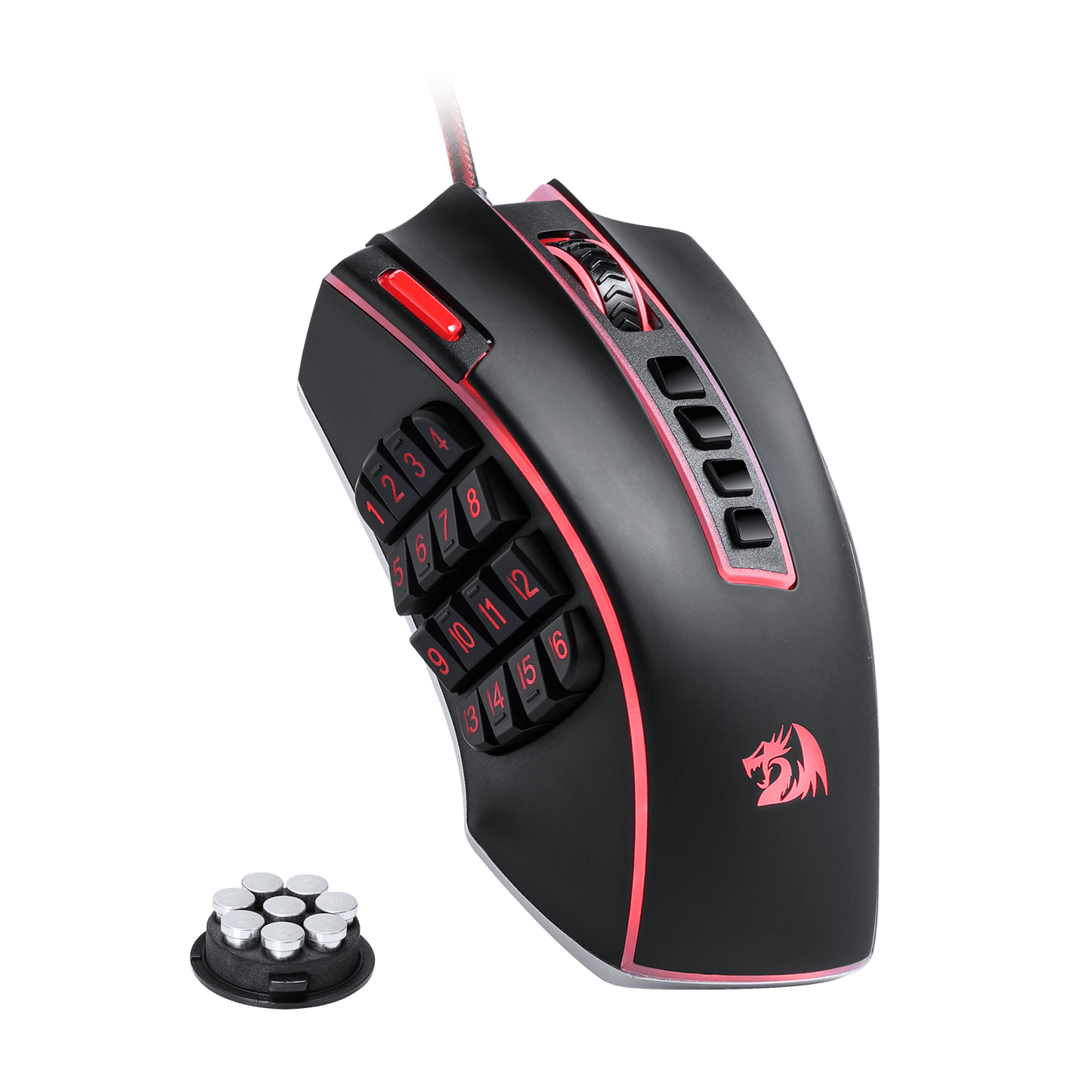
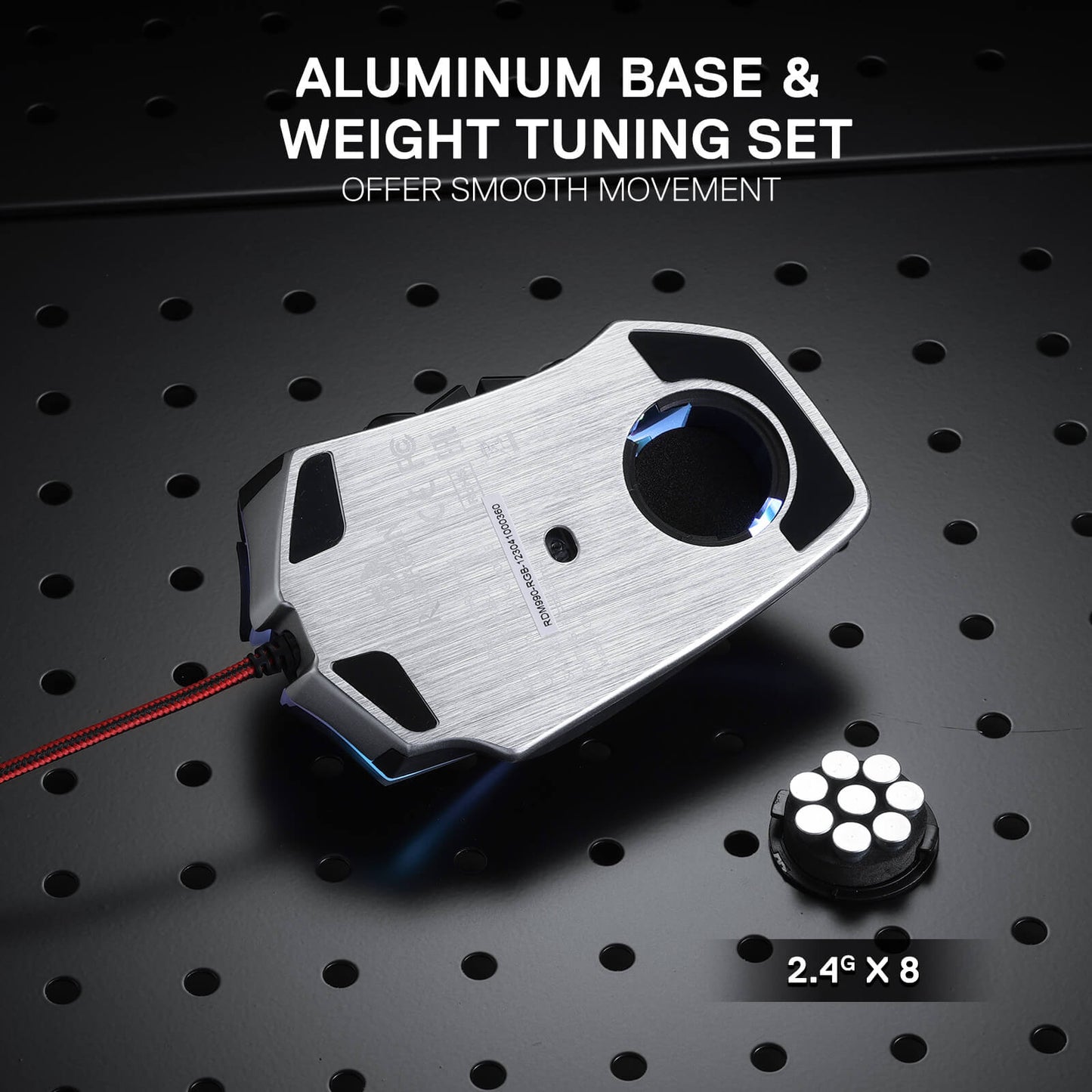
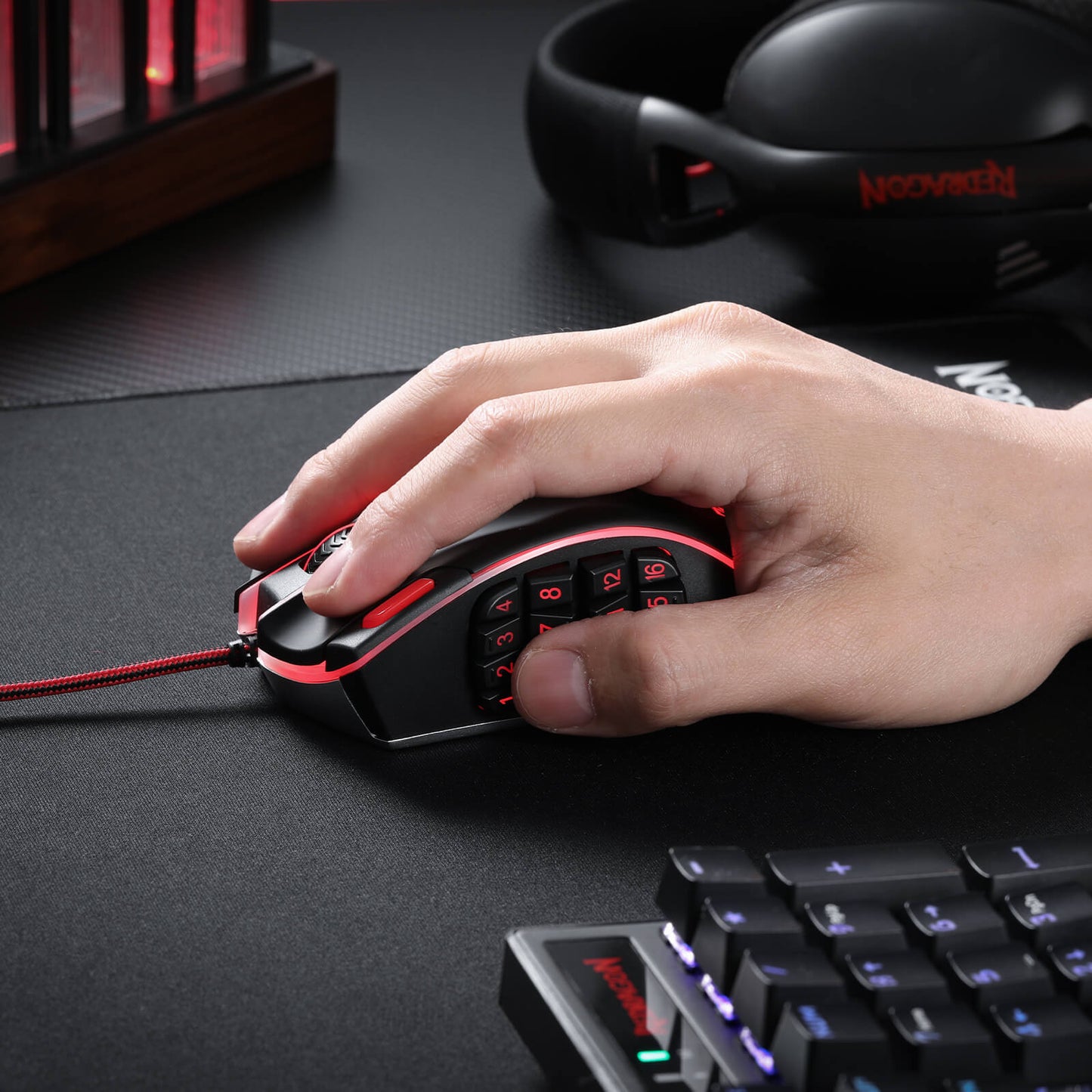
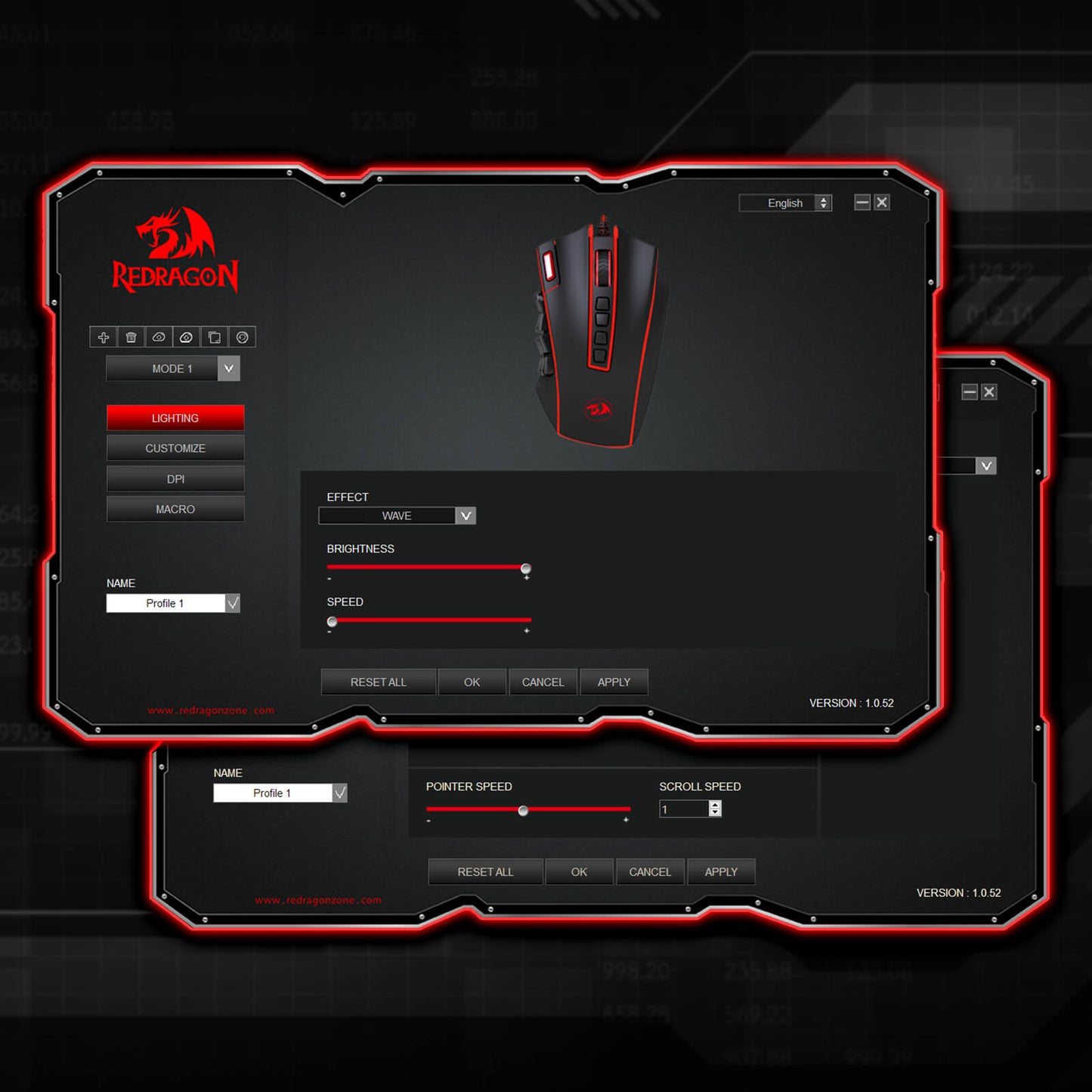
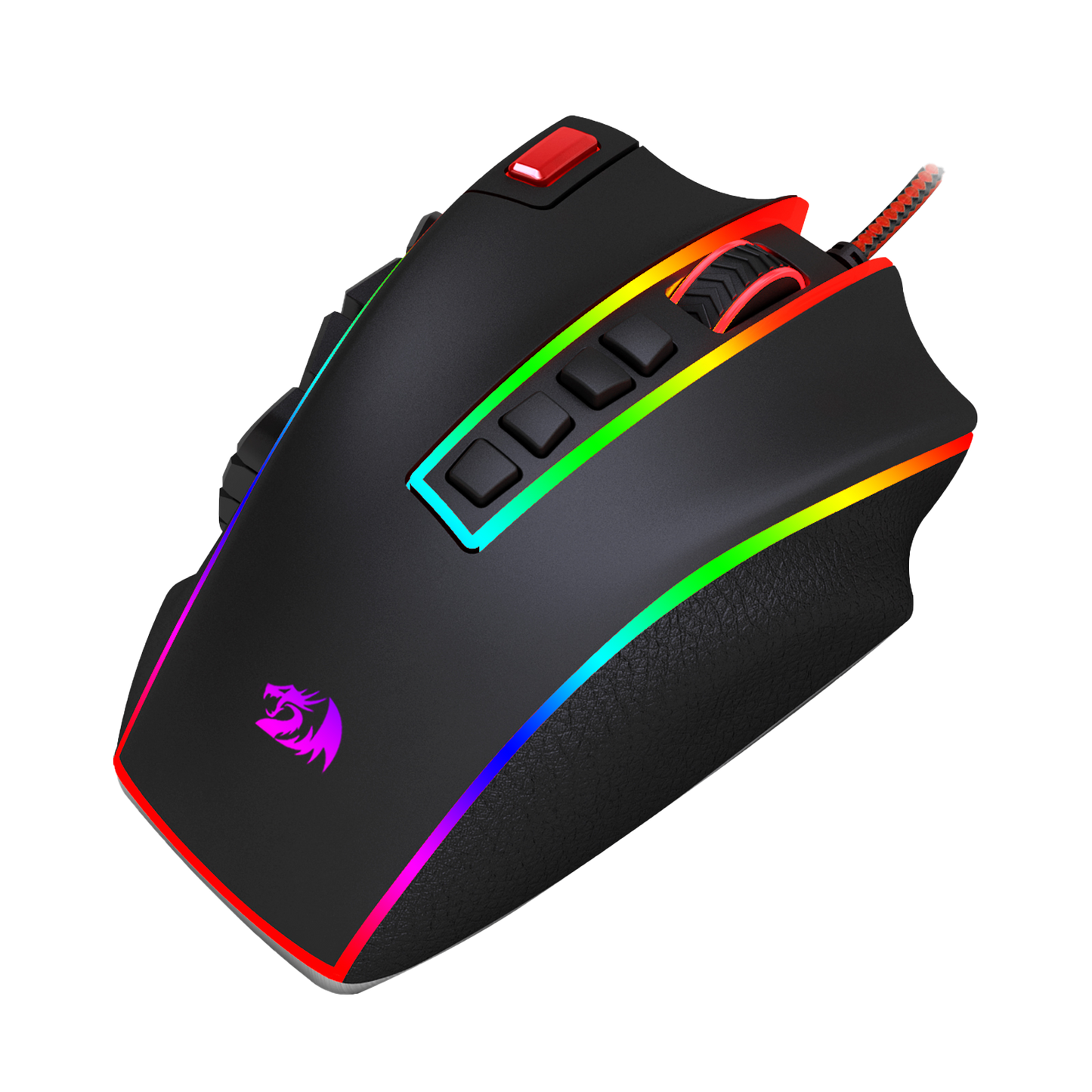
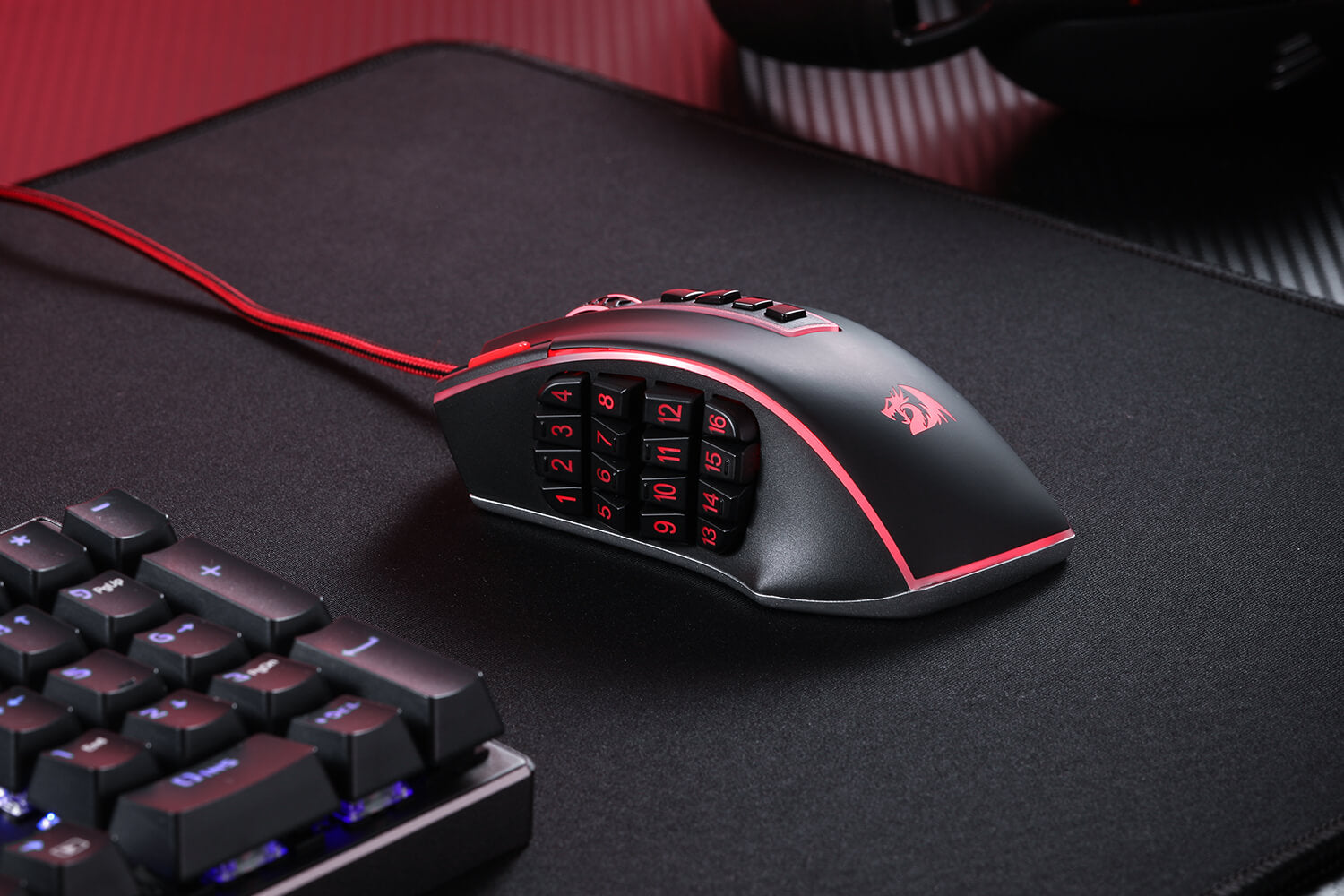
This gaming mouse doesn't just function excellently; it also feels fantastic in your hands and looks incredible on your desk. With an ergonomic design and an 8-piece weight tuning set, the Redragon M990 can be customized to your liking, ensuring long hours of comfortable gaming. Its 16.8 million RGB LED color options and 5 memory profiles add a touch of personal style to your gaming setup, making each gaming session truly your own.
Illuminate Your Battle Station
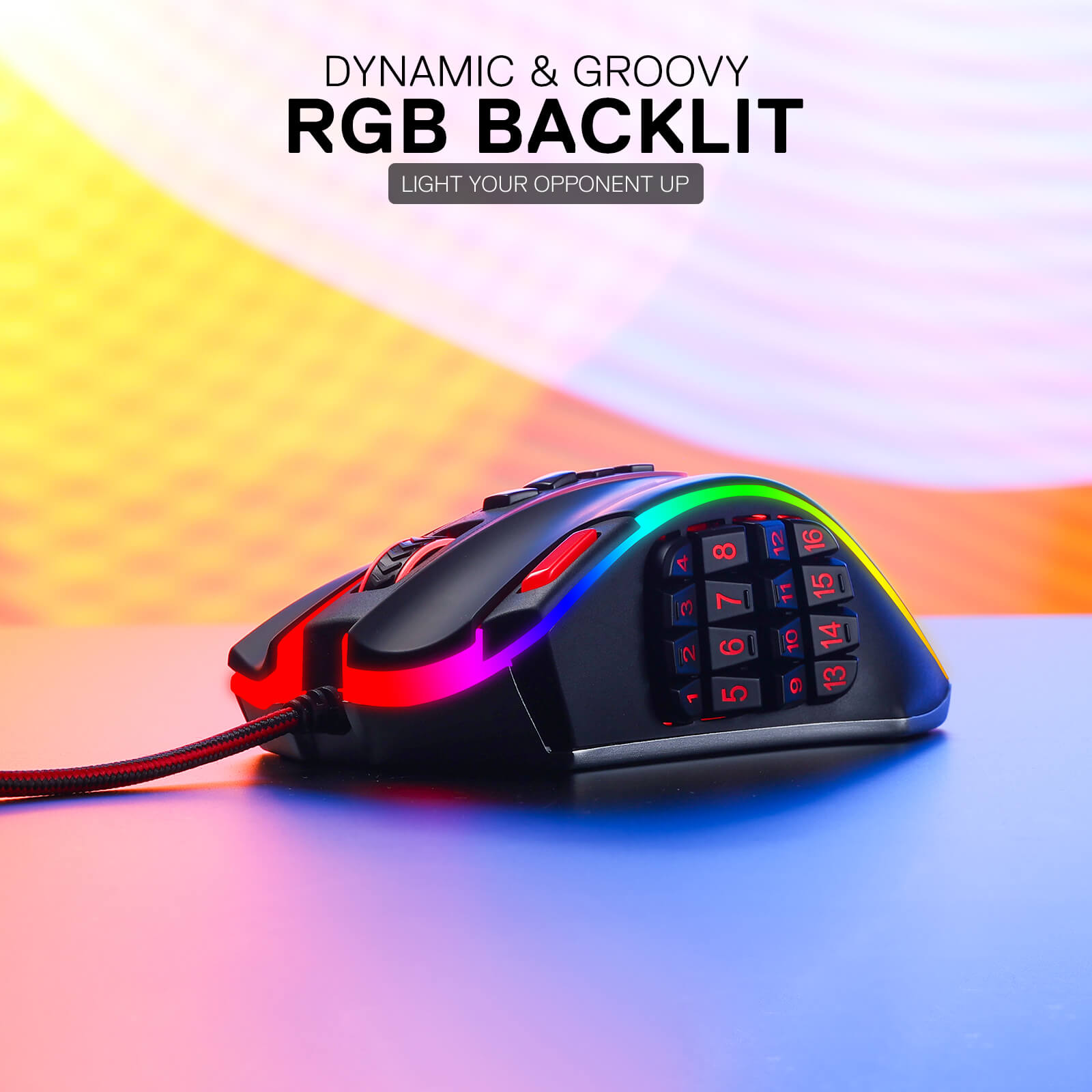
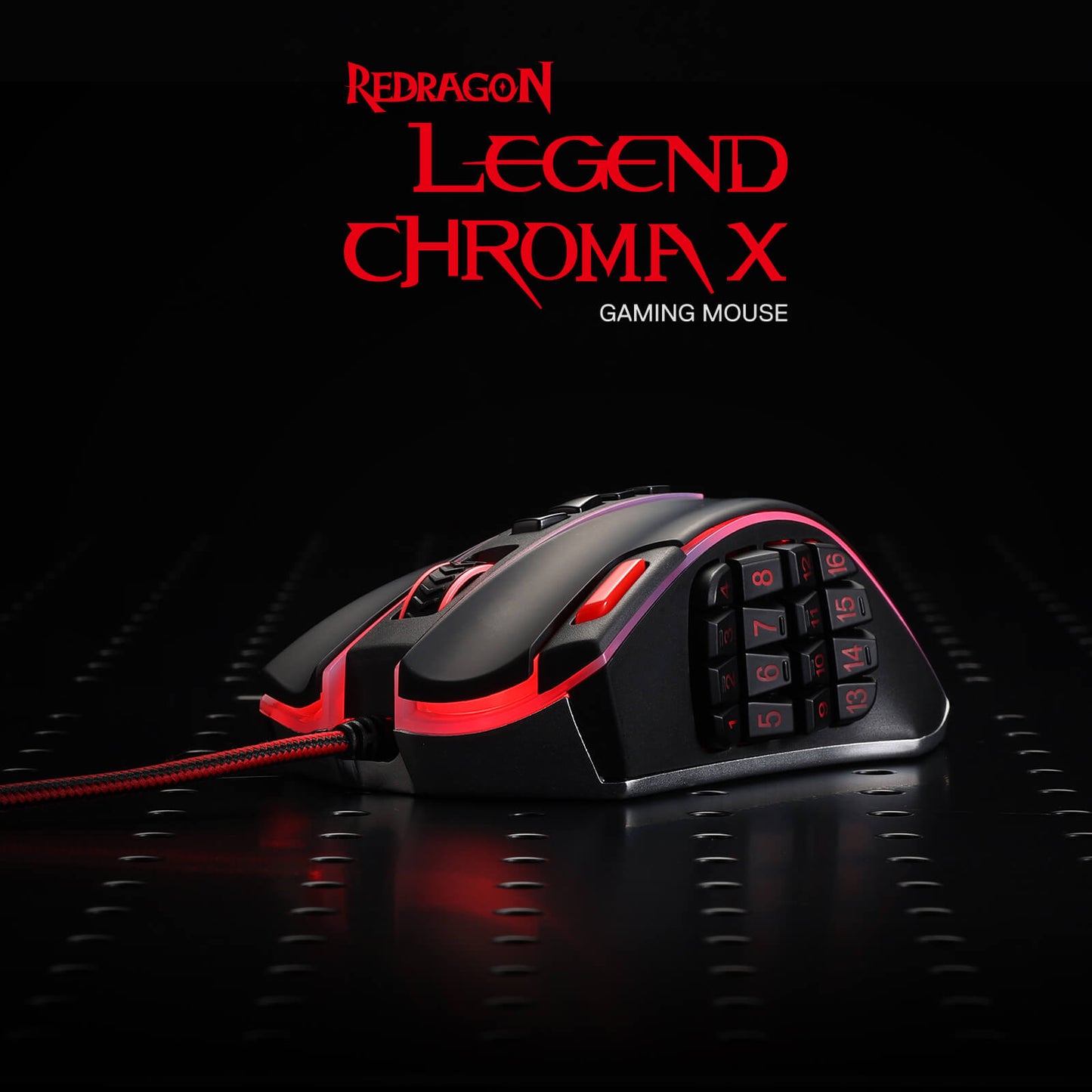
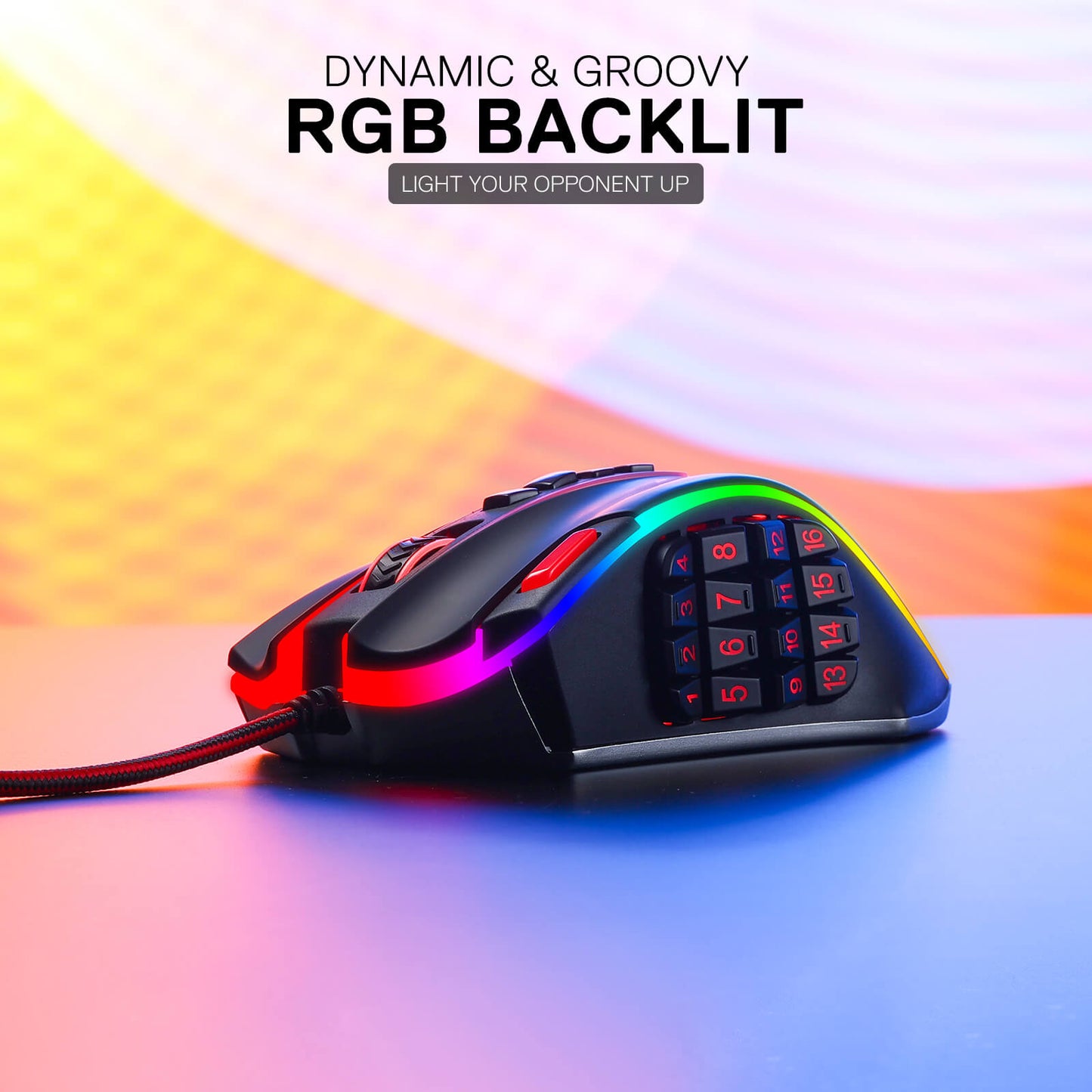
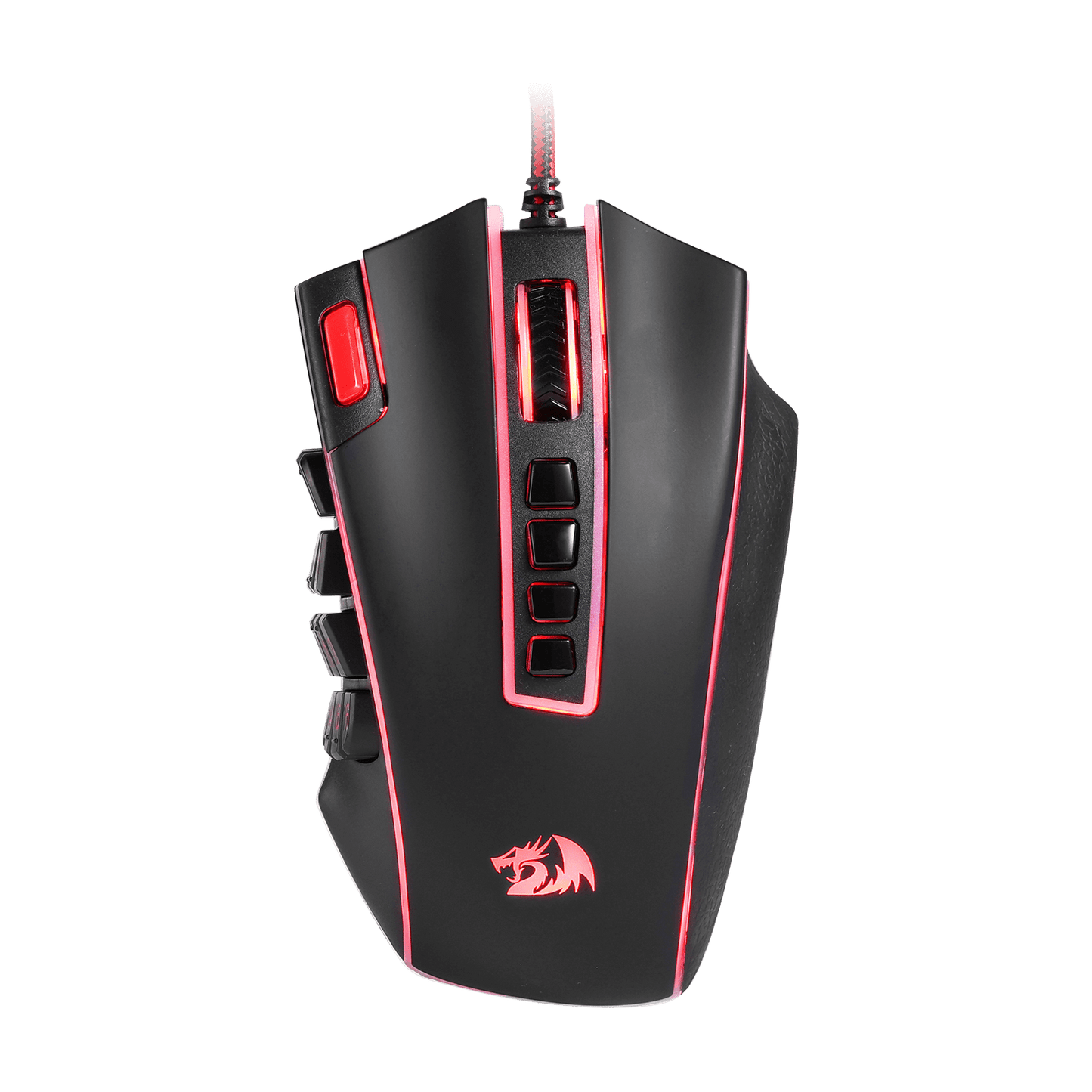
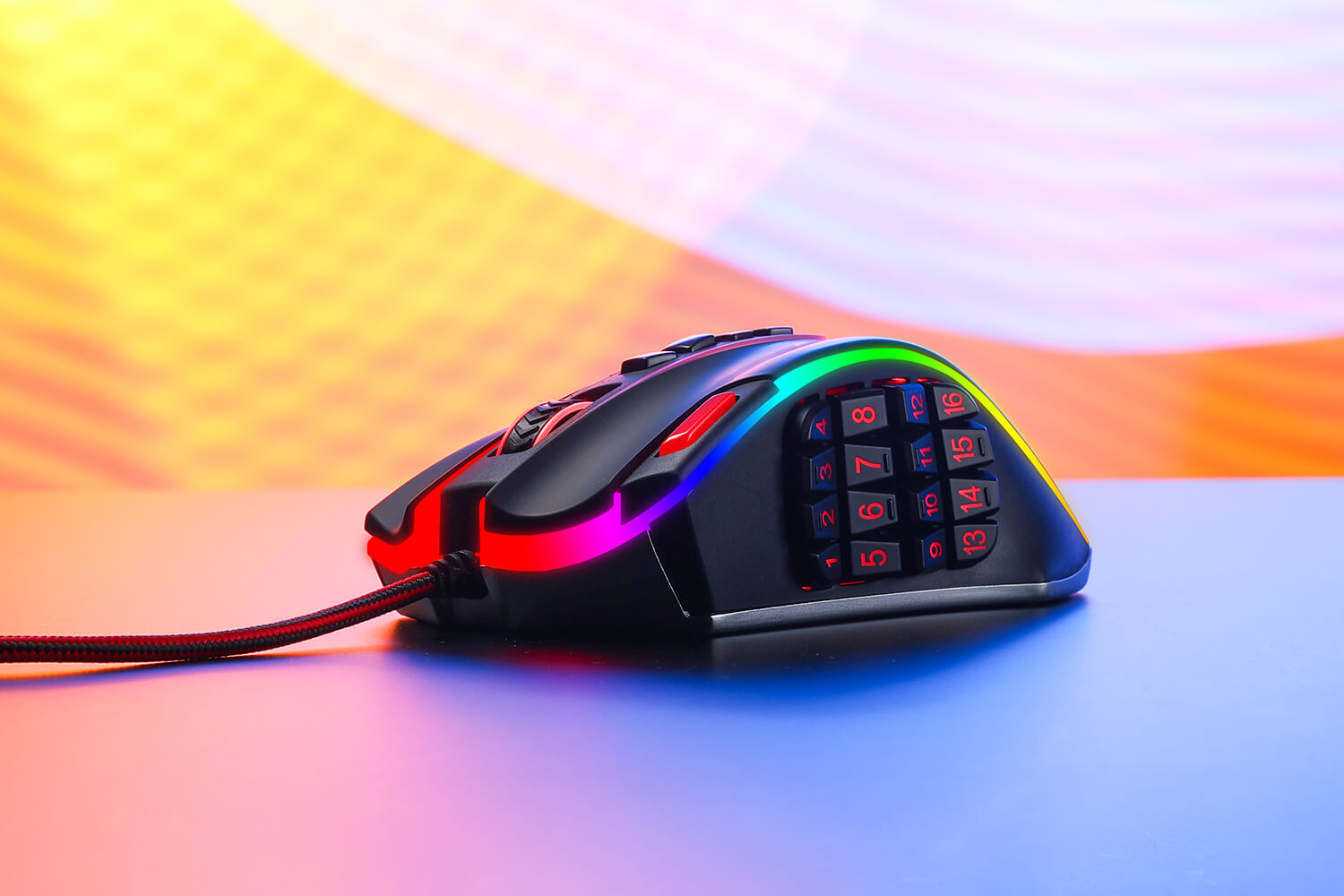
The Redragon M990 MMO Gaming Mouse isn't just about high-octane performance - it's also about style. With five distinct backlit modes and a breathtaking palette of 16.8 million RGB LED color options, this mouse transforms your gaming station into a dazzling display of lights. Each of the 5 memory profiles comes with a unique light color, making it easy for you to quickly identify the profile you're using.

The Ultimate Weapon for Die-Hard Gamers
When the battle gets intense, you need a gaming mouse that can keep up - and the Redragon M990 is more than up to the task. Whether you're sniping from a distance, launching a full-frontal assault, or maneuvering with stealth and precision, this mouse is your trusty companion. Its compatibility with Windows XP/VISTA/7/8/10/11 for programmable usage and Mac OS for normal usage makes it an excellent choice for gamers of all types.
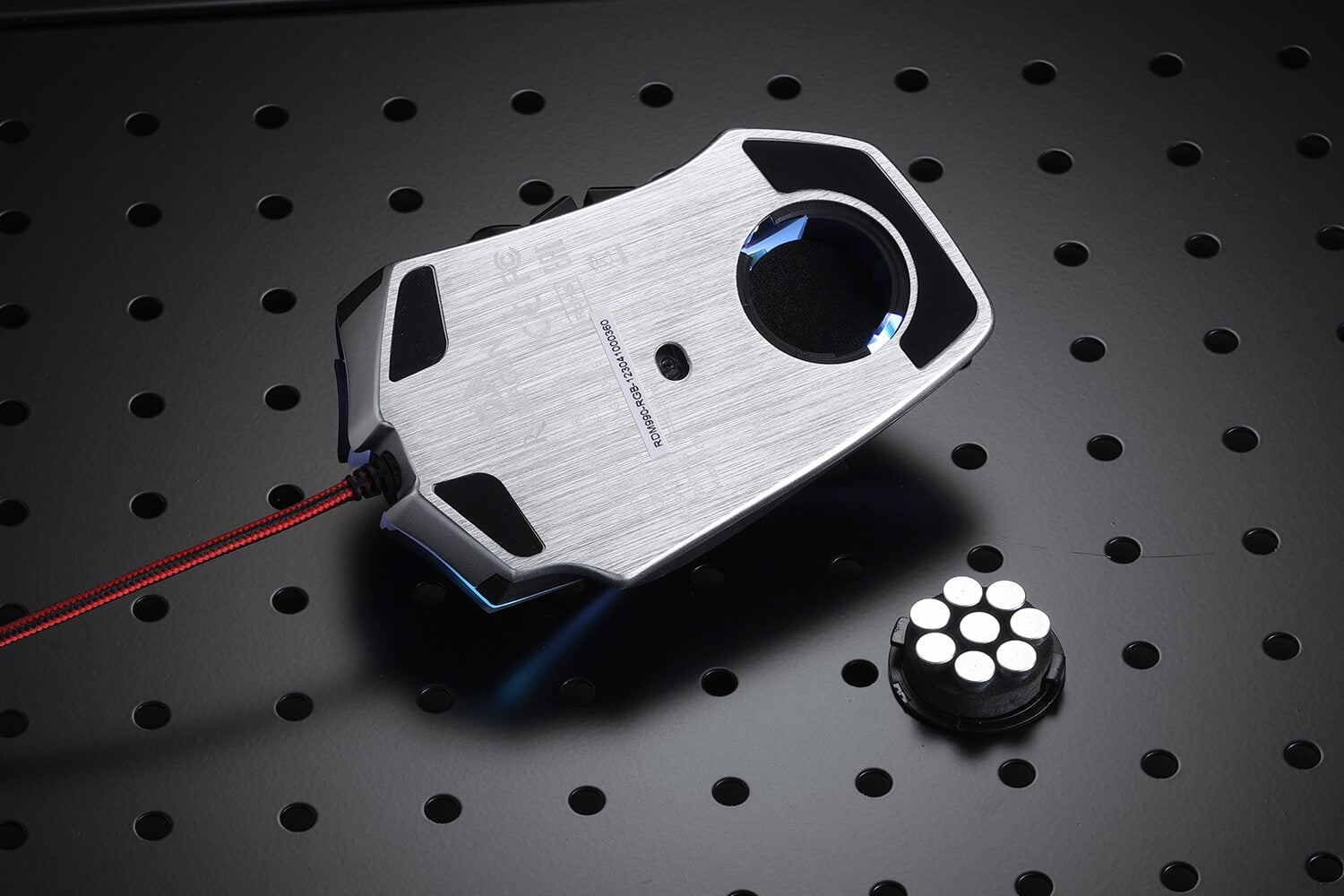
Perfect Balance with Aluminum Base and Adjustable Weight Tuning
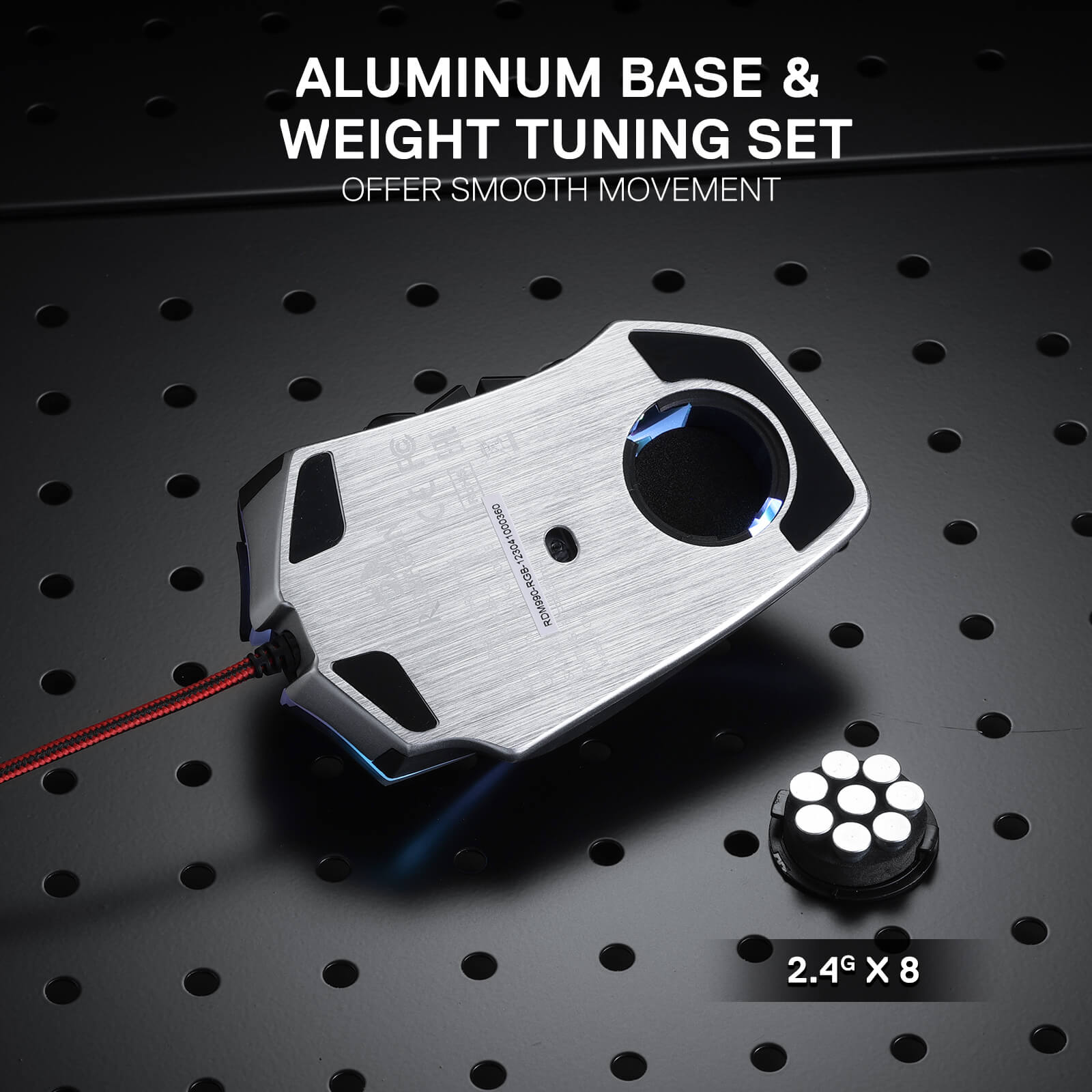
The aluminum base provides a solid foundation, while the user-adjustable 8-piece balance weight tuning set allows you to fine-tune the mouse's weight to your preference. Achieve the perfect balance and enjoy effortless control, enabling you to game with precision and endurance.

Reviews
Dropped 1 star because of general quality and the cycle button. For those wondering the cycle button issue can be solved by exporting the main profile to all other profiles so that cycling by accident wont change anything. Sucks for people with multiple profile but then again you can just export the profile and change them that way. Opposite of the easiness its supposed to give by having a profile cycle button but beggars can't be choosers. The only similar product to this mouse is from from Azeron which is several times the price.
And for those who don't know Redragon mouses I've used all have on-board memory so unlike Razer the mouse can function without the app. Not sure all products or only certain ones.
I am hemiplegic and I have not had the use of my left hand since '09. My G600 mice have served me well for over a decade as a keyboard/controller replacement (with voice typing and the OSK). Only occasionally Do I have to grab the Physical keyboard.
My G600s are old and flaky as is the LGS used to manage them. The newer G-Hub doesn't work with them.
I need a replacement.
Enter the ReDragon M990.
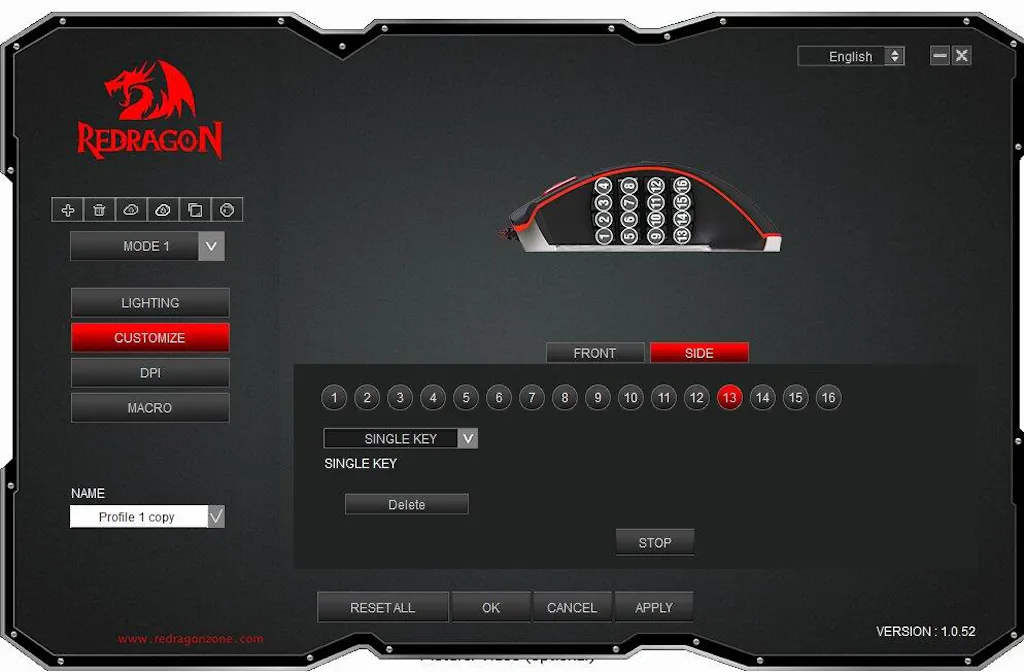
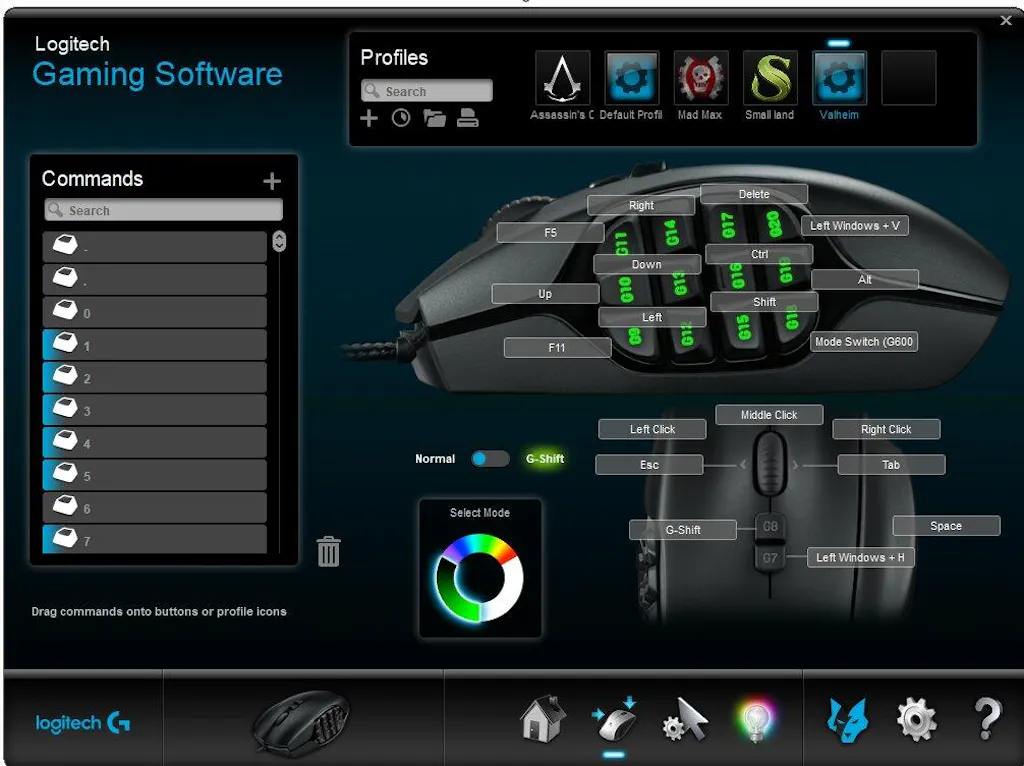
The first problem is the ReDragon Gaming Mouse Software I can only see one button at a time. With the LogiTech Gaming Software I can see ALL of the buttons, I can toggle the G-Shift layout, cycle through the 3 modes and select one of countless auto detect gaming profiles or set the mouse to use it's on board memory.
16 side buttons, up from 12. I can feel the rows of buttons, I cannot feel a difference between the two middle button columns. I'm constantly groping around trying to feel if i'm on column 2 or column 3. While I appreciate the 4 additional side buttons, the missing G-Shift feature makes it feel like I have lost 8 buttons instead.
I am also missing the scroll wheel tilt feature and the two shoulder buttons they provided. Mapped to Esc and Tab.
I use the G-Shift side /ring finger button for the shift key. In my game and browsing profiles. It made jumping while moving intuitive. I now have the red button mapped to space. I have to lift my finger off of LMB and reach for it. It's been a year and I still flub it constantly.
4 spine buttons up from 2. I had them mapped to G-Shift and [Windows +H] (voice typing) / PrtScn while browsing. With the M990 the 4th button is mode switch and it can't be changed. I'm constantly hitting it by accident. Then i have to cycle through 5 modes and wait for it to stop blanking to make sure that I am on the right mode. With the G600 there are three modes, I use one for windows and browsing with the arrow keys mapped and another for gaming with WASD mapped. The third profile I change often depending on my needs at the moment. with the M990 I use one profile for web and windows and non wasd games. I don't live long in wasd games with the M990 so I will use the G600 with the flakey MMB rather than try to fight with the new one.
The other three spine buttons are mapped to [Windows +H], Esc, and Tab.
I'm trying to adjust to the M990 but it has been a struggle.
I am still on the hunt for a successor to my aging and discontinued G600.
This mouse was great for the first couple of years I had it! ive used it for about 3 years now and the performance of the mouse was great for its price! I used it on many different games until it broke yesterday. I am surprised with the mouse's lifespan with great performance! would recommend (:
The lights on the mouse are great, they blend in with my partner's keyboard and mouse mat which makes everything look really nice with RGBs. We're trying to find a way to bring the buttons into play too
This is the best mouse I ever had. 16 buttons is game changer for me. I like it's highly customizable and has different custom profiles. Good DPI RGB options. Would highly recommend for gaming or productivity like video editing.
you may be interested

DRACONIC K530 PRO WHITE (Brown Switches)

H510 ZEUS WHITE & PINK

EISA K686 PRO SE Anime Keyboard