
- Overview
- Specifications
- Software Download
- Reviews
- Overview
- Specifications
- Software
- Reviews


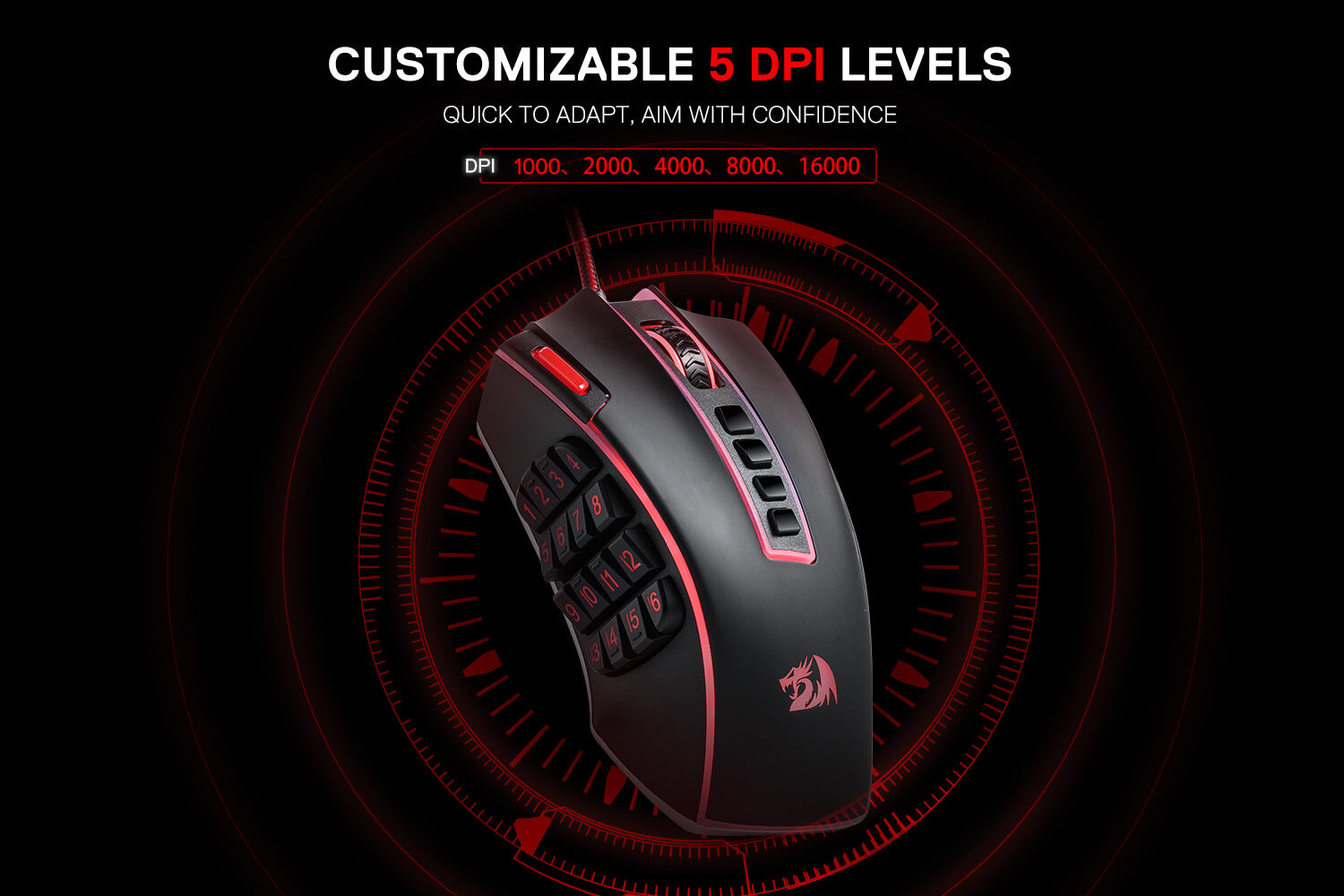
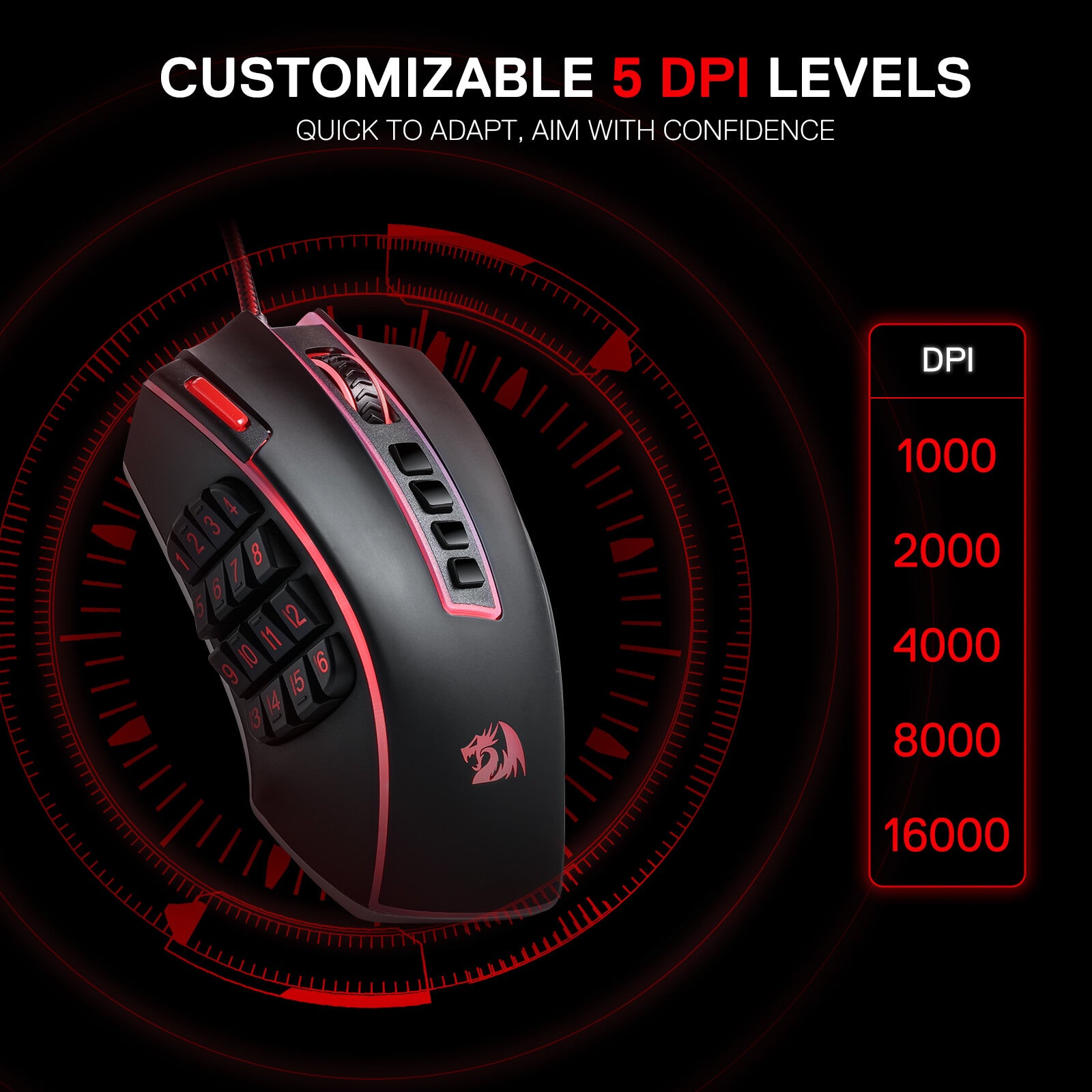
Kraftvolle Leistung
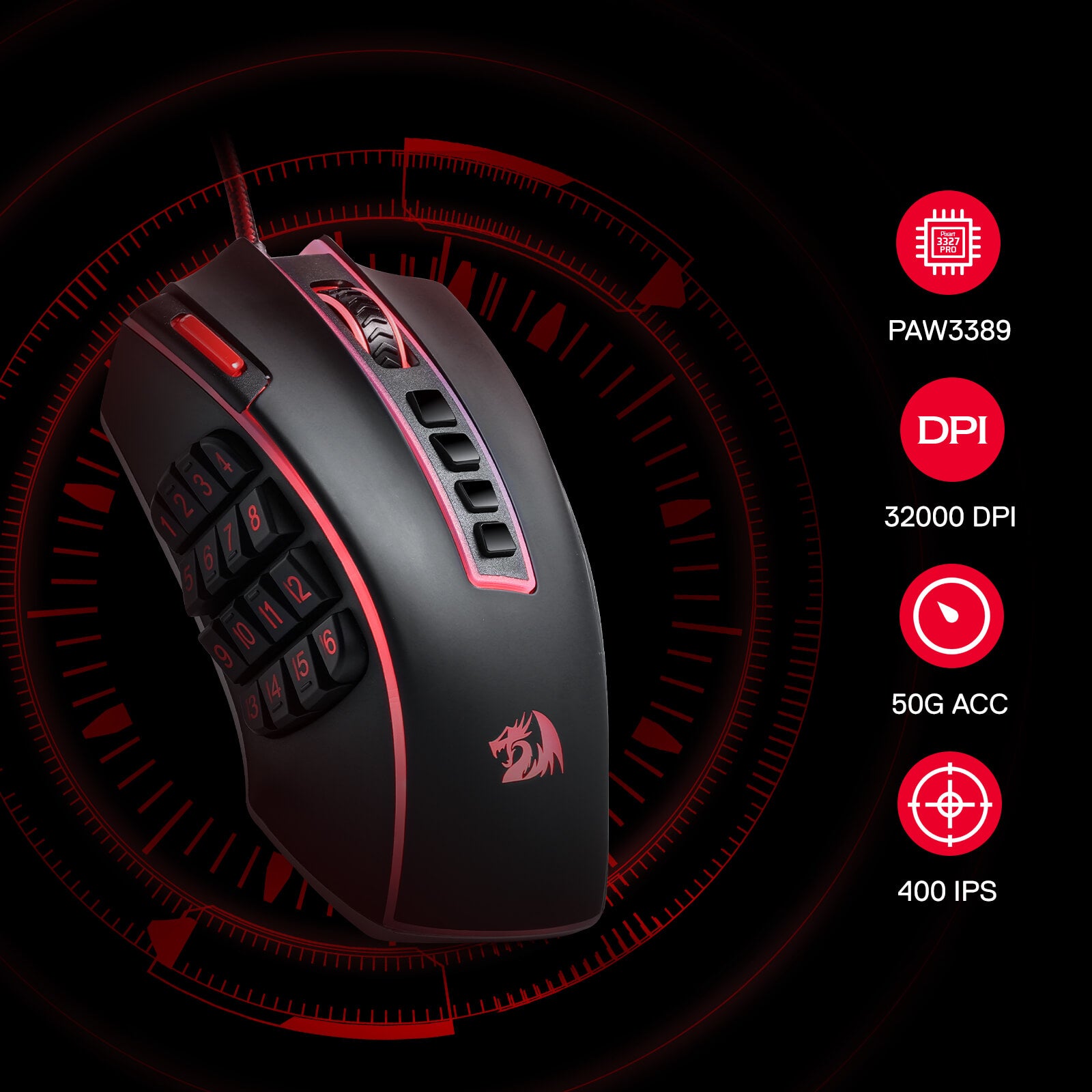
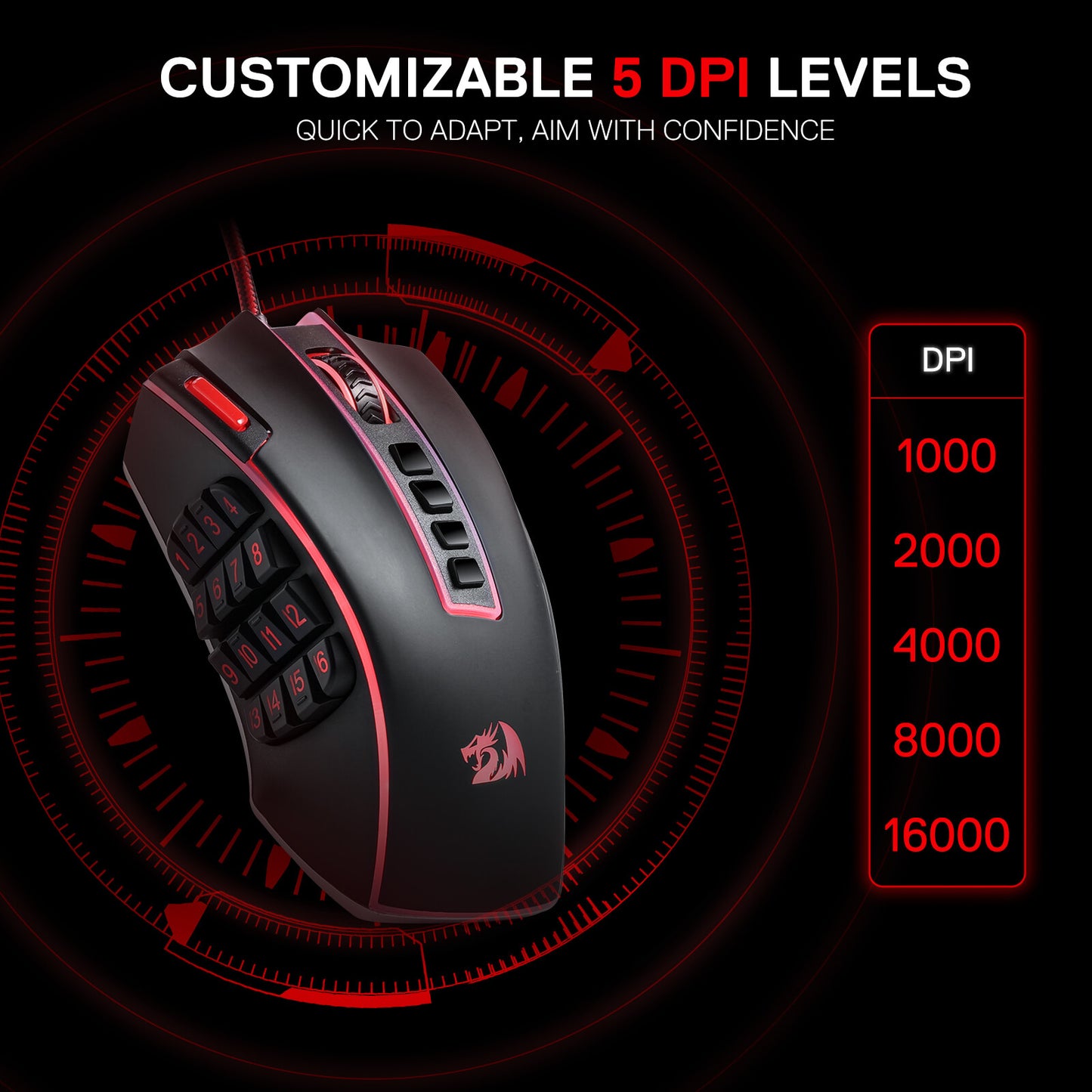
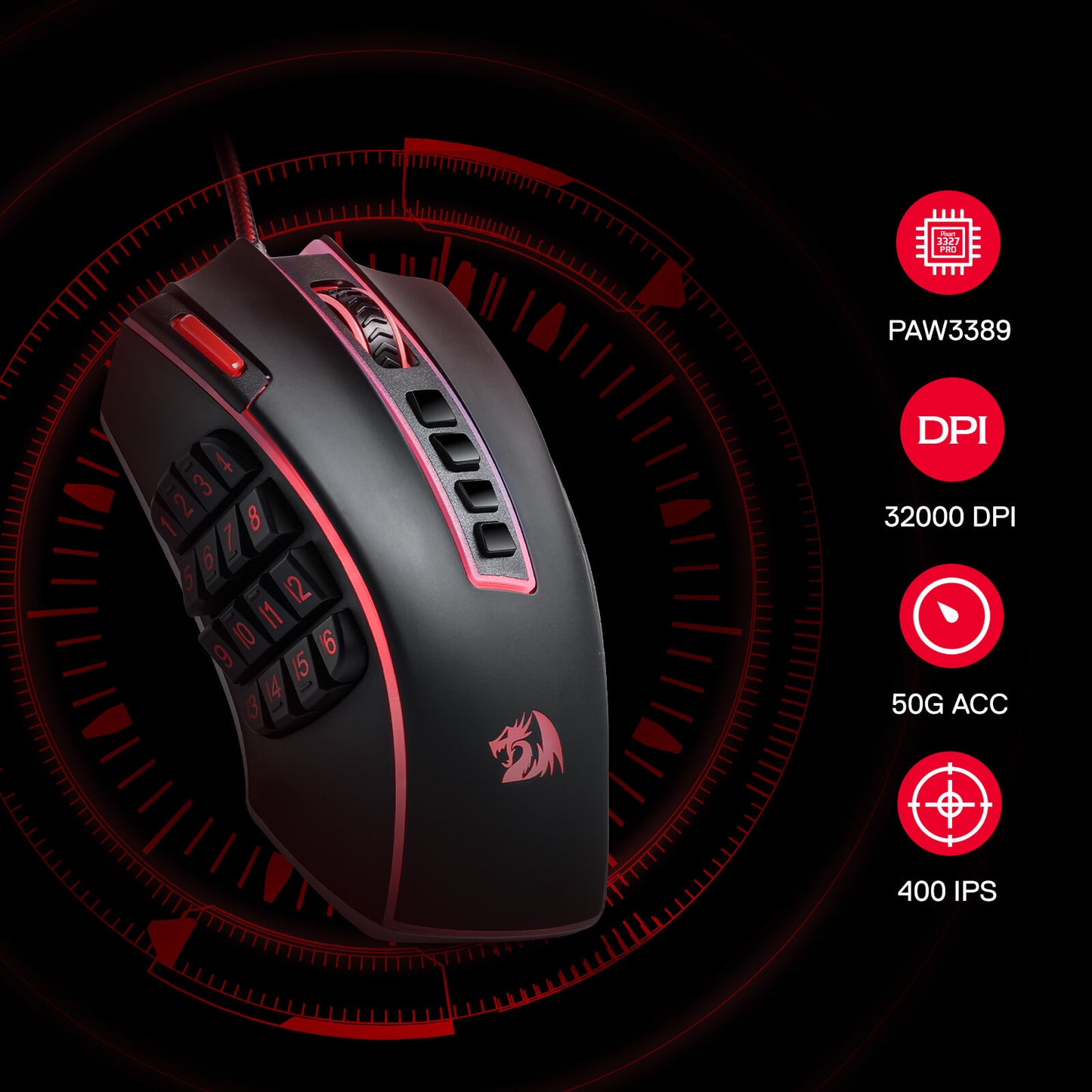
Ausgestattet mit 5 neu definierbaren DPI-Stufen (Standard: 1000/2000/4000/8000/16000), einfacher Wechsel zwischen verschiedenen Spielanforderungen. Spezielle Anforderungen an DPI-Optionen zwischen 100 und 32000 können auch per Software verarbeitet werden.
Die Kraft der Anpassung entfesseln
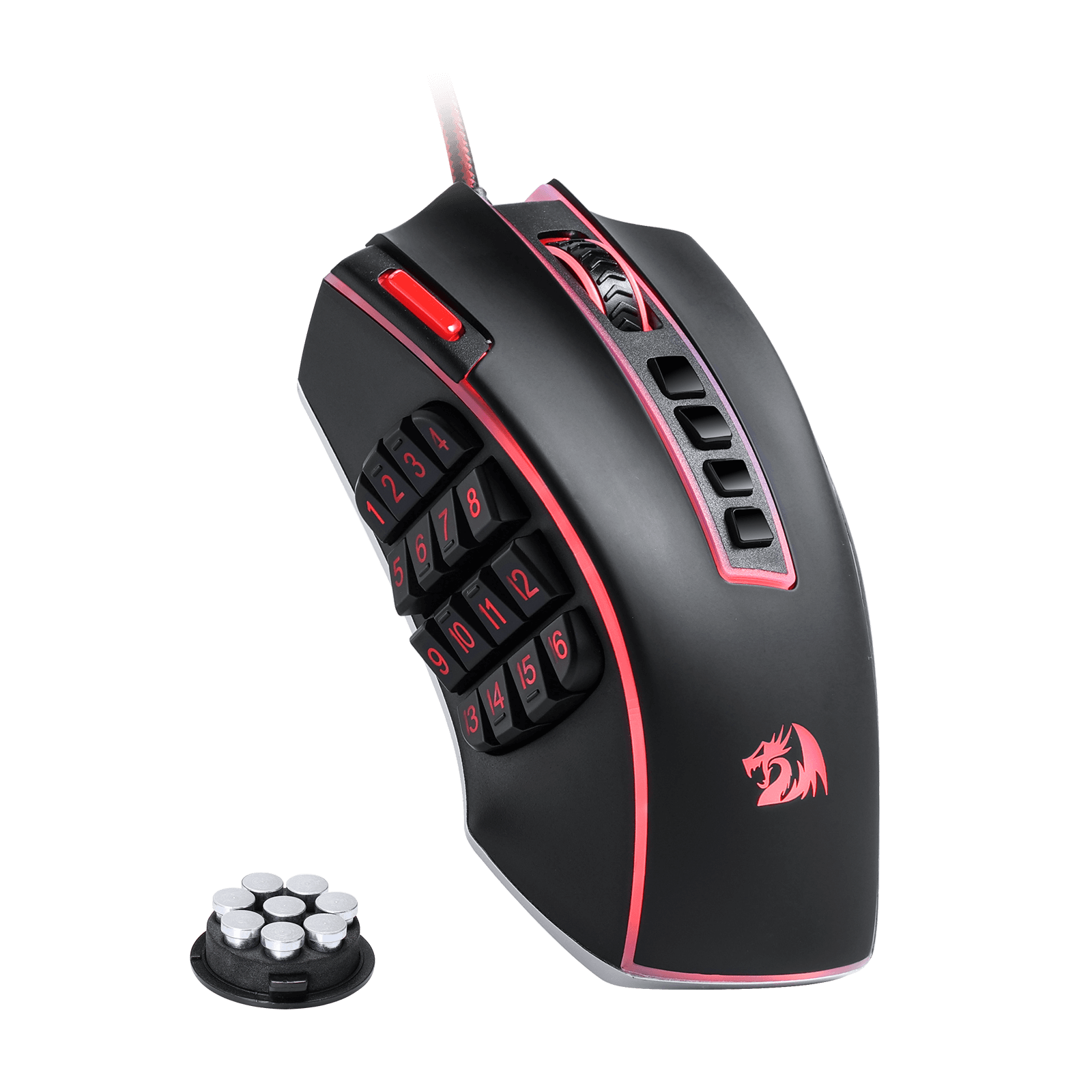
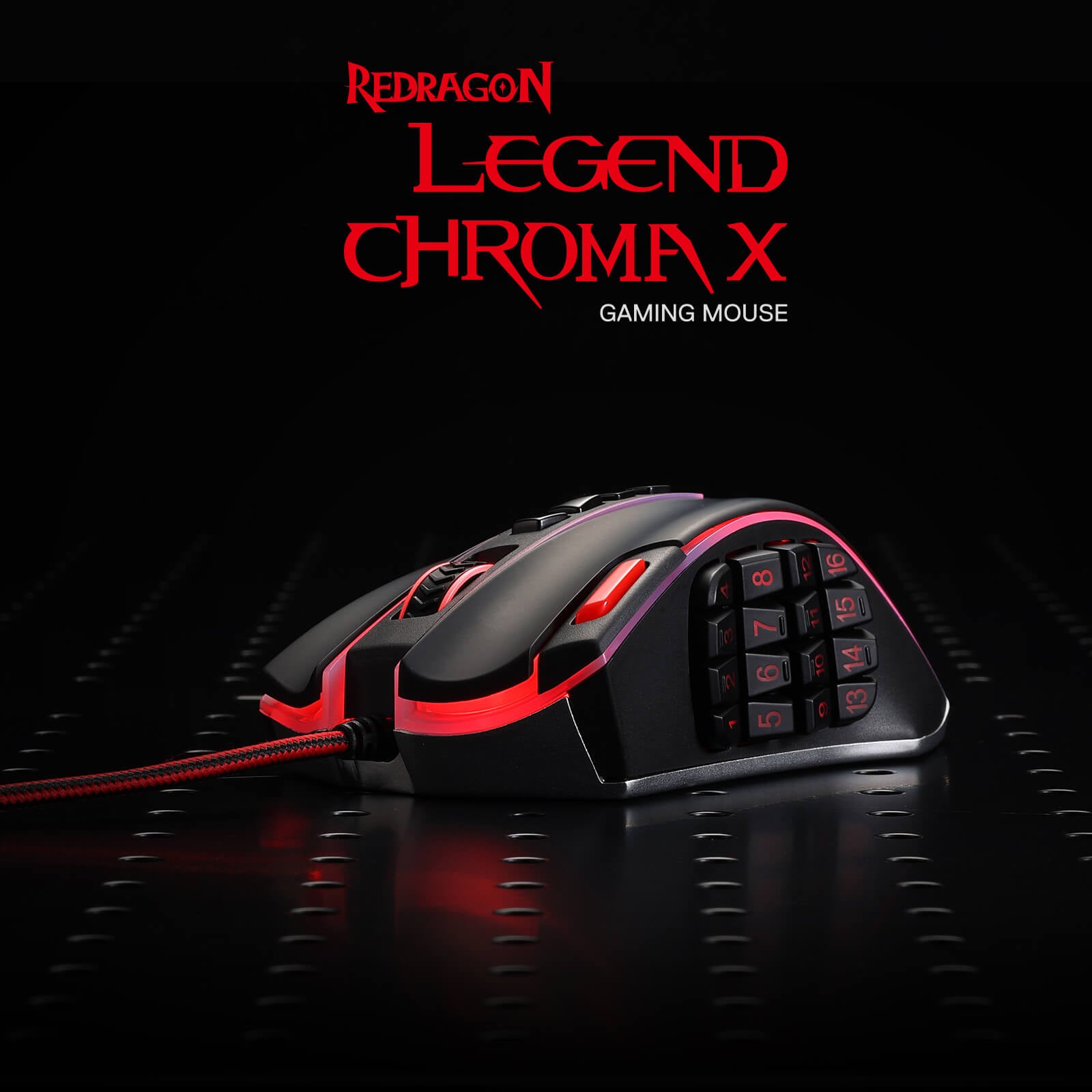
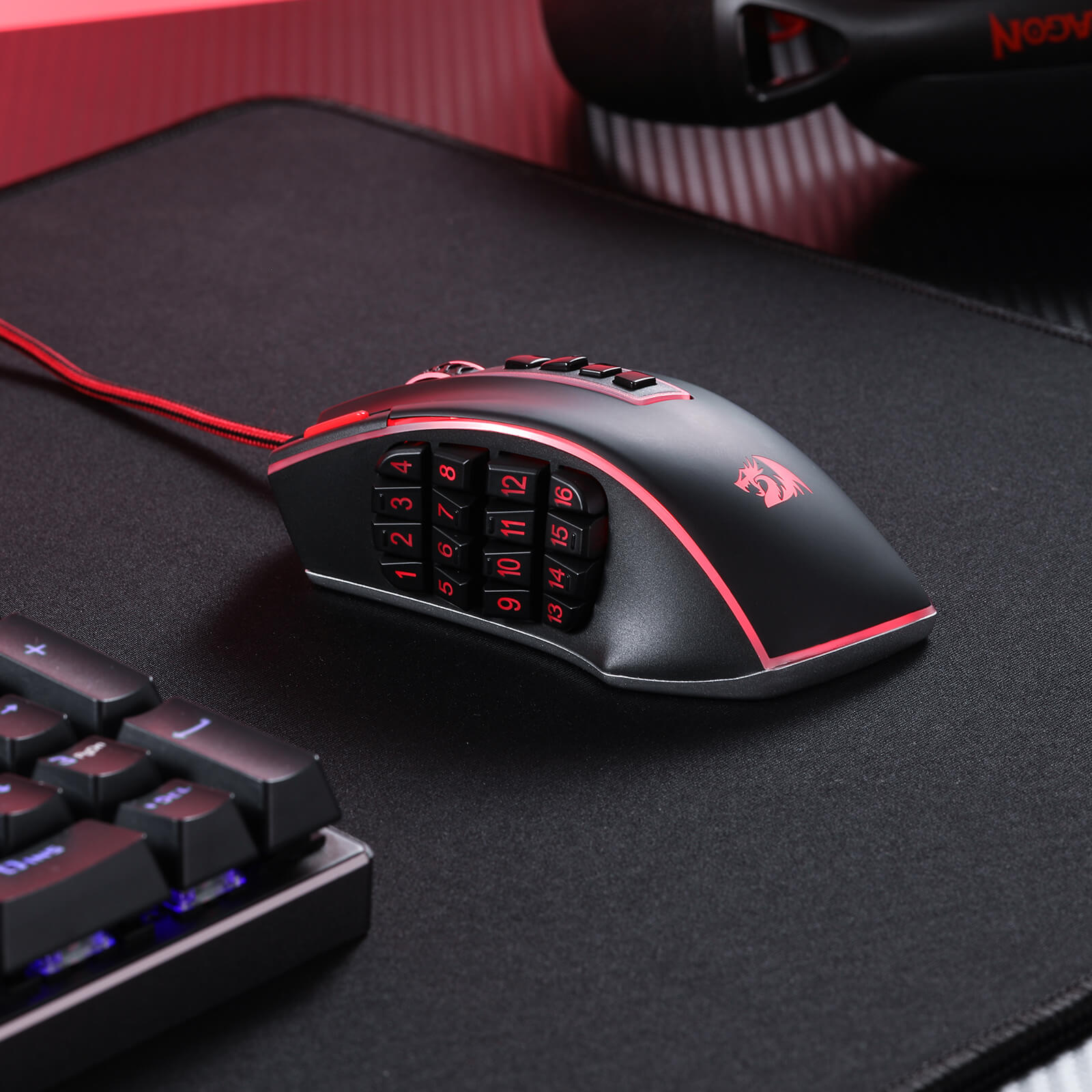
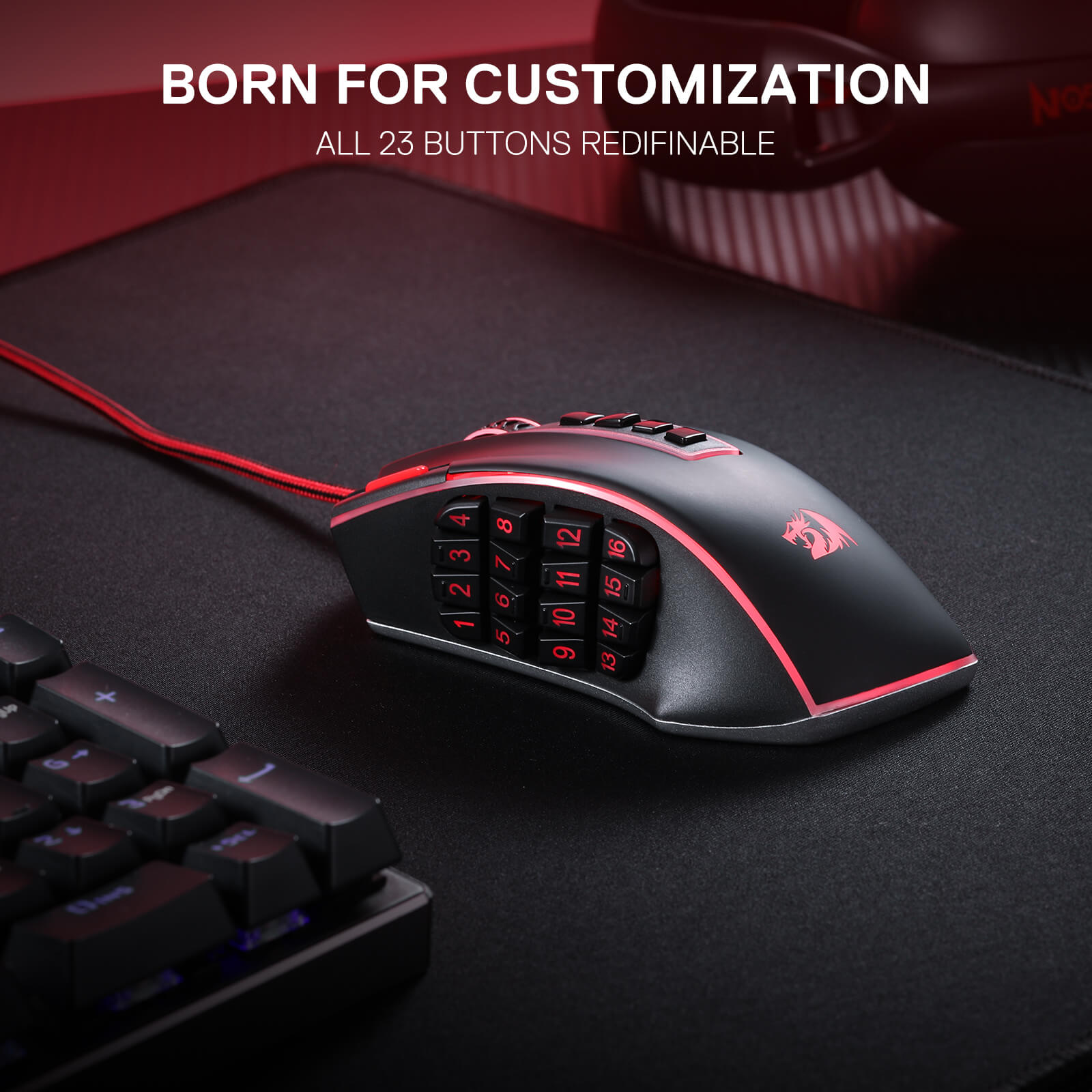
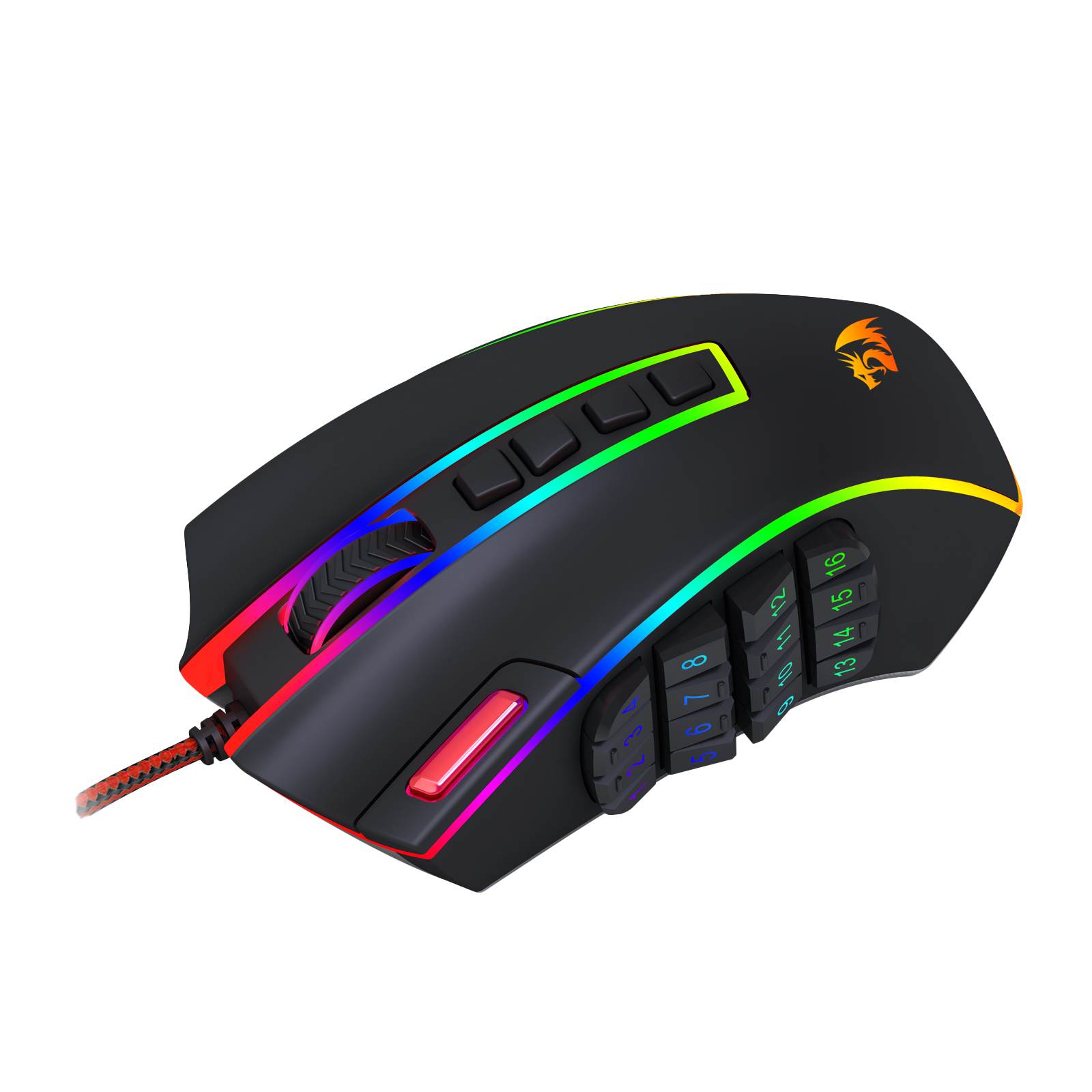
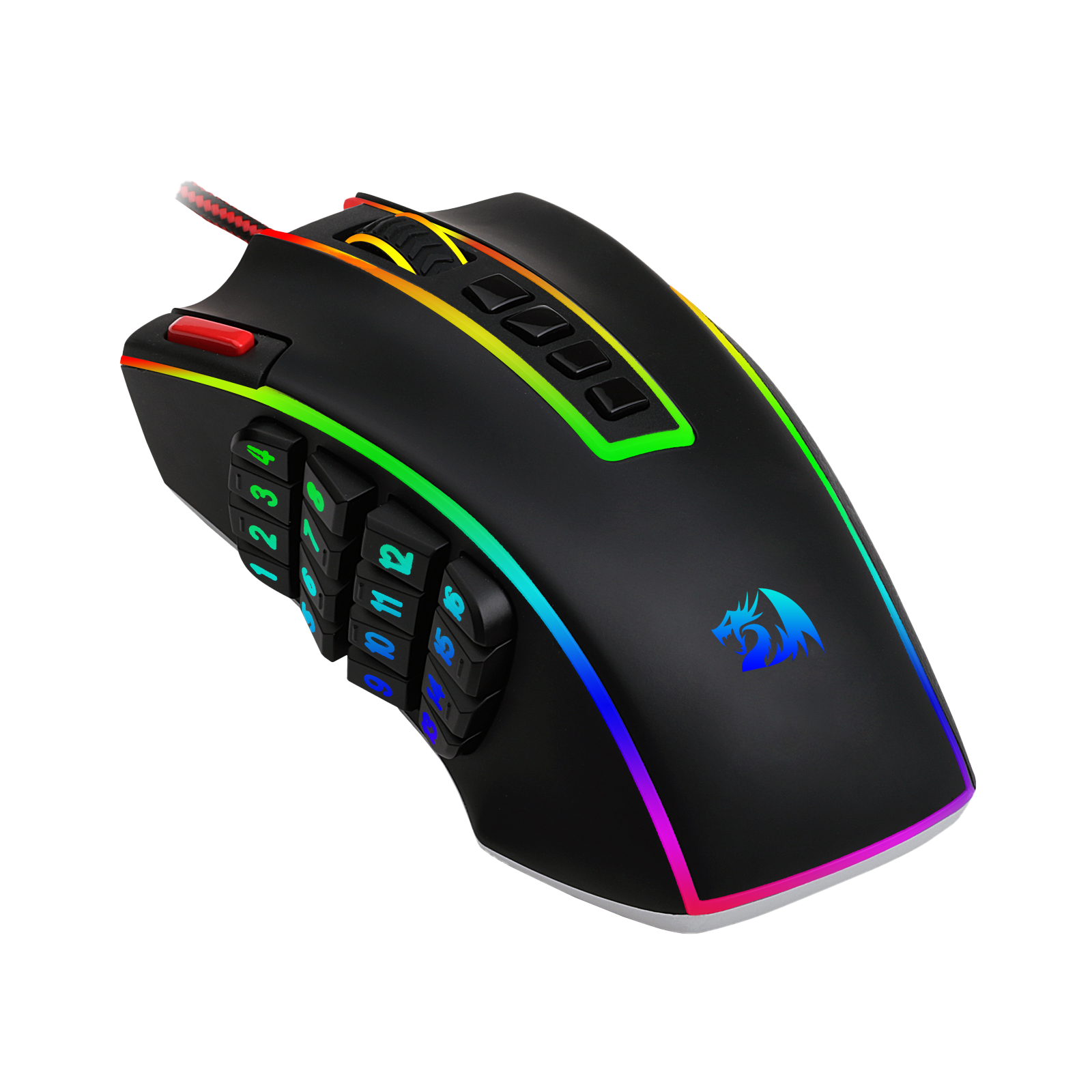
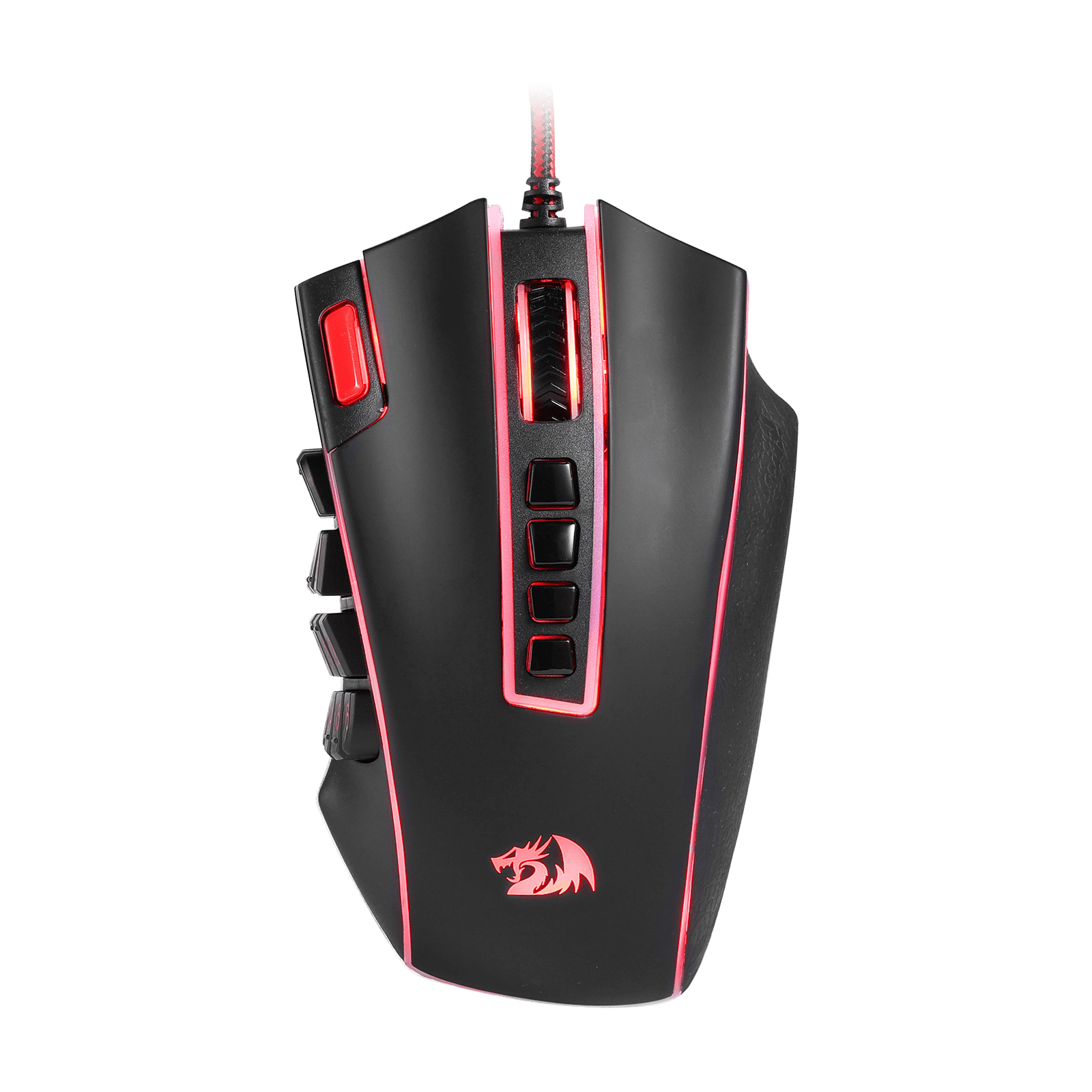
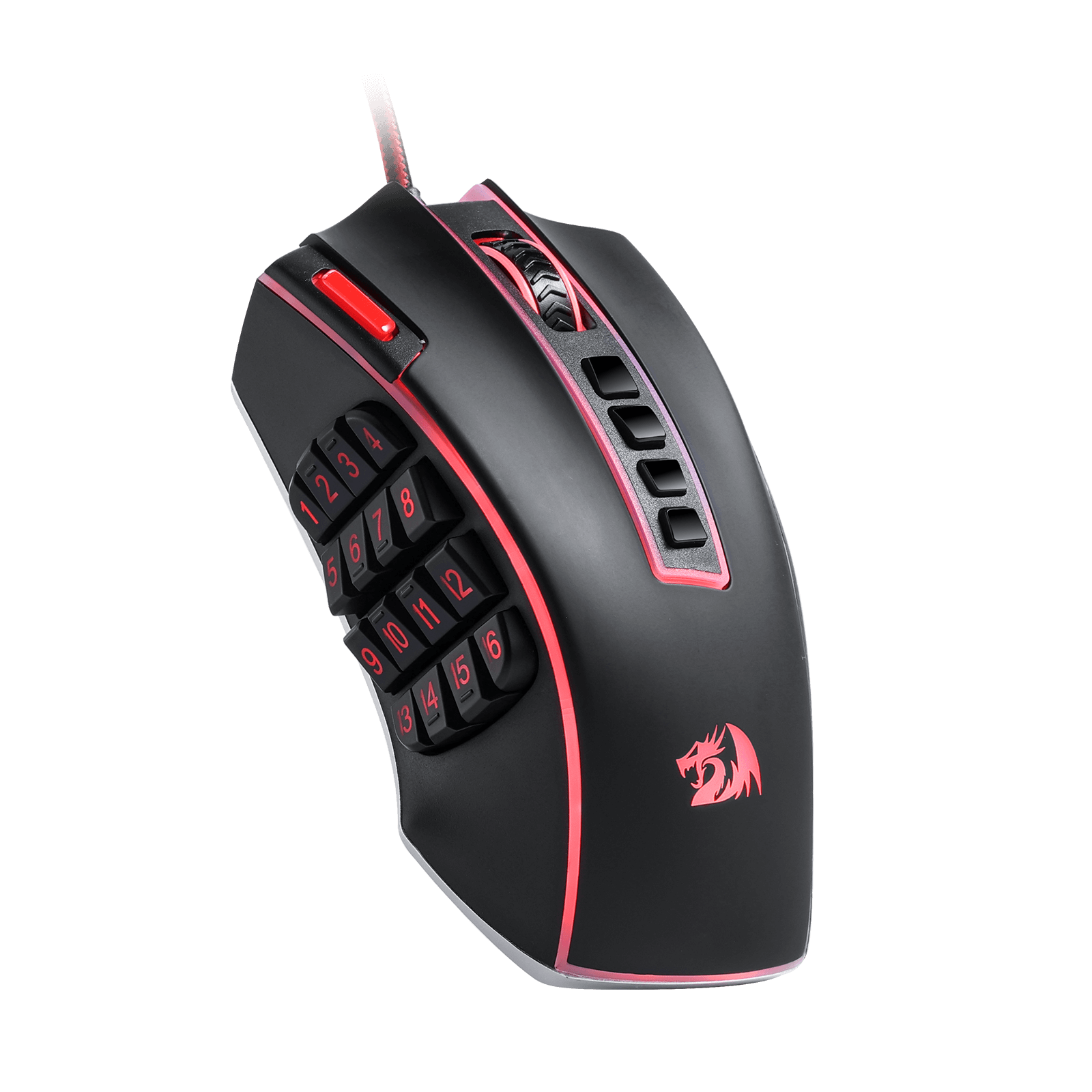
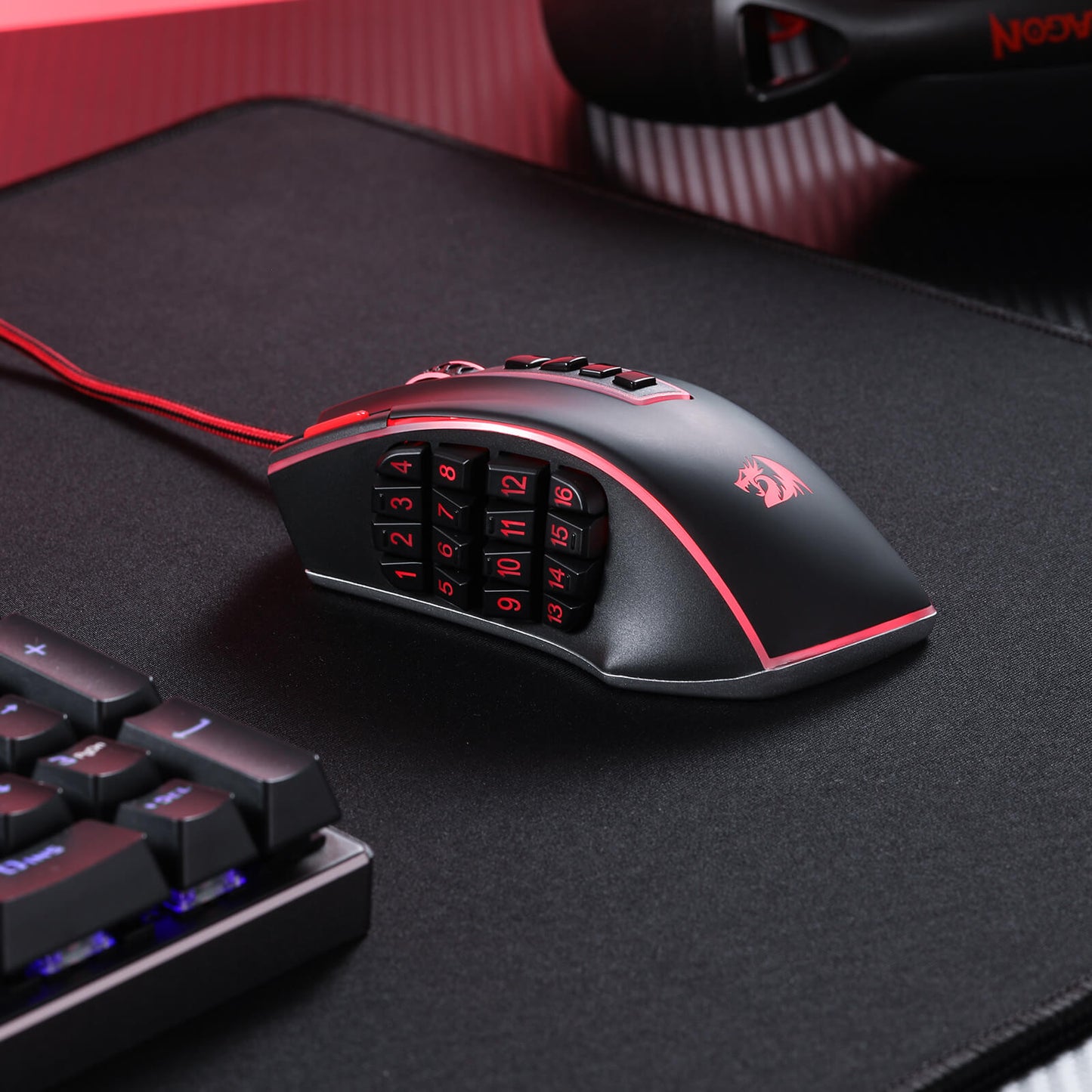
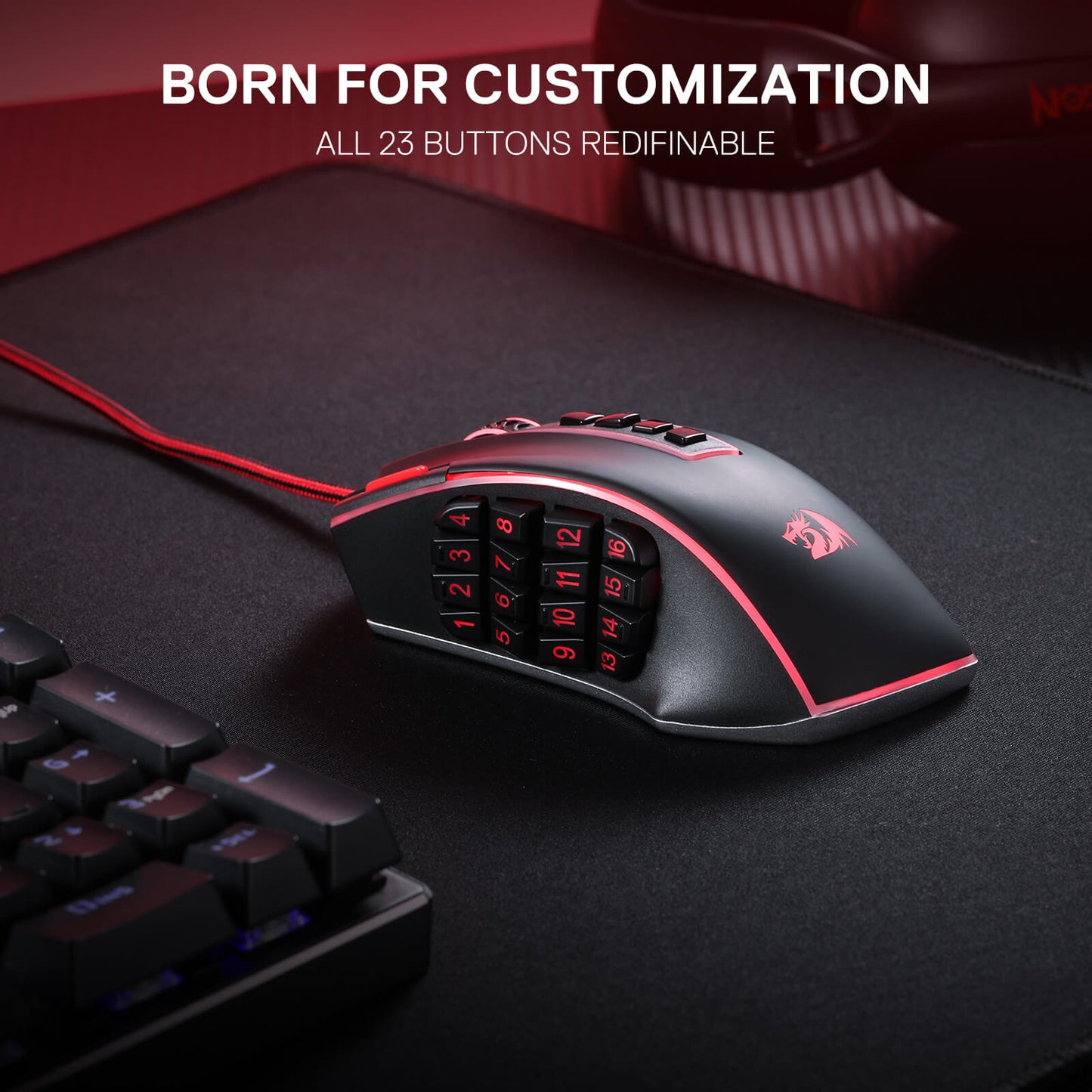
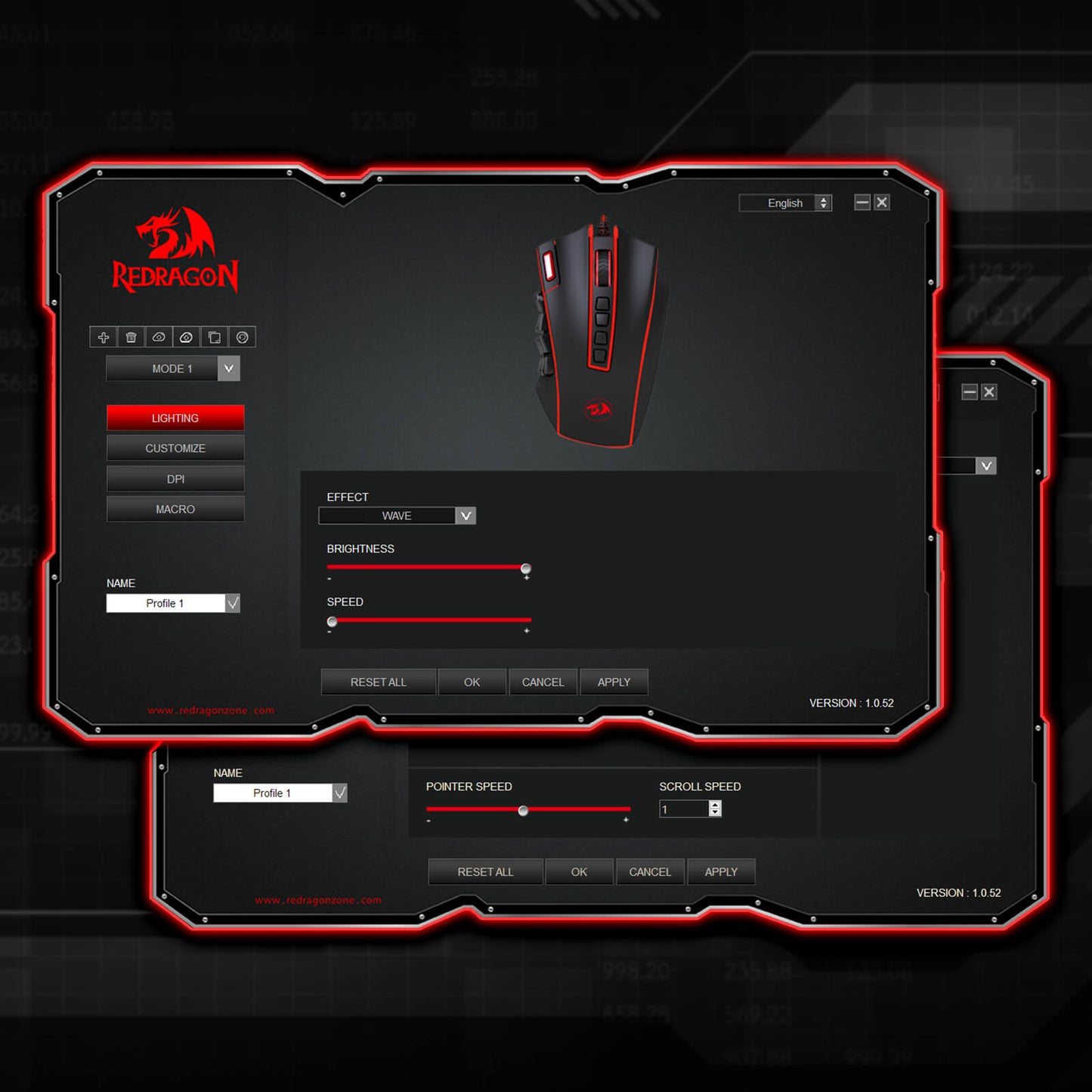
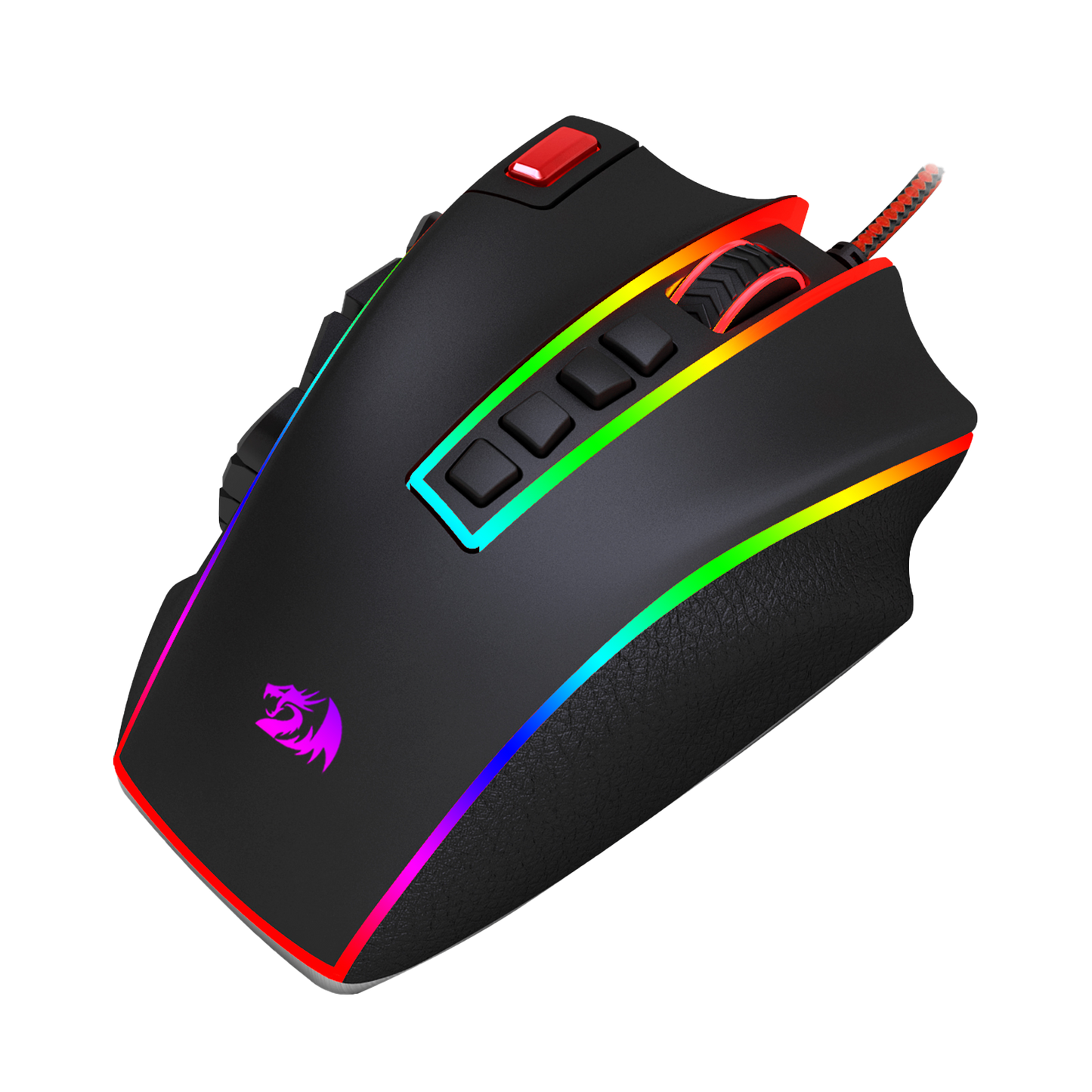
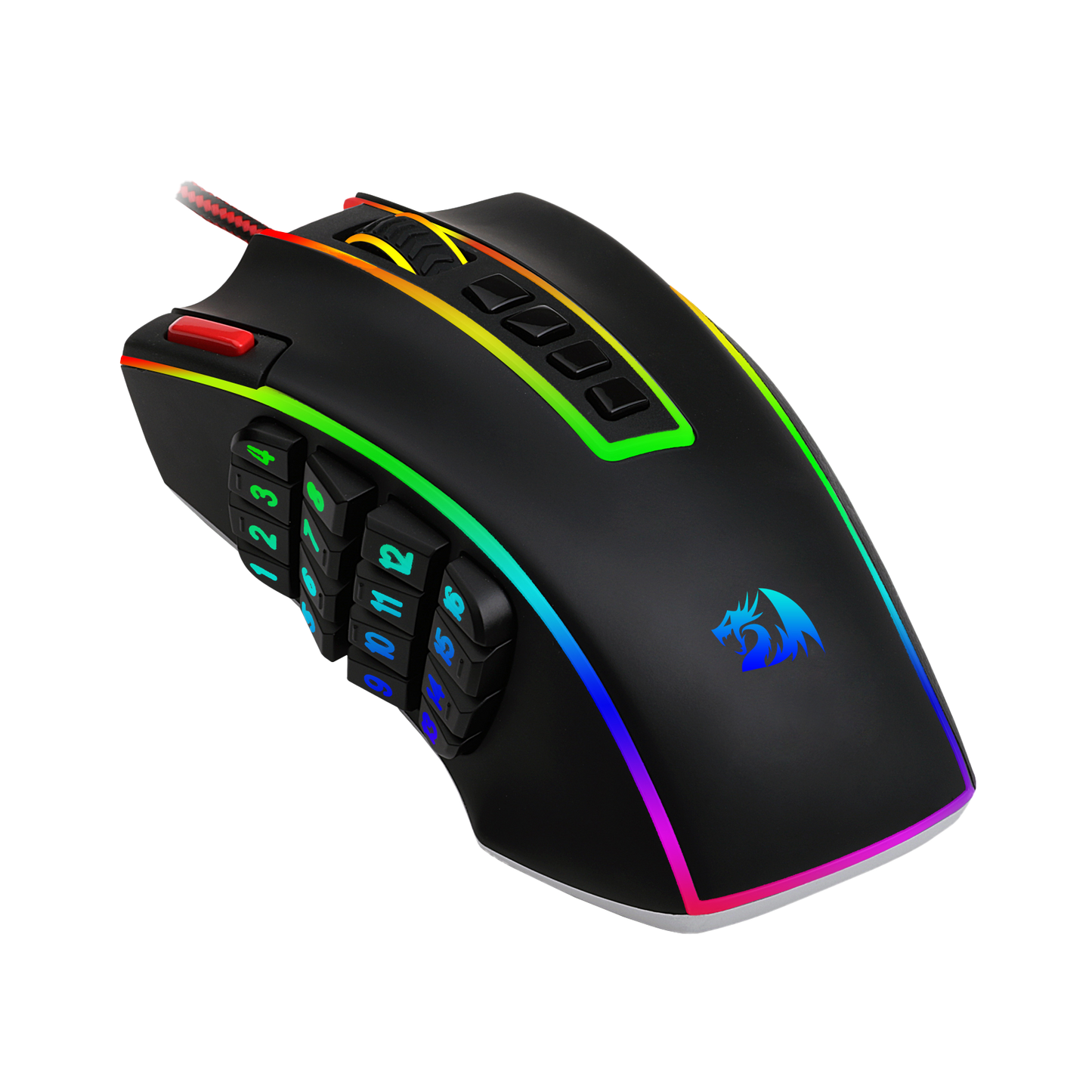
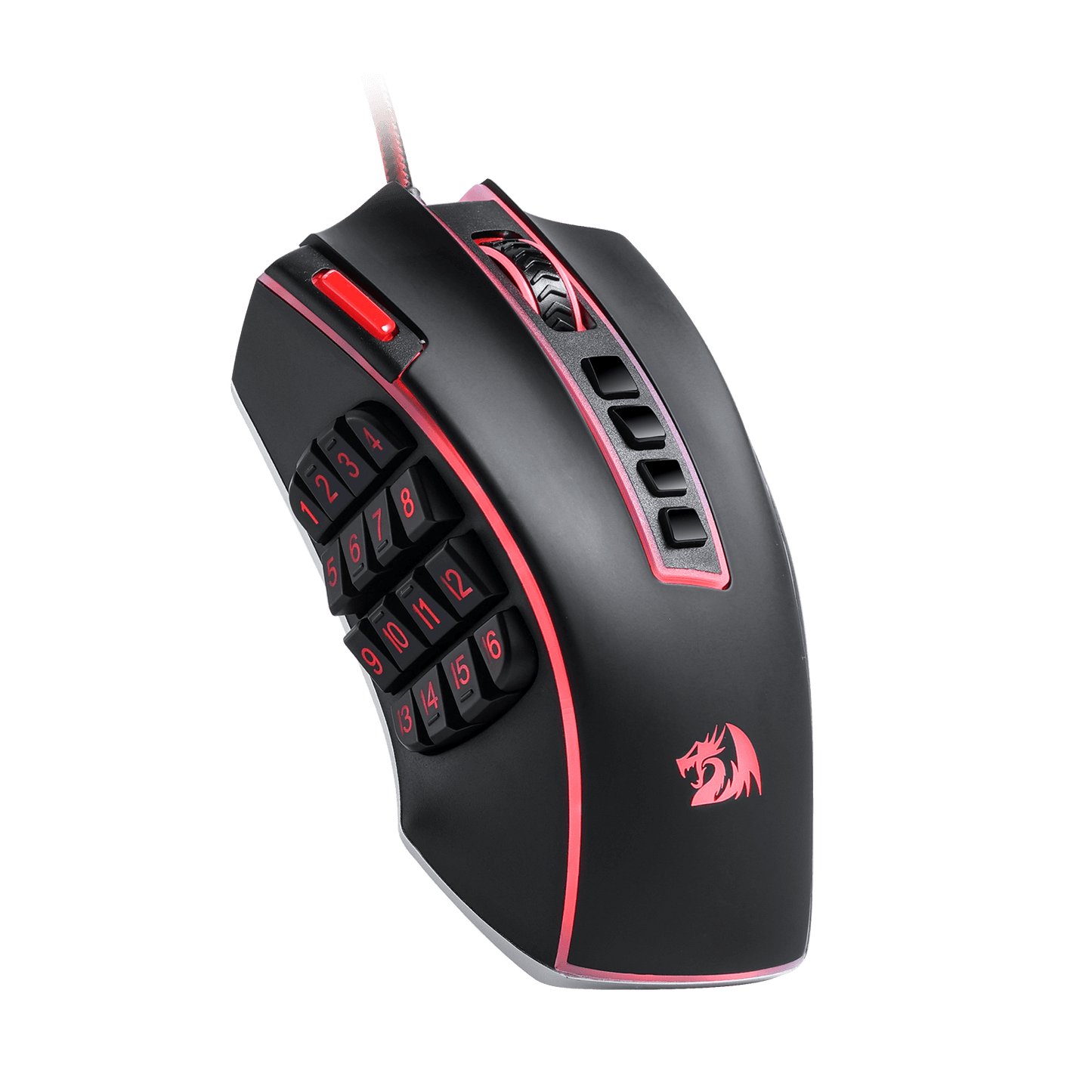
Die Redragon M990 MMO-Gaming-Maus geht mit ihrer beeindruckenden Auswahl von 23 programmierbaren Tasten und 16 seitlichen Makrotasten über herkömmliche Gaming-Mäuse hinaus. Das bedeutet, dass Sie Ihr Gaming-Erlebnis vollständig anpassen und Tastenkombinationen und Makros zuweisen können, die zu Ihrem Spielstil passen. Sie werden in der Hitze des Gefechts nie wieder überrascht werden; mit nur einem einfachen Klick können Sie komplizierte Combos und Strategien mit Leichtigkeit ausführen.
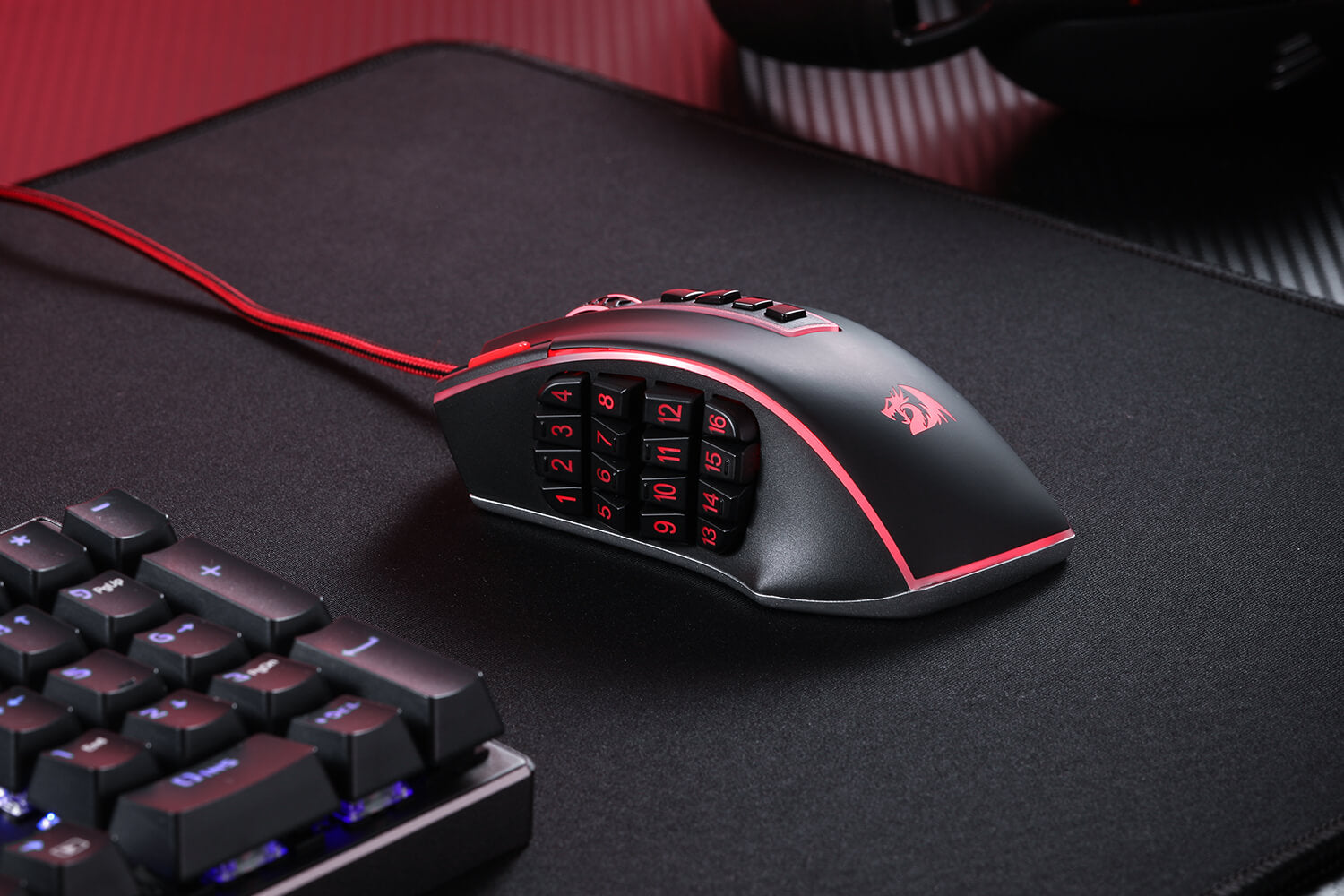

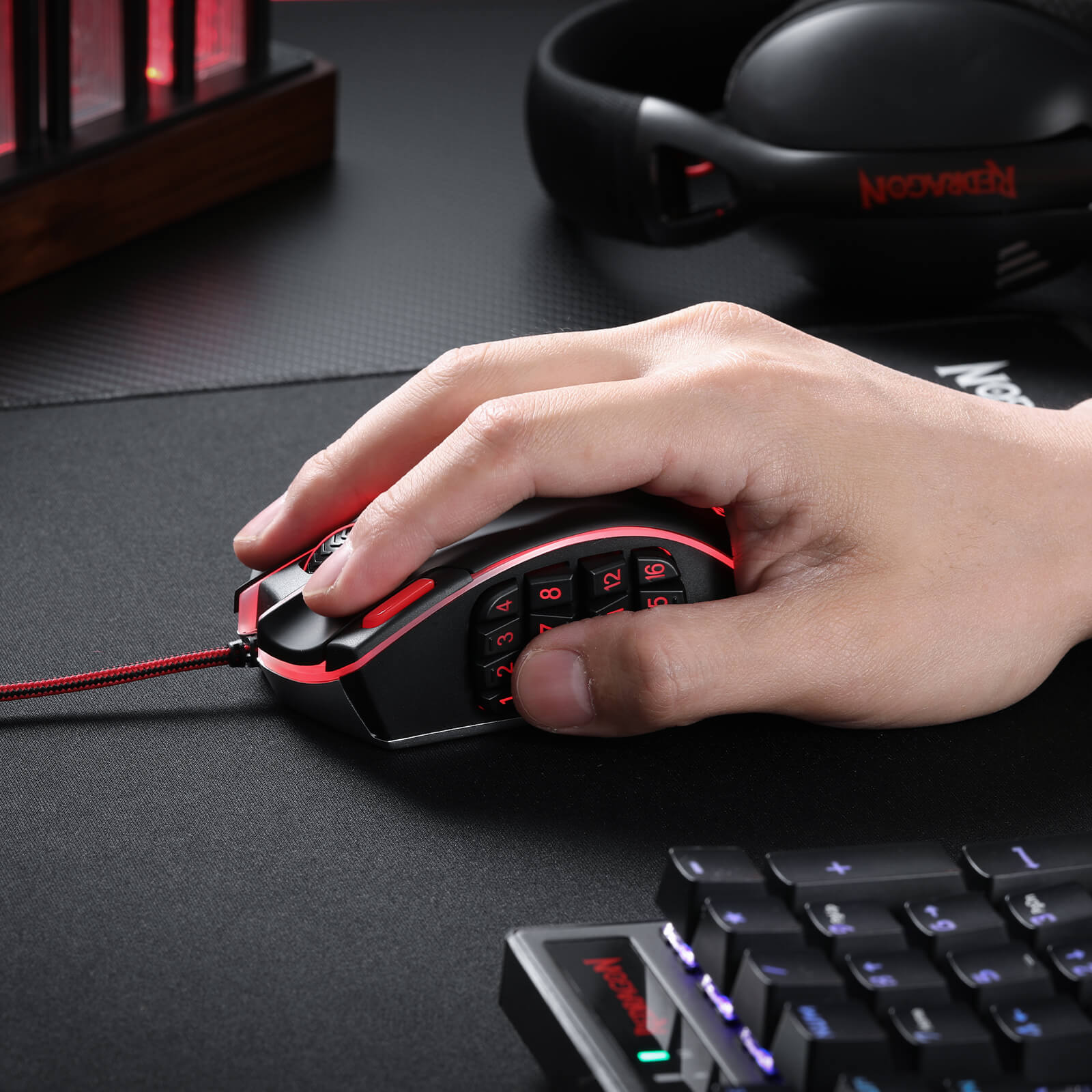
Gebaut für Komfort und Stil
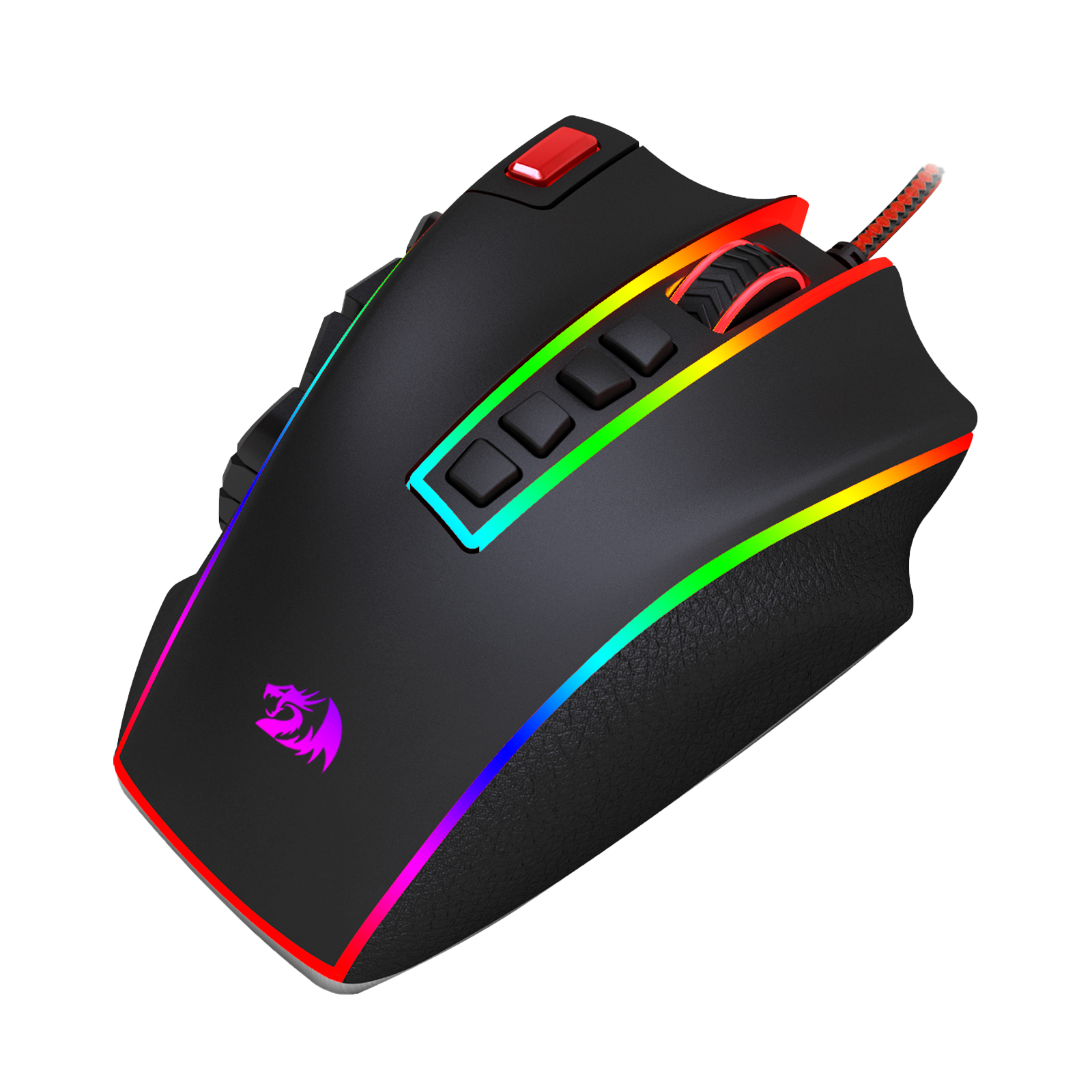
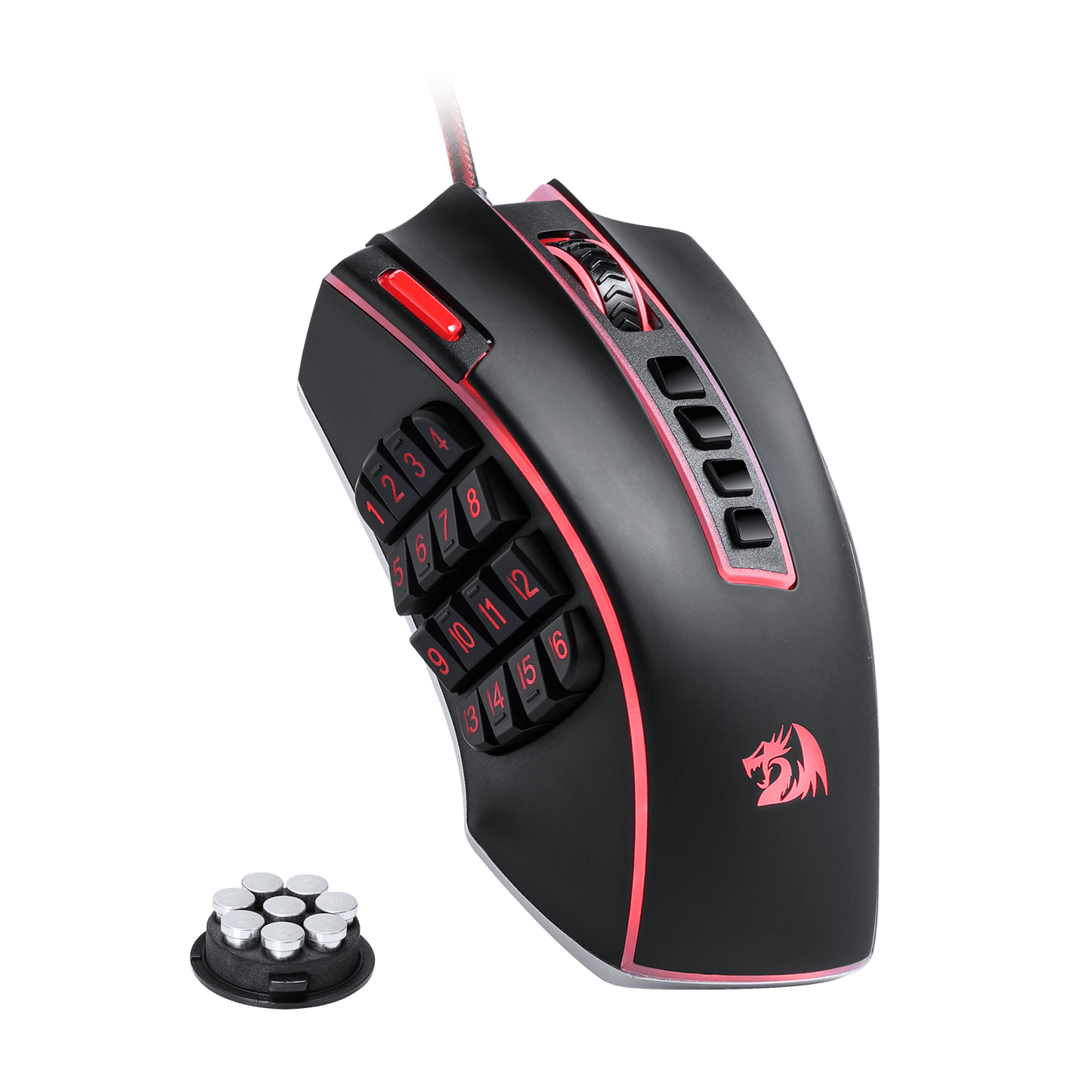
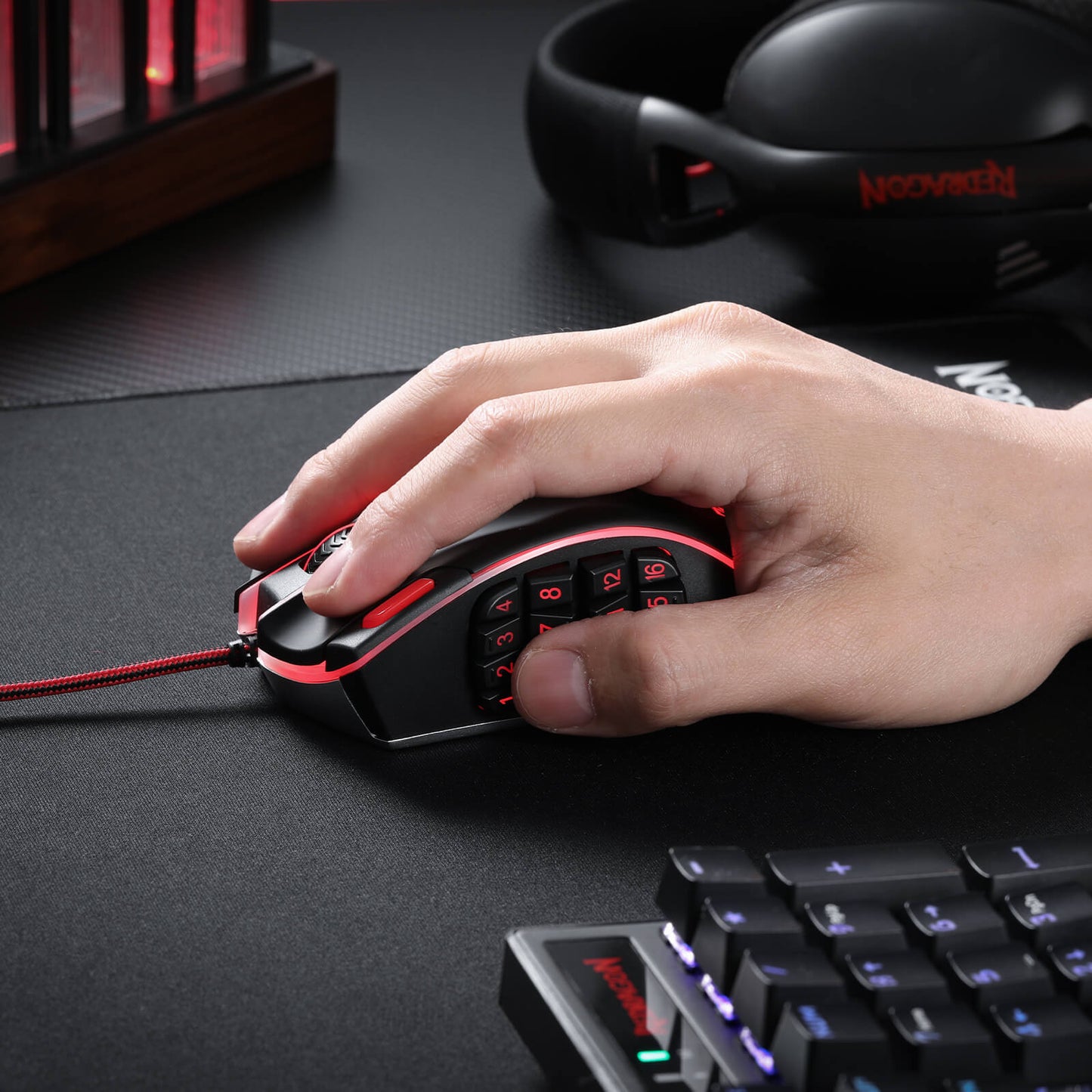
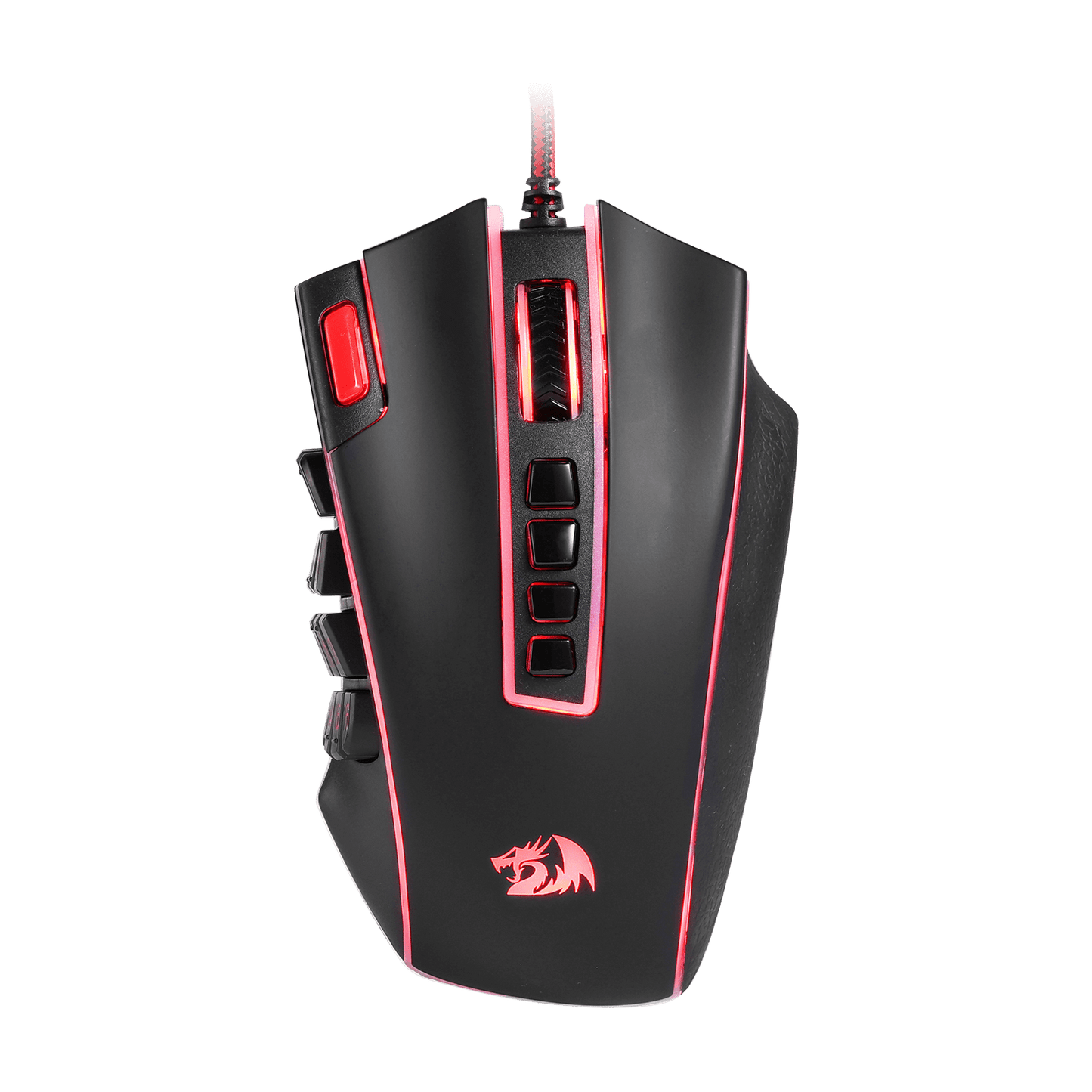
Diese Gaming-Maus funktioniert nicht nur hervorragend, sie liegt auch fantastisch in der Hand und sieht auf Ihrem Schreibtisch unglaublich aus. Mit einem ergonomischen Design und einem 8-teiligen Gewichtstuning-Set kann die Redragon M990 nach Ihren Wünschen angepasst werden, sodass Sie stundenlang bequem spielen können. Die 16,8 Millionen RGB-LED-Farboptionen und 5 Speicherprofile verleihen Ihrem Gaming-Setup einen Hauch von persönlichem Stil und machen jede Gaming-Session zu Ihrer ganz eigenen.
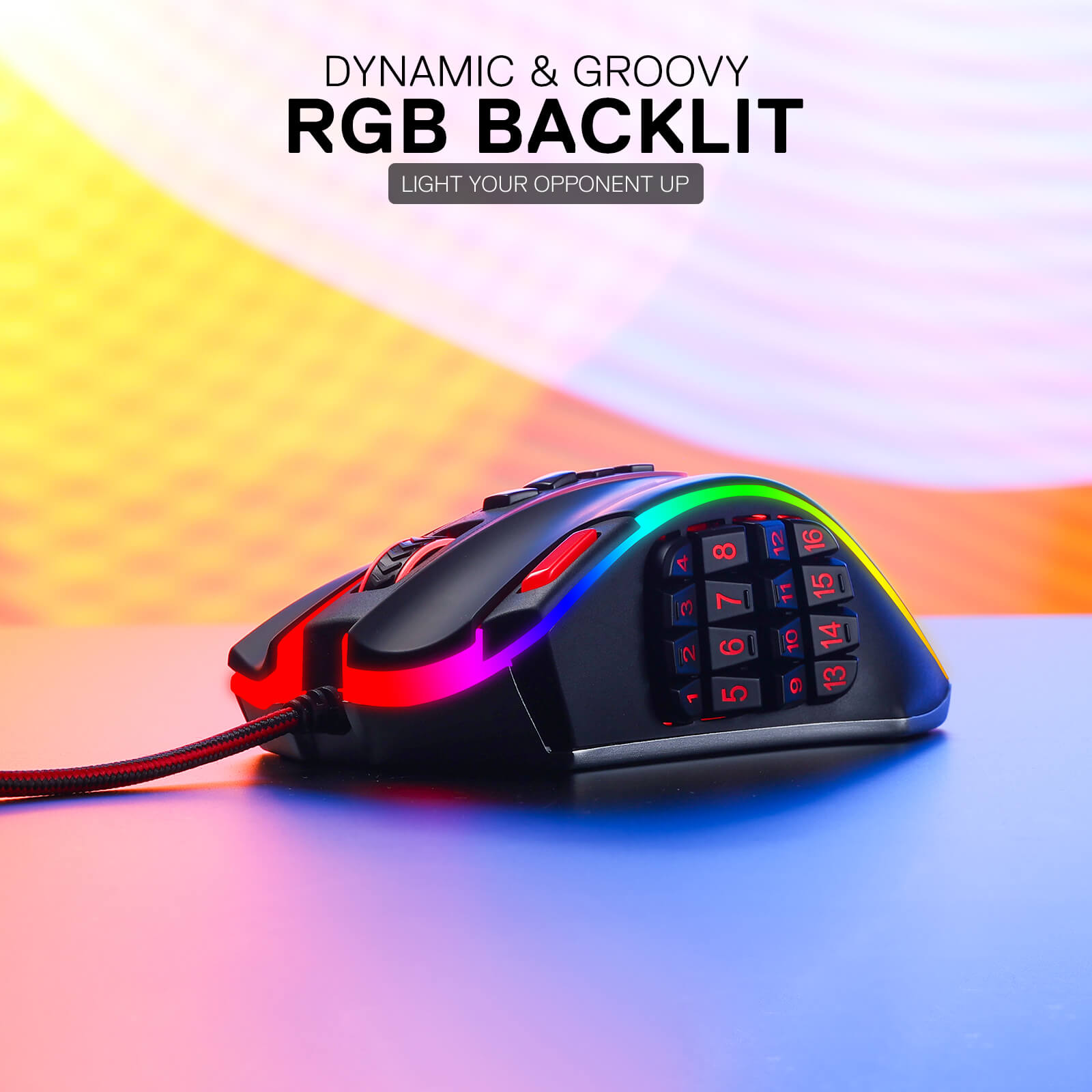
Beleuchten Sie Ihre Gefechtsstation
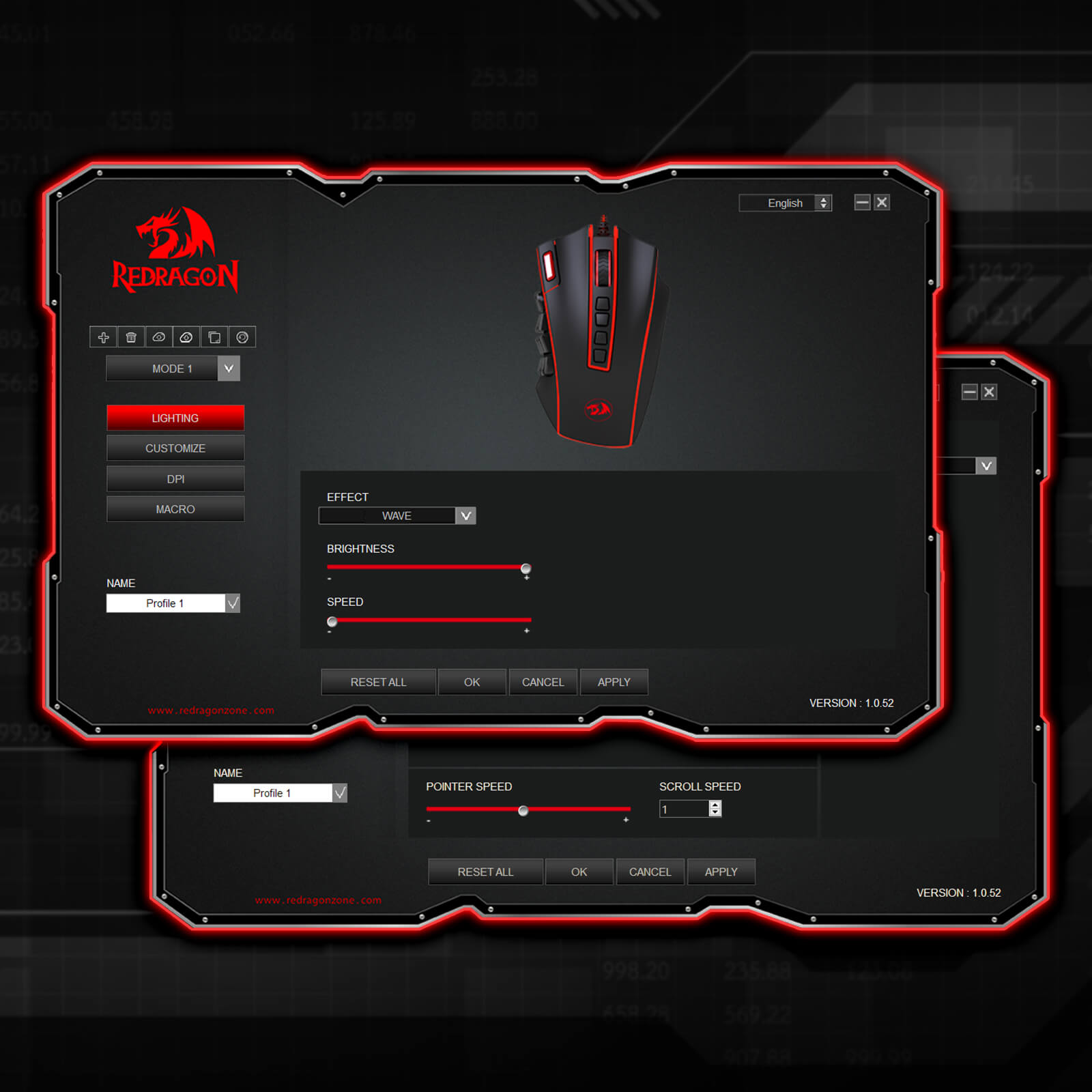
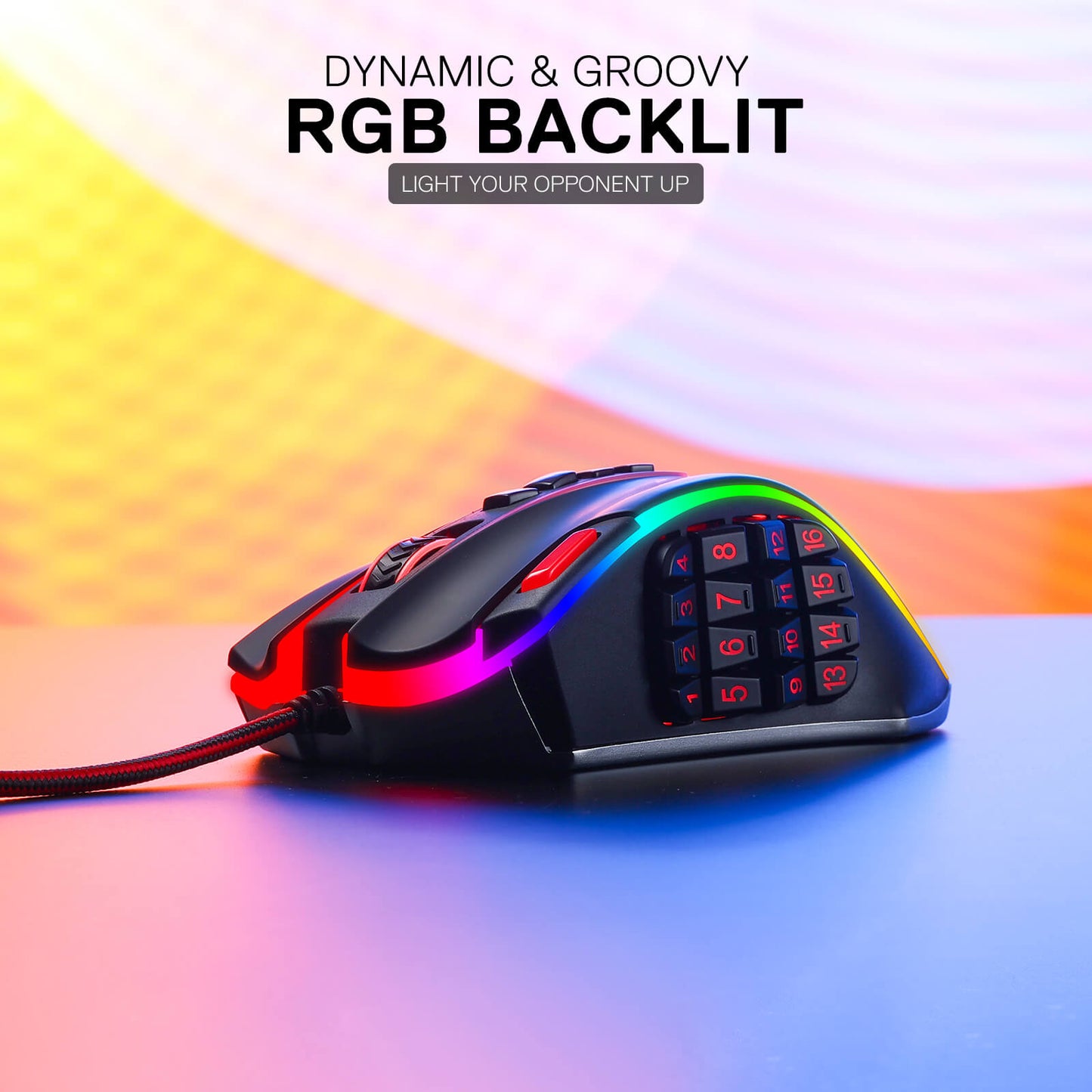
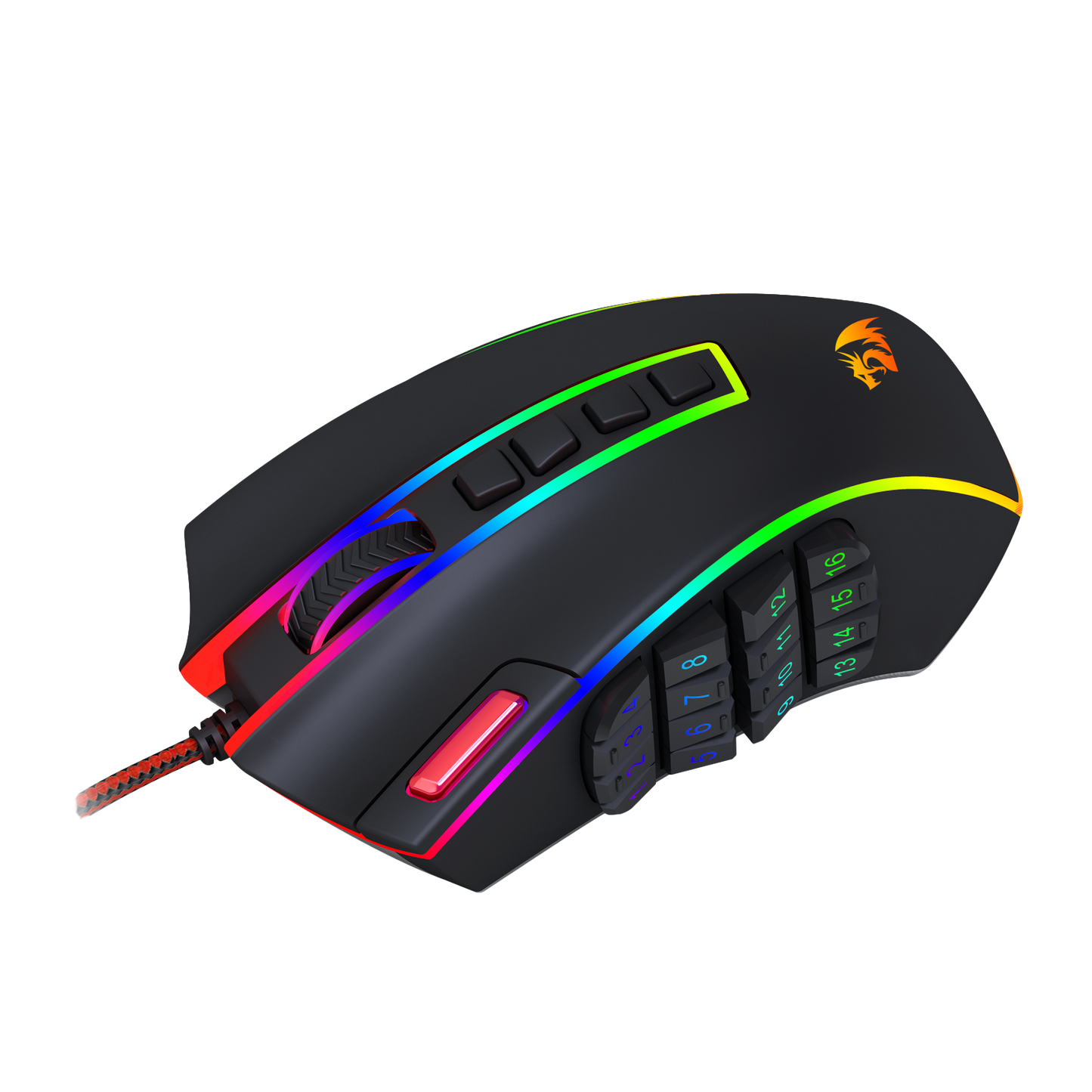
Bei der Redragon M990 MMO-Gaming-Maus geht es nicht nur um Höchstleistung, sondern auch um Stil. Mit fünf verschiedenen Hintergrundbeleuchtungsmodi und einer atemberaubenden Palette von 16,8 Millionen RGB-LED-Farboptionen verwandelt diese Maus Ihre Gaming-Station in ein schillerndes Lichtspiel. Jedes der 5 Speicherprofile verfügt über eine einzigartige Lichtfarbe, sodass Sie das von Ihnen verwendete Profil schnell identifizieren können.
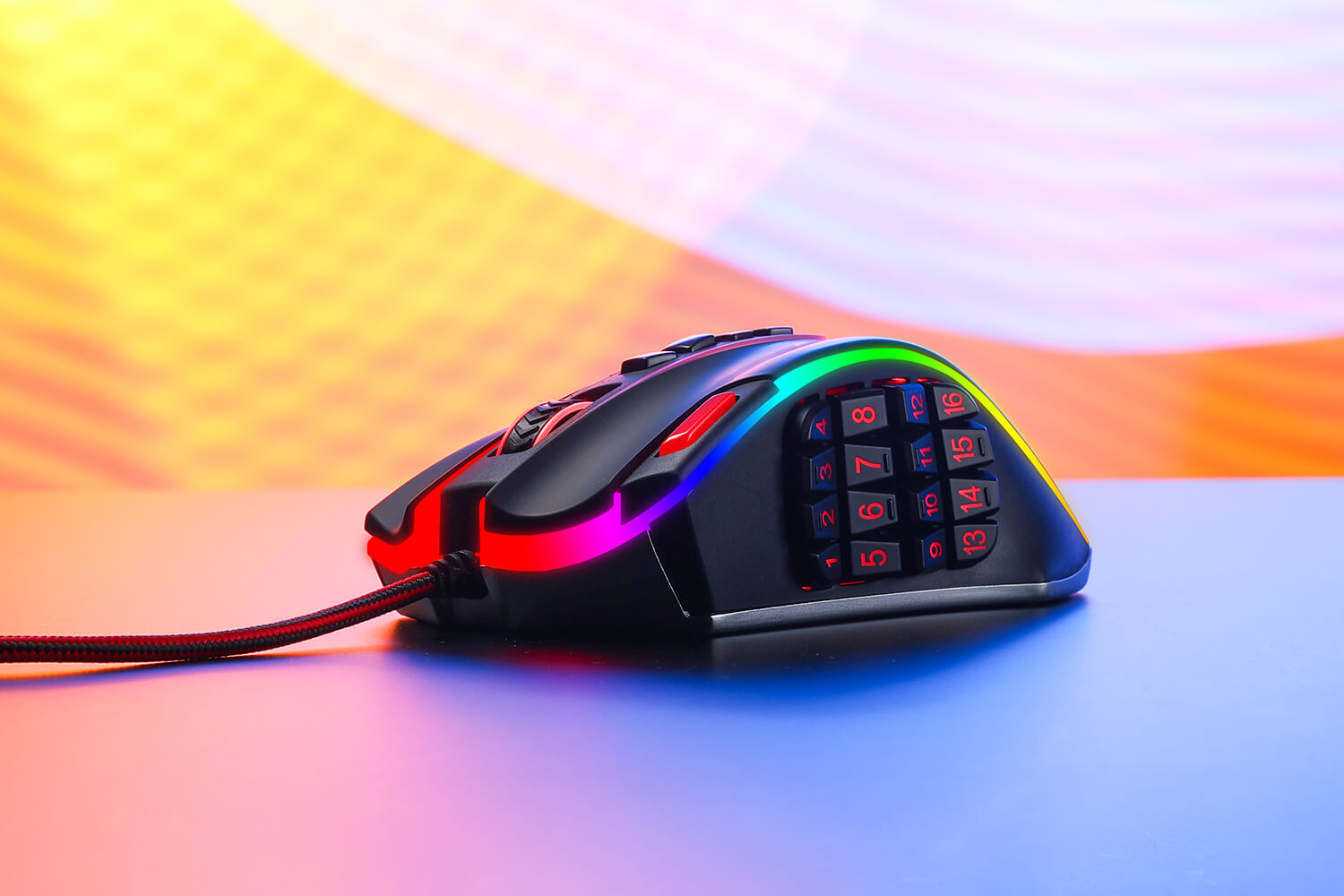

Die ultimative Waffe für eingefleischte Gamer
Wenn der Kampf intensiv wird, brauchen Sie eine Gaming-Maus, die mithalten kann – und die Redragon M990 ist dieser Aufgabe mehr als gewachsen. Egal, ob Sie aus der Ferne schießen, einen Frontalangriff starten oder mit Tarnung und Präzision manövrieren, diese Maus ist Ihr zuverlässiger Begleiter. Ihre Kompatibilität mit Windows XP/VISTA/7/8/10/11 für programmierbare Nutzung und Mac OS für normale Nutzung macht sie zu einer ausgezeichneten Wahl für Gamer aller Art.
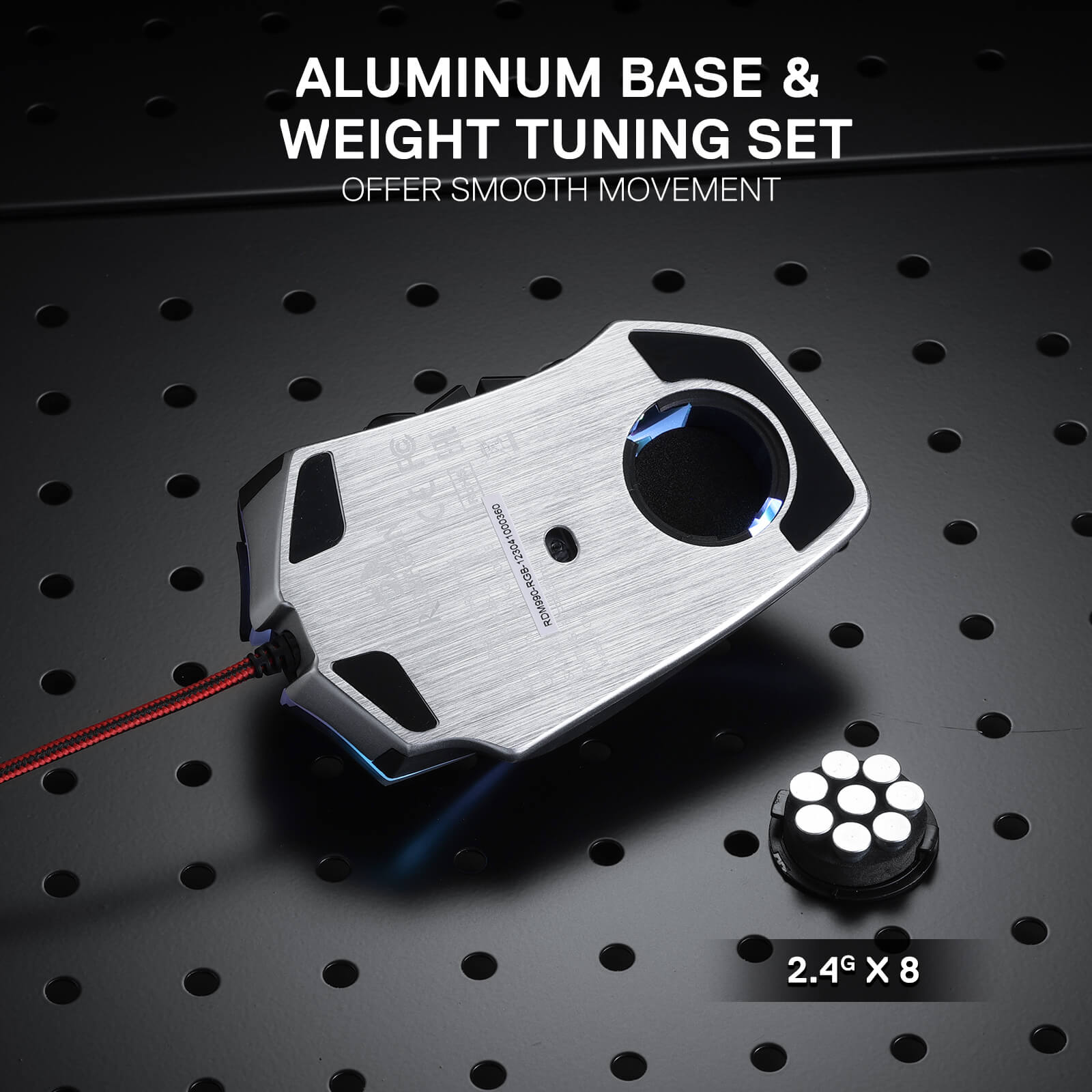
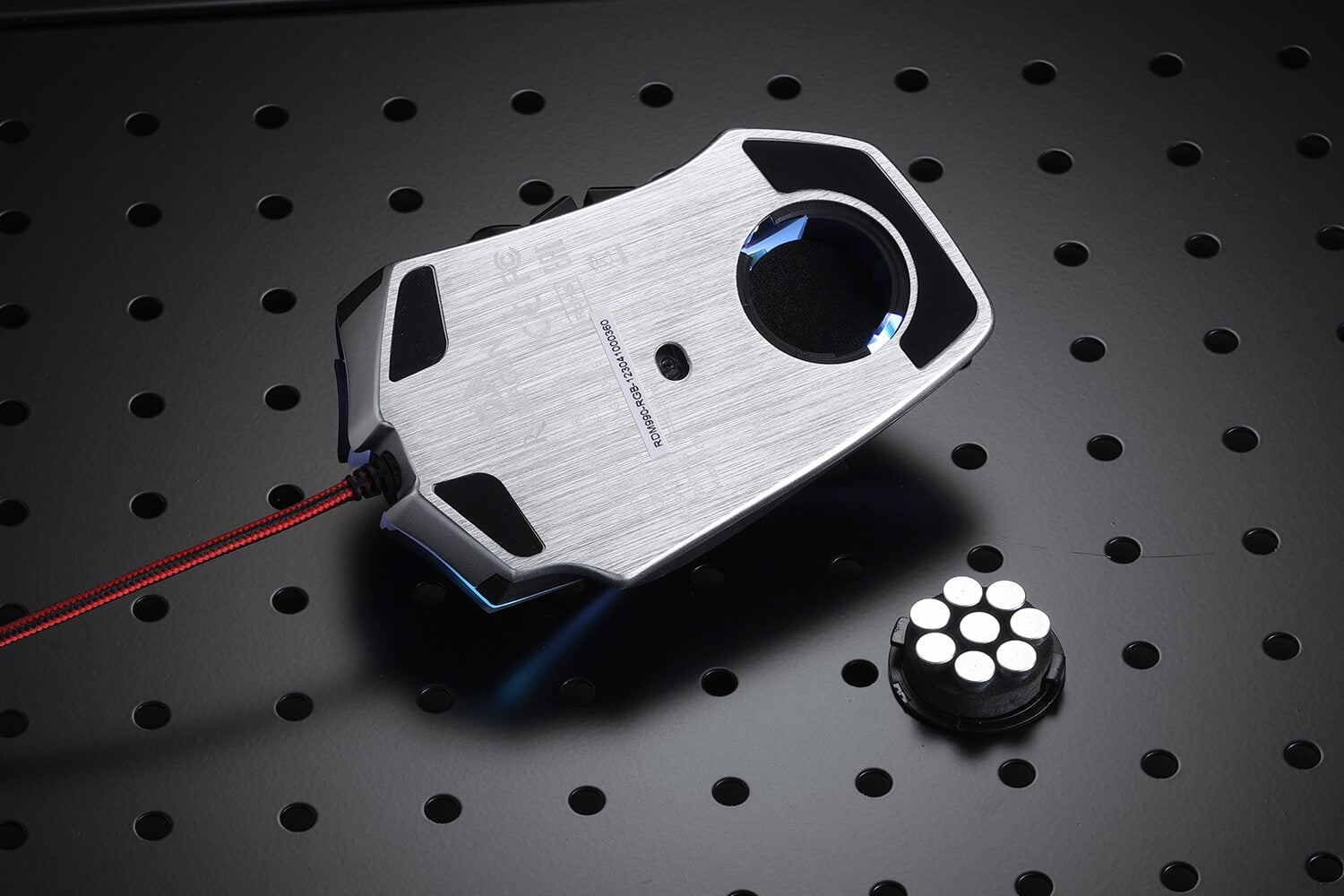
Perfekte Balance mit Aluminiumbasis und einstellbarer Gewichtsabstimmung
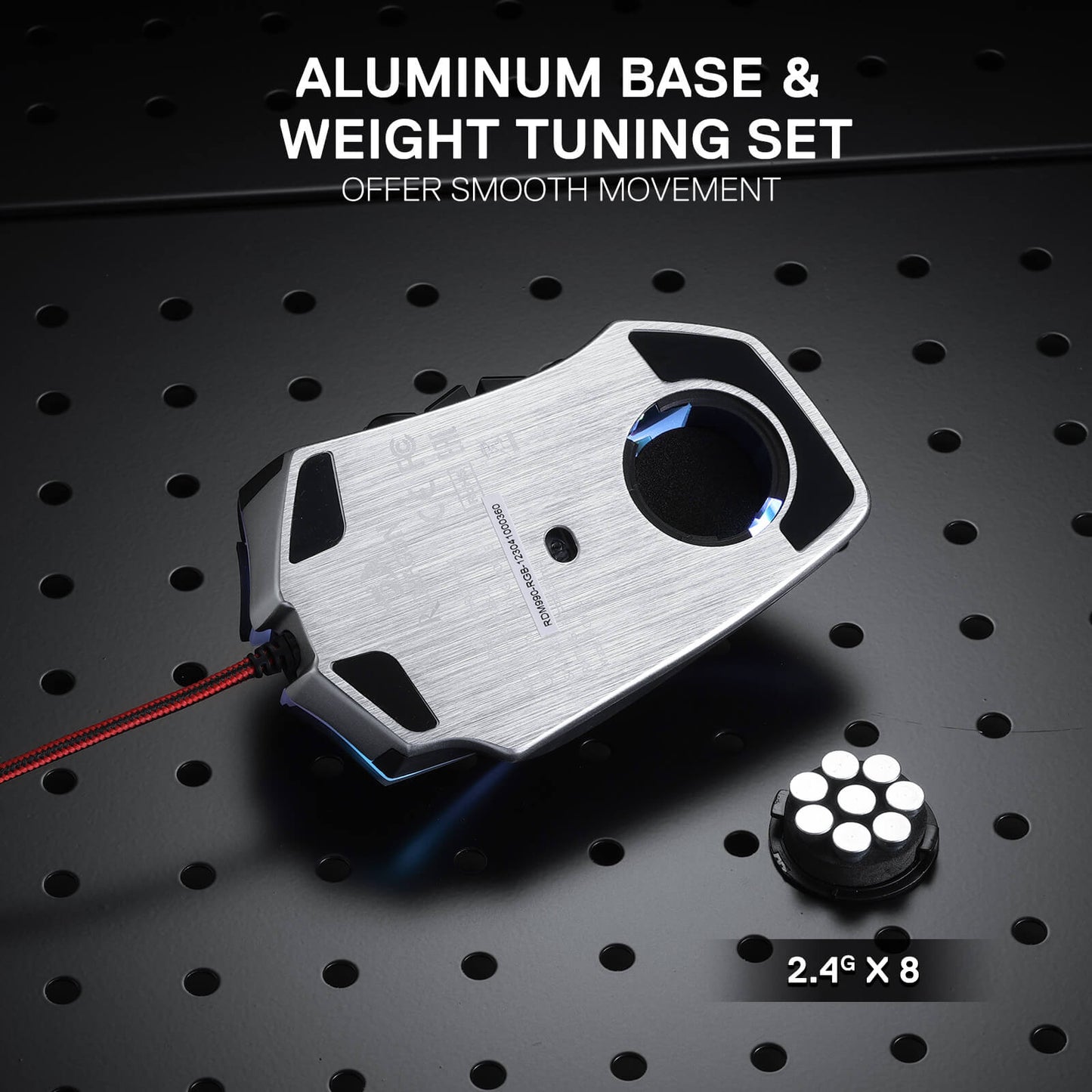
Die Aluminiumbasis sorgt für eine solide Grundlage, während Sie mit dem benutzerdefinierbaren 8-teiligen Balance-Tuning-Set das Gewicht der Maus nach Ihren Wünschen feinabstimmen können. Erreichen Sie die perfekte Balance und genießen Sie mühelose Kontrolle, die Ihnen präzises und ausdauerndes Spielen ermöglicht.

Reviews
I am hemiplegic and I have not had the use of my left hand since '09. My G600 mice have served me well for over a decade as a keyboard/controller replacement (with voice typing and the OSK). Only occasionally Do I have to grab the Physical keyboard.
My G600s are old and flaky as is the LGS used to manage them. The newer G-Hub doesn't work with them.
I need a replacement.
Enter the ReDragon M990.
The first problem is the ReDragon Gaming Mouse Software I can only see one button at a time. With the LogiTech Gaming Software I can see ALL of the buttons, I can toggle the G-Shift layout, cycle through the 3 modes and select one of countless auto detect gaming profiles or set the mouse to use it's on board memory.
16 side buttons, up from 12. I can feel the rows of buttons, I cannot feel a difference between the two middle button columns. I'm constantly groping around trying to feel if i'm on column 2 or column 3. While I appreciate the 4 additional side buttons, the missing G-Shift feature makes it feel like I have lost 8 buttons instead.
I am also missing the scroll wheel tilt feature and the two shoulder buttons they provided. Mapped to Esc and Tab.
I use the G-Shift side /ring finger button for the shift key. In my game and browsing profiles. It made jumping while moving intuitive. I now have the red button mapped to space. I have to lift my finger off of LMB and reach for it. It's been a year and I still flub it constantly.
4 spine buttons up from 2. I had them mapped to G-Shift and [Windows +H] (voice typing) / PrtScn while browsing. With the M990 the 4th button is mode switch and it can't be changed. I'm constantly hitting it by accident. Then i have to cycle through 5 modes and wait for it to stop blanking to make sure that I am on the right mode. With the G600 there are three modes, I use one for windows and browsing with the arrow keys mapped and another for gaming with WASD mapped. The third profile I change often depending on my needs at the moment. with the M990 I use one profile for web and windows and non wasd games. I don't live long in wasd games with the M990 so I will use the G600 with the flakey MMB rather than try to fight with the new one.
The other three spine buttons are mapped to [Windows +H], Esc, and Tab.
I'm trying to adjust to the M990 but it has been a struggle.
I am still on the hunt for a successor to my aging and discontinued G600.
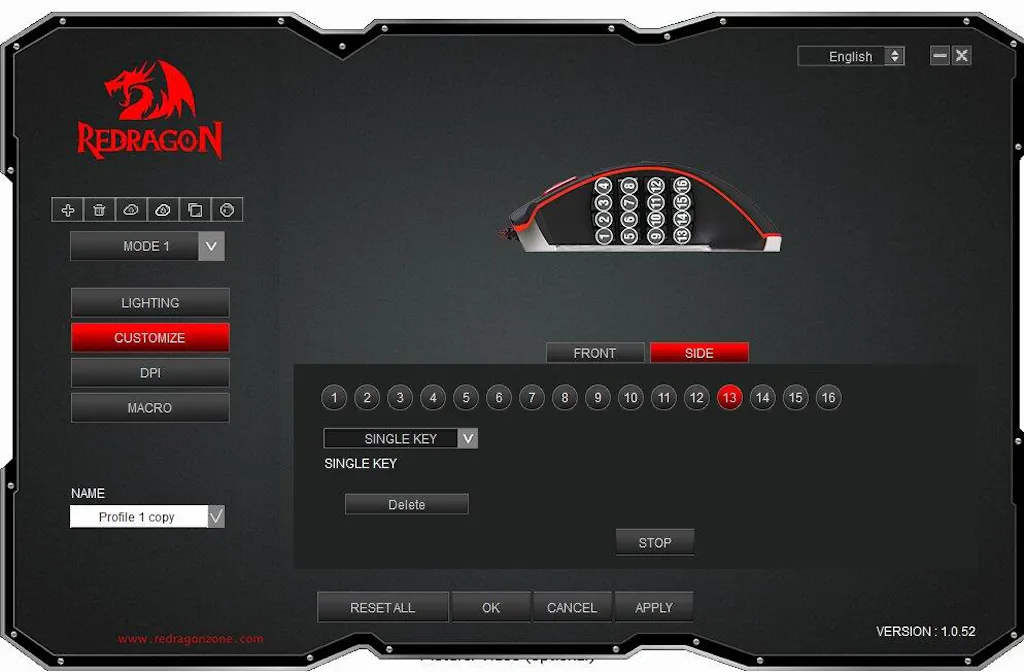
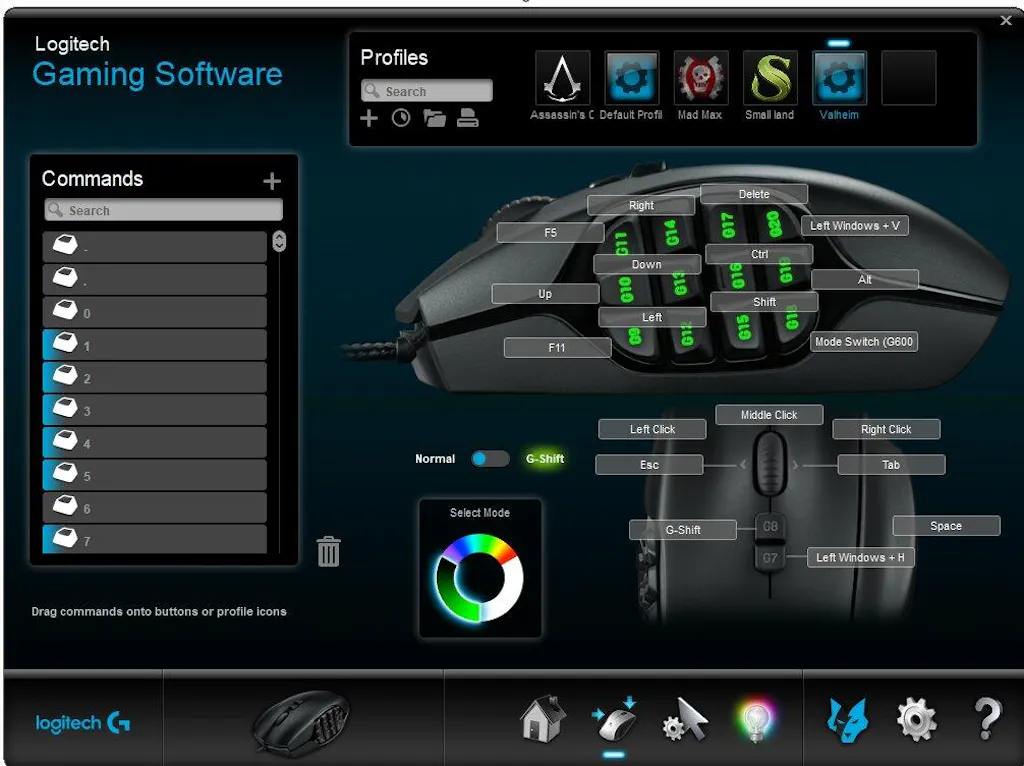
This mouse was great for the first couple of years I had it! ive used it for about 3 years now and the performance of the mouse was great for its price! I used it on many different games until it broke yesterday. I am surprised with the mouse's lifespan with great performance! would recommend (:
The lights on the mouse are great, they blend in with my partner's keyboard and mouse mat which makes everything look really nice with RGBs. We're trying to find a way to bring the buttons into play too
This is the best mouse I ever had. 16 buttons is game changer for me. I like it's highly customizable and has different custom profiles. Good DPI RGB options. Would highly recommend for gaming or productivity like video editing.
I've loved this mouse for years upon years. From when I played ESO to when I played Overwatch or whenever I wanna hop into a modded monecraft or molded terraria session. It just has enough buttons. Sometimes I wish it had more. Lol
Sie könnten interessiert sein

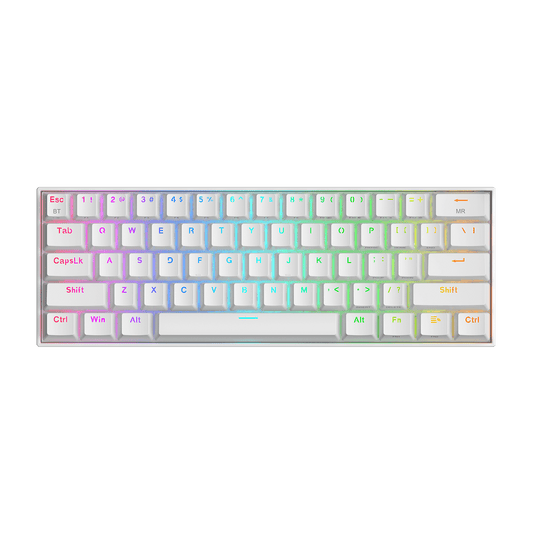
DRACONIC K530 PRO WHITE (braune Schalter)

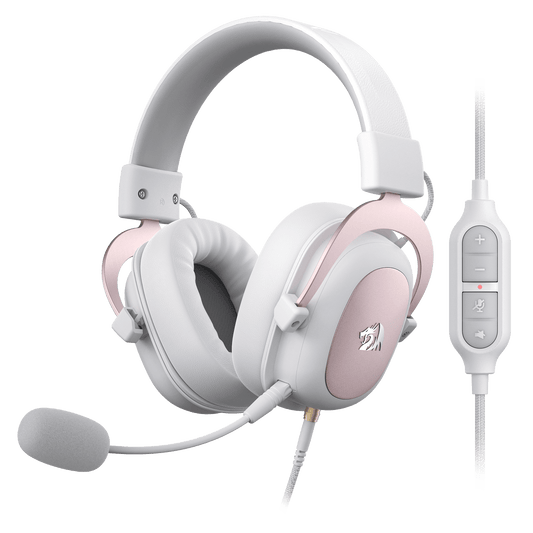
H510 ZEUS WEISS & ROSA

EISA K686 PRO SE Anime-Tastatur