LEGEND CHROMA M990
LEGEND CHROMA M990
Use code BLACK40 at checkout
Copy & apply at checkout
- 32000 DPI High Precision(Wired)
- 26000 DPI High Precision(Tri-Mode)
- 23 Programmable Macro Buttons(Wired)
- 16 Programmable Macro Buttons(Tri-Mode)
- 5 Onboard DPI Levels
- Aluminum Base
Verfügbarkeit für Abholungen konnte nicht geladen werden

- Overview
- Specifications
- Software Download
- Reviews
- Overview
- Specifications
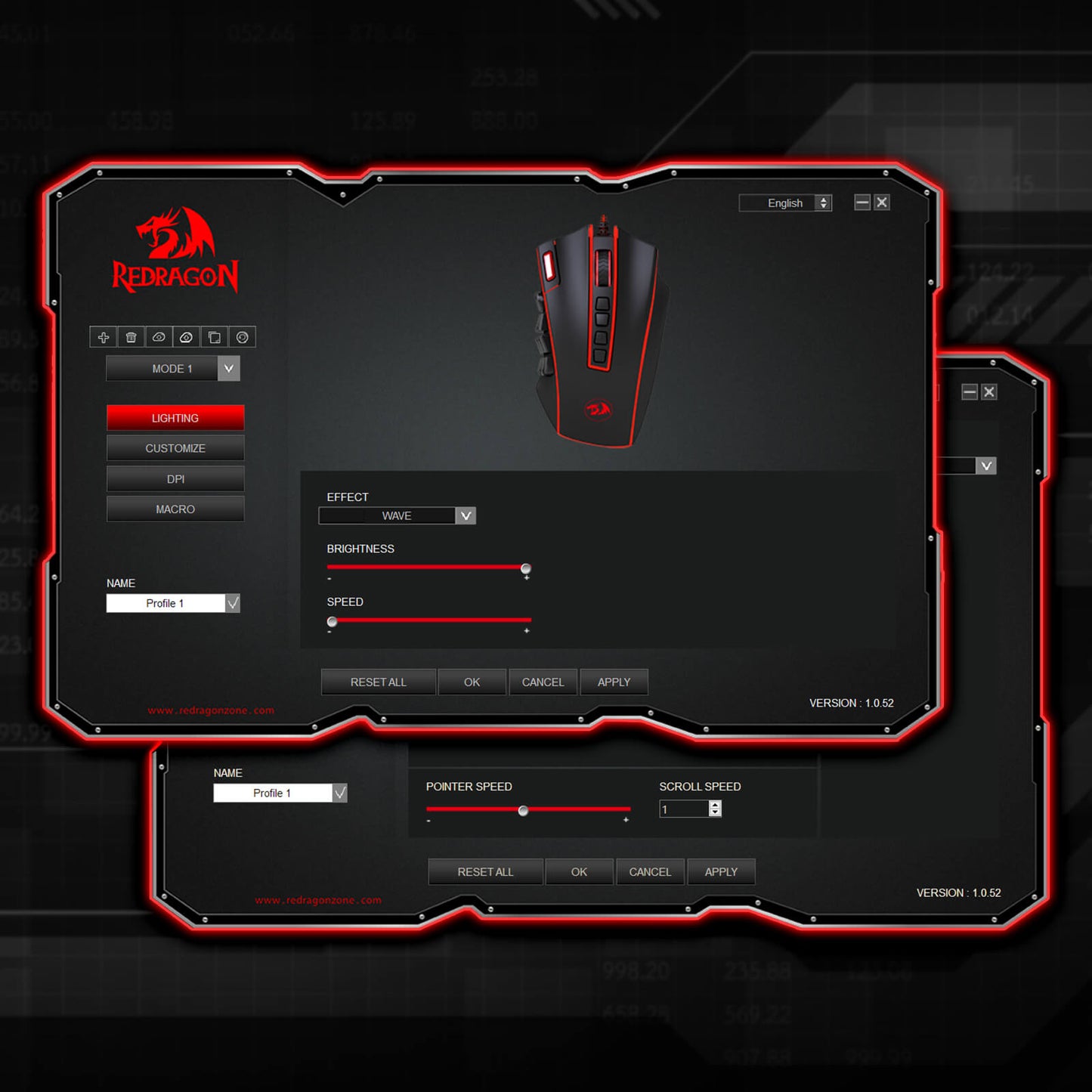
- Software
- Reviews


Kraftvolle Leistung
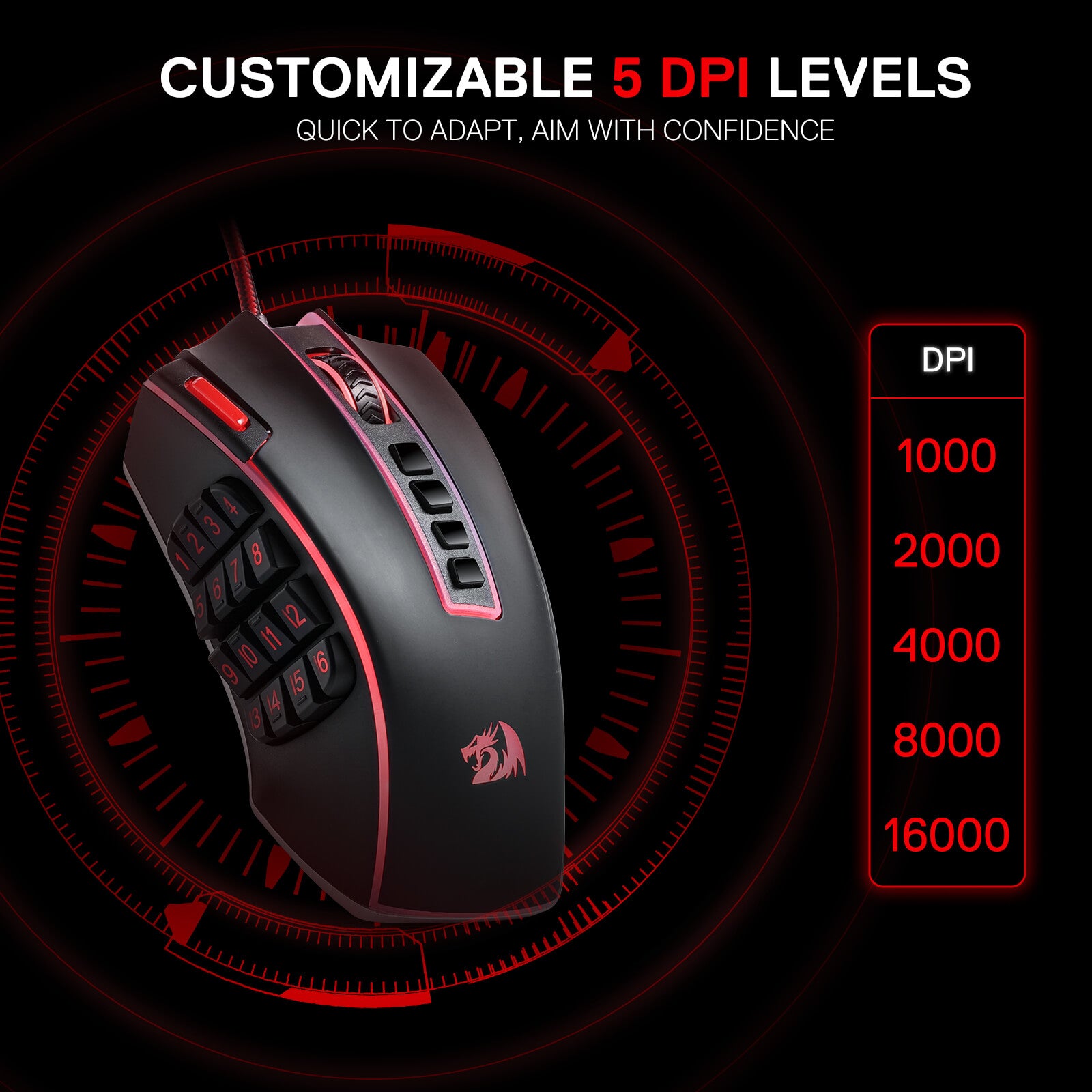
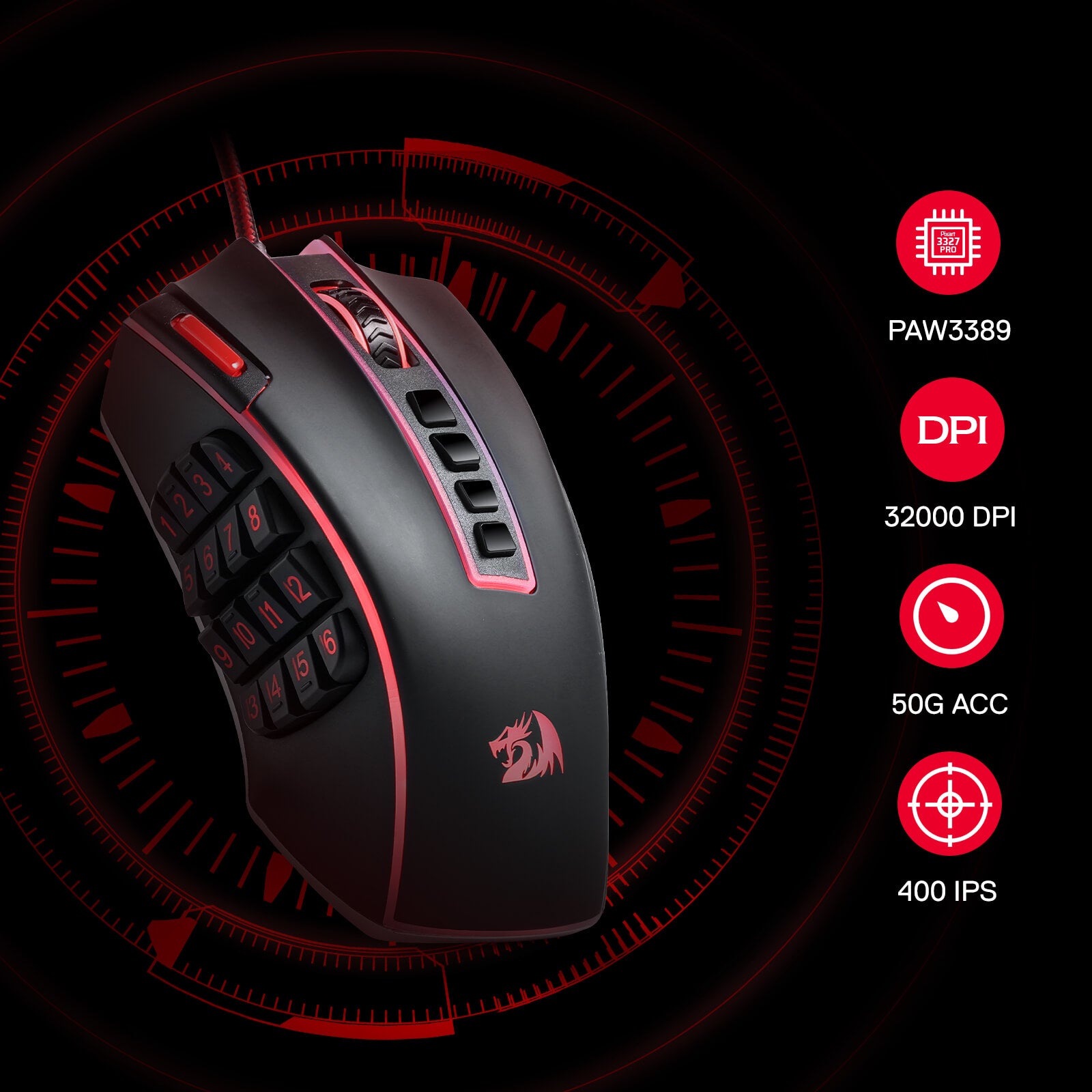
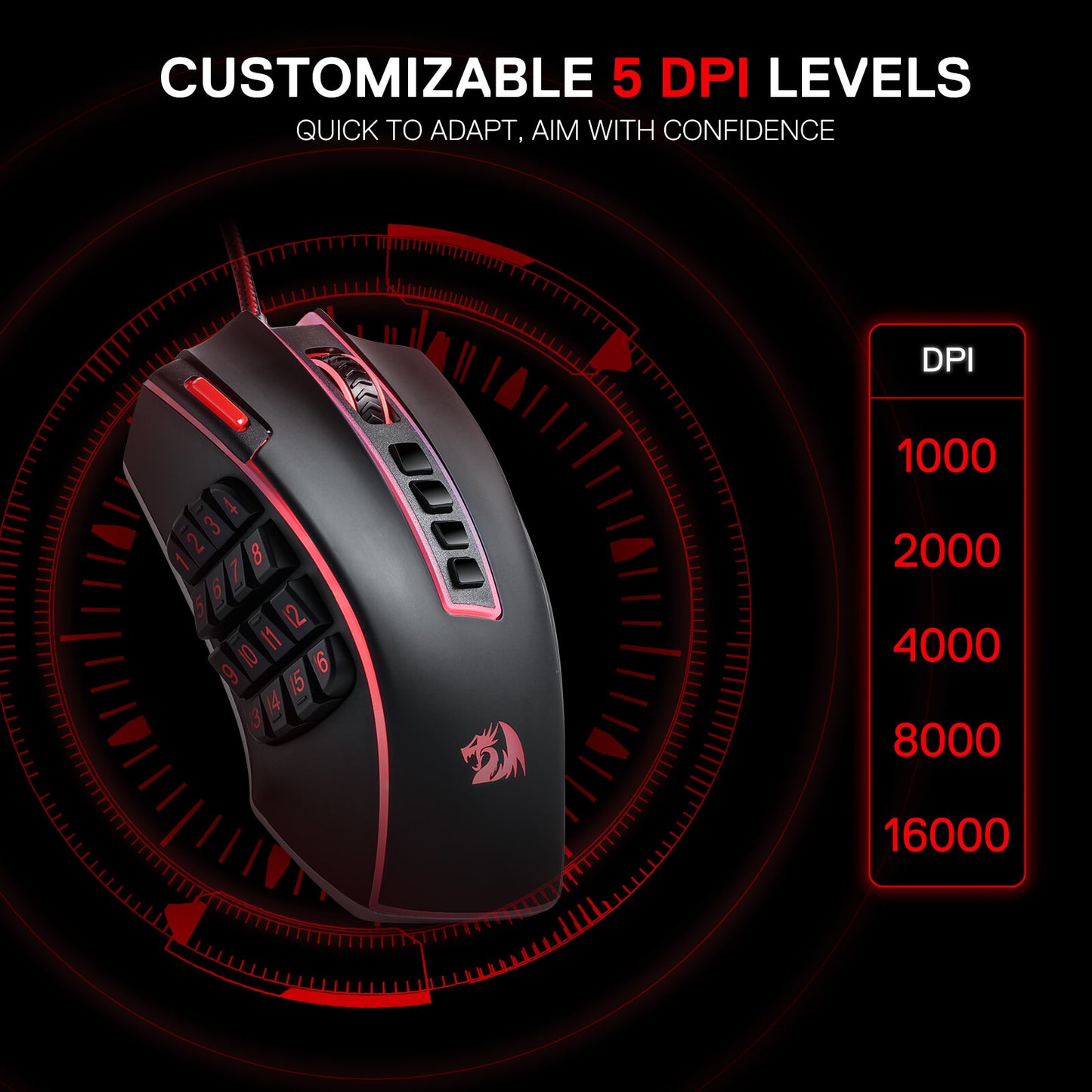
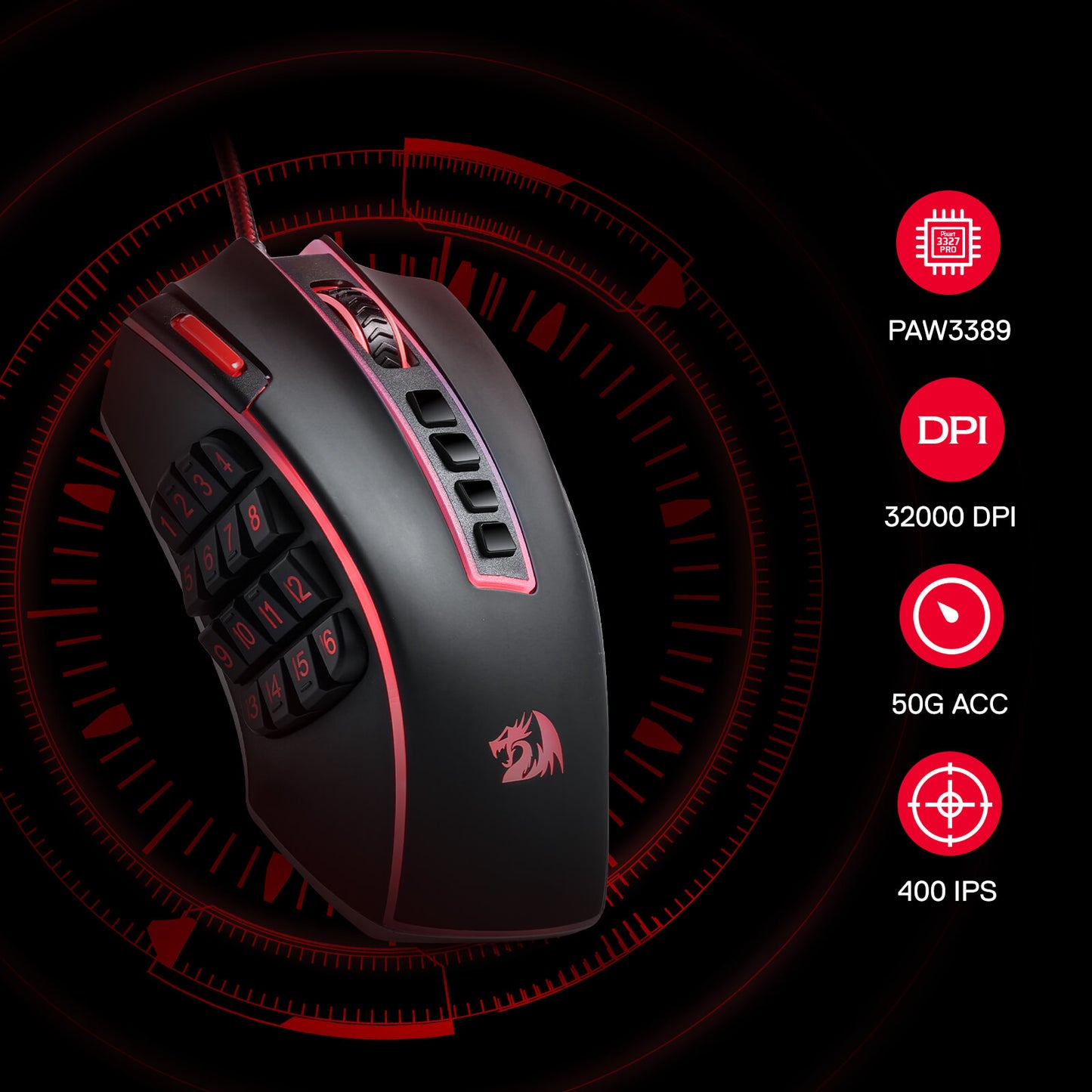
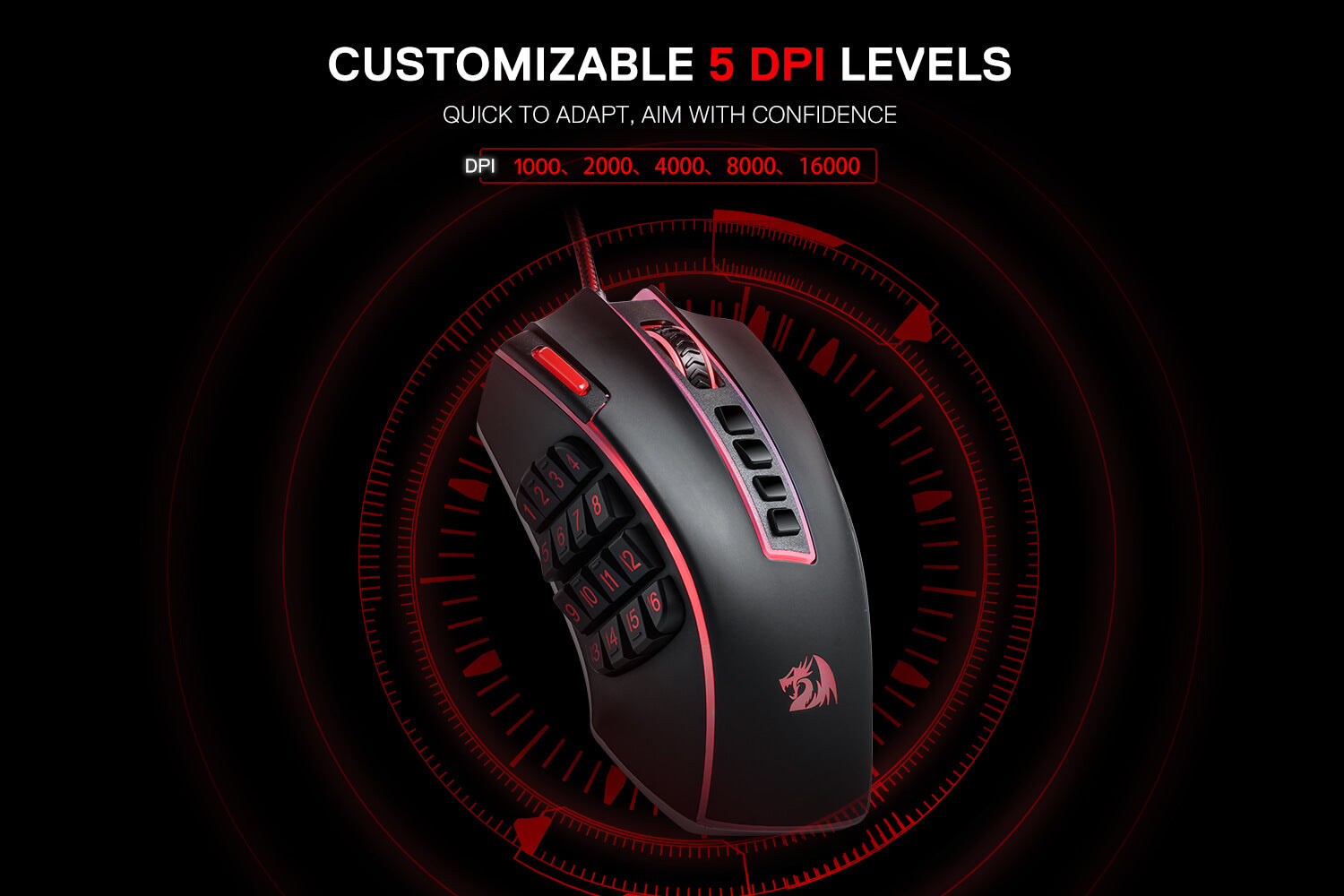
Ausgestattet mit 5 neu definierbaren DPI-Stufen (Standard: 1000/2000/4000/8000/16000), einfacher Wechsel zwischen verschiedenen Spielanforderungen. Spezielle Anforderungen an DPI-Optionen zwischen 100 und 32000 können auch per Software verarbeitet werden.
Die Kraft der Anpassung entfesseln
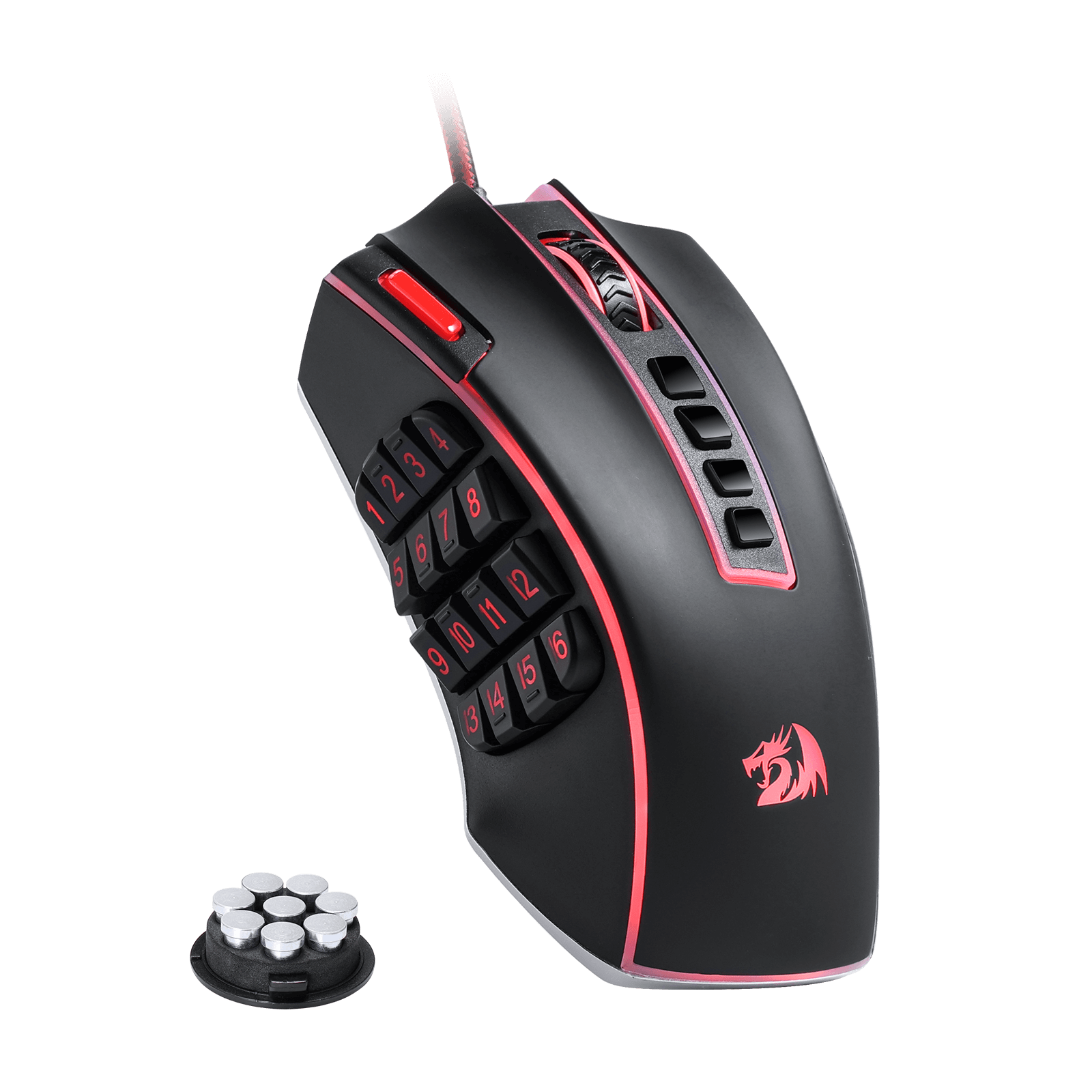
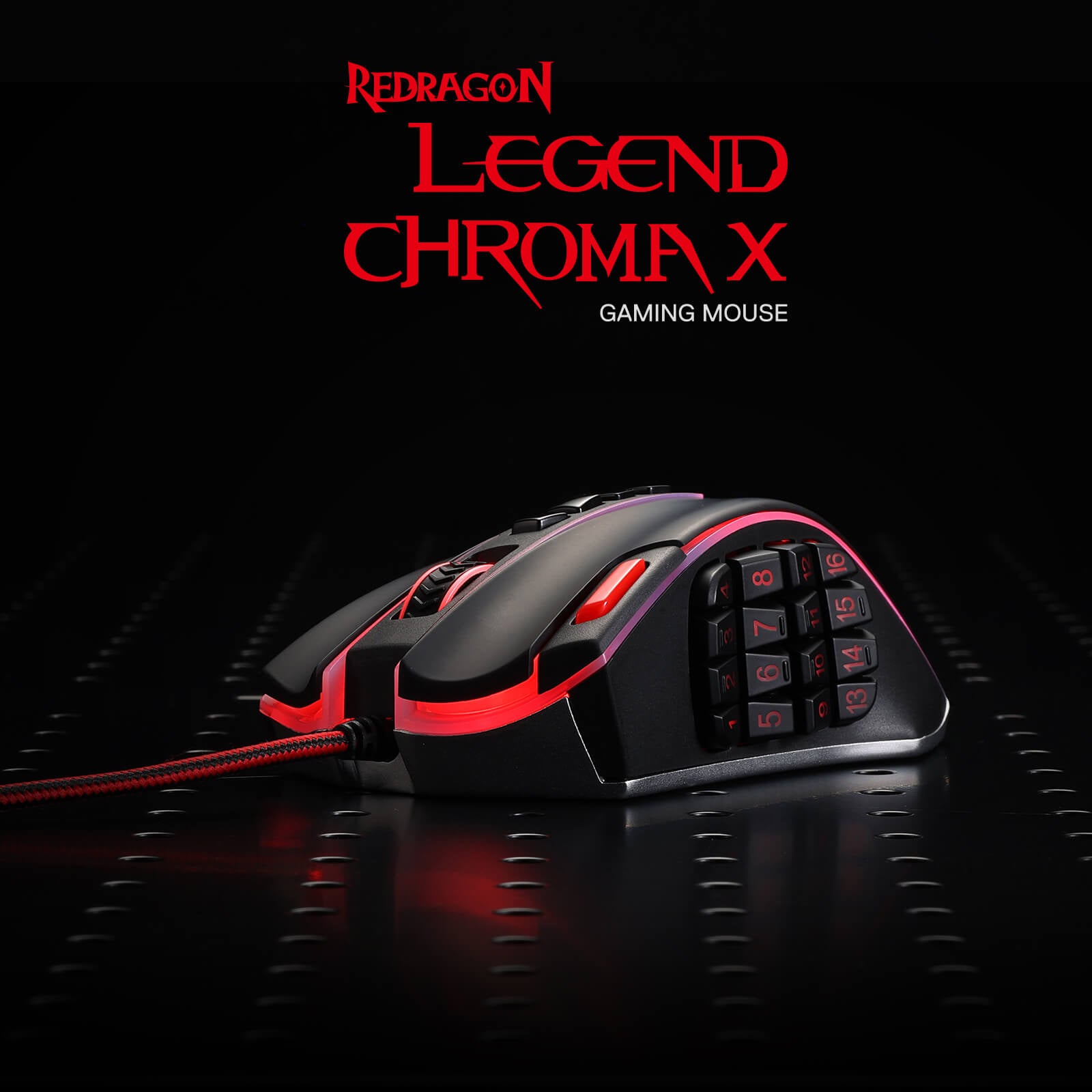
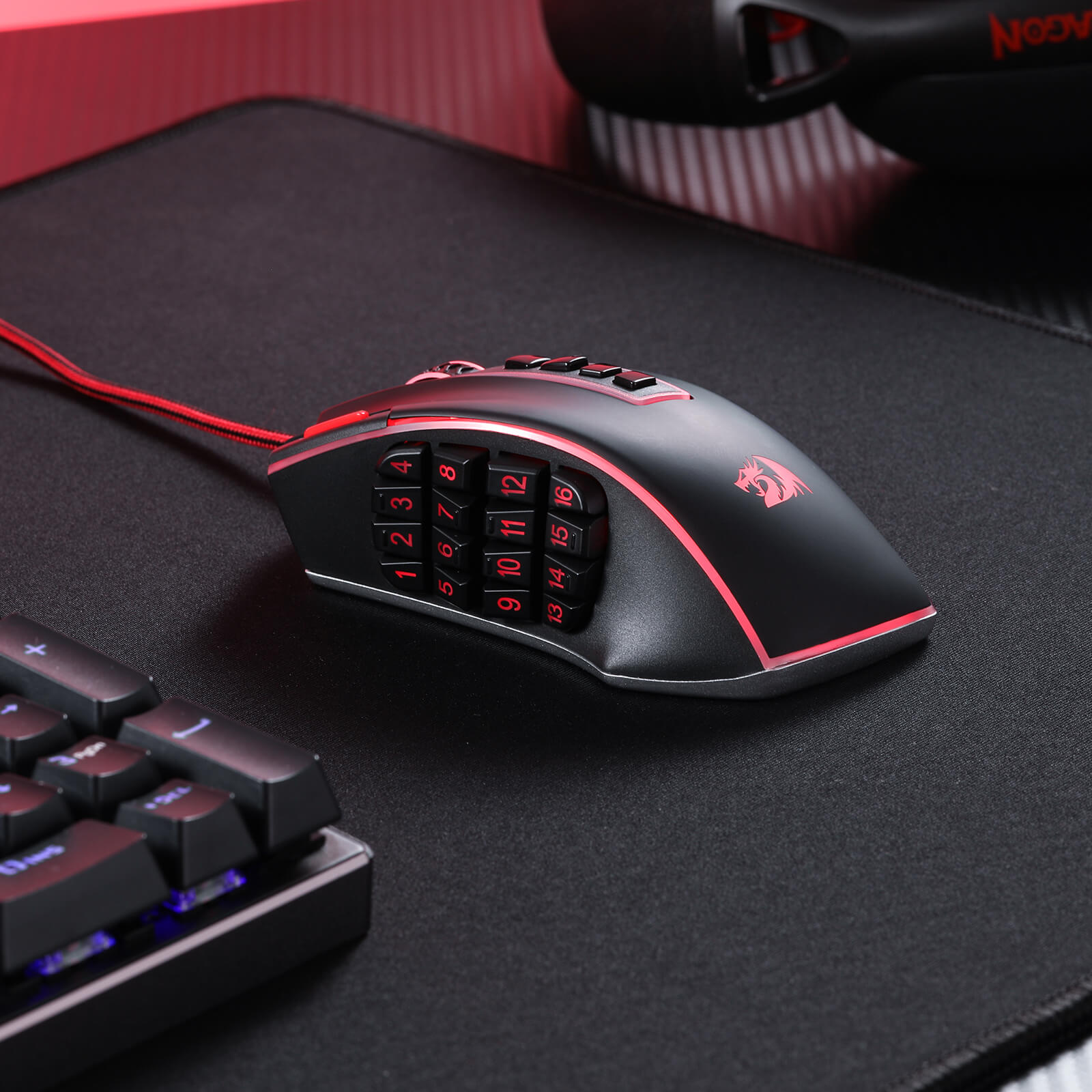
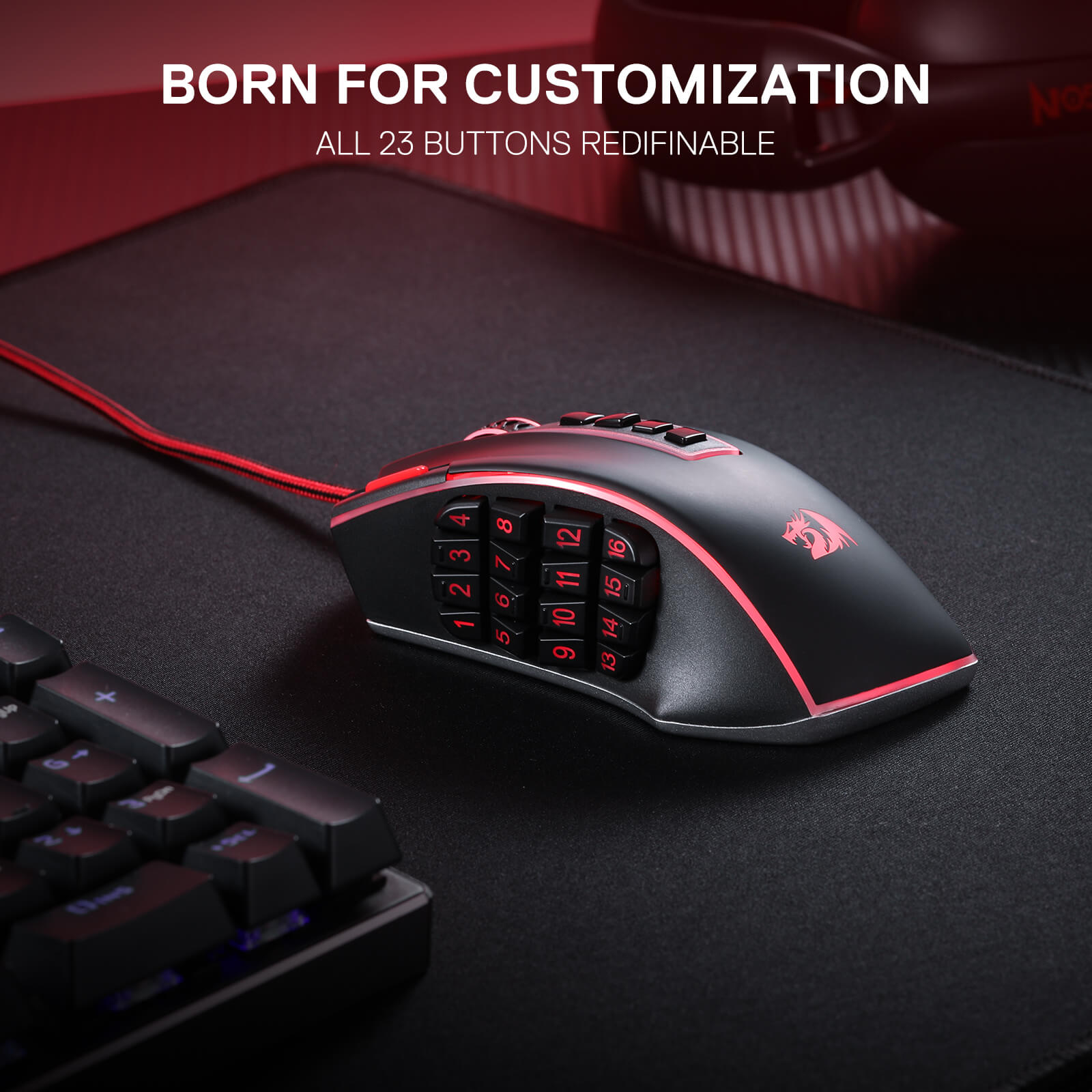
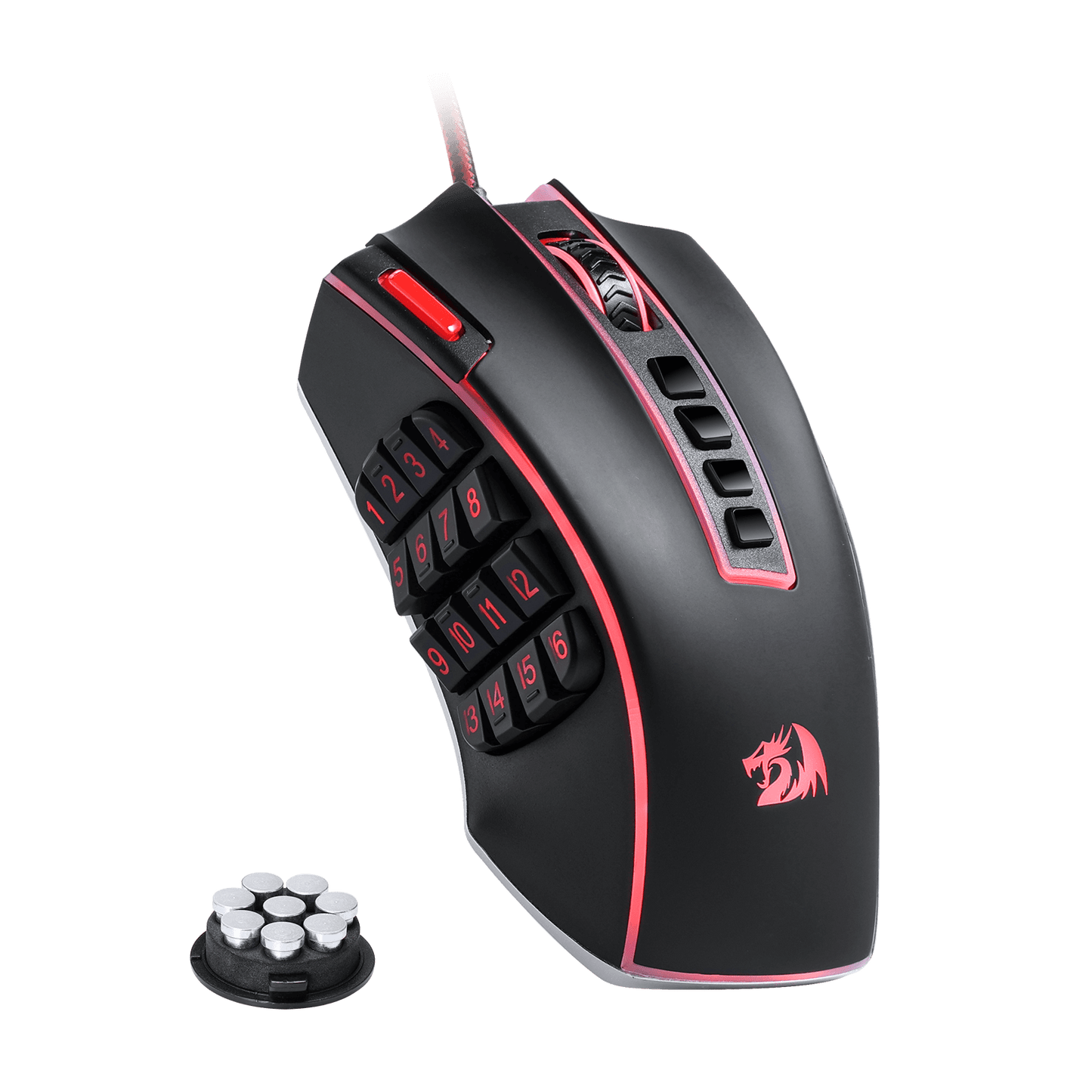
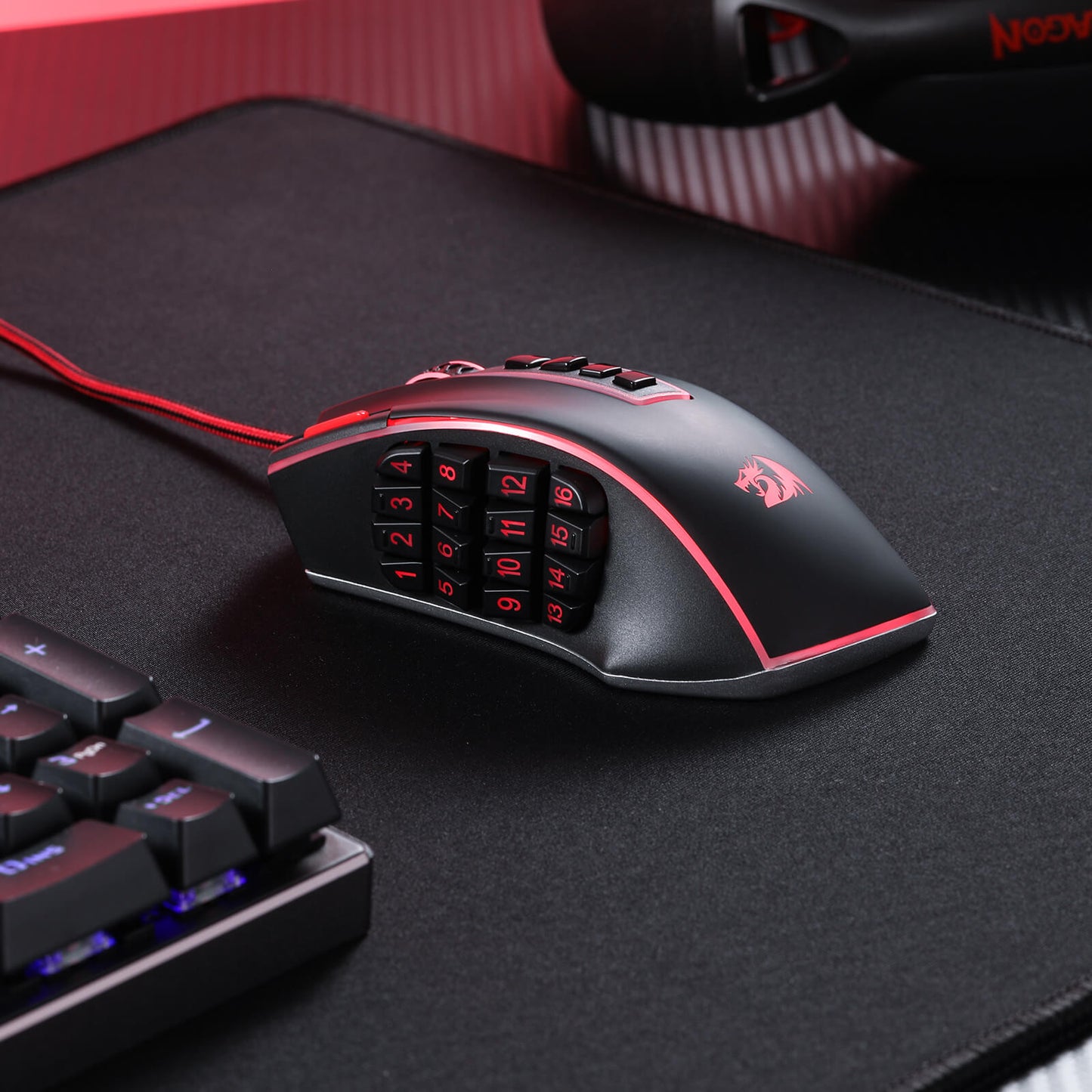
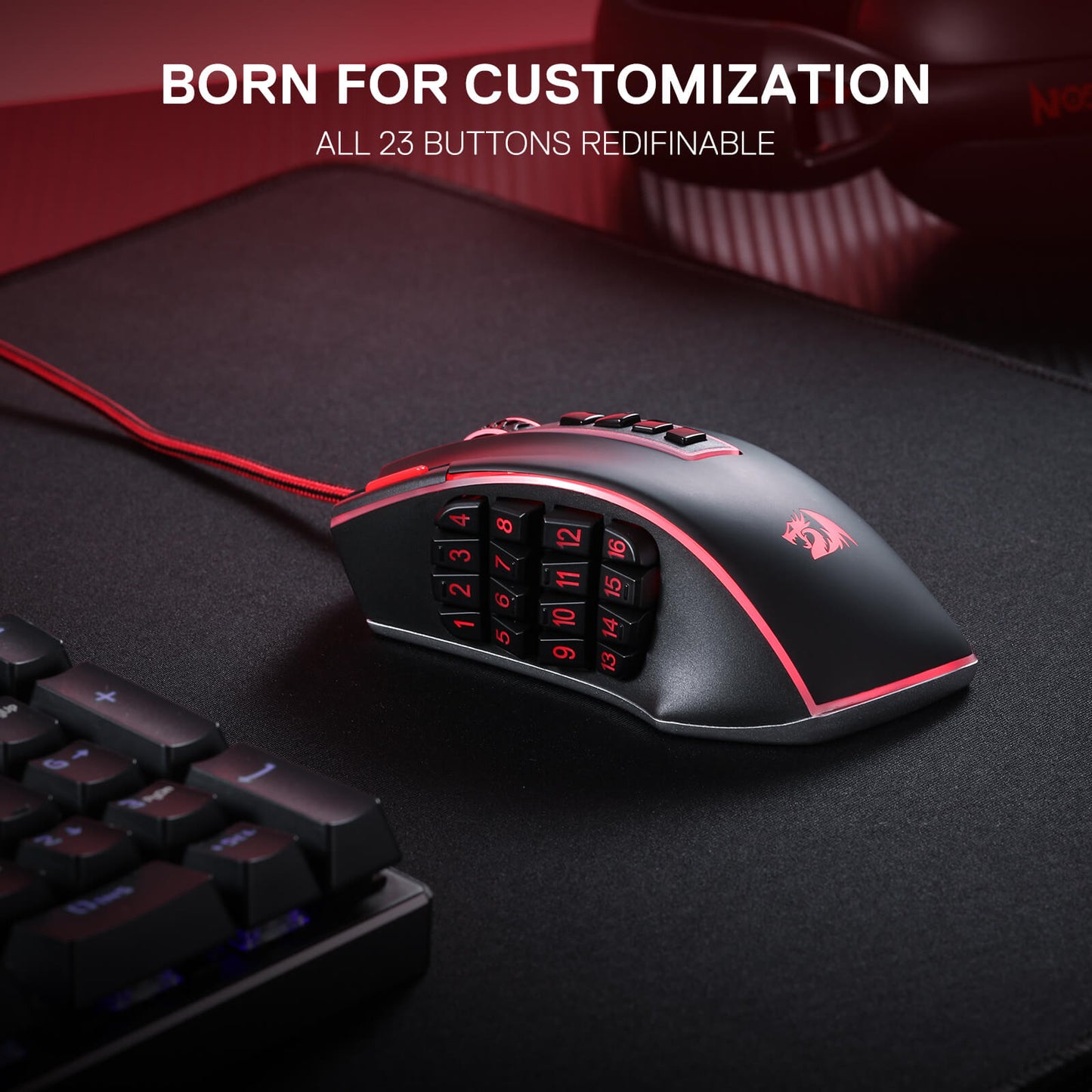
Die Redragon M990 MMO-Gaming-Maus geht mit ihrer beeindruckenden Auswahl von 23 programmierbaren Tasten und 16 seitlichen Makrotasten über herkömmliche Gaming-Mäuse hinaus. Das bedeutet, dass Sie Ihr Gaming-Erlebnis vollständig anpassen und Tastenkombinationen und Makros zuweisen können, die zu Ihrem Spielstil passen. Sie werden in der Hitze des Gefechts nie wieder überrascht werden; mit nur einem einfachen Klick können Sie komplizierte Combos und Strategien mit Leichtigkeit ausführen.

Gebaut für Komfort und Stil
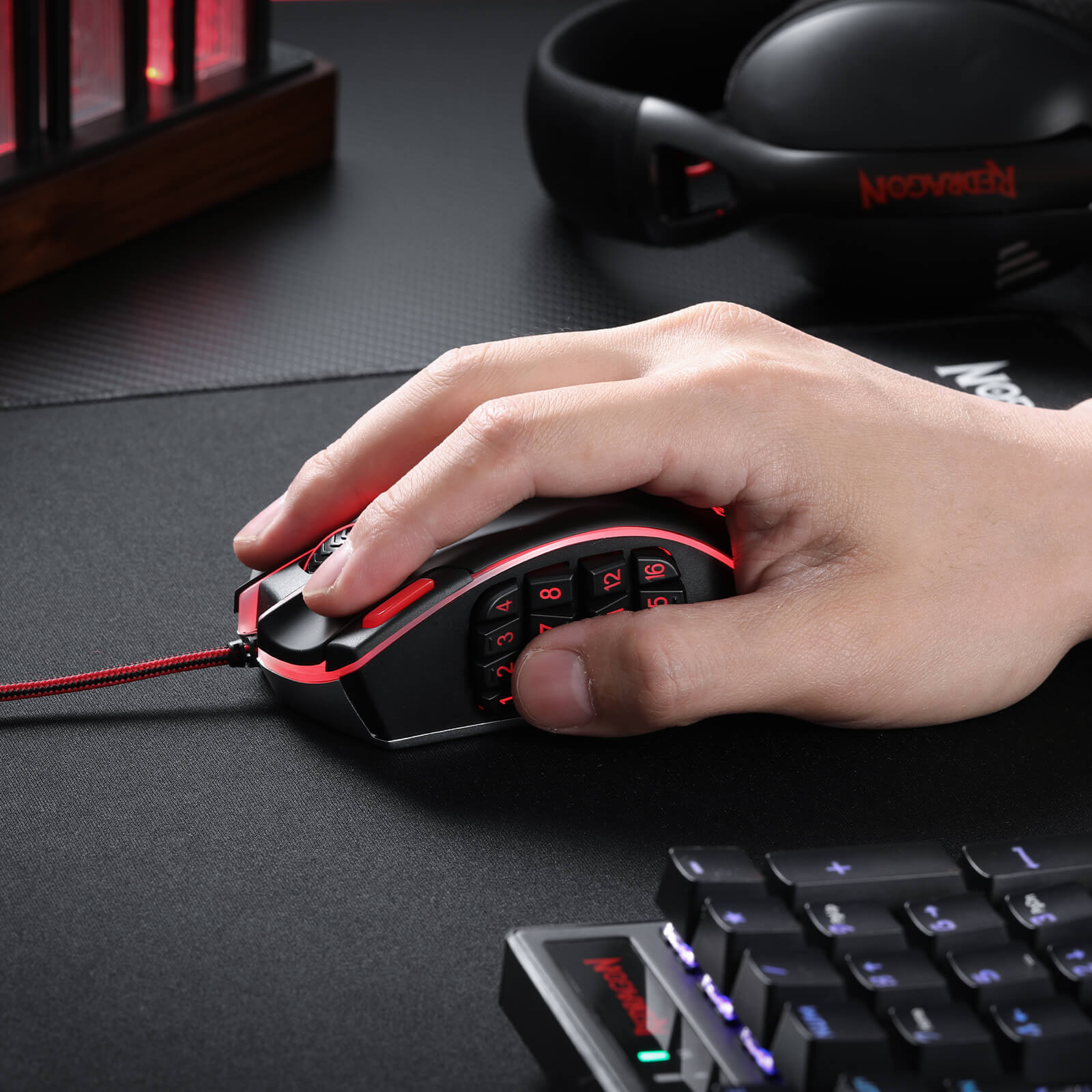
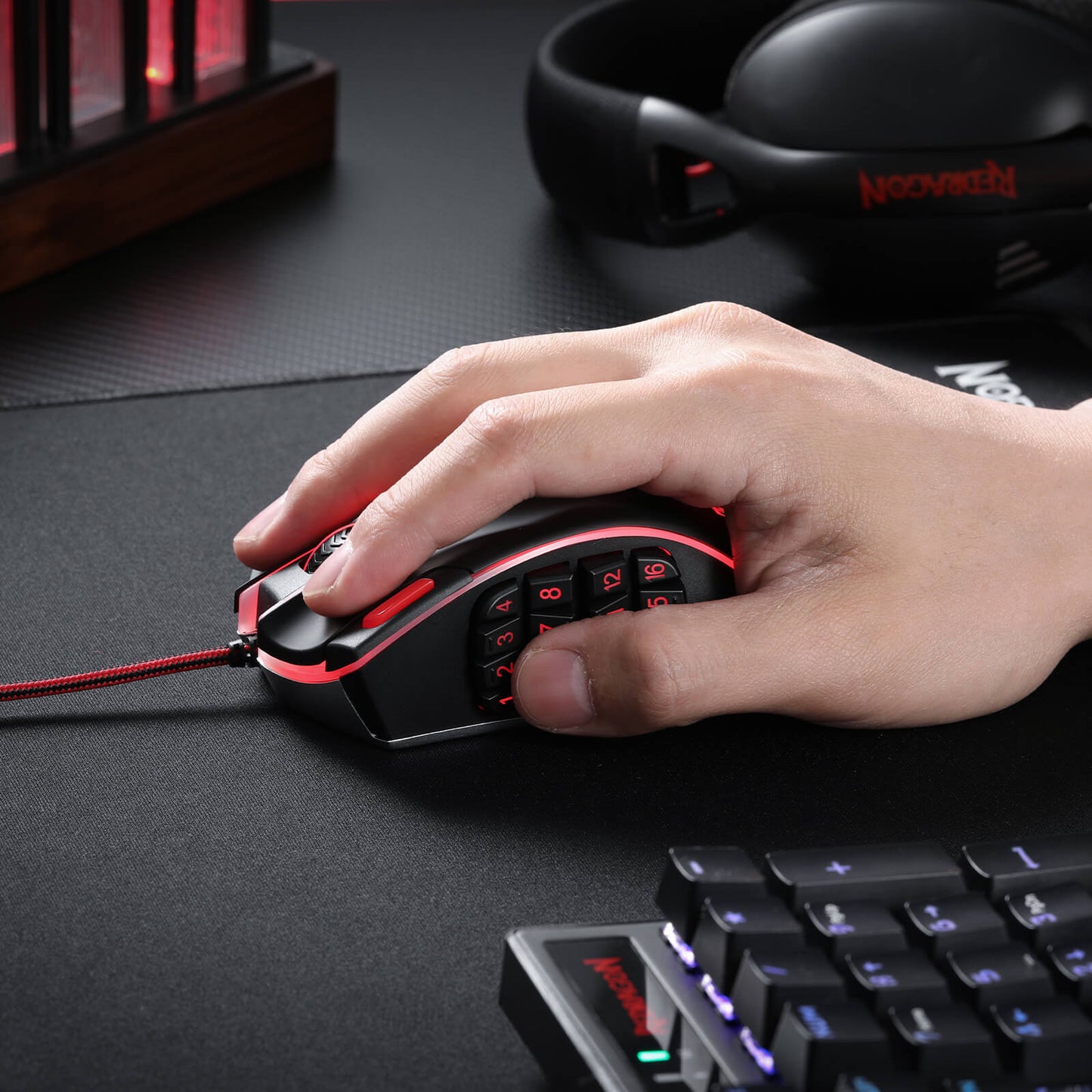
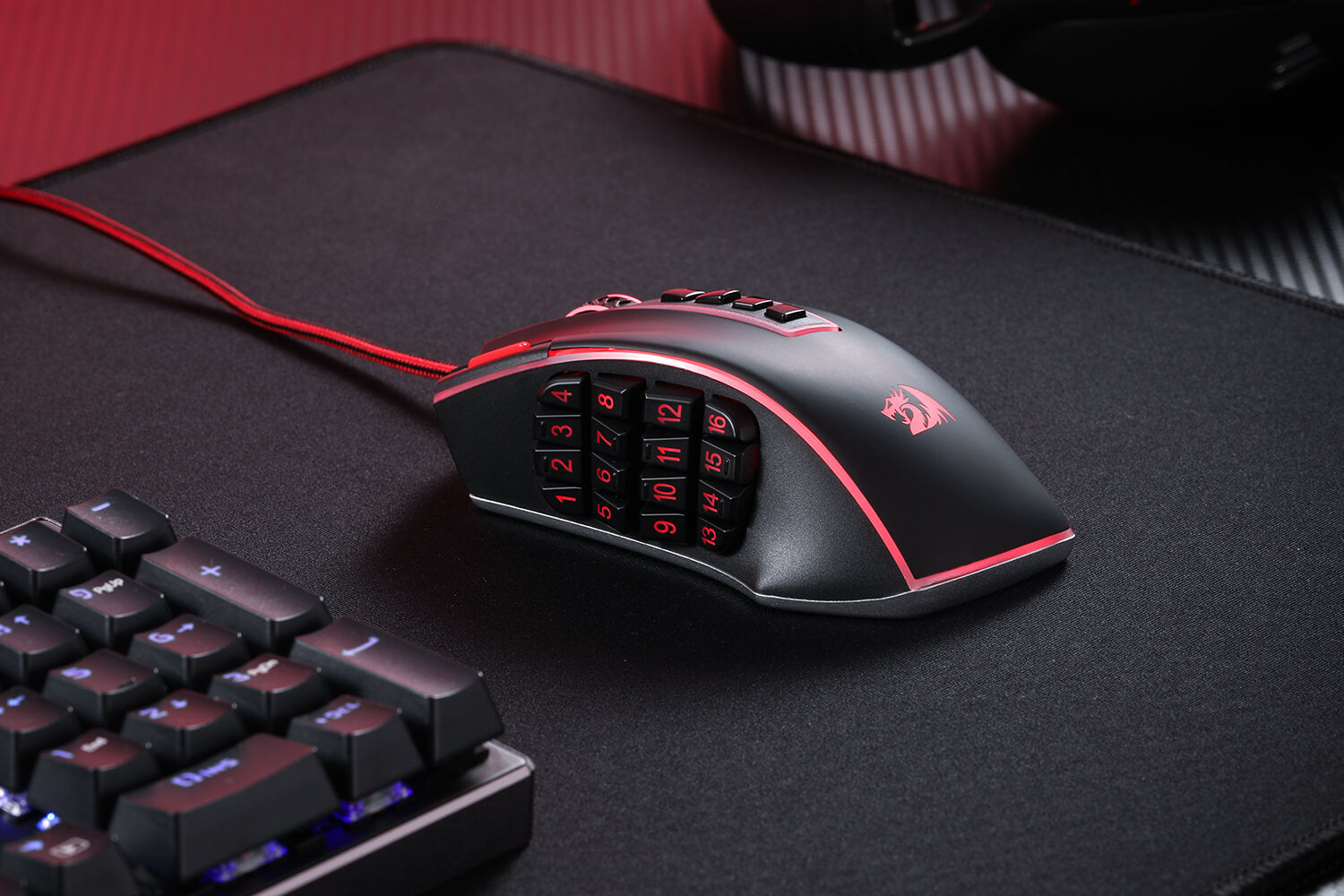
Diese Gaming-Maus funktioniert nicht nur hervorragend, sie liegt auch fantastisch in der Hand und sieht auf Ihrem Schreibtisch unglaublich aus. Mit einem ergonomischen Design und einem 8-teiligen Gewichtstuning-Set kann die Redragon M990 nach Ihren Wünschen angepasst werden, sodass Sie stundenlang bequem spielen können. Die 16,8 Millionen RGB-LED-Farboptionen und 5 Speicherprofile verleihen Ihrem Gaming-Setup einen Hauch von persönlichem Stil und machen jede Gaming-Session zu Ihrer ganz eigenen.
Beleuchten Sie Ihre Gefechtsstation
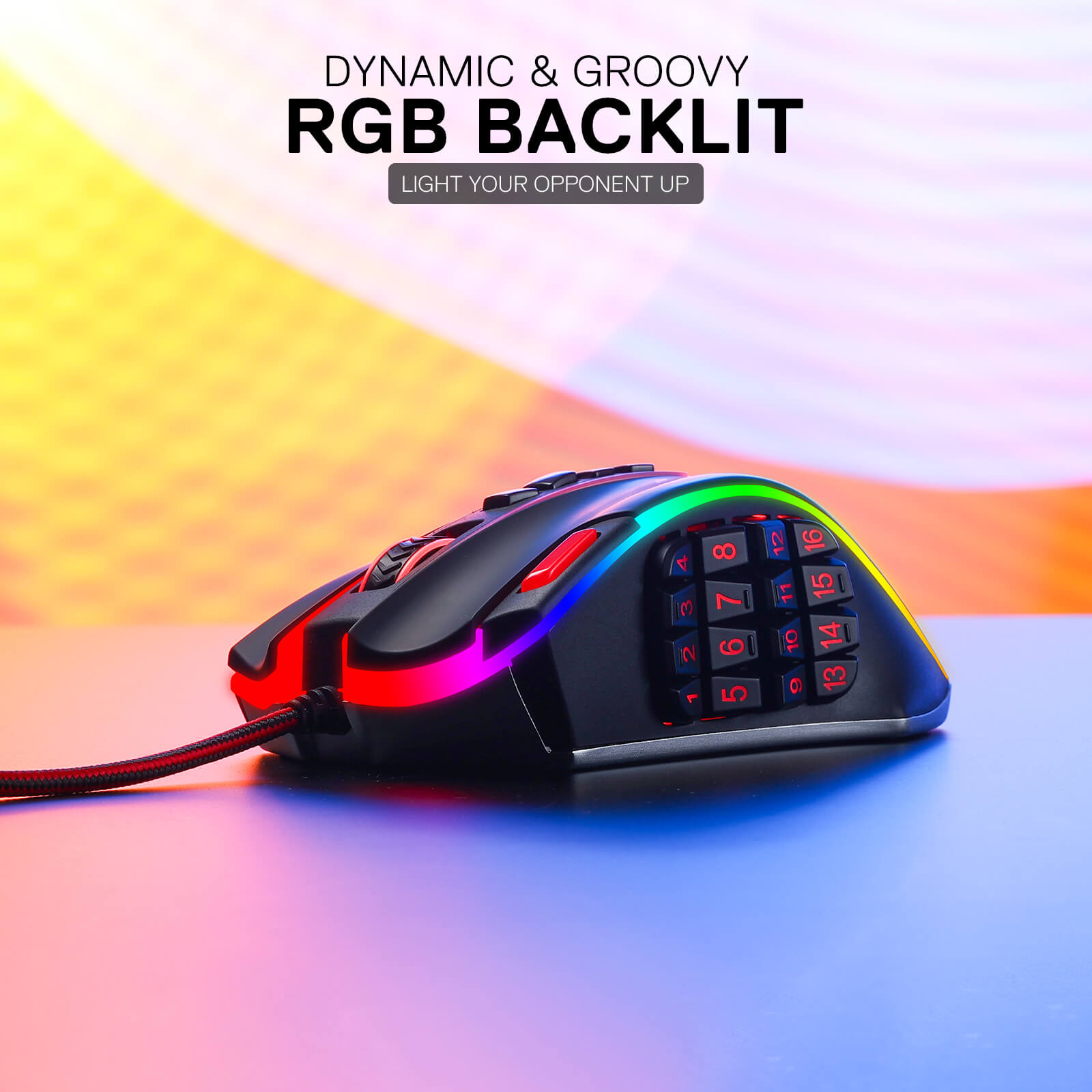
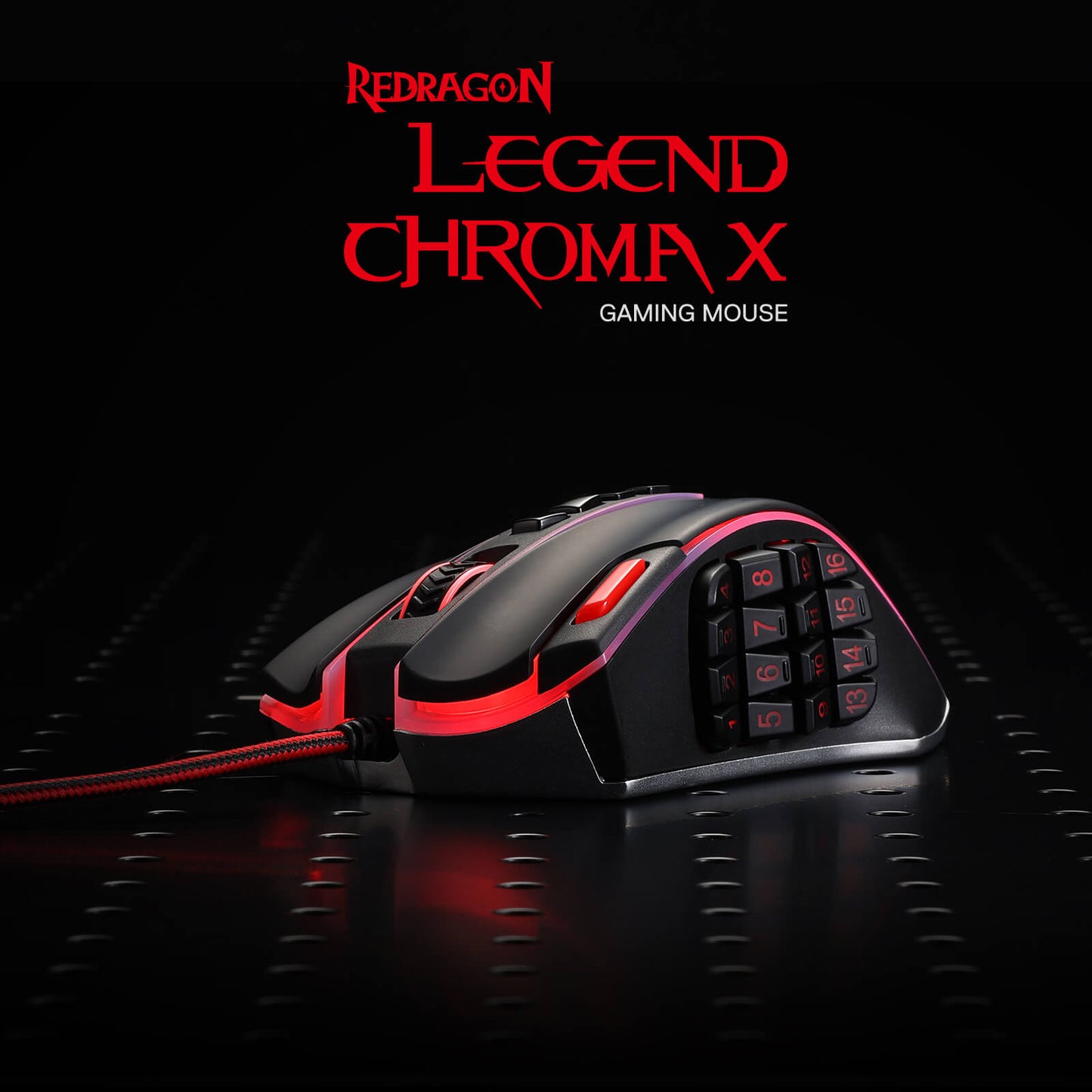
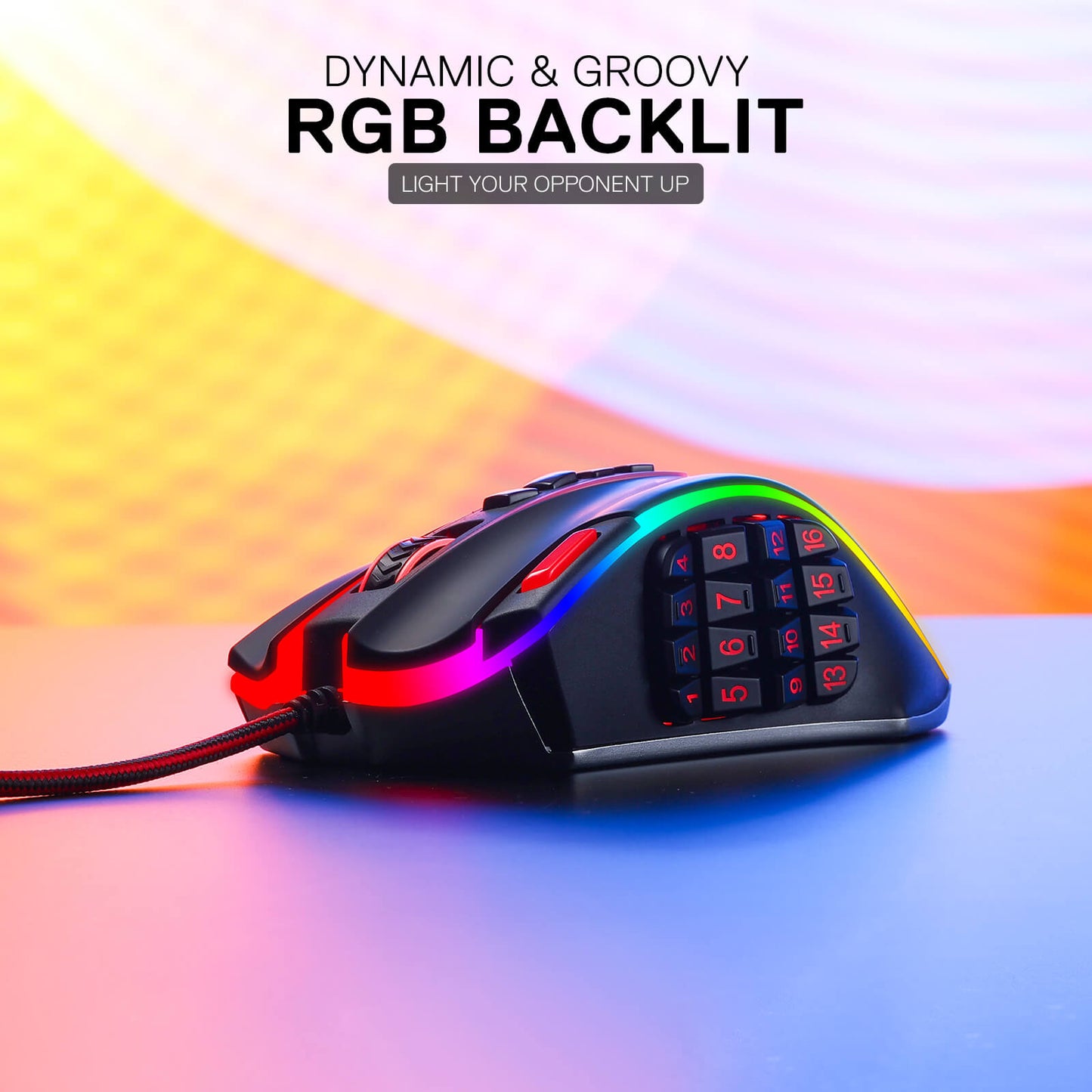
Bei der Redragon M990 MMO-Gaming-Maus geht es nicht nur um Höchstleistung, sondern auch um Stil. Mit fünf verschiedenen Hintergrundbeleuchtungsmodi und einer atemberaubenden Palette von 16,8 Millionen RGB-LED-Farboptionen verwandelt diese Maus Ihre Gaming-Station in ein schillerndes Lichtspiel. Jedes der 5 Speicherprofile verfügt über eine einzigartige Lichtfarbe, sodass Sie das von Ihnen verwendete Profil schnell identifizieren können.
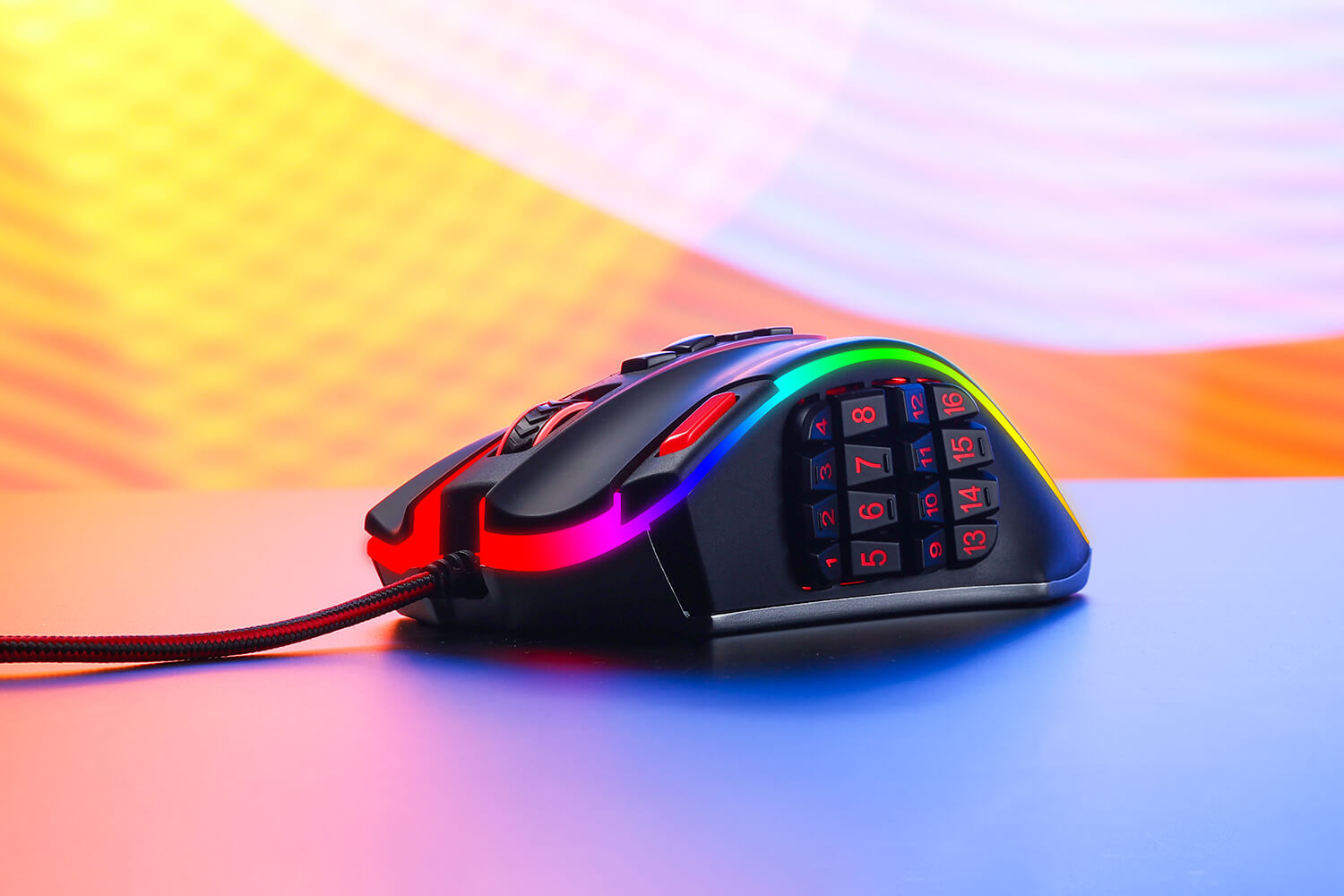

Die ultimative Waffe für eingefleischte Gamer
Wenn der Kampf intensiv wird, brauchen Sie eine Gaming-Maus, die mithalten kann – und die Redragon M990 ist dieser Aufgabe mehr als gewachsen. Egal, ob Sie aus der Ferne schießen, einen Frontalangriff starten oder mit Tarnung und Präzision manövrieren, diese Maus ist Ihr zuverlässiger Begleiter. Ihre Kompatibilität mit Windows XP/VISTA/7/8/10/11 für programmierbare Nutzung und Mac OS für normale Nutzung macht sie zu einer ausgezeichneten Wahl für Gamer aller Art.
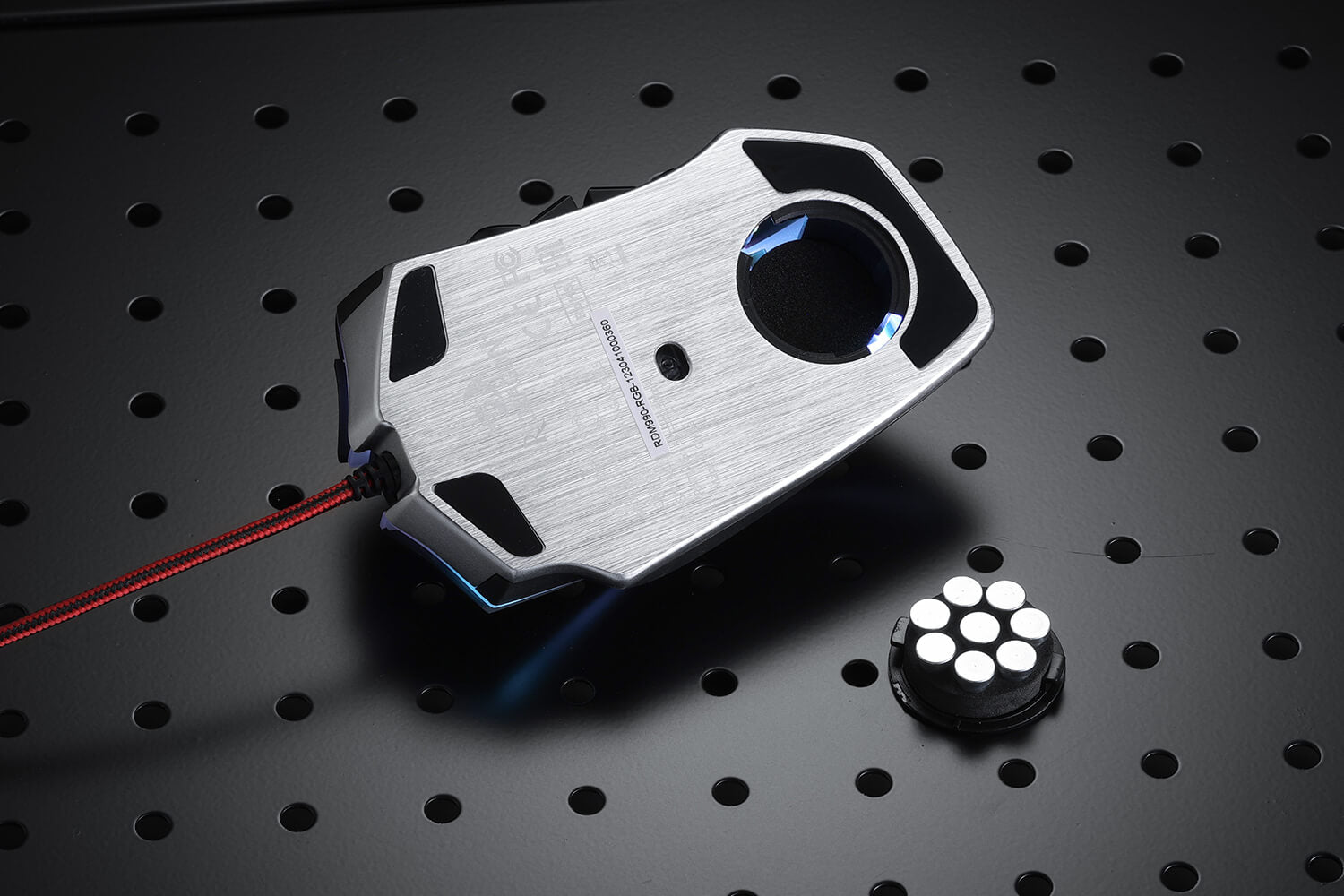
Perfekte Balance mit Aluminiumbasis und einstellbarer Gewichtsabstimmung
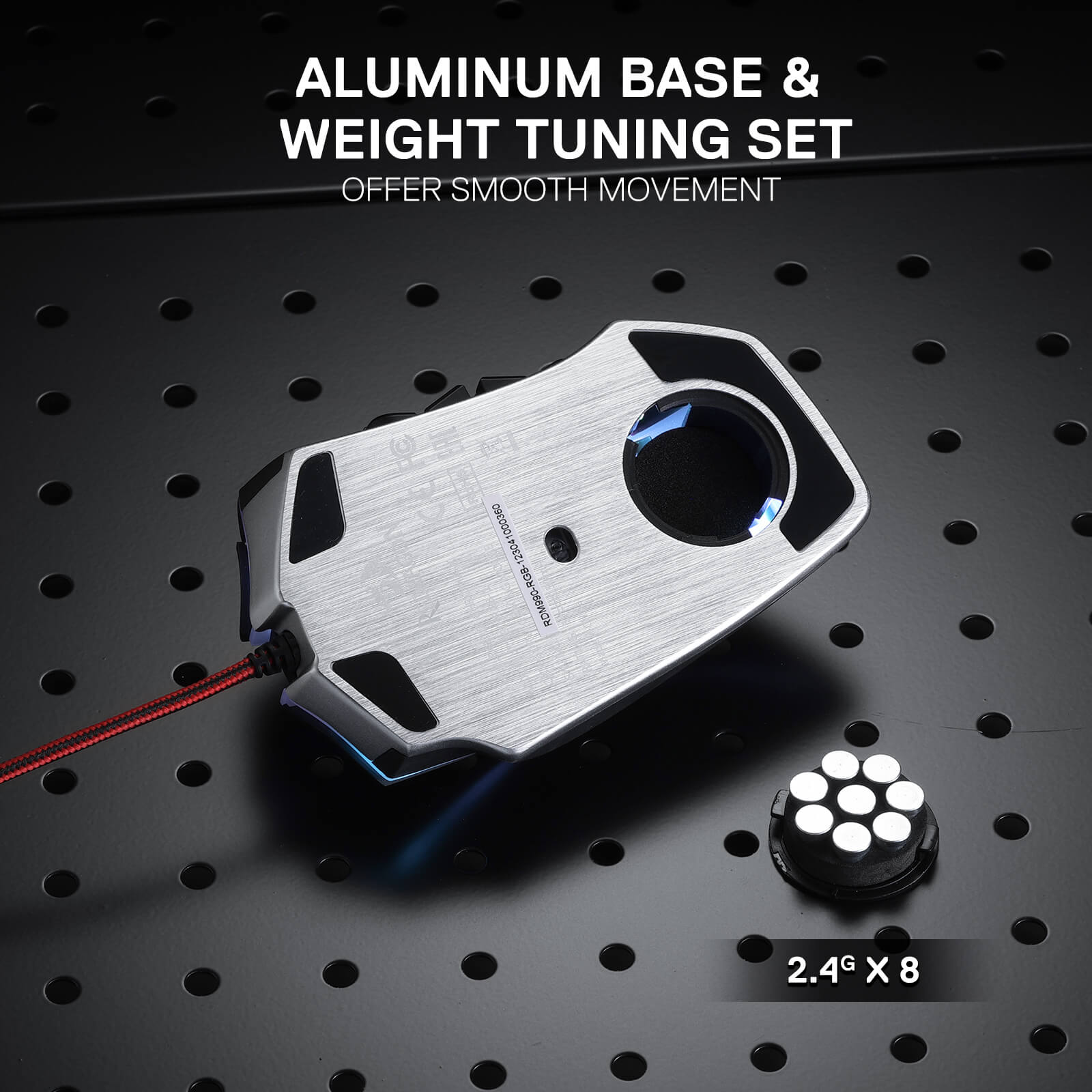
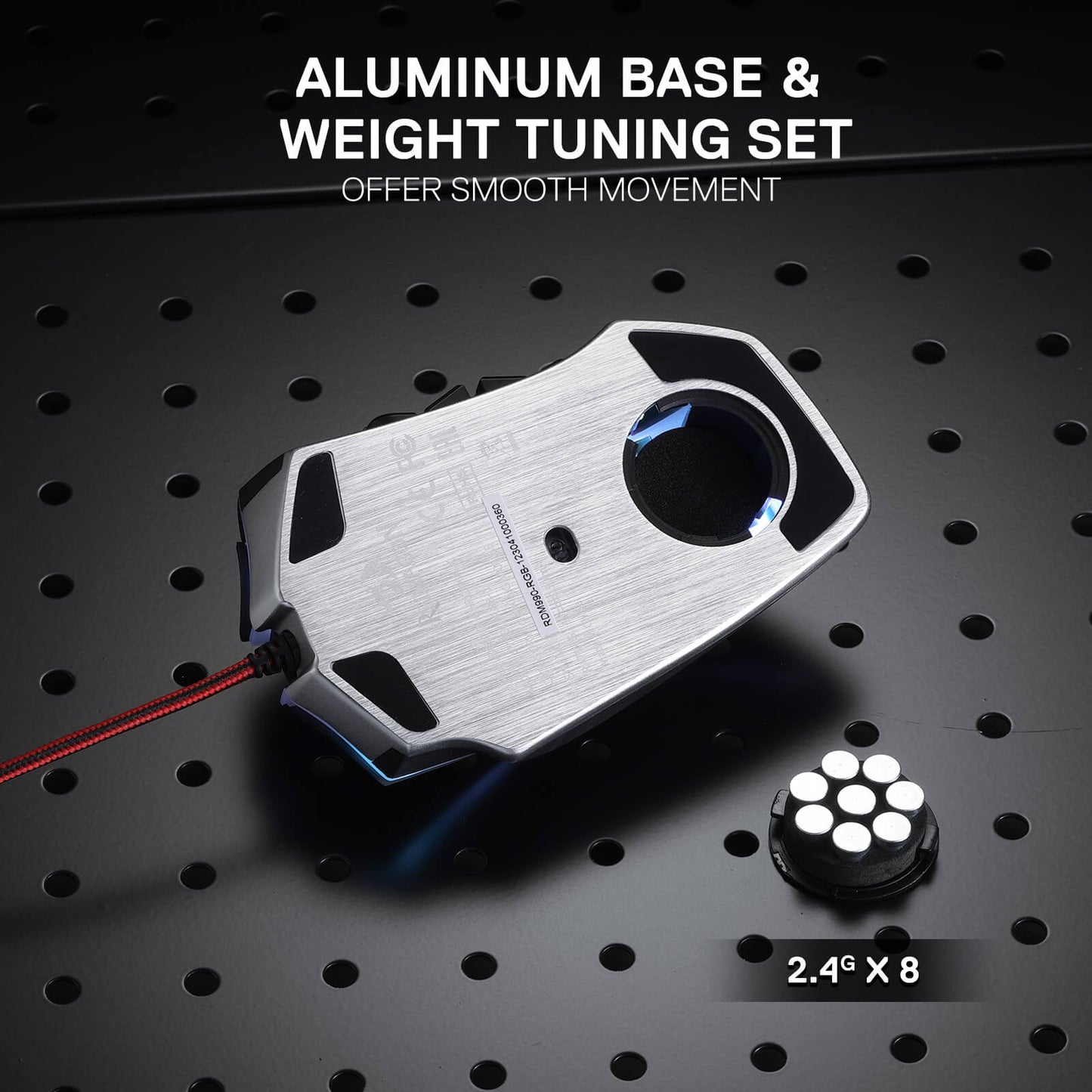
Die Aluminiumbasis sorgt für eine solide Grundlage, während Sie mit dem benutzerdefinierbaren 8-teiligen Balance-Tuning-Set das Gewicht der Maus nach Ihren Wünschen feinabstimmen können. Erreichen Sie die perfekte Balance und genießen Sie mühelose Kontrolle, die Ihnen präzises und ausdauerndes Spielen ermöglicht.

Reviews
This is a superb mouse, unbeatable for the price,16 buttons on the side is such an improvement over12 on previous Redragon MMO mice, with a total of 23 programable buttons. I highly recommend this mouse especially if you are on a budget.
But, the profile change button is no longer located on the underside of the mouse where you could not accidently change profile, now it is located on the top of the mouse exactly where the palm of you hand will rest, and to make things worse it sits about 1.5mm proud of the surface so in the heat of combat you will suddenly find your profile has changed, your sills don't work, and then you die. low profile or recessed button would solve this issue,
I had the original Legend (not marked RGB or Chroma) for a long time until I wore out all the top buttons completely, which are rated for like a million clicks, so a REALLY long time. Main gripes with it were the weight, the quickly wearing out side-buttons, and lack of linux software. Got new Chroma edition, and within a few months the rubber completely disintegrated, like, there is none left, while the old one wore out but never as bad as this one. Also, the top cracked, so I had to transplant one from the old mouse, but it didn't quite fit so I still had to file down even though the P/N stamped is identical on both suggesting high variance and poor production quality, but the top is still fine to this day. While changing it out, I noticed they used a new board for chroma, which gave me hope that it'd last longer... NOPE! Wore out even quicker. For the software, the new one is kinda supported by community g502 driver up to 12th button, old one was not at all, so I'll give them that. Lighting now is consistent across the mouse and there are few more lighting modes, but the cost of that is that you can't switch profiles quickly. Old one had three separate LED's, scroll one indicating DPI, logo one indicating profile, and main one just for style, so you could figure out and adjust each at a glance. But now when changing profiles the entire mouse lights up in random colors so it's impossible to tell which one it currently is, just have to switch and try each time, or just forget about profiles and clone one in each slot.
Thank you for taking the time to share such detailed feedback. We're truly sorry to hear that your experience with the Chroma edition has been disappointing, especially considering how long you enjoyed using the original Legend.
We appreciate you pointing out these issues, including the rubber coating, build quality, button durability, and profile switching experience. Your feedback is valuable to us and will be shared with our product team for further review and improvement.
If you need further assistance with your mouse, please take some photos or a short video showing the issues and contact our customer support team. They'll be happy to investigate the matter and help you find a solution.
We sincerely apologize for falling short of your expectations and appreciate you giving Redragon another chance. Thank you for helping us identify areas where we need to do better.
I've been using the wired version of the LEGEND CHROMA M990 for several years now across all 4 of my workstations. Deciding to get the wireless version for my laptop, I found myself wanting to return it after just 2 hours of use. The whole point of using identical mice is consistency—it’s comfortable when they are all configured and function the exact same way on every computer. Unfortunately, the manufacturer doesn't seem to think so, which is a shame.
1 Why remove the ability to customize the fire button and the 4 top buttons?
2 The drivers themselves are extremely unstable. They crash constantly during setup and lose button configurations. I've never had such issues with the wired version's software.
3 It's impossible to map NumEnter and NumDel to the side buttons. As for Num+, it gets assigned initially but then changes to a regular + on its own. The utility for the wired version has no such problems—all buttons can be remapped smoothly.
5 Furthermore, what was the point of changing the settings export file format from .prof (wired) to .bin (wireless)? Why can't I just seamlessly transfer my entire button configuration from the wired to the wireless version in a couple of clicks?
Why ruin a great product with such strange decisions?
We're truly sorry to hear about your disappointing experience with the wireless LEGEND CHROMA M990. We understand how frustrating this must be, especially when you've relied on the wired version across multiple workstations and expected the wireless version to offer the same level of consistency and customization.
Thank you for taking the time to explain these issues in such detail. Your feedback regarding button customization, driver stability, key mapping, and configuration file compatibility is extremely valuable. We'll pass these concerns along to our product and software teams for further review.
If possible, please share some screenshots or a short video demonstrating the software issues and button mapping problems, and contact our customer support team so they can investigate further and assist you.
We sincerely apologize for the inconvenience and appreciate your long-term support of Redragon. Your feedback helps us understand where we need to improve.
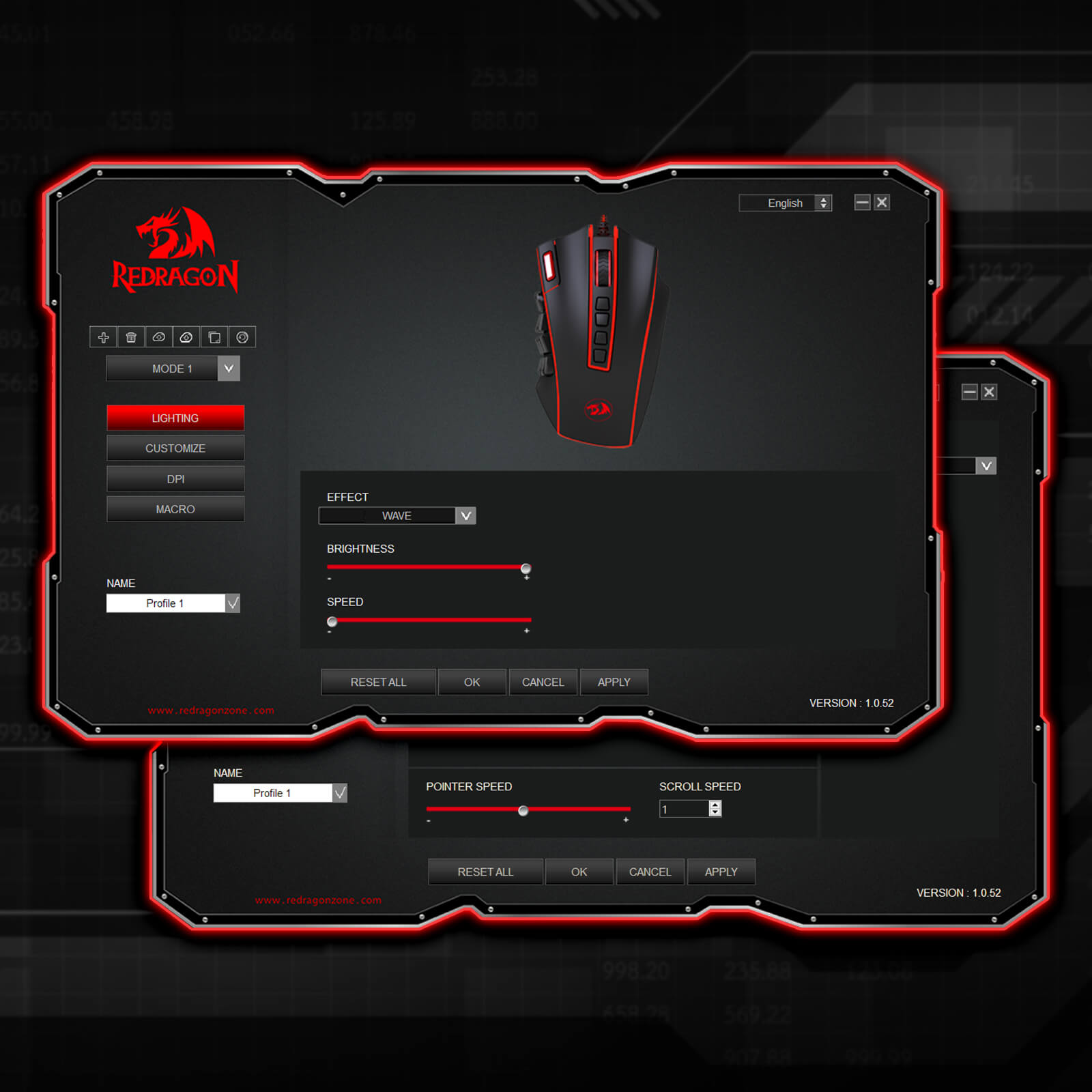
I already had the wired mouse version years ago, but unfortunately the wires are too rigid for me. This time with this wireless version there isn't any problem with cables, BUT the software for now let's you only change the 16 side buttons and not buttons like fire button or the square dpi buttons (the screenshot of the software on the page doesn't exists, I think because it was only a demo). So please Redragon team, update the software to make possible to change these upper buttons!
LEGEND CHROMA M990
Sie könnten interessiert sein
🔥20% Off with Code 'BFCM2026' !
DRACONIC K530 PRO WHITE (braune Schalter)
30% Off with Code 'BLACK30'!
H510 ZEUS WEISS & ROSA
30% Off with Code 'BLACK30'!
EISA K686 PRO SE Anime-Tastatur
30% Off with Code 'BLACK30'!
ORPHEUS GS550
🔥20% Off with Code 'BFCM2026' !
FIZZ K617 (Magnetische Hall-Effekt-Tastatur)
25% Off with Code 'BLACK25'!
EISA P047 Waifu Gaming-Mauspad/Schreibtischunterlage
40% Off with Code 'BLACK40'!
H510 ZEUS-X RGB Kabelloses Gaming-Headset
35% Off with Code 'BLACK35'!
DITI K585 Pro Kabellose Einhand-Gaming-Tastatur
30% Off with Code 'BLACK30'!
DHARMA PRO K556 PRO Aluminium-Tastatur
25% Off with Code 'BLACK25'!
GW800 1080P WEBCAM
25% Off with Code 'BLACK25'!
P046 Anime Blau Gaming Mauspad/Schreibtischunterlage
25% Off with Code 'BLACK25'!
SKULD PRO H878
25% Off with Code 'BLACK25'!
PG1M Glass Gaming Mouse Pad
🔥20% Off with Code 'BFCM2026' !
Blizzard XXL Gaming Mouse Pad/Desk Mat
25% Off with Code 'BLACK25'!
GW911 4K Webcam
25% Off with Code 'BLACK25'!
VIBECORE H610
🔥20% Off with Code 'BFCM2026' !